

YouTube has grown into one of the world’s biggest media platforms, and for creators navigating the space and competition, embracing AI tools for YouTubers is no longer optional but essential for growth.
These smart tools help automate editing, scripting, SEO, and more, allowing creators to focus on storytelling and strategy rather than being bogged down by repetitive tasks.
According to a report by Adobe, 86 % of global creators now incorporate generative AI into their creative workflows, a clear sign that AI is rapidly becoming the standard in content creation.
Key Takeaways
- AI tools for YouTubers simplify scripting, editing, and publishing, saving hours of manual work.
- They enhance video quality and engagement through smart features like auto-captioning and thumbnail generation.
- Using AI for SEO and analytics helps creators grow their channels strategically and sustainably.
- The right AI stack turns solo YouTubers into efficient, scalable content machines.

10 Best AI Tools for YouTubers
Creating quality videos consistently is no small feat, but with the best AI tools for YouTube creators, it is easier than ever.
From AI script generators to smart video editing tools and YouTube automation tools, these platforms help you save time, boost performance, and grow faster.
If you are ready to streamline your workflow and tap into the power of AI for YouTube channel optimisation, here are the top tools you need.
1. Descript
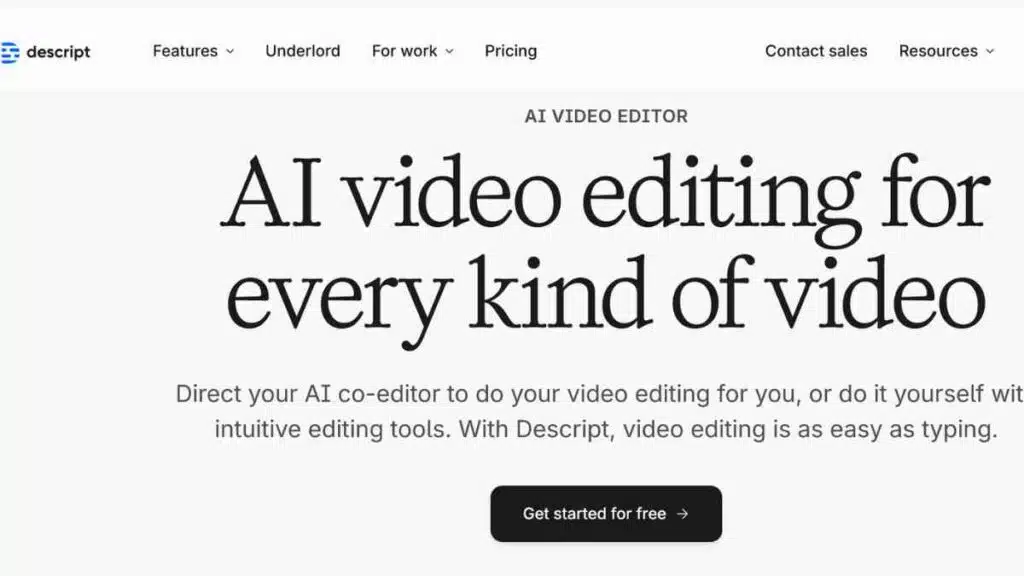
Descript is an all-in-one AI video editing tool built for creators who want speed, simplicity, and studio-quality results.
With automatic transcription, screen recording, podcast editing, and video overdubbing, it is a game-changer for solo YouTubers and content teams alike.
If you are searching for a YouTube video scriptwriting software and editor rolled into one, Descript is your go-to.
Key Features
- Text-based video editing
- Overdub voice cloning
- Automatic audio and video transcription
- Multitrack timeline editor
- Screen recording and remote collaboration
- AI-powered filler word removal (e.g. “uh”, “um”)
- Publishing and audiogram tools
Pricing
| Plan | Monthly Cost (USD) |
|---|---|
| Hobbyist | $24 |
| Creator | $35 |
| Business | $65 |
| Enterprise | Custom pricing |
Pros and Cons
| Pros | Cons |
|---|---|
| Extremely easy to learn and use, even for beginners | Overdub and advanced AI features are only available in higher plans |
| Saves hours of editing time by working directly with transcriptions | May lag with longer or high-resolution files on older machines |
| Combines video, podcast, and screen recording in one tool | Requires a good internet connection for smooth cloud syncing |
Why Descript Is a Top Choice for YouTubers
Descript stands out as one of the best AI tools for YouTube creators because it democratises the editing process.
With its simple text-based interface, even non-editors can produce polished, professional-looking videos in minutes.
Its combination of AI transcription, voice cloning, and seamless multitrack editing makes it a reliable powerhouse for solo creators and growing teams.
2. Pictory
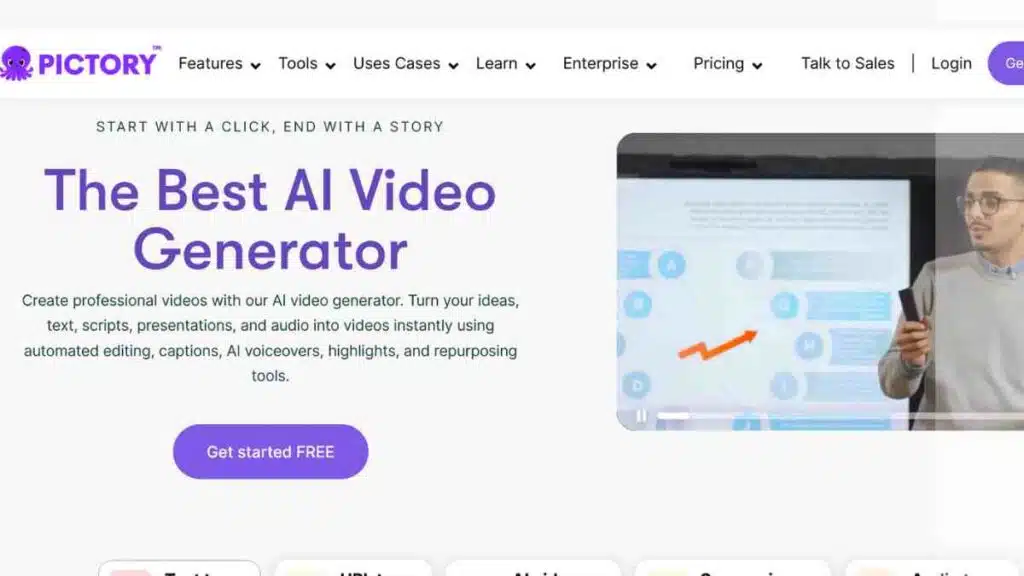
Pictory is an AI-powered video creation tool that helps YouTubers turn long-form content into short, engaging videos quickly.
It is especially useful for repurposing blog posts, webinar clips, and interviews into branded social content.
For creators looking to grow across platforms with minimal editing experience, Pictory stands out as one of the best AI tools for YouTube creators aiming for consistency and speed.
Key Features
- Text-to-video from scripts or blog articles
- Automatic captioning and subtitles
- AI voiceover narration
- Branded templates and intro/outro insertion
- AI-powered highlight reel creation
- Video trimming and summarisation tools
- Automatic scene selection and media matching
Pricing
| Plan | Monthly Cost (USD) |
|---|---|
| Starter | $19 |
| Professional | $29 |
| Team | $99 |
| Enterprise | Custom Pricing |
Pros and Cons
| Pros | Cons |
|---|---|
| Ideal for turning long-form content into short-form videos quickly | Less flexibility in editing compared to traditional editors |
| Great for YouTube Shorts, Instagram Reels, and other vertical formats | AI voiceovers may lack natural tone or expression |
| User-friendly with no technical skills required | Limited customisation options for advanced creators |
Why Pictory Is a Top Choice for YouTubers
Pictory is one of the most effective AI tools for content creators who want to stay visible across multiple platforms without burning out.
Its automation of text-to-video workflows and support for repurposing makes it an efficient companion for creators producing tutorials, marketing content, or bite-sized tips.
The ease of converting existing content into eye-catching, shareable clips gives it a unique edge in the age of short-form video dominance.
See Also: Top 15 Free Crayo AI Alternatives For Generating Short-Form Viral Videos & Clips

3. TubeBuddy AI
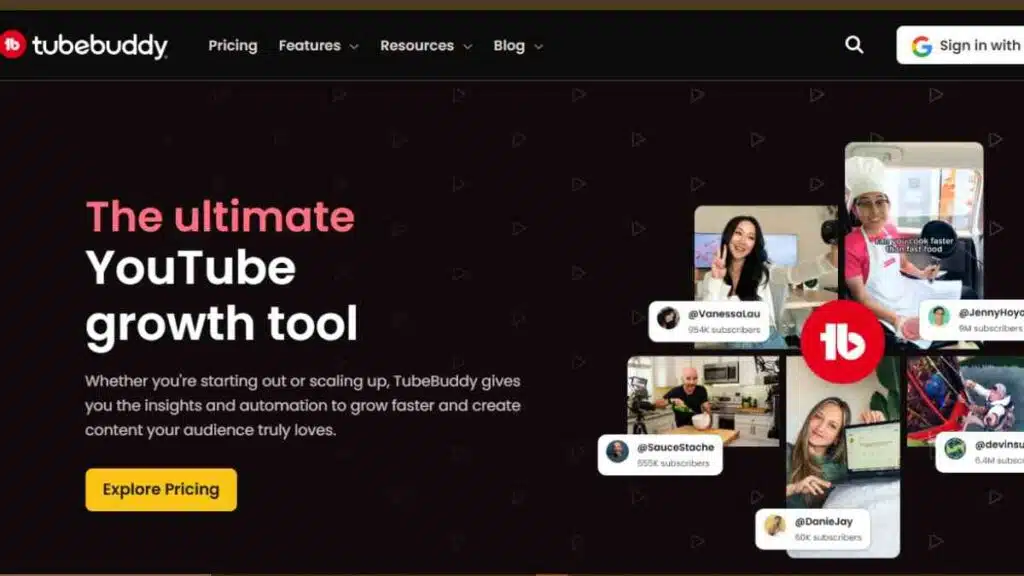
TubeBuddy AI is a YouTube-certified extension designed to help creators grow their channels through smart optimisation.
It provides real-time insights, keyword suggestions, and performance analytics that help you plan better and rank higher.
It is a must-have for content creators who want to optimise every video for maximum reach using real-time insights and automation.
Key Features
- AI-powered keyword explorer for video topics and SEO
- A/B testing for thumbnails to improve click-through rates
- Automated tag generation and tag ranking
- SEO health report and best practices checklist
- Video performance tracking and competitor research tools
- Comment moderation filters and canned responses
- Click magnet tool to analyse thumbnail performance
Pricing
| Plan | Monthly Cost (USD) |
|---|---|
| Free | $0 |
| Pro | $4.50 |
| Legend | $28.99 |
| Enterprise | Custom Pricing |
Pros and Cons
| Pros | Cons |
|---|---|
| Helps improve SEO, rankings, and discoverability with real-time insights | AI features like A/B testing and advanced analytics need higher-tier plans |
| Lightweight browser extension that integrates directly with YouTube | Interface may feel less modern compared to newer AI platforms |
| Great for long-term channel tracking and strategy | Limited in video creation or editing capabilities |
Why TubeBuddy AI Is a Top Choice for YouTubers
TubeBuddy AI earns its place among the best AI tools for YouTube creators because of its practical focus on growth.
While it does not create or edit videos, it ensures your hard work gets seen by the right audience. Its real-time keyword tools, SEO insights, and A/B thumbnail testing give creators a tactical edge in a crowded space.
For anyone serious about scaling their channel with smarter decisions and data-backed optimisation, TubeBuddy is a low-cost, high-impact solution.
See Also: How to Carry Out YouTube Competitor Analysis- A Comprehensive Step-by-Step Guide
4. ChatGPT
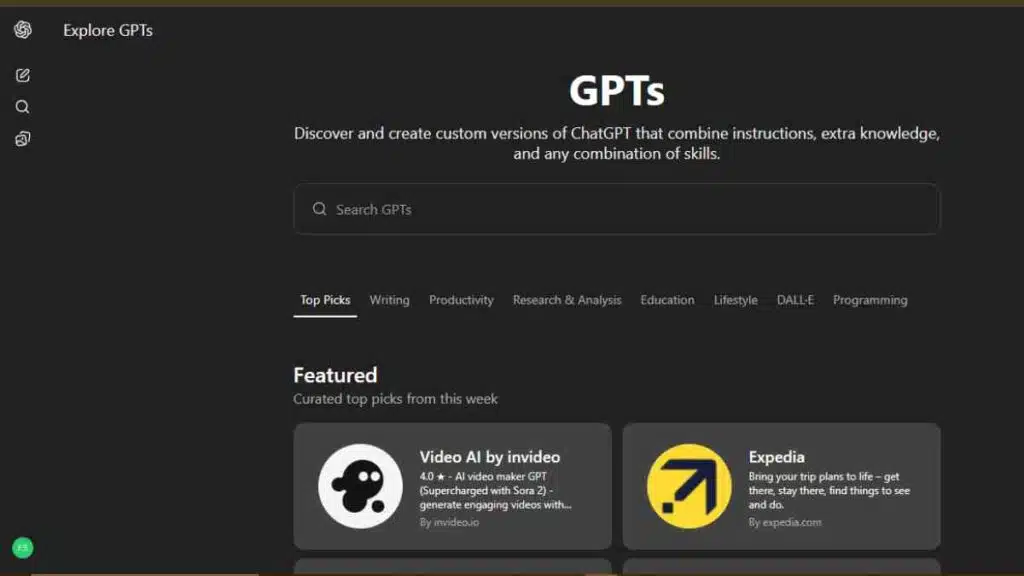
ChatGPT, powered by GPT-5.1, is a powerful writing assistant and idea generator used widely by content creators.
For YouTubers, it functions as an efficient AI script generator for YouTube, capable of crafting full scripts, outlines, titles, and descriptions in minutes.
Whether you are brainstorming ideas or polishing dialogue, it serves as reliable YouTube video scriptwriting software that saves time and enhances creativity.
Key Features
- Instant script generation for various video formats
- Brainstorming support for content ideas and video angles
- YouTube titles, descriptions, and hashtag suggestions
- Reply drafting for comments and community engagement
- Multilingual support for global audience reach
- Adaptable to different tones, niches, and audiences
Pricing
| Plan | Monthly Cost (USD) |
|---|---|
| Free | $0 |
| ChatGPT Plus | $20 |
| API (Custom Use) | Varies by usage |
Pros and Cons
| Pros | Cons |
|---|---|
| Extremely versatile for idea generation, scripting, and metadata | Needs well-structured prompts for accurate and useful results |
| Saves hours of brainstorming and copywriting | May require human editing to match brand tone and authenticity |
| Adapts to different content types and styles easily | Cannot replace human storytelling or emotional nuance |
Why ChatGPT Is a Top Choice for YouTubers
ChatGPT stands out as a must-have among YouTube video scriptwriting software because of its speed, adaptability, and depth.
It is like having a creative partner on call 24/7, ready to help you brainstorm, write, rewrite, and refine.
Whether you are running a tutorial channel, a commentary series, or an educational vlog, ChatGPT removes creative friction and accelerates your content pipeline.
5. Runway ML
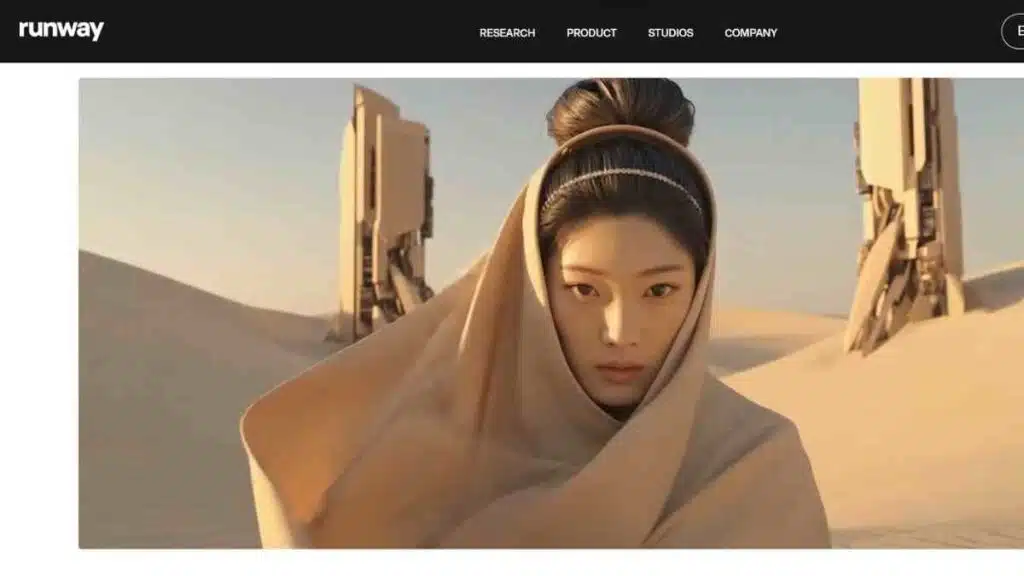
Runway ML is an advanced AI video editing tool that brings Hollywood-grade effects to everyday creators.
It offers features like background removal, motion tracking, and AI-generated effects, all without needing traditional editing skills.
For YouTubers producing cinematic content or reels with visual flair, Runway ML is one of the most innovative AI tools for content creators available today.
Key Features
- AI-powered background removal without a green screen
- Motion tracking and object detection
- Green screen effects and advanced masking
- Text-to-video and image-to-video generation
- Timeline-based, text-driven video editing
- Collaboration tools for teams
Pricing
| Plan | Monthly Cost (USD) |
|---|---|
| Free | $0 |
| Standard | $15 |
| Pro | $35 |
| Unlimited | $95 |
Pros and Cons
| Pros | Cons |
|---|---|
| Makes complex visual editing accessible without traditional skills | Requires stable internet for cloud-based processing |
| Ideal for cinematic content, short films, or high-impact YouTube intros | Rendering can be slow on lower-tier plans with complex projects |
| Continually updated with new AI models and visual tools | May be overwhelming for beginners unfamiliar with advanced editing |
Why Runway ML Is a Top Choice for YouTubers
Runway ML earns its spot as one of the most innovative AI tools for YouTube creators due to its ability to bring professional-grade effects within reach.
It is especially valuable for creators in niches like filmmaking, education, and storytelling, where visual polish matters.
Whether you are creating cinematic intros, B-roll, or stylised effects, Runway offers tools that used to require complex software and expensive freelancers, now available in your browser.
6. Canva (with Magic Studio AI)

Canva has long been a go-to design platform for content creators, but with the addition of Magic Studio AI, it now offers powerful AI tools for YouTubers looking to create thumbnails, banners, and video intros effortlessly.
From auto-generated layouts to smart image editing and text suggestions, Canva’s AI-driven features make branding fast, consistent, and professional, even without a design background.
It is an essential tool for YouTubers who want to stand out visually and maintain a strong brand identity with ease.
Key Features
- AI-powered design suggestions based on content type
- Background remover for clean, professional visuals
- Magic Write for auto-generating titles, descriptions, and social captions
- Brand kit automation to ensure design consistency across thumbnails and banners
- Pre-built YouTube thumbnail templates with drag-and-drop functionality
- Text-to-image and image enhancer tools
Pricing
| Plan | Monthly Cost (USD) |
|---|---|
| Free | $0 |
| Pro | $14.99 |
Pros and Cons
| Pros | Cons |
|---|---|
| Makes thumbnail and channel design fast and easy | Magic Studio tools are still evolving and may not fit every use case |
| Great value for solo creators needing consistent visuals | Custom or niche designs may need manual adjustment |
| No design experience needed thanks to templates and AI suggestions | AI-generated text or visuals may occasionally feel generic |
Why Canva Is a Top Choice for YouTubers
Canva with Magic Studio is one of the best AI tools for YouTubers who want to elevate their visual branding without outsourcing design work.
Its AI suggestions save time, its templates eliminate guesswork, and its drag-and-drop tools make thumbnail creation fast and fun.
Whether you are posting daily or weekly, Canva helps you maintain visual consistency that boosts clicks and reinforces your channel’s identity, all without needing a graphic design background.
See Also: 15 Powerful Uberduck AI Alternatives for Realistic Voice Generation

7. Synthesia
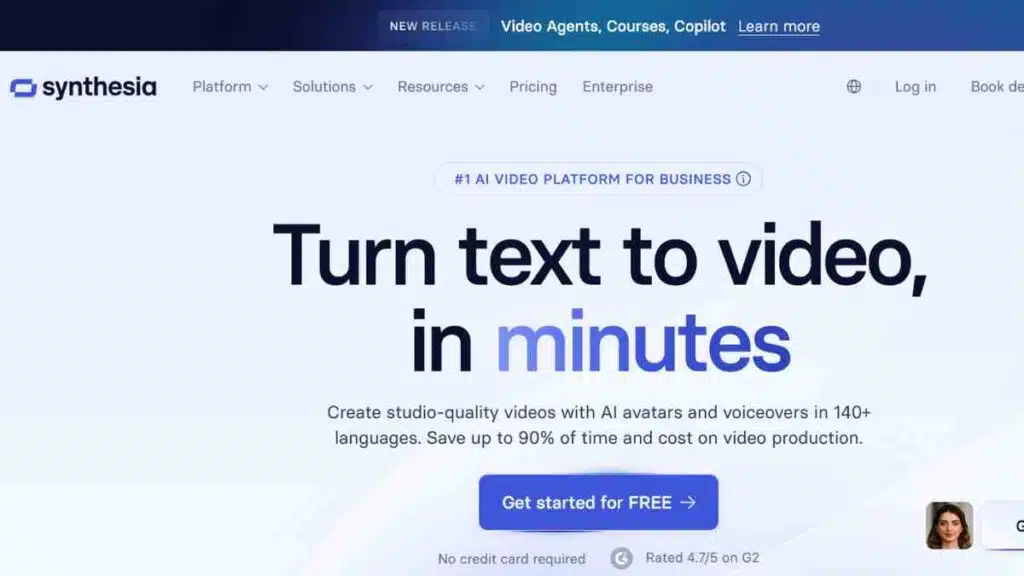
Synthesia is an AI video creation platform that lets you produce professional talking-head videos without cameras or actors.
It is especially useful for YouTubers who want to explain concepts, create tutorials, or deliver content in multiple languages.
With over 140 AI avatars and voice styles, it stands out among YouTube automation tools for delivering high-quality content at scale without being on screen.
Key Features
- Over 140 AI avatars to present your content on camera
- Multilingual AI voiceovers for international reach
- Text-to-video creation with natural speech generation
- Ready-to-use video templates for faster production
- Screen recording and integration options for walkthroughs or tutorials
- Custom avatar creation for brand-specific characters (higher plans)
Pricing
| Plan | Monthly Cost (USD) |
|---|---|
| Free | $0 |
| Starter | $18 |
| Creator | $64 |
| Enterprise | Custom pricing |
Pros and Cons
| Pros | Cons |
|---|---|
| Ideal for faceless videos, how-to guides, and multilingual content | Avatar expressions may appear robotic or overly neutral |
| Eliminates need for filming, lighting, and on-camera presentation | Advanced customisation features only available on higher plans |
| Supports over 120 languages and accents | Less flexibility in layout and styling compared to full editors |
Why Synthesia Is a Top Choice for YouTubers
Synthesia has become a favourite among AI tools for content creators who want to publish consistently without the need for cameras or actors.
Its ability to convert scripts into full video presentations using AI avatars makes it ideal for tutorials, product explainers, and faceless content.
For creators working with a global audience or preferring to stay behind the scenes, Synthesia offers a scalable, high-quality solution that brings scripts to life.
8. Lumen5
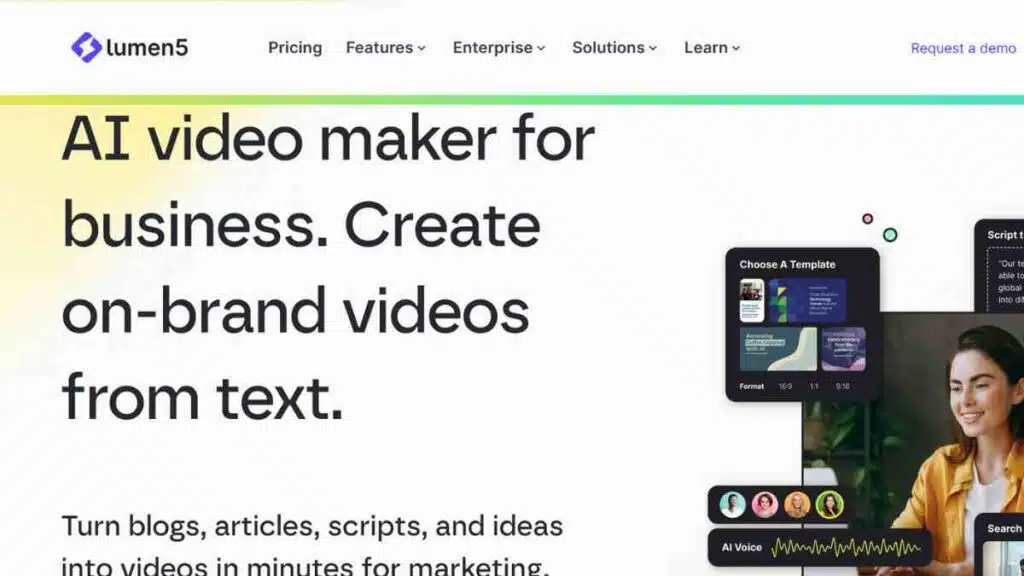
Lumen5 is a powerful AI video editing tool that transforms text into engaging videos in minutes.
It is particularly helpful for creators repurposing blog posts, articles, or social media captions into visual content for YouTube.
As one of the most accessible AI tools for content creators, Lumen5 helps maintain a steady publishing schedule even when time or resources are limited.
Key Features
- Text-to-video conversion with automatic visual suggestions
- AI-generated storyboards that structure your content logically
- Automated scene matching using relevant visuals and transitions
- Access to a large media library of stock footage and audio
- Custom branding features for fonts, colours, and logos
- Video formats optimised for YouTube, LinkedIn, and Instagram
Pricing
| Plan | Monthly Cost (USD) |
|---|---|
| Free | $0 |
| Basic | $29 |
| Starter | $79 |
| Pro | $199 |
| Team | Custom Pricing |
Pros and Cons
| Pros | Cons |
|---|---|
| Great for turning written content into videos quickly | Limited editing control for creators needing high customisation |
| Excellent for news, list-based content, and social video adaptations | Templates may feel repetitive without manual enhancements |
| No technical or video editing experience required | Some transitions and visuals can feel generic at higher volumes |
Why Lumen5 Is a Top Choice for YouTubers
Lumen5 is one of the most accessible AI tools for YouTubers looking to scale content production without spending hours editing.
By turning text into ready-to-publish videos in just a few clicks, it helps creators stay consistent, especially those running channels that share insights, quick tips, or curated information.
Its simplicity, speed, and smart use of AI make it a valuable asset for repurposing content efficiently.
9. Vidyo.ai
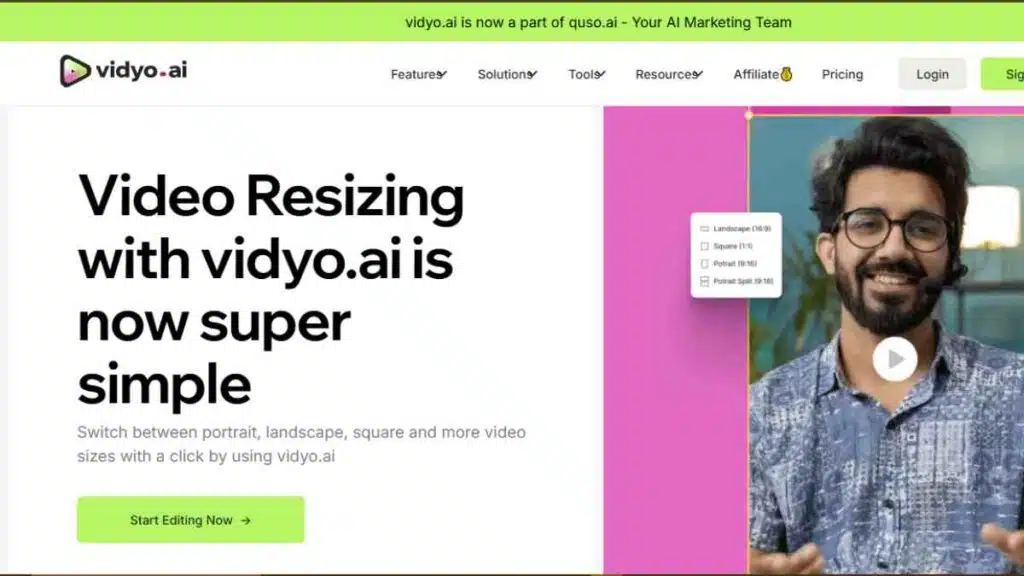
Vidyo.ai is a smart content repurposing tool built for creators who want to break down long videos into short, high-impact clips.
Designed for platforms like YouTube Shorts, TikTok, and Instagram Reels, it uses AI to find the most engaging parts of your videos and formats them instantly.
As one of the most practical AI tools for YouTubers, it is perfect for amplifying reach without doubling your workload.
Key Features
- Automatic video clipping and highlight detection
- AI-powered captioning with customisable text styles
- Video resizing for platforms like Shorts, Reels, and TikTok
- Social media export presets for fast publishing
- Speaker detection and scene change analysis
- Supports podcast and talking-head formats
Pricing
| Plan | Monthly Cost (USD) |
|---|---|
| Free | $0 |
| Lite | $24 |
| Essential | $32 |
| Growth | $40 |
Pros and Cons
| Pros | Cons |
|---|---|
| Saves time by instantly identifying top-performing moments | AI may clip moments that lack full context or impact |
| Ideal for creators expanding into Shorts or vertical content | Manual editing still needed to maintain message clarity or tone |
| Great for repurposing interviews, webinars, and long-form YouTube videos | Branding and design options may be limited compared to traditional editors |
Why Vidyo.ai Is a Top Choice for YouTubers
Vidyo.ai ranks highly among YouTube automation tools for its ability to scale short-form content without starting from scratch.
By analysing speech patterns, engagement cues, and pacing, it quickly identifies the most compelling moments in a video.
This allows creators to keep their content pipeline full while tapping into algorithm-driven discovery features across YouTube Shorts and other platforms.
10. Opus Clip
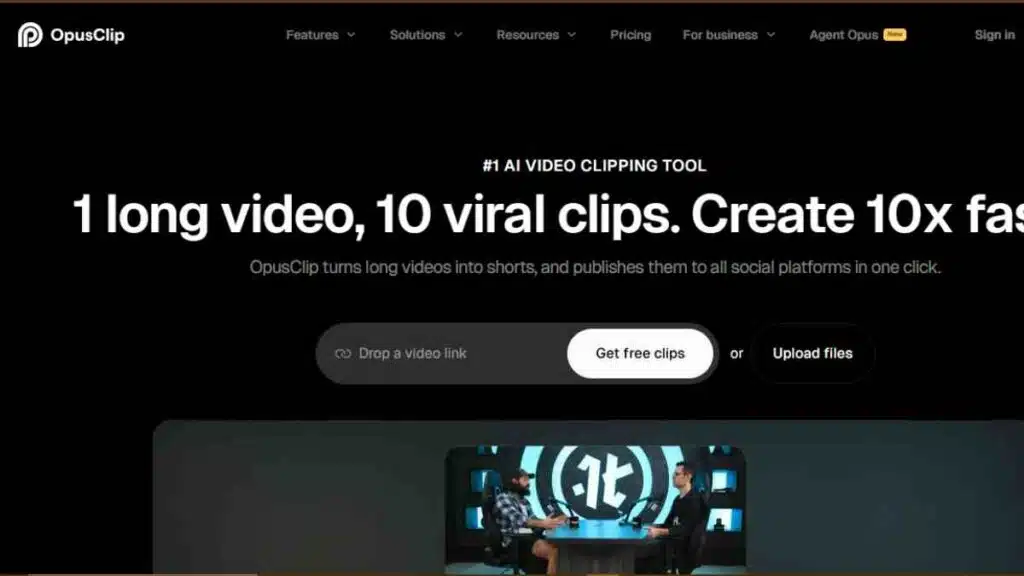
Opus Clip is a cutting-edge AI tool for YouTubers that turns long videos into viral-ready short clips.
Using what it calls a “Virality Score,” the tool analyses content to select high-performing moments and repackages them for Shorts, Reels, and TikTok.
Opus Clip is a strong choice for creators who want to get more mileage from their long-form videos and reach new audiences through short-form discovery.
Key Features
- AI virality scoring that ranks clips based on engagement potential
- Automatic video clipping from long-form content
- Smart transitions and editing enhancements
- Auto-resizing for vertical video formats
- AI-powered caption generation with style options
- Hook detection and retention tracking
Pricing
| Plan | Monthly Cost (USD) |
|---|---|
| Free Trial | $0 |
| Starter | $15 |
| Pro | $29 |
| Business | Custom Pricing |
Pros and Cons
| Pros | Cons |
|---|---|
| Accurately identifies moments with viral potential using AI scoring | Clip quality may vary based on content structure or length |
| Saves hours of manual editing by automating short-form creation | May require re-editing to ensure branding consistency and tone alignment |
| Excellent for expanding reach via Shorts, Reels, and other platforms | Fewer advanced editing features than traditional video editors |
Why Opus Clip Is a Top Choice for YouTubers
Opus Clip is a standout among AI tools for YouTube creators who want to maximise the value of every video they produce.
By identifying moments likely to go viral and converting them into ready-to-publish clips, it removes the guesswork from short-form content strategy.
Whether you are a solo creator or part of a larger content team, Opus Clip offers a fast, data-backed way to increase visibility, engagement, and content lifespan across multiple platforms.
See Also: 10 Best AI Assistants Helping Entrepreneurs Automate, Optimise and Scale

How to Integrate AI Into Your YouTube Workflow
To get the most out of your content creation process, integrate AI tools at key stages of your workflow.
The right combination of AI tools for YouTubers can help you plan, produce, edit, optimise, and repurpose content efficiently.
Here is a simple, step-by-step approach to using AI tools for YouTubers effectively, from planning to publishing.
| Step | What to Do | Recommended Tools |
|---|---|---|
| 1. Plan Your Video | Generate ideas, research keywords, and outline topics | ChatGPT, TubeBuddy AI |
| 2. Write the Script | Create compelling scripts and captions using AI writing support | ChatGPT, Synthesia (text input for avatars) |
| 3. Create or Record | Record real or AI-generated videos using avatars or screen capture | Synthesia, Pictory |
| 4. Edit Your Video | Edit, trim, clean audio and add effects quickly and professionally | Descript, Runway ML |
| 5. Design Thumbnails | Create scroll-stopping thumbnails and channel graphics | Canva with Magic Studio AI |
| 6. Optimise for SEO | Improve titles, tags, descriptions and thumbnails for higher reach | TubeBuddy AI |
| 7. Repurpose Content | Turn long videos into short-form clips for YouTube Shorts or Reels | Pictory, Vidyo.ai, Opus Clip |
Criteria for Choosing the Best AI Tools for YouTube
Not all AI tools are created equal. Before investing your time or money, it is important to choose tools that match your content goals, budget, and workflow.
Below are the key factors to consider when selecting the best AI tools for YouTube creators:
| Criteria | What to Look For |
|---|---|
| Ease of Use | User-friendly interface with minimal learning curve |
| Features & Functionality | Covers core tasks like scripting, editing, SEO, or repurposing content |
| Integration with YouTube | Seamless compatibility with YouTube Studio or relevant YouTube processes |
| Pricing & Value | Offers good functionality at free or affordable pricing tiers |
| AI Performance | Produces high-quality, reliable outputs with minimal editing needed |
| Customisation Options | Ability to tailor content for your brand, voice, or audience |
| Support & Community | Active help desk, tutorials, and user forums to troubleshoot or learn quickly |
Pros and Cons of Using AI as a YouTuber
AI is transforming how creators plan, produce, and promote content on YouTube.
While the benefits are impressive, from speed to scalability, it is also important to understand the trade-offs.
Below is a clear breakdown to help you weigh whether these AI tools for YouTubers are right for your content workflow:
| Pros | Cons |
|---|---|
| Speeds up scripting, editing, and publishing | Some tools have a learning curve or require prompt precision |
| Makes professional-quality production more accessible | Creative outputs can feel generic if not manually refined |
| Boosts content discoverability through AI SEO tools | Dependence on AI may reduce personal creativity or originality |
| Enables consistent content across platforms | Premium features often come with recurring subscription costs |
AI is a powerful assistant, but like all tools, its effectiveness depends on how you use it. Pair automation with your creative instincts for the best results.
Conclusion
AI is no longer a futuristic concept but a real advantage for YouTubers who want to create smarter, faster, and more consistently.
By using the right mix of tools for scripting, editing, optimisation, and repurposing, creators can focus more on creativity and less on repetitive tasks.
We want to see you succeed, and that’s why we provide valuable business resources to help you every step of the way.
- Join over 23,000 entrepreneurs by signing up for our newsletter and receiving valuable business insights.
- Register your business today with Entrepreneurs.ng’s Business Registration Services.
- Tell Your Brand Story on Entrepreneurs.ng, let’s showcase your brand to our global audience.
- Need help with your marketing strategy? Get a Comprehensive Marketing and Sales Plan here.
- Sign up for our Entrepreneurs Success Blueprint Programme to learn how to start and scale your business in just 30 days.
- Book our one-on-one consulting and speak to an expert about structuring and growing your business.
- Visit our shop for business plan templates and other valuable resources to guide you.
- Get our Employee-Employer Super Bundle NDA templates to legally protect your business and workforce.
- Advertise your business to over a million entrepreneurs through our different advertising packages.

Frequently Asked Questions (FAQs)
What are the best AI tools for YouTube creators?
Some of the best AI tools for YouTube creators include Descript for editing, TubeBuddy AI for SEO, ChatGPT for scriptwriting, and Pictory or Opus Clip for turning long videos into short-form content.
Can AI really help me grow my YouTube channel?
Yes. AI can optimise your titles, tags, thumbnails, and even content strategy to improve visibility and engagement. Tools like TubeBuddy AI and Vidyo.ai offer data-driven insights that help boost growth.
Is AI scriptwriting better than writing manually?
AI tools like ChatGPT can speed up the scripting process and offer great starting points. However, it is best to personalise the script to keep your tone and storytelling authentic.
Are these AI tools expensive to use?
Many tools offer free versions with basic features. Paid plans typically start around $10 to $30 per month, depending on the tool and features you need.
Can I run a YouTube channel without showing my face using AI?
Yes. Tools like Synthesia let you create faceless videos using AI avatars and voiceovers, making it possible to build a full channel without being on camera.
Which AI tool is best for creating YouTube Shorts?
Vidyo.ai, Opus Clip, and Pictory are great options for automatically converting long-form videos into short-form content optimised for YouTube Shorts.
Can AI help with YouTube video thumbnails?
Yes. Canva with Magic Studio AI offers smart design suggestions and templates specifically for YouTube thumbnails, helping your videos stand out.
Do I need technical skills to use AI tools for YouTube?
Not at all. Most tools featured in this article are user-friendly and designed for creators without editing or coding experience.
Can AI help me manage my YouTube comments or audience engagement?
While not fully automated yet, tools like ChatGPT can help you draft thoughtful replies, and TubeBuddy AI can assist in filtering and managing comments more efficiently.
Are AI tools safe to use with my YouTube account?
Yes, most reputable AI tools are YouTube-certified or follow platform guidelines. Always review permissions before connecting third-party tools to your channel.
Can AI help me come up with YouTube video ideas?
Yes. Tools like ChatGPT can generate fresh content ideas based on your niche, audience, or trending topics, helping you avoid creative blocks and stay consistent.
Will using AI tools affect my content’s originality?
AI can assist with structure and speed, but your creativity and unique perspective are still essential. Think of AI as a co-creator, not a replacement.



