

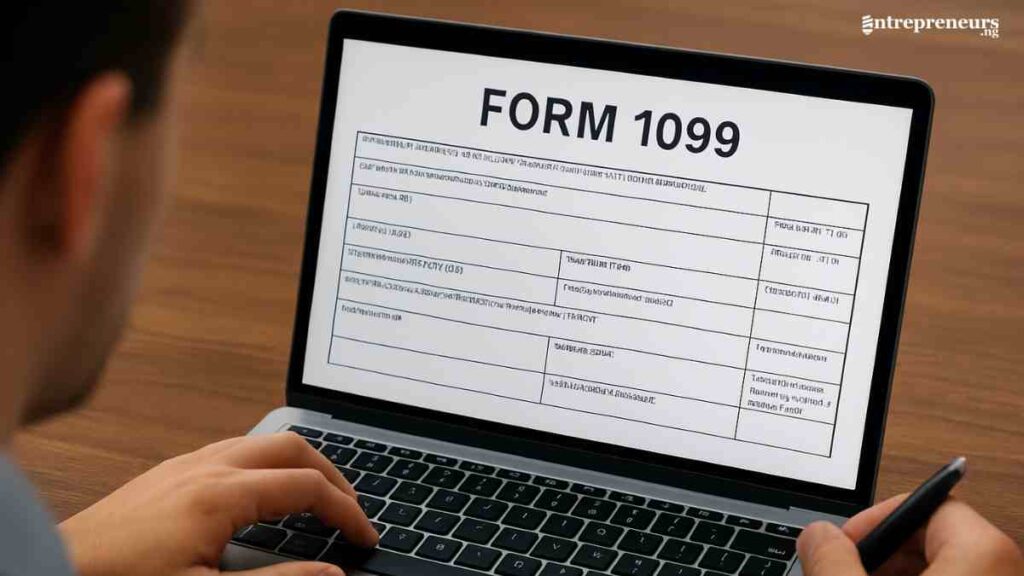
Most small businesses do not struggle with 1099s due to the rules, but because of their tools. That is why choosing the best 1099 software for small businesses comes down to replacing manual tasks with a system that does the work for you.
When you have software that captures contractor data, flags mistakes before the IRS does, and files automatically, tax season stops being a scramble and becomes a routine.
This guide focuses on the tools that genuinely solve problems, reduce your workload, simplify compliance, and give you visibility over every filing.
Key Takeaways
- The best 1099 software for small businesses simplifies tax compliance by automating filings and reducing costly errors.
- Each tool offers unique strengths, from affordability to advanced integrations, making it crucial to choose one that fits your workflow.
- Robust features like e-filing, contractor portals, and accounting integrations save time and improve accuracy during tax season.
- The right 1099 software helps small businesses stay compliant, organised, and efficient as they scale contractor operations.

What Are 1099 Forms?
1099 forms are informational tax documents that businesses must file with the IRS to report payments made to freelancers, independent contractors, vendors, and other non-employees.
Whenever a small business pays a contractor at least $600 in a year, it is required to issue a 1099 form, most commonly the 1099-NEC.
These forms help the IRS track income that is not subject to traditional payroll withholding, making them an essential part of compliance for any business that works with external talent.
Who Needs to File 1099 Forms?
Any business, regardless of size, that pays freelancers, contractors, or non-employees for services amounting to $600 or more in a tax year is required to file 1099 forms with the IRS.
This includes sole proprietors, small businesses, startups, and even corporations in certain cases. If you hire independent talent instead of traditional employees, you are responsible for reporting what you paid them.
Below is a simple breakdown of who typically needs to file 1099 forms:
| Category | Who Must File? |
|---|---|
| Small Businesses & Startups | Any business paying $600+ to a contractor |
| Sole Proprietors & Freelancers | Individuals who hire subcontractors |
| LLCs & Partnerships | LLCs taxed as partnerships or single-member LLCs paying contractors |
| Corporations | Generally exempt, except for legal services and medical payments |
| Nonprofits | Organisations paying non-employees for services |
| Property Managers | Required to file for service providers |
| Anyone Paying Royalties or Rent | Individuals or businesses |
Features to Look Out for in 1099 Software
Choosing the right tool can make or break your tax season. Whether you are comparing 1099 filing software for small businesses or reviewing the top 1099 software, the goal is the same: accuracy, efficiency, and full compliance.
The best solutions streamline workflows, minimise errors, and help you stay on the right side of the IRS without the usual stress of deadlines.
Below is a breakdown of the essential features every entrepreneur should prioritise when evaluating small business 1099 tools:
| Feature | How It Supports Small Businesses |
|---|---|
| IRS-Approved E-Filing | Guarantees compliance and reduces the risk of rejected forms. |
| Automation & Bulk Filing | Ideal for scaling businesses needing efficient 1099 management software. |
| Accounting & Payroll Integrations | Reduces errors and supports end-to-end financial management. |
| Contractor Self-Service Portals | Cuts down back-and-forth communication and prevents incorrect filings. |
| TIN Matching & Error Checks | Prevents penalties by ensuring accurate compliance with IRS filing rules. |
| State Filing Support | Saves time for businesses filing across multiple states. |
| Secure Data Storage & Encryption | Keeps your business compliant with data protection standards. |
| Transparent, Scalable Pricing | Ensures affordability, whether you file 5 or 500 forms. |

The 10 Best 1099 Software for Small Businesses
Finding the right 1099 software can save your business hours of administrative work, reduce filing errors, and help you stay fully compliant with IRS requirements.
With so many tools on the market, each promising accuracy and automation, it is important to understand which solutions actually deliver on ease of use, affordability, and reliable e-filing.
Below is a carefully curated list of the best-performing 1099 software options that small businesses can trust during tax season.
1. Tax1099
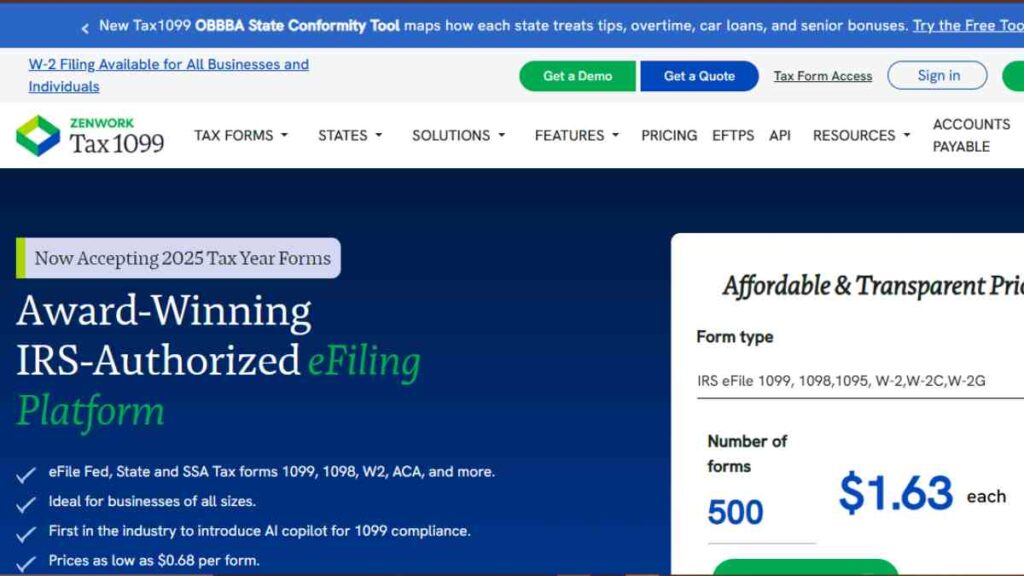
Tax1099 is one of the most trusted platforms for businesses that need a robust, IRS-approved filing solution.
It offers extensive automation, strong integrations, and reliable e-filing capabilities, making it a favourite among accountants and small business owners who want accuracy without complexity.
Key Features
- IRS-approved e-filing for 1099-NEC, 1099-MISC, W-2, and more
- Automated TIN matching to reduce IRS penalties
- Direct integrations with QuickBooks, Xero, Bill.com, and Sage
- Bulk upload support for high-volume filings
- Recipient e-delivery and postal mailing options
- Real-time error checking with validation tools
- Secure, encrypted data storage and audit trails
Strengths
- Excellent automation tools that minimise manual data entry
- Strong accounting software integrations
- Highly accurate validation and compliance features
- Scales well for businesses with growing contractor lists
- Ideal for accountants managing multiple clients
Limitations
- The interface can feel complex for first-time users
- Pricing varies based on form volume, which may be high for very small teams
- Customer support response times can be slow during peak filing season
Pricing
| Plans | Cost |
|---|---|
| Essential | Free |
| Teams | $249/year |
| Scale | $349/year |
Best For
Tax1099 is best for small businesses and accountants that need a highly accurate, compliant, and automation-driven filing tool.
It is ideal for companies with multiple contractors, recurring filings, or more complex reporting needs.
2. Avalara ( Formerly Track1099)
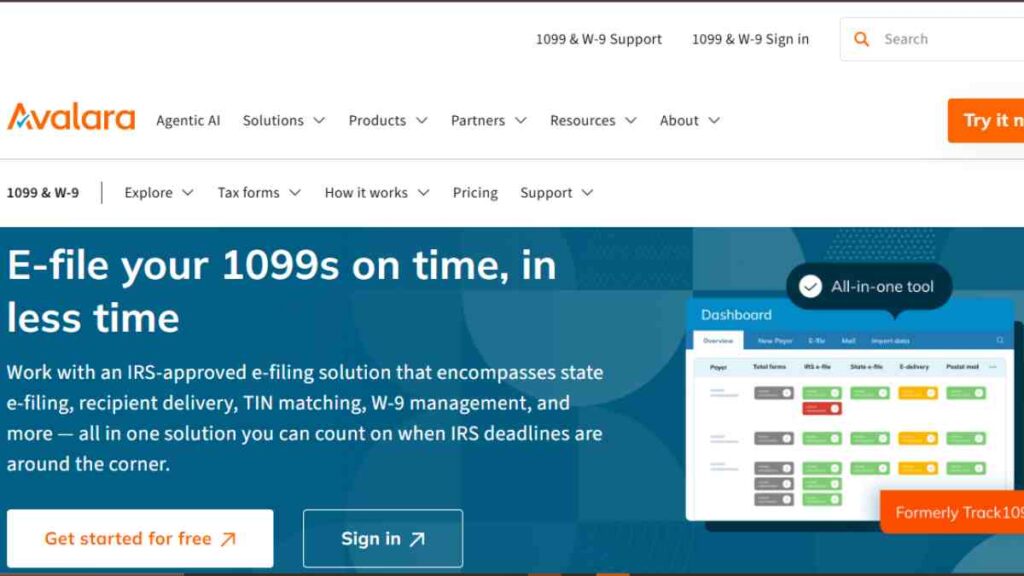
Avalara, formerly known as Track1099, is a streamlined, cloud-based filing tool built for speed, simplicity, and high-volume efficiency.
It is particularly popular among small businesses that want a clean interface, fast processing, and reliable e-delivery without the learning curve that often comes with more complex platforms.
Key Features
- IRS-approved e-filing for 1099-NEC, 1099-MISC, W-2, and other essential forms
- Automated email delivery of recipient copies
- Real-time TIN matching and error validation
- Bulk import using CSV or accounting software integrations
- Multi-user access with permission controls
- Secure cloud storage and encrypted data handling
- Automatic state filing for supported states
Strengths
- Extremely easy to use with a clean, intuitive interface
- Fast, efficient filing, ideal for businesses that need to process forms quickly
- Strong automation for recipient notifications
- Clear pricing structure with no hidden fees
- Great option for businesses that want simplicity without sacrificing compliance
Limitations
- Fewer integrations than Tax1099
- Limited advanced features for accountants managing dozens of clients
- Interface is simple but may feel too basic for larger teams with complex reporting needs
Pricing
| Plan | Cost |
|---|---|
| Pay-as-you-go | Custom pricing |
| Annual subscription | Quote based |
Best For
Track1099 is best for small businesses that want fast, intuitive 1099 filing. It is ideal for companies that process moderate contractor volumes and value ease of use over advanced accounting integrations.
3. QuickBooks Online Payroll
QuickBooks Online Payroll is a powerful all-in-one payroll and contractor management system designed for small businesses that want seamless integration between payments, bookkeeping, and tax compliance.
Beyond handling employee payroll, it automates 1099 creation, tracking, and e-filing, making it an attractive option for businesses already using QuickBooks or those seeking a centralised financial ecosystem.
It is intuitive, scalable, and built for entrepreneurs who prefer to manage everything in one dashboard.
Key Features
- Automatic generation and e-filing of 1099-NEC and 1099-MISC
- Direct contractor payments (bank transfer and same-day options)
- Seamless integration with full QuickBooks accounting suite
- Automatic tax calculations and year-end summaries
- Contractor self-service portal for W-9 submissions and updates
- Real-time error checking to reduce filing mistakes
- Secure cloud backups and encryption for data protection
Strengths
- Excellent for businesses already using QuickBooks with no data imports needed
- Contractor payments, expense tracking, and 1099 filing all in one system
- Highly user-friendly interface backed by strong customer support
- Automation features significantly reduce admin time
- Reliable IRS-approved e-filing with timely compliance updates
Limitations
- More expensive than standalone 1099 software
- Best value is unlocked only when paired with QuickBooks accounting
- Limited flexibility for businesses using non-QuickBooks systems
- Add-on pricing can increase total monthly cost
Pricing
| Plan Name | Monthly Cost |
|---|---|
| Payroll Core and simple | $44/mo + $6.50 per contractor |
| Payroll Core and Essentials | $62.50/mo + $6.50 per contractor |
| Payroll Premium and Plus | $101.50/mo + $10 per contractor |
Best For
QuickBooks Online Payroll is best for small businesses that want a single ecosystem for payroll, accounting, contractor payments, and 1099 filing.
It is especially ideal for companies already using QuickBooks, or those who want an integrated system that handles everything from daily bookkeeping to year-end compliance.
4. TaxBandits
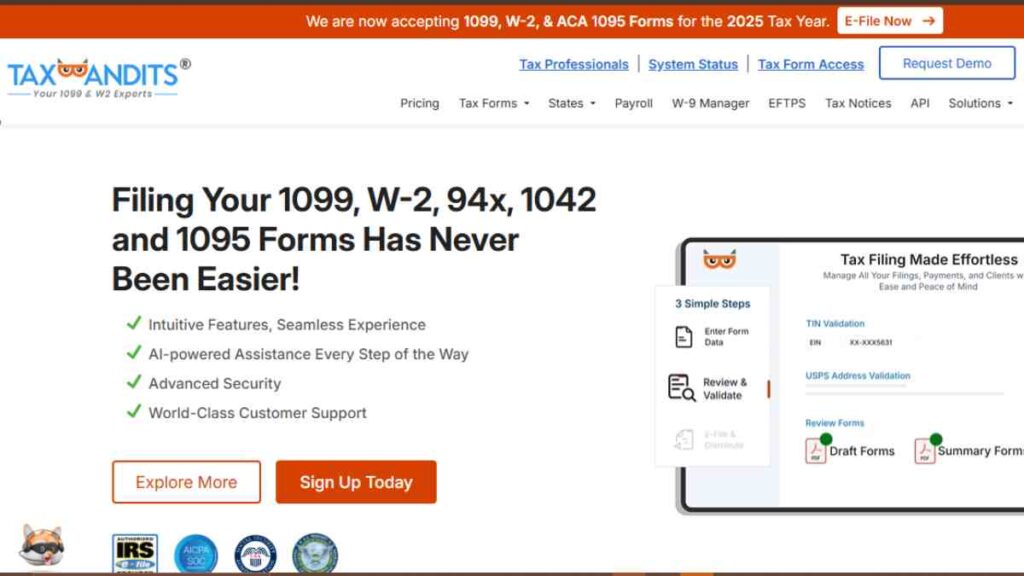
TaxBandits is a versatile, compliance-driven platform designed to support small businesses, tax professionals, and payroll providers with fast, accurate, and secure e-filing.
Known for its flexibility and strong IRS integration, it handles a wide range of forms, including 1099s, W-2s, ACA forms, and more, making it a dependable choice for businesses that value end-to-end compliance.
Its intuitive workflow, automated validations, and bulk filing capabilities make filing season far less stressful.
Key Features
- IRS-authorised e-filing for 1099-NEC, 1099-MISC, W-2, 94x forms, and ACA
- Real-time TIN matching to prevent rejections and IRS penalties
- Bulk upload options for high-volume filings
- Recipient e-delivery, print, and postal mailing add-ons
- Strong compliance tools and automated error checks
- Integrations with payroll and accounting systems
- Secure, encrypted storage with detailed audit trails
- Options for single filings or managing multiple clients
Strengths
- Highly flexible platform that supports multiple IRS form types
- Fast processing and reliable IRS acceptance rates
- Strong validation tools make it ideal for accuracy-focused businesses
- Competitive pricing for both small and high-volume filers
- Exceptional scalability for businesses managing many contractors
Limitations
- The interface is functional but less modern than competitors
- Some advanced features require extra fees
- It can feel overwhelming for very small businesses filing only a few forms
Pricing
| Plan / Filing Type | Cost |
|---|---|
| Single Filing (Pay-as-you-go) | From $2.75 per form |
| Direct State Filing | $0.95 / form when filed along with the federal form |
| Add-ons | Varies |
Best For
TaxBandits is best for small businesses and tax professionals seeking an affordable but powerful compliance tool that handles much more than just 1099s.
It is ideal for companies with growing compliance needs, multi-form filing requirements, or those managing multiple contractors across various states.
5. 1099-Etc (by AMS)
1099-Etc is a long-standing, desktop-based compliance solution built for small businesses, accountants, and payroll service providers that need powerful, offline functionality.
Developed by Advanced Micro Solutions (AMS), it offers a suite of modular tools for 1099 filing, W-2 preparation, payroll reporting, and employee/contractor management.
While it IS not cloud-based, its reliability, depth, and one-time licensing model make it a favourite for businesses that prefer local software with strong compliance controls.
Key Features
- Comprehensive support for 1099-NEC, 1099-MISC, W-2, and other IRS forms
- Desktop-based system offering full offline data control
- TIN verification and automated error checking
- Import tools for spreadsheets, text files, and accounting exports
- Print, mail, and electronic filing supported via add-ons
- Secure local data storage, ideal for businesses with strict IT policies
- Optional modules for payroll, forms F-941, 940, 944, and more
- Multi-client management for accountants
Strengths
- One-time annual license keeps long-term costs predictable
- Extremely powerful for accountants managing multiple clients
- Stable, reliable desktop environment with robust compliance tools
- Handles a wide range of IRS and SSA forms, not just 1099s
- Strong import and export functionality for batch filings
Limitations
- Not cloud-based and has no remote access or real-time collaboration
- Interface looks dated compared to modern SaaS competitors
- Initial setup can be technical for non-experts
- Add-ons may increase costs depending on your needs
Pricing
| Plan / Module | Annual Cost |
|---|---|
| Basic | $79.00 one time license |
Best For
1099-Etc is best for small businesses, accountants, and payroll providers that prefer a desktop-based system with strong offline capabilities.
It is ideal for teams that manage large filing volumes, value robust import tools, or operate in environments where cloud-based solutions are not allowed or preferred.

6. Yearli
Yearli is a comprehensive W-2 and 1099 reporting solution built to simplify tax compliance for small businesses, accountants, and HR teams.
Created by Greatland, a long-standing leader in tax document management, Yearli offers an all-in-one platform where users can prepare, e-file, print, and mail forms seamlessly.
Its clean interface, strong automation features, and tiered subscription plans make it flexible enough for both small-scale filers and high-volume businesses looking for dependable accuracy.
Key Features
- Supports 1099-NEC, 1099-MISC, W-2, W-3, and more
- End-to-end workflow: data import, form preparation, e-filing, printing, and mailing
- IRS- and SSA-approved e-filing for complete compliance
- Built-in error checking and TIN verification
- Integration with major accounting tools for easy data transfer
- Cloud-based platform with secure storage and audit tracking
- Automated recipient delivery options (email or mail)
- Multiple service levels to fit different business needs
Strengths
- Truly all-in-one solution.
- Excellent customer support backed by Greatland’s decades of experience
- Straightforward interface suitable for non-technical users
- Reliable compliance safeguards and IRS/SSA-approved processes
- Scales smoothly as a business’s contractor or employee base grows
Limitations
- More expensive than many standalone 1099 e-filing tools
- Some features require upgrading to a higher-tier plan
- Not as customisable as accountant-focused platforms
Pricing
| Plan | Annual Cost |
|---|---|
| Core | Free |
| Performance | $129/year |
| Premier | $799/year |
| Custom | Custom pricing |
Best For
Yearli is best for small businesses that want a simple, reliable, all-in-one filing system that handles e-filing, printing, and mailing in the same workflow.
It is also a strong pick for businesses scaling their compliance operations or those needing dependable support and guided filing.
7. ez1099
ez1099 is a lightweight, desktop-based 1099 preparation and printing software designed for small businesses that prefer a simple, offline solution.
Unlike cloud platforms, ez1099 stores data locally, giving business owners full control over their records while offering an affordable alternative for preparing and printing large batches of forms.
It is straightforward, budget-friendly, and ideal for users who want a no-frills system without subscription commitments.
Key Features
- Supports major 1099 forms, including 1099-NEC, 1099-MISC, 1099-INT, and more
- Desktop-based software for offline data management
- Easy import from Excel and CSV spreadsheets
- Print-ready IRS-compliant forms and recipient copies
- Batch processing for efficient multi-form preparation
- Free trial available before purchase
- Secure local storage with no cloud dependency
Strengths
- One-time purchase with no ongoing subscription fees
- Great for businesses that prefer offline software and full data control
- Simple interface suitable for beginners
- Affordable option for printing large volumes of forms
- Fast setup and minimal learning curve
Limitations
- No built-in e-filing, users must print and mail forms or upload to the IRS FIRE system manually
- Desktop-only (Windows); not suitable for Mac users without workarounds
- Fewer advanced automation or integration features compared to cloud solutions
- Limited customer support options
Pricing
| Product | Cost |
|---|---|
| Free Trial | $0 |
| Small Business (Paper Form) Version | $79/year |
| Advanced Version, Single User | $139/year |
| Multiple-user Network Version | $199 |
Best For
ez1099 is best for small businesses that want a simple, offline, print-focused solution without recurring subscription costs.
It is ideal for users who prefer desktop software, manage their own form printing, and do not require integrated e-filing or cloud-based automation.
8. eFile4Biz
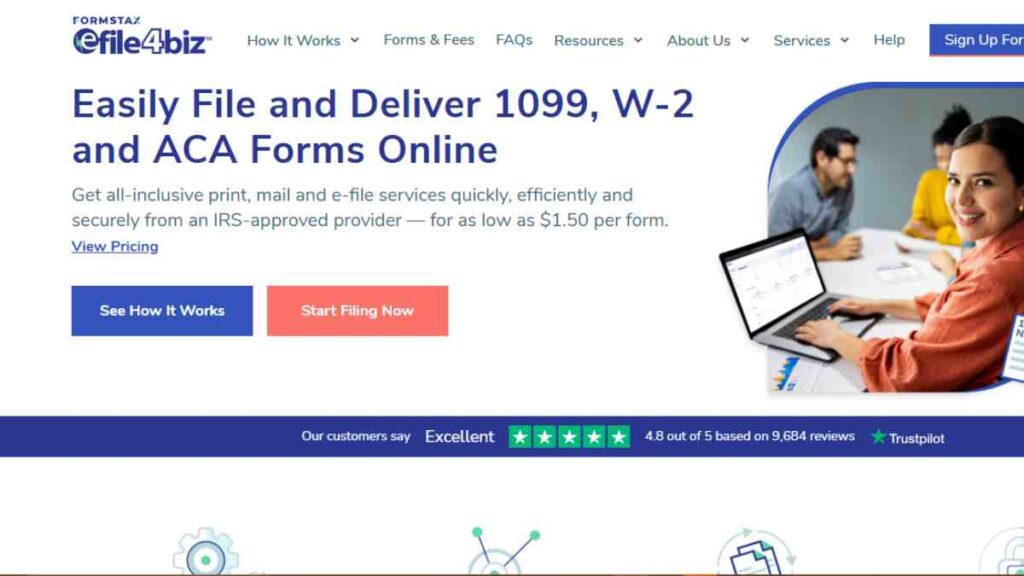
eFile4Biz is a well-established online filing platform designed to make 1099 and W-2 reporting fast, secure, and cost-effective for small businesses.
It combines e-filing, print-and-mail services, and an intuitive workflow, allowing entrepreneurs to manage compliance without needing accounting expertise.
Its pay-as-you-go model also makes it ideal for businesses that only file a handful of forms each year.
Key Features
- IRS-approved e-filing for 1099 and W-2 forms
- Full print-and-mail service handled on your behalf
- Import tools for spreadsheets and accounting platforms
- Automated error checks and data validation
- Secure, cloud-based document storage
- Recipient online access to copies of their forms
- Easy-to-navigate dashboard suitable for beginners
Strengths
- Affordable, pay-per-form pricing, great for small filer volumes
- Eliminates mailing hassles with its full-service print and delivery option
- Very simple interface ideal for business owners filing on their own
- Strong compliance features without the complexity of advanced platforms
- Good customer service and reliable IRS acceptance rates
Limitations
- Limited integrations compared to larger platforms
- Not built for accountants managing multiple clients
- No advanced automation features for high-volume workflows
Pricing
| Plan | Cost |
|---|---|
| Basic | Free |
| Plus | $149/year |
| Premium | $399/year |
Best For
eFile4Biz is best for small businesses that want an easy, reliable solution without monthly subscriptions or complex features.
It is ideal for entrepreneurs who file only a few forms per year or those who prefer outsourcing the printing and mailing process.
9. 1099Online
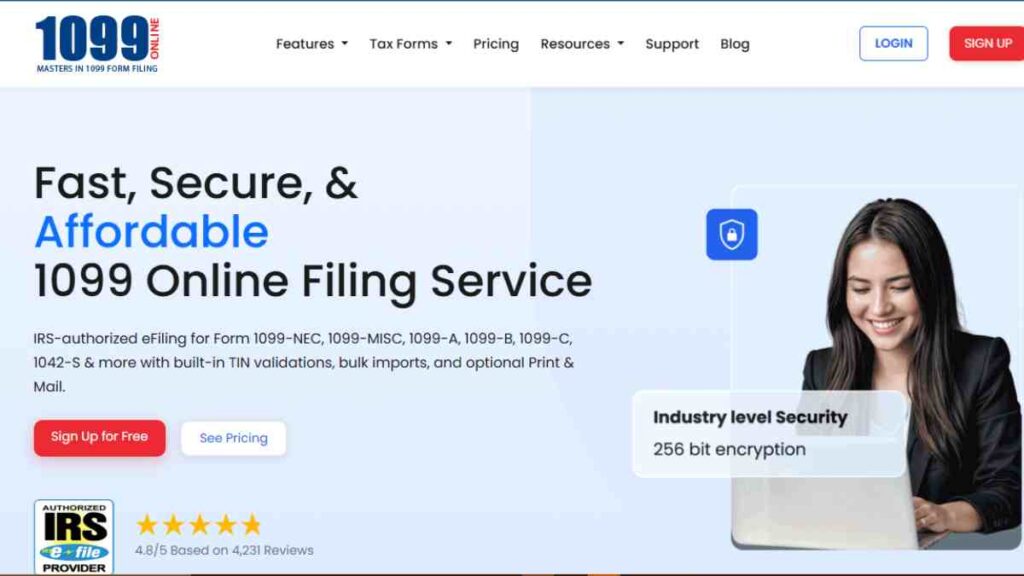
1099Online is a straightforward, IRS-approved e-filing platform built specifically for businesses that want a fast, affordable, and user-friendly way to file their 1099 forms.
Designed with simplicity at its core, it eliminates the usual complexities of tax filing by offering a streamlined workflow, intuitive data entry, and automated delivery of recipient copies.
For small businesses with minimal filing needs, it delivers reliable compliance without unnecessary extras.
Key Features
- IRS-approved e-filing for 1099-NEC, 1099-MISC, 1099-INT, and more
- Simple, guided filing process suitable for beginners
- Recipient copy delivery via email or postal mail
- Bulk upload options for multiple contractor filings
- Built-in error checks to reduce form rejection
- Secure online dashboard for managing forms and payments
- No software installation. It is a fully cloud-based platform
Strengths
- Very easy to use, even for first-time filers
- Affordable pricing with no subscriptions required
- Quick turnaround and dependable IRS submissions
- Convenient recipient delivery options
- Great for businesses filing only a few forms annually
Limitations
- Limited integrations with accounting or payroll systems
- Not ideal for high-volume users or accountants
- Fewer advanced features compared to premium 1099 management platforms
Pricing
| Service Type | Cost (Per Form) |
|---|---|
| E-File Only | $3.49 |
| Postal mailing | $1.90 |
| TIN Check | $1.00 |
Best For
1099Online is best for small businesses that want a simple, quick, and affordable way to file their 1099 forms without committing to monthly subscriptions or learning a complex system.
It is ideal for entrepreneurs filing low volumes who prefer a clear, pay-as-you-go model.
10. TurboTax Business

TurboTax Business is one of the most recognisable names in tax preparation, offering a polished, intuitive, and highly guided experience for small businesses filing their year-end returns.
While it is not a dedicated 1099 platform, it includes robust tools for creating and submitting contractor forms, making it a strong option for entrepreneurs who want an all-in-one tax solution.
For many small business owners, TurboTax feels like the perfect blend of simplicity and reliability, especially when searching for 1099 e-filing software that integrates seamlessly with broader tax workflows.
Key Features
- Step-by-step guidance for preparing and filing 1099 forms
- Built-in error checks to ensure IRS compliance
- Secure e-filing for supported 1099 types
- Imports financial data from accounting tools to reduce manual entry
- Prepares full business tax returns alongside 1099 filings
- Secure document storage with multi-layer encryption
- Contractor information management for repeat filings
- Ideal complement to other small business 1099 tools
Strengths
- Highly intuitive interface suitable for non-accountants
- Strong IRS compliance tools and built-in error checks
- Excellent customer support and educational resources
- Works well for businesses that want their full taxes and 1099s handled in the same system
- Reduces the need for multiple tools, unlike standalone 1099 management software
Limitations
- Not a specialised 1099 filing software for small businesses.
- No bulk upload tools for high-volume contractors
- More expensive than pay-as-you-go 1099 platforms
- Limited automation compared to top 1099 compliance software
Pricing
| TurboTax Business Plans | Cost |
|---|---|
| Sole proprietors | $179 |
| S-corporations, partnerships | $399 |
Best For
TurboTax Business is best for entrepreneurs who want a tax preparation platform that handles everything, from full business returns to contractor filings, in one place.
It is ideal for small companies with modest contractor volumes that prefer a guided, user-friendly interface rather than a specialised 1099 tax filing tool.

How to Choose the Best 1099 Software for Your Small Business
Choosing the best 1099 software for your small business comes down to understanding your filing volume, workflow, and compliance needs.
With so many 1099 e-filing software options available, from simple pay-as-you-go tools to full 1099 management software, it is important to compare features, pricing, and integrations carefully.
Below is a clear comparison table to help you evaluate your options.
| Decision Factor | What to Look For | Importance for Small Businesses |
|---|---|---|
| Filing Volume | Support for single or bulk filings | Ensures you do not overpay for features you do not need; important for scaling contractor lists |
| Reporting & Compliance Tools | TIN matching, error checks, IRS-approved e-filing | Helps you stay compliant with IRS. |
| Ease of Use | Clean interface, guided filing, simple uploads | Reduces time spent learning the system, ideal for busy entrepreneurs |
| Integrations | QuickBooks, Xero, payroll tools | Prevents manual data entry and improves accuracy within your small business 1099 tools setup |
| Contractor Management | W-9 collection, self-service portals, automated delivery | Speeds up onboarding and year-end processes |
| Pricing Structure | Subscription vs. pay-per-form | Choose the best value depending on whether you file a few or many forms |
| Security Features | Encryption, secure login, data backups | Protects sensitive contractor data, essential for any 1099 compliance software. |
| Customer Support | Live chat, email, phone, tax resources | Ensures you get timely help during peak filing season |
Conclusion
Choosing the right 1099 software can transform tax season from a stressful scramble into a smooth, organised workflow.
With the right tool, one that aligns with your filing volume, budget, and compliance needs, you save time, eliminate errors, and stay IRS-compliant confidently.
We want to see you succeed, and that’s why we provide valuable business resources to help you every step of the way.
- Join over 23,000 entrepreneurs by signing up for our newsletter and receiving valuable business insights.
- Register your business today with Entrepreneurs.ng’s Business Registration Services.
- Tell Your Brand Story on Entrepreneurs.ng, let’s showcase your brand to our global audience.
- Need help with your marketing strategy? Get a Comprehensive Marketing and Sales Plan here.
- Sign up for our Entrepreneurs Success Blueprint Programme to learn how to start and scale your business in just 30 days.
- Book our one-on-one consulting and speak to an expert about structuring and growing your business.
- Visit our shop for business plan templates and other valuable resources to guide you.
- Get our Employee-Employer Super Bundle NDA templates to legally protect your business and workforce.
- Advertise your business to over a million entrepreneurs through our different advertising packages.

Frequently Asked Questions (FAQs)
What is the easiest 1099 software for small businesses to use?
1099 tax filing tools like Track1099, 1099Online, and eFile4Biz are popular for their simplicity, intuitive dashboards, and fast filing process, making them ideal for first-time filers.
Do I need 1099 software if I only hire a few contractors per year?
Yes. Even if you file just one form, 1099 software helps you stay compliant, avoid costly IRS errors, and deliver contractor copies quickly without manual paperwork.
Can I file 1099 forms for free?
Some 1099 platforms, like Yearli Basic or the IRS FIRE system, offer limited free options, but most small businesses prefer paid tools for ease of use, automation, and error checking.
What happens if I file a 1099 late?
Late filing can lead to penalties ranging from small fees to significant fines depending on how overdue the form is. Using reliable 1099 software helps you file on time and avoid penalties.
Which 1099 software is best for businesses with many contractors?
Tax1099, TaxBandits, and QuickBooks Online Payroll offer strong automation, bulk upload tools, and advanced compliance features ideal for high-volume contractor filings.
Can 1099 software integrate with my accounting system?
Yes. 1099 Platforms like QuickBooks Online Payroll, Gusto, and Tax1099 integrate seamlessly with accounting tools such as QuickBooks, Xero, and Sage to reduce manual entry.
Do all 1099 platforms support state filing?
Not all, but many do. Tools like Tax1099, TaxBandits, and eFile4Biz include optional state filing services to help businesses meet multi-state requirements.



