


The Best AI Tools for Professionals are no longer experimental add-ons for tech enthusiasts; they have become essential work companions for serious professionals who value speed, clarity, and results.
From executives streamlining decisions to consultants delivering sharper insights, AI is quietly reshaping how work gets done at the highest level.
According to a McKinsey Global Institute report, generative AI alone could add between $2.6 trillion and $4.4 trillion annually to the global economy, largely by improving productivity and decision-making across professional services and knowledge work.
Key Takeaways
- The best AI tools for professionals focus on saving time, improving decisions, and increasing output, not chasing trends.
- AI delivers the most value when it is integrated into daily workflows rather than used occasionally.
- Serious professionals gain an edge by combining AI speed with human judgment and experience.
- Choosing the right AI tools today is a practical step towards long-term career and business relevance.

How We Chose the Best AI Tools For Professionals
Not every AI tool deserves a place in a serious professional’s workflow. For this guide, we focused on tools that solve real work problems, deliver consistent results, and fit seamlessly into professional environments.
Each tool was assessed using practical, business-first criteria that prioritise outcomes over hype.
| Selection Criteria | What We Looked For | Why It Matters to Professionals |
|---|---|---|
| Real-World Use Cases | Proven application in everyday professional tasks such as writing, analysis, meetings, and planning | Ensures the tool delivers practical value, not theoretical benefits |
| Productivity Impact | Ability to save time, reduce manual effort, or improve output quality | Professionals need measurable efficiency gains, not extra complexity |
| Ease of Use | Intuitive interfaces and minimal learning curve | Serious professionals cannot afford steep onboarding time |
| Accuracy and Reliability | Consistent, high-quality results across different tasks | Inaccurate outputs can damage credibility and decision-making |
| Integration Capability | Compatibility with existing work tools and systems | Smooth integration reduces disruption to established workflows |
| Security and Privacy | Clear data handling policies and enterprise-level safeguards | Protects sensitive business and client information |
| Value for Money | Fair pricing relative to features and impact | Ensures sustainable long-term use without unnecessary cost |
This approach ensures every AI tool featured in this article earns its place by helping professionals work smarter, faster, and with greater confidence.
The Best AI Tools for Professionals Today
Choosing the right AI tools can be the difference between working harder and working smarter.
The tools featured in this section are not experimental or novelty apps; they are proven, professional-grade solutions used to improve productivity, sharpen decision-making, and streamline everyday work.
Each tool has been selected for its practical impact, reliability, and relevance to real-world professional demands.
1. ChatGPT
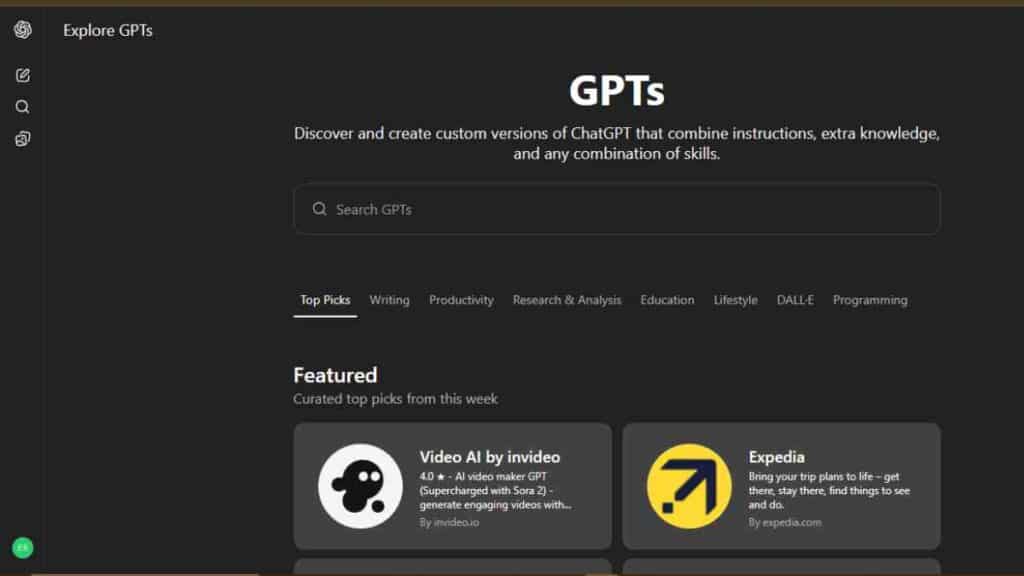
ChatGPT has quickly become one of the top AI tools for professionals, serving as a thinking partner, writing assistant, and productivity booster across industries.
Used by founders, executives, consultants, and teams, it helps professionals work faster without sacrificing quality.
As one of the most versatile AI productivity tools for professionals, ChatGPT fits seamlessly into daily work routines.
AI Capabilities
- Drafts emails, reports, proposals, and presentations
- Summarises long documents and research materials
- Supports strategic thinking, planning, and problem-solving
- Assists with data interpretation and idea generation
- Adapts tone and depth for different professional contexts
What Sets It Apart
- Exceptional versatility across writing, analysis, and ideation
- Easy to use without technical expertise
- Works across industries, roles, and seniority levels
- Continuously improves through regular updates
- Integrates well with other workplace productivity tools
Unlike many AI software for professionals built for a single function, ChatGPT acts as a multi-purpose assistant that scales with your responsibilities.
Pricing Overview
| Plan | Price |
|---|---|
| Free Plan | $0 |
| Go Plan | $5 |
| Plus Plan | $20 |
| Business | $25 |
| Pro Plan | $200 |
| Enterprise Plan | Custom Pricing |
Weaknesses
- Outputs still require human review for accuracy
- May produce confident-sounding but incorrect responses
- Limited access to real-time data on lower plans
- Not a replacement for industry-specific expertise
Despite these limitations, ChatGPT remains one of the most effective AI tools for professionals looking to improve productivity, clarity, and decision-making at work.
2. Microsoft Copilot
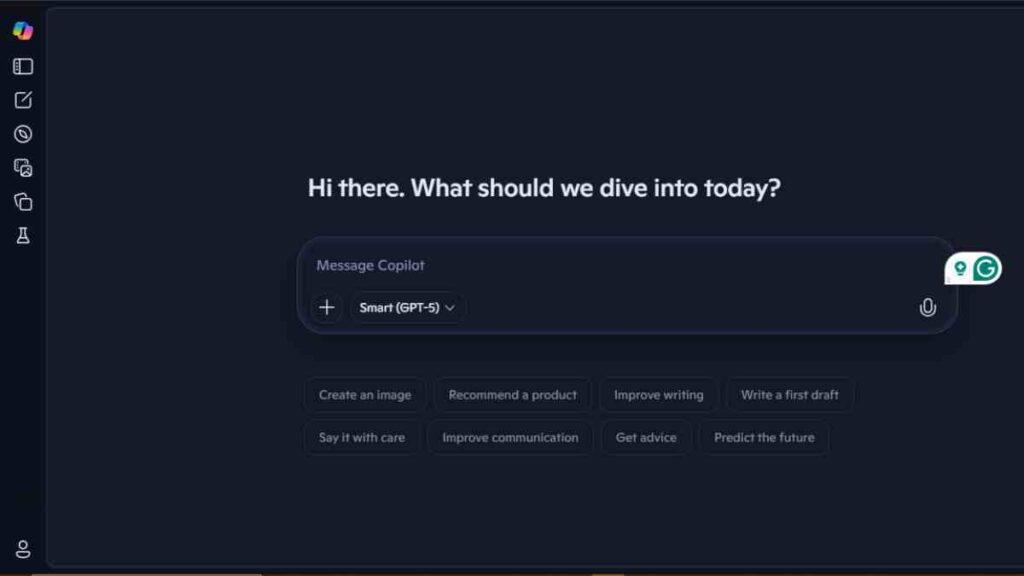
Microsoft Copilot is one of the most practical AI tools for professionals because it works directly inside familiar Microsoft applications such as Word, Excel, PowerPoint, Outlook, and Teams.
Instead of changing how professionals work, it enhances existing workflows, making it one of the most trusted AI productivity tools for professionals in corporate and business environments.
AI Capabilities
- Drafts, edits, and summarises documents in Microsoft Word
- Analyses data, builds formulas, and generates insights in Excel
- Creates presentation slides and speaker notes in PowerPoint
- Summarises emails, drafts responses, and prioritises inboxes in Outlook
- Recaps meetings, highlights action points, and tracks decisions in Teams
These features position Copilot as one of the most effective AI tools for business professionals who already rely on Microsoft 365 daily.
What Sets It Apart
- Deep, native integration with Microsoft 365 tools
- Uses organisational data securely within company environments
- Designed specifically for professional and enterprise use
- Minimal learning curve for existing Microsoft users
- Strong focus on compliance, privacy, and governance
Unlike many standalone AI software for professionals, Copilot works quietly in the background, improving productivity without disrupting established systems or habits.
Pricing Overview
| Plan | Cost |
|---|---|
| Microsoft 365 Copilot Chat | $0 |
| Microsoft 365 Copilot | $30 |
| Microsoft 365 Business Basic + Copilot | $36 |
Weaknesses
- Requires an active Microsoft 365 subscription
- Limited value for professionals outside the Microsoft ecosystem
- Some advanced features depend on organisational permissions
- Less flexible for creative or non-standard workflows
For professionals already embedded in Microsoft’s ecosystem, Copilot stands out as one of the top AI tools for professionals, transforming everyday workplace productivity tools into intelligent work assistants.
See Also: 15 Best Notion Alternatives for Smarter Team Docs, Wikis, and Workflows.

3. Notion AI
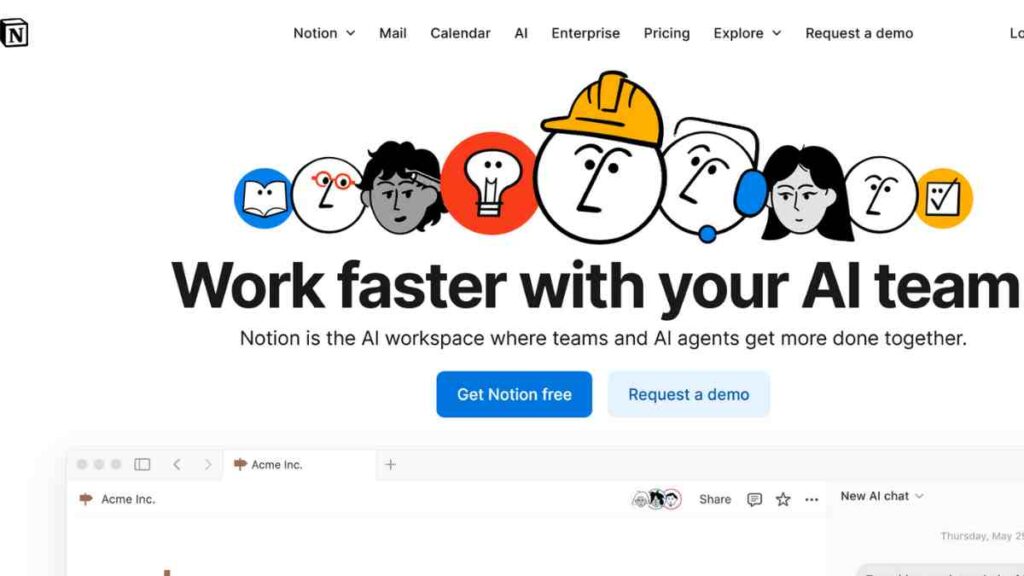
Notion AI is one of the most flexible AI tools for professionals who manage ideas, documents, projects, and team knowledge in one place.
Built into the Notion workspace, it helps professionals think clearly, write faster, and organise work better.
For many teams, it has become one of the most reliable AI productivity tools for professionals focused on clarity and structure.
AI Capabilities
- Summarises long documents, meeting notes, and research
- Generates drafts for reports, proposals, and internal documents
- Rewrites content for clarity, tone, or brevity
- Turns rough notes into structured action plans
- Answers questions using information stored in your workspace
These features make Notion AI especially valuable for business professionals dealing with complex information and collaborative work.
What Sets It Apart
- Combines AI with powerful documentation and workspace tools
- Keeps knowledge centralised and searchable
- Excellent for strategic thinking, planning, and execution
- Works well for both solo professionals and teams
- Reduces tool overload by replacing multiple workplace productivity tools
Unlike many standalone AI software for professionals, Notion AI enhances how information is stored, accessed, and used over time, not just how content is created.
Pricing Overview
| Plan | Monthly Price |
|---|---|
| Free | $0 |
| Plus | $12 |
| Business | $24 |
| Enterprise | Custom |
Weaknesses
- Requires initial setup to unlock full value
- Can feel overwhelming for first-time users
- AI works best when content is already organised
- Not ideal for professionals who prefer simple, single-purpose tools
For professionals who value clarity, documentation, and long-term knowledge management, Notion AI stands out among the top AI tools for professionals, turning everyday workspaces into intelligent productivity systems.
4. Grammarly Business
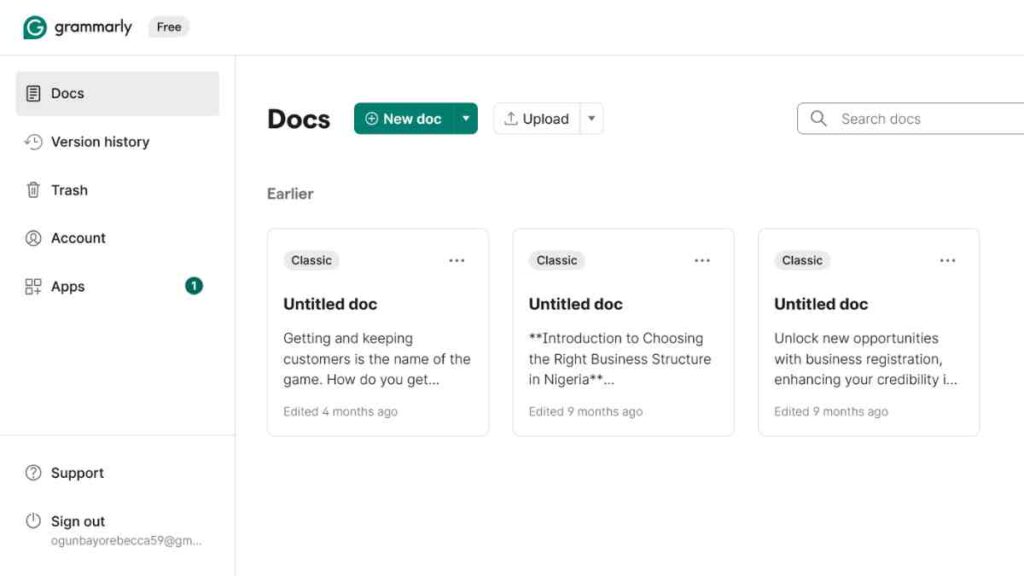
Grammarly Business is one of the most trusted AI tools for professionals who rely heavily on written communication.
Beyond basic grammar checks, it helps professionals write with clarity, confidence, and the right tone across emails, reports, proposals, and internal documents.
As an AI productivity tool for professionals, Grammarly focuses on one of the most critical workplace skills: effective communication.
AI Capabilities
- Real-time grammar, spelling, and punctuation corrections
- Tone detection and adjustment for professional contexts
- Clarity and conciseness suggestions
- Brand and style guide enforcement for teams
- AI-powered rewriting for improved readability
These features make Grammarly a dependable choice among AI tools for business professionals who communicate with clients, stakeholders, and teams daily.
What Sets It Apart
- Deep focus on professional communication quality
- Works across browsers, email clients, and desktop apps
- Custom brand voice and style rules for organisations
- Minimal disruption to existing workflows
- Widely adopted and trusted in corporate environments
Unlike many general AI software for professionals, Grammarly specialises in refining language rather than generating content from scratch, which reduces risk and improves accuracy.
Pricing Overview
| lan | Cost |
|---|---|
| Free Plan | $0 |
| Pro | $12/month |
| Enterprise | Custom |
Weaknesses
- Limited usefulness beyond writing-related tasks
- Can over-simplify language if used without discretion
- Not designed for deep content creation or strategy
- Premium features required for full professional value
For professionals who see writing as a core part of their work, Grammarly Business remains one of the top AI tools for professionals, strengthening communication across the modern workplace.
5. Jasper AI
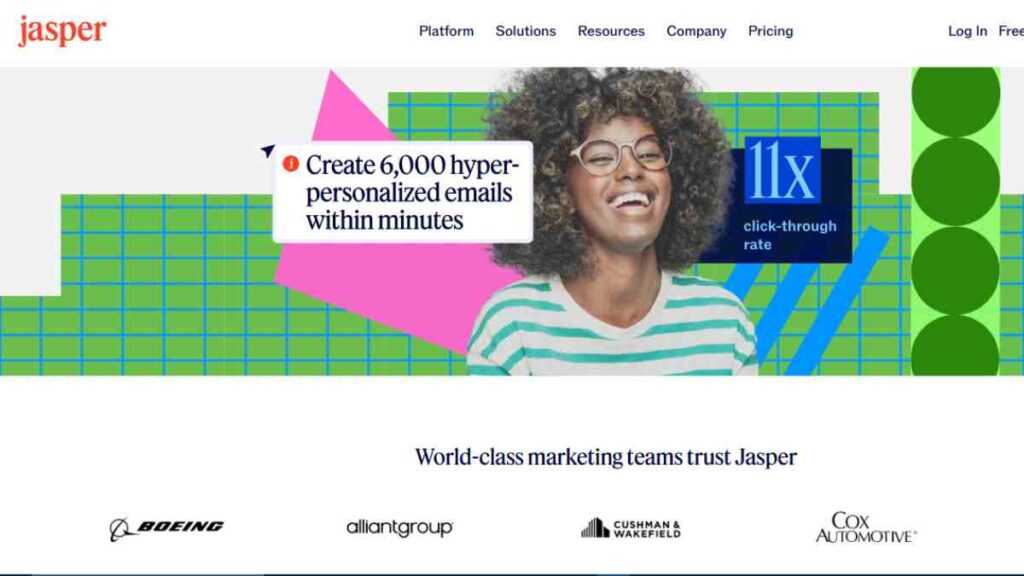
Jasper AI is one of the most specialised AI tools for professionals focused on content-driven roles.
Designed for marketing leaders, founders, and growth teams, it helps businesses produce high-quality written content at scale while maintaining a consistent brand voice.
Among other AI productivity tools for professionals, Jasper stands out for its commercial and revenue-focused use cases.
AI Capabilities
- Generates marketing copy, blog posts, ads, and email campaigns
- Maintains consistent brand tone across multiple content assets
- Supports long-form and short-form content creation
- Optimises content for different platforms and audiences
- Assists with content ideation and campaign planning
These features make Jasper particularly valuable for business professionals working in marketing, communications, and growth.
What Sets It Apart
- Strong focus on brand voice and consistency
- Built specifically for commercial and marketing use
- Collaboration features for teams and agencies
- Templates tailored to real business scenarios
- Designed to integrate with existing workplace productivity tools
Unlike more general AI software for professionals, Jasper is purpose-built to support content strategies that drive visibility, engagement, and revenue.
Pricing Overview
| Plan | Cost |
|---|---|
| Pro | $59/month |
| Business (Enterprise) | Custom pricing |
Weaknesses
- Less flexible for non-marketing tasks
- Higher cost compared to general AI tools
- Requires clear prompts and strategy for best results
- Not ideal for professionals outside content-focused roles
For professionals whose work depends on content performance, Jasper AI remains one of the top AI tools for professionals, turning AI-driven writing into a structured, business-ready process.
See Also: 15 Best AI Content Creation Tools for Writers and Content Creators
6. Otter.ai
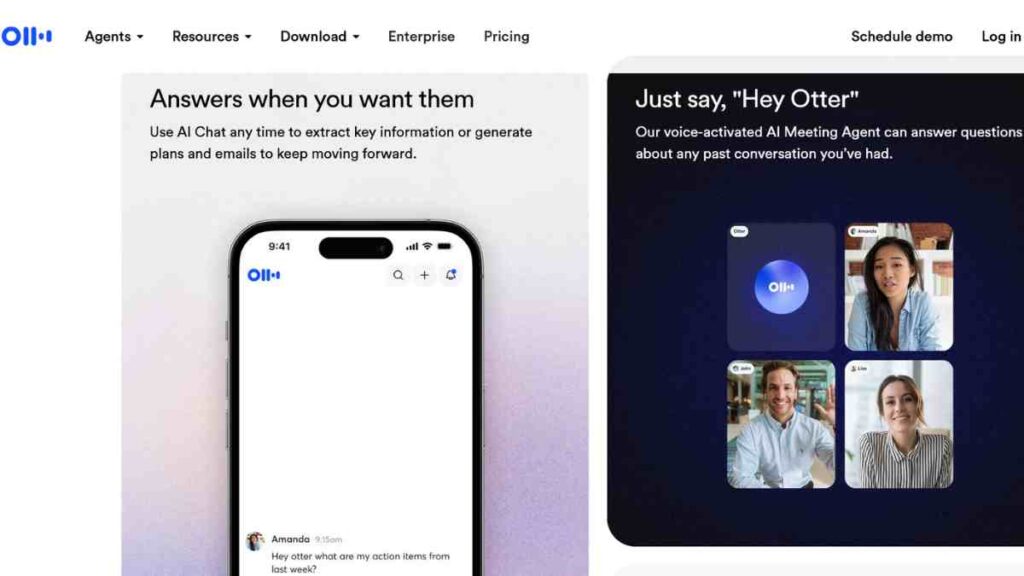
Otter.ai is one of the most practical AI tools for professionals who spend a significant part of their workday in meetings.
It automatically records, transcribes, and summarises conversations, allowing professionals to focus on discussions instead of note-taking.
Among AI productivity tools for professionals, Otter.ai stands out for turning meetings into clear, actionable records.
AI Capabilities
- Real-time meeting transcription across virtual and in-person meetings
- Automatic summaries with key points and action items
- Speaker identification and searchable transcripts
- Integration with Zoom, Google Meet, and Microsoft Teams
- Keyword search across all recorded conversations
These capabilities make Otter.ai especially useful for business professionals managing teams, clients, or complex projects.
What Sets It Apart
- High accuracy in professional meeting environments
- Reduces time spent writing and reviewing notes
- Improves accountability through clear action items
- Works seamlessly with existing workplace productivity tools
- Supports both individual professionals and teams
Unlike many general AI software for professionals, Otter.ai focuses on one of the biggest productivity drains at work: ineffective meetings.
Pricing Overview
| Plan | Price |
|---|---|
| Free | $0 |
| Pro | $10 per user/month |
| Business | $19 per user/month |
| Enterprise | Custom pricing |
Weaknesses
- Accuracy can drop in noisy environments
- Requires clear audio for best results
- Limited value outside meeting-related tasks
- Some advanced features locked behind paid plans
For professionals who want better meetings and clearer follow-ups, Otter.ai earns its place among the top AI tools for professionals, transforming conversations into reliable work assets.
See Also: Best AI Notetakers for Meetings: 10 Tools We Tested and Reviewed

7. ClickUp AI
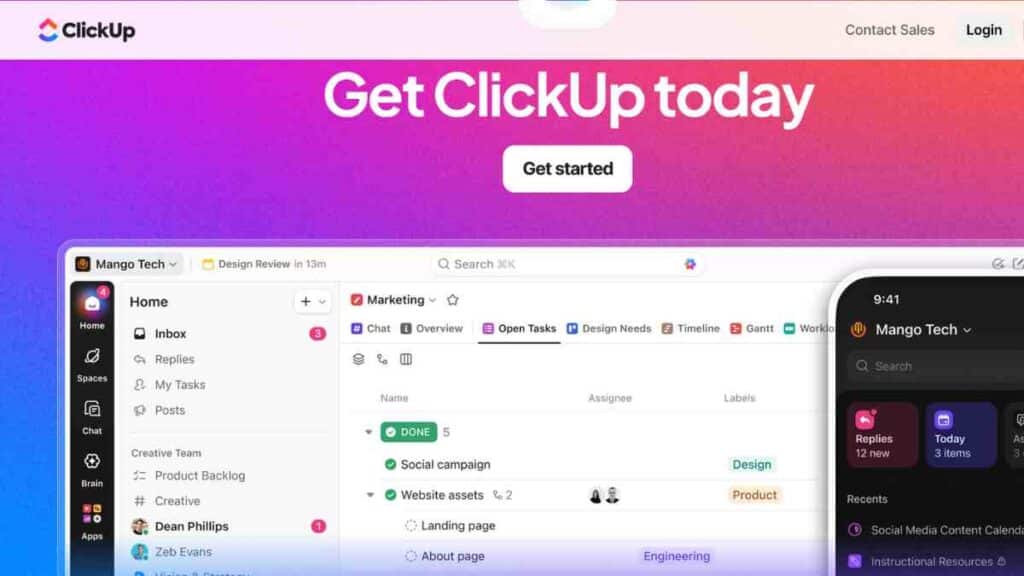
ClickUp AI is one of the most powerful AI tools for professionals managing multiple projects, teams, and priorities at once.
Built into the ClickUp project management platform, it helps professionals plan faster, communicate clearly, and keep work moving without constant follow-ups.
AI Capabilities
- Generates task descriptions, summaries, and updates
- Creates project briefs, timelines, and action plans
- Summarises long comment threads and activity logs
- Assists with goal setting and priority management
- Helps teams standardise documentation and workflows
These capabilities make ClickUp AI especially useful among business professionals who juggle deadlines, people, and deliverables daily.
What Sets It Apart
- Combines AI with robust project and task management
- Reduces manual updates and repetitive admin work
- Scales easily from solo professionals to large teams
- Centralises work, communication, and documentation
- Replaces multiple workplace productivity tools with one platform
Unlike standalone AI software for professionals, ClickUp AI is deeply tied to execution, ensuring ideas translate into completed work.
Pricing Overview
| Plan | Price |
| Free Forever | $0 |
| Unlimited | $5 |
| Business | $12 |
| Enterprise | Custom |
Weaknesses
- Feature-rich interface can feel overwhelming at first
- Requires setup to unlock full productivity gains
- AI features are add-ons on lower plans
- May be excessive for very simple workflows
For professionals focused on execution and accountability, ClickUp AI stands out among the top AI tools for professionals, turning project management into a smarter, faster, and more structured work experience.
8. Fireflies.ai
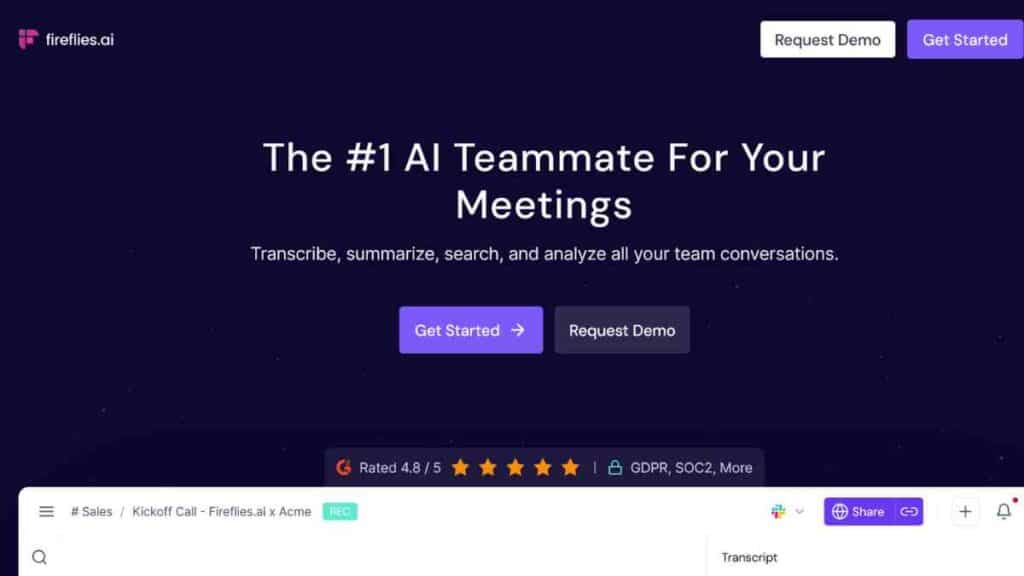
Fireflies.ai is one of the most efficient AI tools for professionals who want meetings to produce outcomes, not just conversations.
It records, transcribes, and analyses meetings automatically, helping professionals capture insights, track decisions, and follow up with precision.
Among other AI productivity tools for professionals, Fireflies.ai excels at turning discussions into measurable progress.
AI Capabilities
- Automatic recording and transcription of meetings
- AI-generated summaries with key points and action items
- Conversation analytics, including talk-time and topics
- Searchable meeting library for quick reference
- Integrations with Zoom, Google Meet, Microsoft Teams, and CRMs
These capabilities make Fireflies.ai a strong option among business professionals involved in sales, management, consulting, and client-facing roles.
What Sets It Apart
- Focus on meeting intelligence, not just transcription
- Strong analytics for accountability and performance
- Easy sharing of meeting notes across teams
- Works quietly in the background with minimal setup
- Integrates well with existing workplace productivity tools
Unlike general AI software for professionals, Fireflies.ai helps professionals understand how meetings actually drive or block progress.
Pricing Overview
| Plan | Cost |
|---|---|
| Free | £0 |
| Pro | $10/user/month |
| Business | $19/user/month |
| Enterprise | Custom pricing |
Weaknesses
- Accuracy depends on audio quality
- Advanced analytics locked behind higher plans
- Less useful outside meeting-heavy roles
- Requires integration setup for full value
For professionals who want meetings to lead to clearer decisions and faster execution, Fireflies.ai earns its place among the top AI tools for professionals, strengthening how workplace productivity tools support real outcomes.
9. Pictory AI
Pictory AI is one of the most practical AI tools for professionals who need to communicate ideas visually but lack the time or skills for traditional video production.
It helps professionals turn text, presentations, and long-form content into polished videos quickly.
Among other AI productivity tools for professionals, Pictory stands out for making video creation accessible and efficient.
AI Capabilities
- Converts text, articles, and scripts into professional videos
- Automatically summarises long content into short video formats
- Adds captions, visuals, and background music using AI
- Supports video editing without complex software
- Optimises videos for presentations, internal updates, and social platforms
These features make Pictory especially useful for business professionals who rely on presentations, training materials, and thought leadership content.
What Sets It Apart
- No video editing or design skills required
- Fast turnaround from idea to finished video
- Ideal for professional communication, not entertainment
- Saves time compared to traditional video tools
- Complements existing workplace productivity tools
Unlike many AI software for professionals focused on text or data, Pictory fills a critical gap by making visual communication simple and scalable.
Pricing Overview
| Plan | Price |
|---|---|
| Starter | $19 |
| Professional | $29 |
| Team | $99 |
| Enterprise | Custom Pricing |
Weaknesses
- Limited customisation for advanced video editors
- Not designed for cinematic or highly creative video work
- Best results require clear, well-structured text input
- Branding options improve significantly on higher plans
For professionals who want to communicate ideas clearly through video without added complexity, Pictory AI earns its place among the top AI tools for professionals, strengthening how modern workplace productivity tools support visual storytelling.
10. Zapier AI
Zapier AI is one of the most valuable AI tools for professionals who want to eliminate repetitive work and focus on high-impact tasks.
It connects thousands of apps and automates workflows without coding, making it a cornerstone AI productivity tools for professionals who manage data, communication, and operations across multiple platforms.
AI Capabilities
- Builds automated workflows using simple natural language prompts
- Connects apps such as email, CRM, project management, finance, and marketing tools
- Automates data entry, notifications, reporting, and follow-ups
- Suggests workflow improvements based on usage patterns
- Reduces manual handoffs between workplace productivity tools
These capabilities make Zapier AI especially effective for business professionals handling operations, administration, and cross-platform processes.
What Sets It Apart
- No coding or technical background required
- Works with over 5,000 business applications
- Scales from solo professionals to large organisations
- Saves significant time on repetitive operational tasks
- Acts as the backbone connecting other AI software for professionals
Unlike many standalone AI software for professionals, Zapier AI does not replace tools; it makes them work better together.
Pricing Overview
| Plan | Cost |
|---|---|
| Free | $0/month |
| Professional | From $19.99/month (billed annually) |
| Team | From $69/month (billed annually) |
| Enterprise | Custom pricing |
Weaknesses
- Complex workflows require careful setup
- Costs can increase with high automation volume
- Debugging failed automations may require time
- Less value for professionals with very simple workflows
For professionals serious about scale and efficiency, Zapier AI ranks among the top AI tools for professionals, quietly powering automation behind the scenes and transforming how modern workplace productivity tools operate together.
See also: How AI Chat Assistants Are Transforming Business Communication Today- A Proven Guide

How to Choose the Right AI Tools for Your Work
With so many AI solutions on the market, choosing the right one can feel overwhelming.
The smartest approach is not to chase the most popular tools, but to select AI tools for professionals that align with how you actually work.
The right choice should reduce friction, improve output, and integrate naturally into your daily workflow.
| Decision Factor | What to Evaluate | Importance for Professionals |
|---|---|---|
| Work Objectives | The specific problems you want AI to solve | Ensures the tool delivers measurable value, not novelty |
| Daily Workflow Fit | How well the tool integrates with existing processes | Minimises disruption and speeds up adoption |
| Productivity Impact | Time saved, output quality, and efficiency gains | Confirms the tool is a true workplace productivity tool |
| Ease of Use | Learning curve and usability | Professionals need tools that work immediately |
| Scalability | Ability to grow with your workload or team | Prevents switching tools as responsibilities increase |
| Security & Privacy | Data handling and compliance standards | Protects sensitive business and client information |
| Cost vs Value | Pricing relative to features and results | Ensures long-term sustainability without waste |
Choosing the right AI tool is less about features and more about fit. When aligned with your goals and workflow, AI productivity tools for professionals become silent partners that consistently improve how work gets done.
Conclusion
AI has moved from being a nice-to-have to a professional advantage. The best results come from choosing AI tools that fit your workflow, solve real problems, and enhance, not replace, human judgment.
Used intentionally, the right AI tools help professionals work smarter, move faster, and stay competitive in an increasingly demanding workplace.
We want to see you succeed, and that’s why we provide valuable business resources to help you every step of the way.
- Join over 23,000 entrepreneurs by signing up for our newsletter and receiving valuable business insights.
- Register your business today with Entrepreneurs.ng’s Business Registration Services.
- Tell Your Brand Story on Entrepreneurs.ng, let’s showcase your brand to our global audience.
- Need help with your marketing strategy? Get a Comprehensive Marketing and Sales Plan here.
- Sign up for our Entrepreneurs Success Blueprint Programme to learn how to start and scale your business in just 30 days.
- Book our one-on-one consulting and speak to an expert about structuring and growing your business.
- Visit our shop for business plan templates and other valuable resources to guide you.
- Get our Employee-Employer Super Bundle NDA templates to legally protect your business and workforce.
- Advertise your business to over a million entrepreneurs through our different advertising packages.

Frequently Asked Questions (FAQs)
What are the best AI tools for professionals today?
The best AI tools for professionals are those that improve productivity, decision-making, and communication. Tools like ChatGPT, Microsoft Copilot, Notion AI, and Zapier AI consistently stand out because they solve real workplace problems and integrate easily into daily workflows.
Are AI tools suitable for non-technical professionals?
Yes. Most modern AI tools for professionals are designed for ease of use and do not require technical or coding skills. They work through simple prompts, familiar interfaces, and existing workplace productivity tools.
How can AI productivity tools help at work?
AI productivity tools for professionals help save time, reduce repetitive tasks, improve writing and analysis, and streamline meetings and workflows. This allows professionals to focus on higher-value work that requires judgment and experience.
Are AI tools safe to use for business work?
Many AI tools for business professionals offer strong security and privacy controls, especially enterprise-grade solutions. However, professionals should always review data policies and avoid sharing sensitive or confidential information unnecessarily.
Do AI tools replace human professionals?
No. AI software for professionals is designed to support and enhance human work, not replace it. The most effective professionals use AI to increase speed and accuracy while retaining control over decisions and outcomes.
How do I know which AI tool is right for my work?
Start by identifying your biggest work challenges, then choose AI tools that directly address those needs. The right tools should integrate smoothly into your workflow, deliver measurable productivity gains, and justify their cost over time.
Can small teams and solo professionals benefit from AI tools?
Absolutely. Many top AI tools for professionals offer free or affordable plans that are ideal for freelancers, consultants, and small teams looking to improve efficiency without large investments.



