


Virtual event platforms have become essential infrastructure for businesses, educators, and event organisers as digital experiences continue to replace and enhance physical gatherings.
With remote work expanding worldwide, organisations rely on virtual events platforms to reach global audiences and drive engagement, as the market is projected to reach $297.16 billion by 2030, according to Grand View Research.
And, as these virtual event software and tools evolve with AI and automation, selecting the right platform is a strategic decision. This guide helps you make informed choices with confidence.
Key Takeaways
- The best virtual event platforms are defined by engagement, data, and flexibility, not just live streaming.
- Choosing the right platform depends on your event type, audience size, and business goals.
- Modern virtual event software must support webinars, conferences, hybrid events, and post-event analytics.
- Smart teams prioritise platforms that integrate seamlessly with marketing, sales, and community tools.

What Makes a Great Virtual Events Platform?
A great virtual events platform goes beyond hosting live streams; it helps businesses deliver engaging experiences, capture meaningful data, and achieve clear outcomes.
As virtual webinars, conferences, and hybrid events become core growth channels, the best platforms combine reliability, interactivity, analytics, and flexibility into one seamless system.
Below are the essential features that define high-performing virtual event platforms today:
| Core Element | Why It Matters | What to Look For |
|---|---|---|
| Reliability & Streaming Quality | A single technical failure can damage credibility and attendance | Stable live streaming, global CDN support, low latency |
| Engagement Tools | Engagement drives retention, learning, and conversions | Live chat, polls, Q&A, networking, breakout rooms |
| Event Format Flexibility | One platform should support multiple event types | Webinars, virtual conferences, hybrid and on-demand events |
| Analytics & Data Insights | Events should generate actionable business intelligence | Attendance tracking, engagement metrics, and lead exports |
| Integrations | Events must fit into existing workflows | CRM, email marketing, calendar, automation tools |
| Monetisation & Ticketing | Events are now revenue channels | Paid tickets, sponsor booths, lead capture |
| Ease of Use | Complexity reduces adoption for hosts and attendees | Intuitive dashboards, simple access, minimal downloads |
| Security & Compliance | Trust is critical for public and internal events | Access controls, data protection, enterprise-grade security |
| Scalability | Platforms must grow with your audience | Support for large audiences and concurrent sessions |
| Post-Event Value | The event should not end when the stream stops | On-demand replays, content reuse, and follow-up tools |
This framework helps cut through marketing noise and focus on what actually drives successful virtual events, whether you are hosting a small virtual webinar or a global online conference.
See Also: 20 Best Webinar Platforms for Interactive Sessions (Top Picks for Every Budget)
The Best Virtual Event Platforms for Hosting Online Events
The best virtual event platforms today are those that combine powerful engagement features, reliable streaming, and actionable analytics into one seamless experience.
As businesses rely more on virtual webinars, online conferences, and hybrid events to reach global audiences, the right platform can significantly impact attendance, participation, and results.
In this section, we highlight the top virtual event platforms that stand out for performance, flexibility, and real-world business use, helping you quickly identify the tools best suited to your goals.
1. Zoom
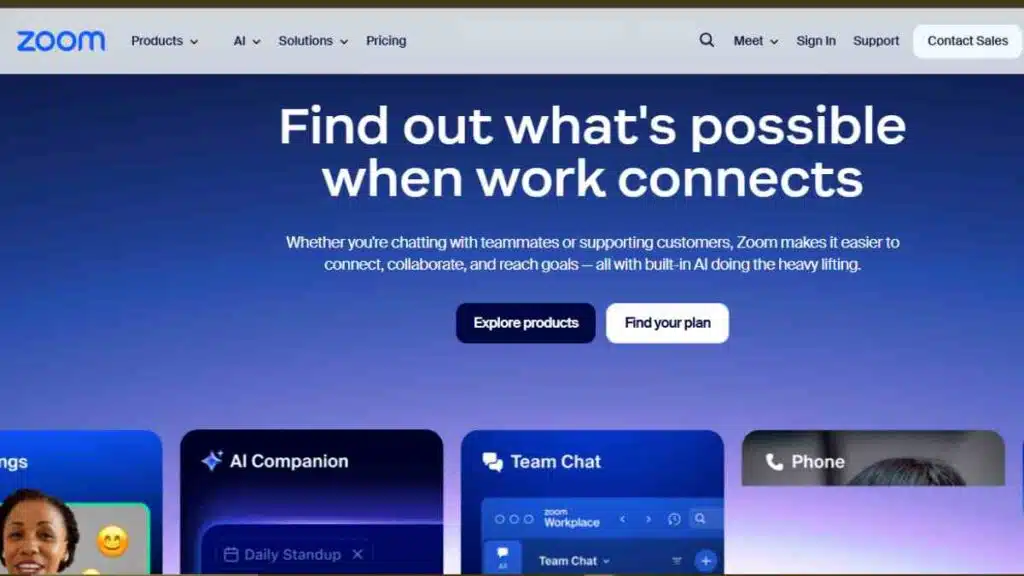
Best for: Virtual webinars, internal events, and teams that want a familiar, low-friction virtual events platform
Ideal event types: Virtual webinars, product launches, town halls, small-to-medium conferences
Zoom remains one of the most widely used virtual event platforms in the world, largely because of its reliability, global reach, and ease of use.
What started as a video conferencing tool has evolved into a more robust virtual events platform through products like Zoom Webinars and Zoom Events, making it a practical choice for organisations that prioritise simplicity and scale.
Standout features
- Reliable live streaming with strong performance across global regions
- Zoom Webinars and Zoom Events for hosting structured virtual webinars and multi-session events
- Familiar interface that reduces onboarding time for both hosts and attendees
- Breakout rooms, polls, Q&A, chat, and basic networking tools
- Strong integrations with calendars, CRMs, and marketing tools
Limitations
- Limited customisation compared to dedicated virtual conference platforms
- Networking and sponsor features are basic for large-scale conferences
- Advanced analytics and branding require higher-tier plans
Pricing
Zoom uses a tiered pricing model. Standard meeting plans start at $16.99 per host per month, while Zoom Webinars typically begin at $129 per month for up to 500 attendees.
Zoom Events starts from around $149 per month for up to 100 attendees, with costs rising based on audience size, event frequency, and advanced features. There is also a pay-per-attendee option.
Integrations
Zoom integrates easily with CRM systems, email marketing tools, calendar apps, and automation platforms, making it suitable for lead generation and internal workflows.
Ease of setup
Easy. Most teams can launch events quickly without technical support, which is a major reason Zoom remains popular for virtual webinars and recurring online events.
Attendee experience
Attendees benefit from a familiar, low-barrier experience with minimal downloads and reliable access, especially for virtual webinars and corporate events.
Bottom line
Zoom is a dependable virtual event software option for teams that value reliability and simplicity over advanced customisation.
It is ideal for virtual webinars and internal events but may feel limited for businesses running highly branded, sponsor-driven virtual conferences.
2. Microsoft Teams
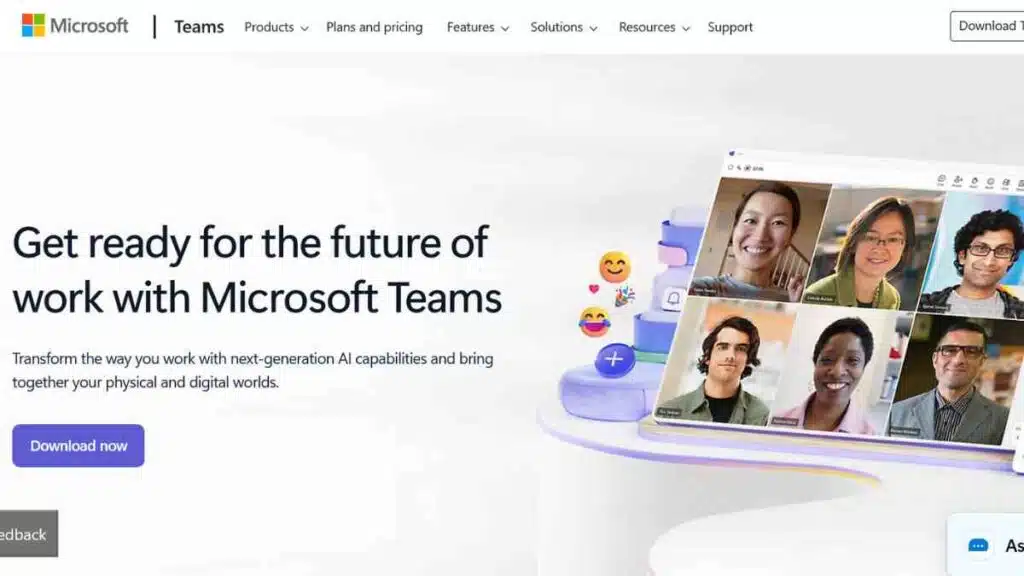
Best for: Internal virtual events, enterprise webinars, and organisations already using Microsoft 365
Ideal event types: Internal town halls, training sessions, enterprise webinars, large-scale corporate events
Microsoft Teams is a powerful virtual events platform for organisations that prioritise security, compliance, and seamless internal collaboration.
Built into the Microsoft 365 ecosystem, Teams has evolved beyond meetings to support structured virtual events through Teams Webinars and Teams Town Halls, making it a strong option for large organisations and distributed teams.
Standout features
- Deep integration with Microsoft 365 tools such as Outlook, SharePoint, OneDrive, and Dynamics
- Teams Webinars and Town Halls for hosting structured, large-scale virtual events
- Strong security, compliance, and access controls suited for enterprise use
- Built-in chat, Q&A, polls, and moderated attendee interactions
- Scales well for large internal audiences with minimal setup
Limitations
- Limited custom branding and external attendee experience compared to dedicated virtual conference platforms
- Networking and sponsor features are minimal
- Less intuitive for external audiences unfamiliar with Microsoft accounts
Pricing
Microsoft Teams is included with most Microsoft 365 Business and Standard plans, which typically start from around $6 per user per month.
Advanced webinar and town hall features are available on higher-tier business and enterprise plans. Pricing scales based on user count and licence type, with large organisations often negotiating custom enterprise agreements.
Integrations
Teams integrates natively with the Microsoft ecosystem and also connects with third-party apps and automation tools, making it effective for internal workflows, training, and reporting.
Ease of setup
Easy for existing Microsoft 365 users. Teams events can be launched quickly without additional software, though advanced configurations may require admin support.
Attendee experience
Internal attendees benefit from a seamless experience within the Microsoft environment. External participants may face a slightly higher entry barrier compared to browser-first virtual event platforms.
Bottom line
Microsoft Teams is a strong virtual event software choice for enterprises running internal events, training, and secure webinars.
It excels in governance and integration but is less suited for highly branded, sponsor-led virtual conferences aimed at external audiences.
3. Hopin (RingCentral Events)
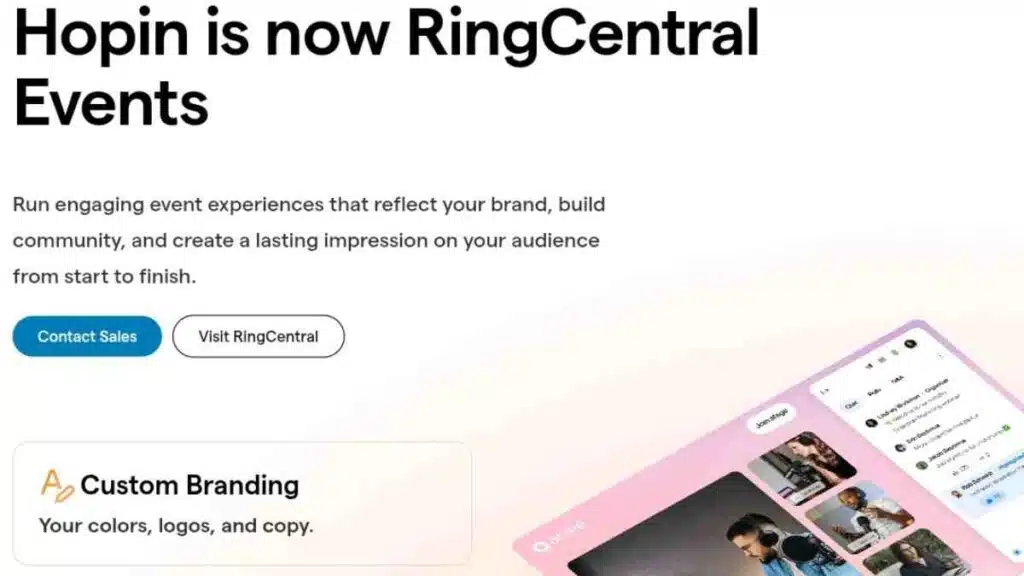
Best for: Large-scale virtual conferences, summits, and sponsor-driven online events
Ideal event types: Virtual conferences, expos, multi-track summits, hybrid events
Hopin is one of the most recognisable names in the virtual events platform space, built specifically for hosting large, immersive online events.
Designed to replicate the structure of in-person conferences, Hopin combines stages, sessions, networking, and exhibitor booths into a single environment, making it popular with event organisers running complex, multi-session experiences.
Standout features
- All-in-one virtual conference environment with stages, sessions, networking, and expo areas
- Strong support for multi-track agendas and concurrent sessions
- Built-in networking tools, including speed networking and attendee matching
- Sponsor and exhibitor booths with lead capture capabilities
- Supports virtual, hybrid, and on-demand events
Limitations
- It can feel complex for small teams or simple virtual webinars
- Learning curve for first-time organisers
- Pricing may be high for smaller businesses or one-off events
Pricing
Hopin uses a usage-based pricing model that depends on event size, frequency, and required features.
Plans typically start from $119 per organiser per month, with costs increasing significantly for large audiences, multiple events, advanced branding, and exhibitor functionality.
Integrations
Hopin integrates with popular CRM systems, email marketing platforms, analytics tools, and streaming software, supporting lead management and post-event reporting.
Ease of setup
Moderate. While the platform is powerful, setting up stages, sessions, speakers, and exhibitor areas requires planning and familiarity with the interface.
Attendee experience
Attendees get a conference-like experience with clear navigation between stages, sessions, and networking areas, closely mimicking an in-person event format.
Bottom line
Hopin is a strong virtual event software choice for organisers running large, content-rich virtual conferences and sponsor-led events.
It delivers depth and scale but may be more than smaller teams need for straightforward virtual webinars.

4. Airmeet
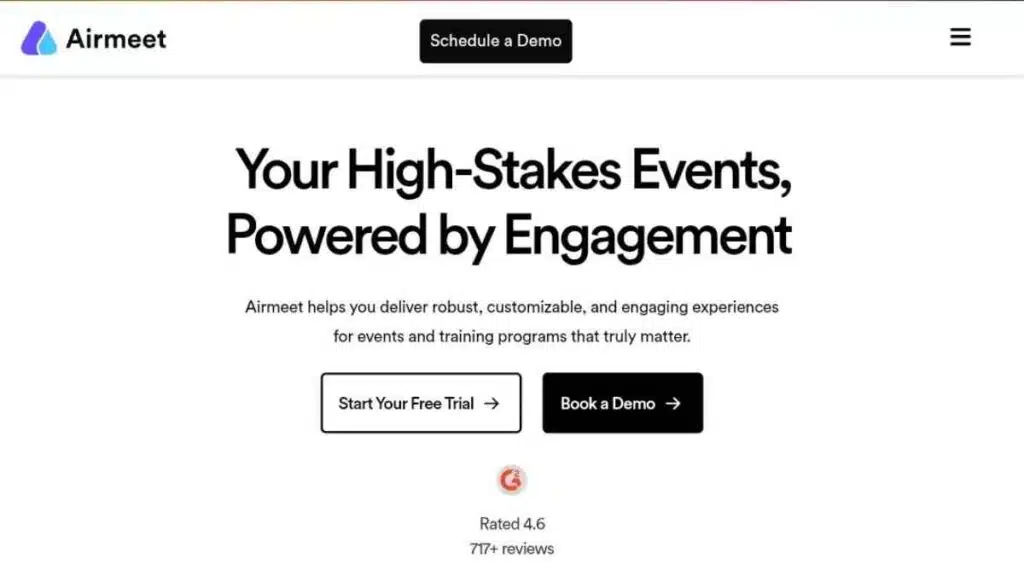
Best for: Community-driven events, interactive conferences, and virtual networking experiences
Ideal event types: Virtual conferences, summits, workshops, meetups, panel discussions
Airmeet positions itself as a people-first virtual events platform, with a strong emphasis on networking and interaction rather than passive viewing.
It is especially popular with communities, startups, and organisations that want their virtual events to feel social and conversational, not just broadcast-led.
Standout features
- Virtual tables that enable small-group networking and spontaneous conversations
- Built-in features for Q&A, polls, reactions, and live chat
- Multi-track agendas suitable for conferences and summits
- Branded reception areas and session stages
- Strong host and moderator controls for managing live interactions
Limitations
- Less suited for simple, low-touch virtual webinars
- Interface can feel busy for first-time attendees
- Advanced analytics and customisation are limited on lower plans
Pricing
Airmeet offers tiered pricing based on features and audience size. Paid plans generally start from around $199 per month, with higher tiers unlocking advanced branding, analytics, and larger attendee limits.
Pricing increases as event complexity and scale grow, while enterprise-level events are typically priced on request.
Integrations
Airmeet integrates with CRM systems, email marketing tools, automation platforms, and streaming software, supporting attendee tracking and post-event follow-ups.
Ease of setup
Moderate. While basic events are easy to launch, making full use of networking tables and agenda structures requires some setup and planning.
Attendee experience
Airmeet delivers an interactive, community-oriented experience that encourages participation and real-time conversations, closely mimicking the social aspects of in-person events.
Bottom line
Airmeet is a strong virtual event software choice for organisers who prioritise engagement and networking.
It excels at community-led conferences and interactive events but may be unnecessary for teams running straightforward virtual webinars.
5. Brella
Best for: High-quality networking at virtual and hybrid events
Ideal event types: Virtual conferences, hybrid events, business summits, invite-only networking events
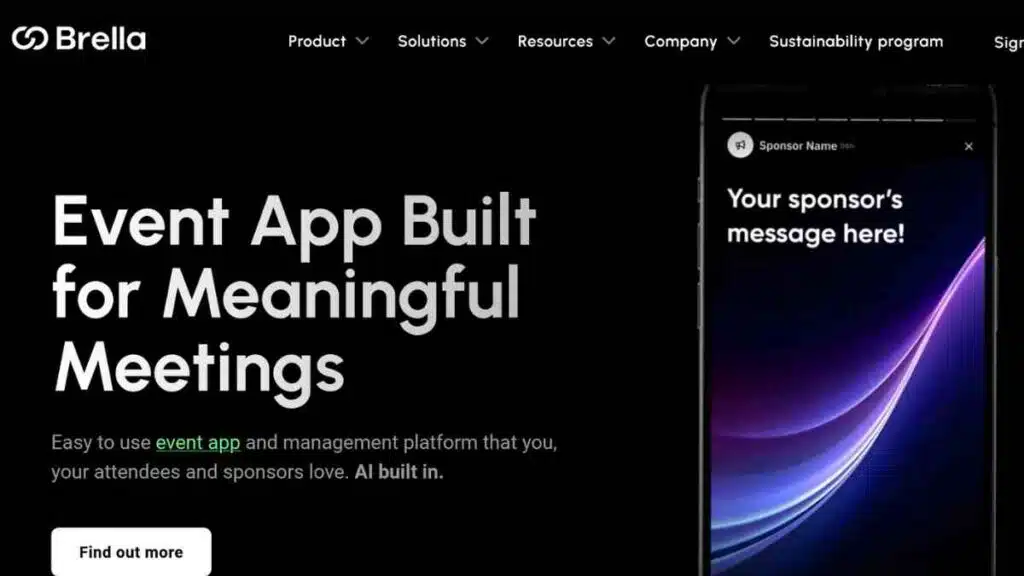
Brella is best known for its intelligent networking capabilities rather than being a full broadcast-led virtual events platform.
It is designed to help attendees make meaningful connections through AI-powered matchmaking, making it especially valuable for conferences and events where relationship-building is the primary goal.
Standout features
- AI-powered matchmaking that connects attendees based on interests, goals, and profiles
- Built-in 1:1 meeting scheduling with calendar integrations
- Strong mobile-first experience for hybrid and virtual events
- Clean, professional interface focused on conversations, not clutter
- Works well alongside other virtual conference platforms as a networking layer
Limitations
- Not a complete end-to-end virtual event platform on its own
- Limited live streaming and stage management features
- Best used in combination with other virtual event software for content delivery
Pricing
Brella uses event-based pricing that depends on attendee numbers and event scope.
Costs typically start in the mid-to-high hundreds of dollars per event, with pricing increasing for larger audiences, advanced matchmaking, and hybrid event support.
Enterprise and multi-event organisers usually receive custom pricing.
Integrations
Brella integrates with popular virtual conference platforms, CRM systems, calendar tools, and event management software, making it easy to layer networking onto existing event stacks.
Ease of setup
Moderate. Setup is straightforward for networking features, but organisers need to configure attendee profiles and matchmaking rules to get the best results.
Attendee experience
Attendees benefit from a focused, purpose-driven networking experience that makes it easier to book relevant meetings and build real connections during virtual or hybrid events.
Bottom line
Brella is an excellent virtual event tool for organisers who prioritise networking over broadcasting.
It is ideal as a complementary platform for conferences and hybrid events, but not suited for teams looking for an all-in-one virtual events platform.
6. Hoppier
Best for: Boosting engagement and attendance at virtual events through incentives
Ideal event types: Virtual webinars, online conferences, product launches, training sessions
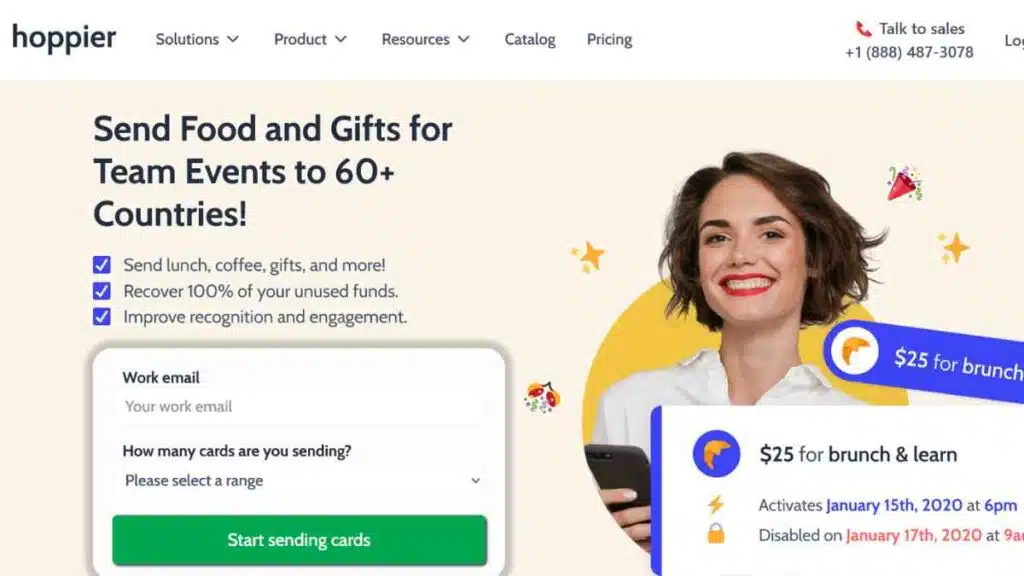
Hoppier is not a traditional virtual events platform, but it plays a powerful supporting role in modern virtual events by solving a critical challenge: attendee engagement.
It enables organisers to reward participants with digital perks, such as food credits, gift cards, or branded rewards, making virtual events more interactive, memorable, and conversion-focused.
Standout features
- Digital rewards and stipends that attendees can redeem globally
- Customisable reward campaigns tied to attendance, participation, or milestones
- Supports food delivery credits, gift cards, and branded swag
- Works seamlessly alongside most virtual event platforms
- Detailed tracking of reward redemption and engagement impact
Limitations
- Not a standalone virtual event or streaming platform
- Relies on integration with other virtual event software
- Best suited as an engagement layer rather than a core events tool
Pricing
Hoppier uses a usage-based pricing model. Organisers typically pay based on the number of sends ($5) and the value of rewards distributed, with no fixed monthly fee for basic use.
Costs scale depending on reward type, geographic coverage, and event size, while larger organisations and frequent users may access custom pricing arrangements.
Integrations
Hoppier integrates with major virtual event platforms, webinar tools, and event management software, allowing rewards to be embedded directly into the event experience.
Ease of setup
Easy. Setting up reward campaigns is straightforward, and Hoppier can be added to existing virtual events without complex technical configuration.
Attendee experience
Attendees enjoy tangible, real-world rewards that increase participation and reduce virtual event fatigue, especially for long webinars or multi-session conferences.
Bottom line
Hoppier is a valuable virtual event tool for organisers who want to increase attendance, engagement, and satisfaction.
While it does not replace a virtual events platform, it complements them effectively by turning participation into a rewarding experience.
7. vFairs
Best for: Virtual expos, job fairs, and large exhibitor-led online events
Ideal event types: Virtual trade shows, career fairs, recruitment events, virtual exhibitions
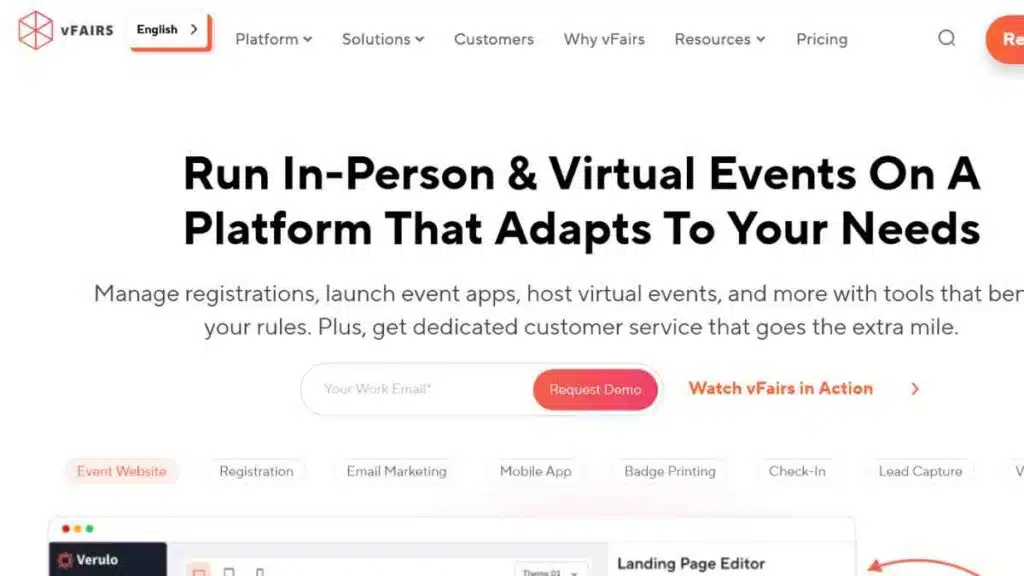
vFairs is a purpose-built virtual events platform designed to replicate the experience of physical expos and trade shows in a digital environment.
It is particularly well known for its immersive, 3D-style virtual venues and strong exhibitor features, making it a popular choice for organisations hosting career fairs, recruitment events, and sponsor-heavy virtual exhibitions.
Standout features
- Customisable 3D virtual environments that mimic physical event venues
- Dedicated exhibitor booths with chat, video, and lead capture tools
- Built-in support for virtual job fairs and recruitment workflows
- Live and on-demand sessions hosted within the virtual venue
- Strong attendee navigation and wayfinding features
Limitations
- Visual-heavy environments may feel overwhelming for some users
- Requires more setup time compared to simpler virtual webinar tools
- Less flexible for quick, low-touch virtual events
Pricing
vFairs uses a custom, quote-based pricing model rather than fixed public plans.
Pricing depends on event size, features selected (such as virtual venues, exhibitor booths, branding, and analytics), and support level.
Most packages are designed for large or complex events and often include unlimited attendee registrations, with final costs provided after a demo or consultation.
Integrations
vFairs integrates with CRM systems, applicant tracking systems, email marketing tools, and analytics platforms, making it especially suitable for recruitment and lead-focused events.
Ease of setup
Moderate to advanced. Creating custom virtual venues and exhibitor booths requires planning and coordination, often with support from the vFairs team.
Attendee experience
Attendees experience a visually immersive environment that closely resembles a physical expo, making it easier to explore booths, attend sessions, and interact with exhibitors.
Bottom line
vFairs is an excellent virtual event software choice for organisations running large, exhibitor-driven virtual expos and job fairs.
It delivers strong visual impact and lead capture capabilities but may be excessive for teams hosting simple virtual webinars or meetings.
8. ON24
Best for: Enterprise webinars, data-driven marketing events, and demand generation
Ideal event types: Virtual webinars, digital conferences, product launches, B2B marketing events
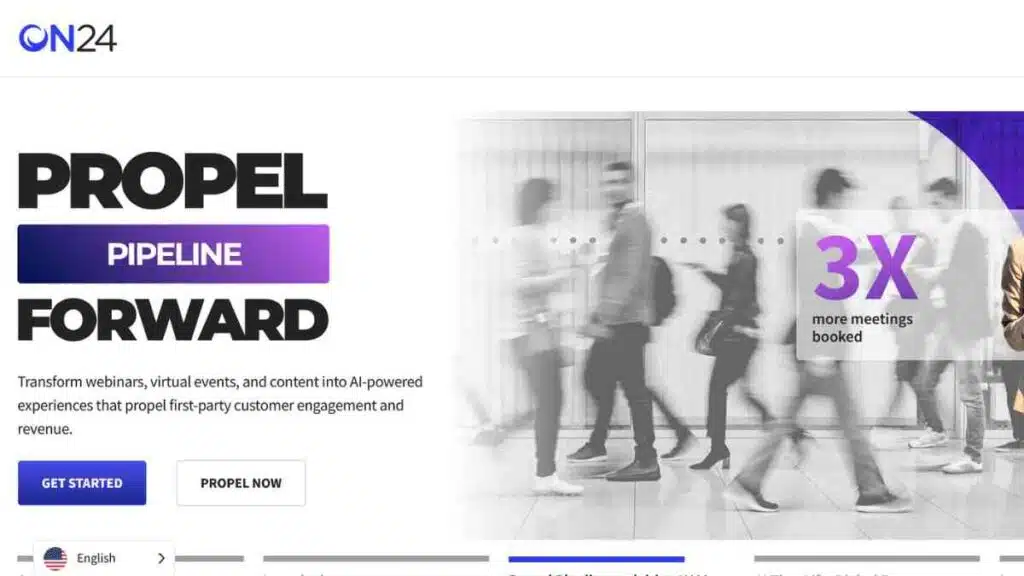
ON24 is a leading virtual events platform built specifically for businesses that view webinars and virtual events as revenue and pipeline drivers.
Rather than focusing on networking or virtual expo environments, ON24 specialises in highly structured, data-rich digital experiences designed to capture, analyse, and activate audience engagement at scale.
Standout features
- Advanced webinar and virtual event experiences with strong branding control
- Deep audience engagement tools, including polls, Q&A, CTAs, and resource hubs
- Industry-leading analytics and engagement data for lead scoring and attribution
- Strong personalisation features for attendee experiences
- Built for large-scale, high-frequency B2B marketing programmes
Limitations
- Not designed for open networking or social-style virtual conferences
- Steeper learning curve compared to lightweight webinar tools
- Best suited to marketing teams rather than community-led events
Pricing
ON24 uses an enterprise, quote-based pricing model rather than public plans. Pricing is typically structured as an annual contract and varies based on event volume, audience size, analytics depth, and integrations.
Integrations
ON24 integrates deeply with major CRM and marketing automation platforms, including enterprise sales and analytics systems, enabling detailed tracking from event attendance through to revenue outcomes.
Ease of setup
Moderate. While the platform is powerful, it requires planning and onboarding to fully leverage its analytics and personalisation capabilities.
Attendee experience
Attendees benefit from polished, professional webinar experiences with interactive elements embedded directly into the viewing interface.
Bottom line
ON24 is a strong virtual event software choice for organisations that prioritise data, lead intelligence, and measurable ROI from virtual events.
It excels in enterprise webinars and digital marketing events but is not designed for networking-heavy or community-focused experiences.
9. Livestorm
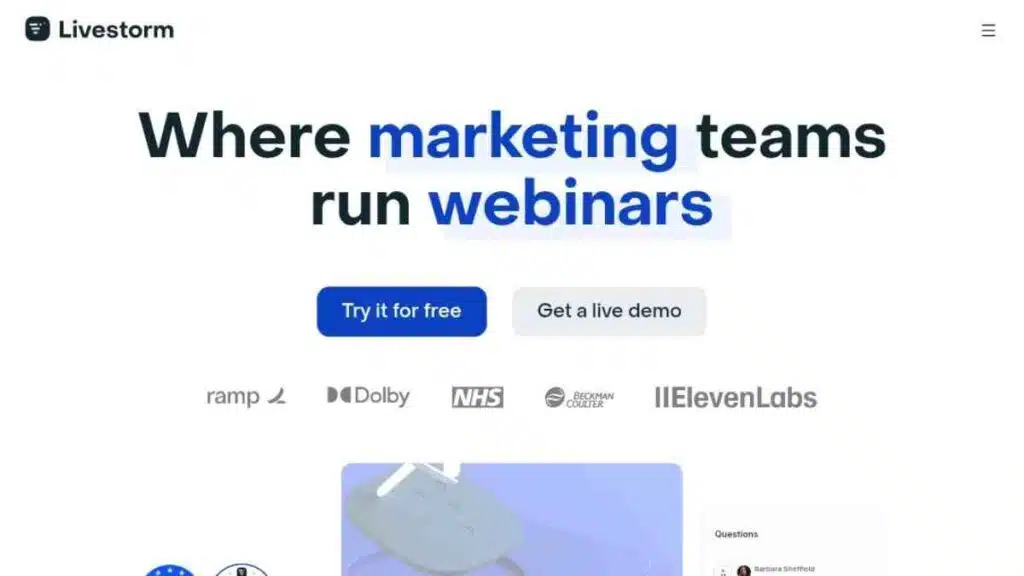
Best for: Marketing-led virtual webinars, product demos, and customer-facing online events
Ideal event types: Virtual webinars, product launches, training sessions, recurring online events
Livestorm is a browser-based virtual events platform built with modern marketing and customer engagement in mind.
It is especially popular with SaaS companies, startups, and growth teams that want to run professional virtual webinars without the friction of downloads or complex setup.
Standout features
- Fully browser-based experience for hosts and attendees (no downloads required)
- Strong webinar-focused features, including registration pages, automated emails, and replays
- Engagement tools such as polls, Q&A, chat, and call-to-action buttons
- Clean interface that works well for recurring and branded events
- Solid analytics for attendance, engagement, and performance tracking
Limitations
- Not designed for large virtual expos or complex multi-track conferences
- Networking features are limited compared to conference-first platforms
- Higher tiers are required for advanced automation and analytics
Pricing
Livestorm offers transparent, tiered pricing. It has a free plan for small meetings with limited features, while paid plans typically start from around $105 per month for professional webinar hosting.
Pricing increases based on the number of active contacts, event volume, and advanced features. Larger teams and high-volume users usually move to custom business plans.
Integrations
Livestorm integrates with popular CRM systems, email marketing tools, calendar apps, and automation platforms, making it well suited for lead generation and customer communication workflows.
Ease of setup
Easy. Events can be launched quickly thanks to Livestorm’s intuitive interface and browser-based design.
Attendee experience
Attendees enjoy a smooth, modern experience with simple access links, clear audio and video, and interactive features built directly into the event interface.
Bottom line
Livestorm is a strong virtual event software choice for teams running marketing webinars and customer-facing events.
It prioritises simplicity, branding, and engagement, but is not built for large, exhibitor-heavy virtual conferences.

10. Remo
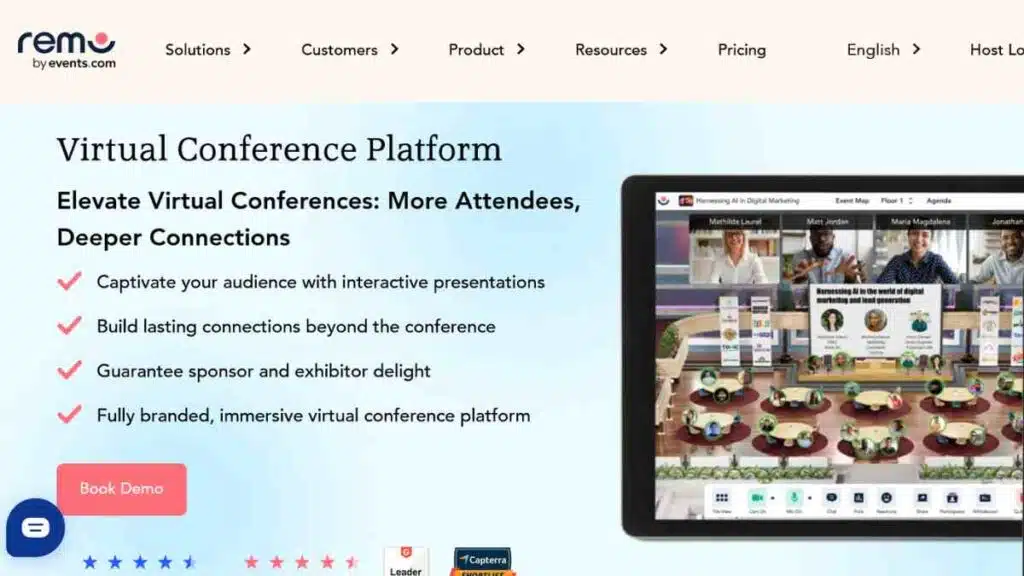
Best for: Interactive networking events that replicate the feel of in-person gatherings
Ideal event types: Virtual networking events, workshops, meetups, team offsites, small conferences
Remo is a virtual events platform designed to make online events feel more human.
Its standout feature is a visual, table-based layout that allows attendees to move freely between conversations, closely mimicking the experience of walking around a physical event space.
This makes Remo especially popular for networking-led events where interaction matters more than broadcasting.
Standout features
- Virtual tables that enable organic, small-group conversations
- Visual floor layouts that recreate real-world event spaces
- Easy movement between tables without host intervention
- Screen sharing, chat, and moderated sessions for structured discussions
- Strong moderation and host controls for managing live interactions
Limitations
- Less suited for large, broadcast-heavy virtual webinars
- Limited advanced analytics compared to enterprise webinar platforms
- Visual interface may feel unfamiliar to first-time users
Pricing
Remo offers tiered, transparent pricing based on event capacity and features.
Paid plans generally start from around $299 per month, with higher tiers increasing attendee limits and unlocking advanced event controls. Custom pricing is available for large events and enterprise use cases.
Integrations
Remo integrates with common productivity and marketing tools and can also be used alongside other virtual event software for content delivery or registrations.
Ease of setup
Easy to moderate. While the concept is different from standard webinar tools, organisers can set up events quickly once the layout is defined.
Attendee experience
Attendees enjoy a highly social, immersive experience that encourages spontaneous conversations and genuine networking.
Bottom line
Remo is an excellent virtual event tool for organisers who want to prioritise networking and interaction. It shines in workshops, meetups, and community events but is not ideal for large, presentation-heavy virtual conferences.
11. BigMarker
Best for: Marketing-led virtual webinars, online conferences, and audience-driven brand events
Ideal event types: Virtual webinars, multi-session conferences, product launches, branded online events
BigMarker is a virtual events platform built for organisations that treat webinars and online events as serious marketing and revenue channels.
It combines live streaming, audience engagement, and marketing automation into a single system, making it especially popular with B2B marketers, agencies, and media brands.
Standout features
- All-in-one platform for webinars, virtual conferences, and hybrid events
- Strong audience engagement tools including polls, Q&A, CTAs, offers, and handouts
- Customisable registration pages and branded event environments
- Built-in marketing and lead capture tools for demand generation
- Supports both live and on-demand virtual events
Limitations
- Interface can feel feature-heavy for simple webinar use cases
- Learning curve for teams new to marketing-focused event platforms
- Some advanced features are restricted to higher-tier plans
Pricing
BigMarker operates on a fully custom, quote-based pricing model. Pricing depends on factors such as attendee capacity, number of events, required features, branding, and marketing integrations.
There are no publicly listed plans, and organisations must request a demo or consultation to receive tailored pricing.
Integrations
BigMarker integrates with CRM systems, email marketing platforms, marketing automation tools, and analytics software, making it well suited for lead generation and campaign tracking.
Ease of setup
Moderate. While basic webinars are easy to launch, configuring branded environments and advanced marketing features requires some setup time.
Attendee experience
Attendees benefit from a polished, interactive experience with clear calls to action, making BigMarker particularly effective for marketing and educational events.
Bottom line
BigMarker is a strong virtual event software choice for teams that want to turn virtual webinars and conferences into measurable marketing assets.
It excels in branded, lead-driven events but may be more than smaller teams need for occasional online sessions.
12. Socio (Webex Events)
Best for: Enterprise virtual and hybrid events with strong mobile engagement
Ideal event types: Virtual conferences, hybrid events, large corporate summits, internal and external enterprise events
Socio is an enterprise-grade virtual events platform best known for its powerful mobile-first experience and deep engagement features.
Now part of Webex Events (formerly Socio), the platform is widely used by large organisations that run high-stakes virtual and hybrid events and need reliability, scalability, and strong attendee interaction across devices.
Standout features
- Mobile-first event apps with high engagement and adoption rates
- Robust tools for live sessions, Q&A, polls, chat, and announcements
- Strong support for hybrid events, including on-site and virtual attendee experiences
- Advanced attendee management and role-based access controls
- Enterprise-level security and compliance standards
Limitations
- Not designed for quick, low-budget virtual webinars
- Limited suitability for small teams or one-off events
- Requires onboarding to fully leverage advanced features
Pricing
Socio operates on a custom, enterprise pricing model. Pricing depends on event size, number of events, feature requirements, mobile app customisation, and support levels.
There are no publicly listed plans, and organisations must request a demo to receive tailored pricing. The platform is typically positioned at the premium end of the virtual event software market.
Integrations
Socio integrates with enterprise tools including CRM systems, marketing platforms, analytics tools, and the broader Webex ecosystem, making it suitable for complex organisational workflows.
Ease of setup
Moderate to advanced. Enterprise events usually require structured onboarding and coordination with the Socio/Webex Events team.
Attendee experience
Attendees benefit from a polished, mobile-friendly experience with consistent engagement across live sessions, networking, and event communications.
Bottom line
Socio is a strong virtual event platform for enterprises running large virtual or hybrid events where engagement, security, and scale matter most.
It delivers depth and reliability but is not built for lightweight or budget-conscious virtual events.
13. Whova
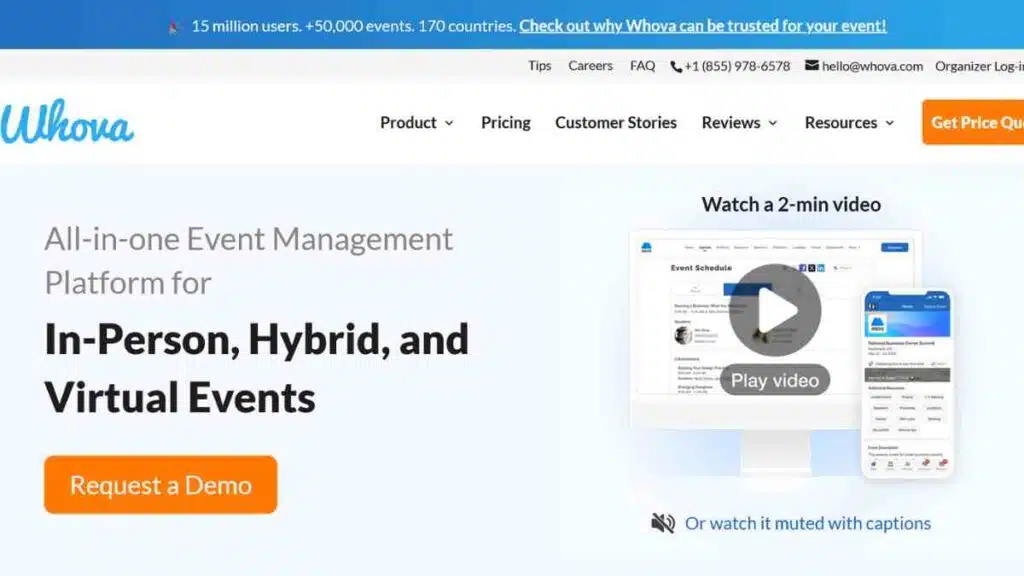
Best for: Large conferences and hybrid events with strong agenda and attendee engagement needs
Ideal event types: Virtual conferences, hybrid events, academic conferences, corporate summits
Whova is a well-established virtual event platform widely used for managing large conferences and hybrid events.
It is particularly popular with professional associations, universities, and corporate organisers that need a structured agenda, strong attendee communication, and reliable engagement tools at scale.
Standout features
- Robust agenda management with session details, speaker profiles, and real-time updates
- Built-in attendee networking, community boards, and interest-based discussions
- Mobile-first event app with high adoption rates
- Engagement tools including live polls, Q&A, announcements, and gamification
- Strong support for virtual and hybrid event formats
Limitations
- Interface can feel dense for first-time users
- Limited flexibility for highly customised or marketing-heavy virtual events
- Not ideal for simple webinars or small online meetings
Pricing
Whova operates on a custom, quote-based pricing model. Pricing depends on factors such as event size, number of attendees, virtual or hybrid requirements, and feature selection.
There are no publicly listed plans, and organisers must request a demo or proposal to receive tailored pricing.
Integrations
Whova integrates with popular virtual meeting tools, CRM systems, email platforms, and analytics tools, supporting both internal coordination and attendee engagement.
Ease of setup
Moderate. While the platform is powerful, setting up large agendas, sessions, and networking features requires planning and configuration.
Attendee experience
Attendees benefit from a well-organised, information-rich experience that makes it easy to navigate sessions, connect with other participants, and stay informed throughout the event.
Bottom line
Whova is a strong virtual event software choice for organisers running large, agenda-driven virtual or hybrid conferences.
It excels in structure and engagement but may be more than necessary for small or highly promotional online events.
14. InEvent
Best for: Enterprise virtual, hybrid, and in-person events with advanced control and security
Ideal event types: Virtual conferences, hybrid events, internal corporate events, large-scale summits
InEvent (often written as InEvent) is an enterprise-grade virtual events platform designed for organisations that need deep customisation, strong security, and full control over complex event operations.
It is widely used by large companies and agencies running high-volume or high-stakes virtual and hybrid events across multiple regions.
Standout features
- All-in-one platform covering virtual, hybrid, and in-person events
- Strong agenda, speaker, and attendee management tools
- Advanced engagement features including polls, Q&A, chat, and networking
- Enterprise-level security, access controls, and compliance features
- White-label capabilities and extensive branding options
Limitations
- More complex than lightweight webinar tools
- Requires onboarding to fully utilise advanced features
- Pricing may be high for small teams or one-off events
Pricing
InEvent operates on a custom, enterprise pricing model. Pricing is based on event size, number of events, feature requirements, branding level, and support needs.
There are no publicly listed plans, and organisations must request a demo to receive tailored pricing.
Integrations
InEvent integrates with CRM systems, marketing platforms, analytics tools, and enterprise software, making it suitable for large organisations with complex workflows.
Ease of setup
Moderate to advanced. Enterprise events typically require structured setup and coordination with the InEvent team.
Attendee experience
Attendees benefit from a polished, branded experience with consistent engagement across sessions, networking, and communications.
Bottom line
InEvent is a strong virtual event software choice for enterprises that need flexibility, control, and security at scale.
It excels in complex virtual and hybrid events but may be excessive for simple virtual webinars or small community events.
15. Shindig

Best for: Interactive, broadcast-style virtual events with large audiences
Ideal event types: Virtual conferences, media events, product launches, large-scale webinars
Shindig is a virtual events platform built for organisations that want to combine the scale of live broadcasting with real-time audience interaction.
It is often used by media companies, global brands, and organisations hosting high-attendance virtual events where participation, moderation, and production quality are critical.
Standout features
- Supports large-scale live broadcasts with thousands of attendees
- Real-time audience interaction, including chat, Q&A, polls, and moderated participation
- Strong producer and moderator controls for managing complex live events
- Designed for highly interactive keynote-style and panel-driven events
- Works well for global audiences with reliable streaming performance
Limitations
- Not designed for networking-heavy or community-style events
- Limited exhibitor or virtual expo functionality
- More suited to professionally produced events than casual webinars
Pricing
Shindig offers transparent, tiered pricing with publicly listed plans.
It includes a Free plan for up to 100 participants, a Starter plan at $99 per month, and a mid-tier plan at $750 per month for larger events with extended features.
Integrations
Shindig integrates with CRM systems, marketing tools, and streaming workflows, enabling attendee data capture and post-event analysis.
Ease of setup
Moderate to advanced. Events typically require planning and coordination, especially for large broadcasts or multi-speaker formats.
Attendee experience
Attendees experience a polished, TV-style broadcast with interactive elements layered in, making events feel engaging without becoming chaotic.
Bottom line
Shindig is a strong virtual event software choice for organisations running large, interactive broadcast-style events. It excels in scale and moderation but is not built for networking-focused or small, informal virtual events.
See also: Best Business Tools And Software For Entrepreneurs

Security, Privacy, and Compliance Checklist for Virtual Event Platform Buyers
Security and compliance are no longer optional when choosing a virtual events platform.
As virtual webinars and online conferences increasingly handle sensitive business data, attendee information, and payment details, buyers must look beyond features and pricing.
The right platform should protect user data, meet regulatory requirements, and provide organisers with full control over access, recordings, and permissions, especially for enterprise and public-facing events.
Use the checklist below to evaluate whether a virtual event platform meets modern security, privacy, and compliance standards.
| Area | What to Check | Importance |
|---|---|---|
| Data Protection & Privacy | GDPR compliance, data processing agreements, clear privacy policies | Ensures attendee data is handled legally and transparently |
| Access Control | Password-protected events, role-based permissions, waiting rooms | Prevents unauthorised access and disruptions |
| Authentication | Single Sign-On (SSO), secure login options | Improves security for internal and enterprise events |
| Encryption | End-to-end or in-transit encryption for video and data | Protects data from interception during live events |
| Recording Controls | Ability to restrict, manage, or disable recordings | Prevents misuse of sensitive content |
| Data Ownership | Clear policies on who owns attendee and event data | Avoids vendor lock-in and data misuse |
| Compliance Standards | SOC 2, ISO 27001, or equivalent certifications | Signals enterprise-grade security practices |
| Payment Security | PCI-compliant payment processing (if ticketing is enabled) | Protects financial transactions and attendee trust |
| Moderation Tools | Host controls for chat, Q&A, and participant removal | Helps manage abuse, spam, or disruptions |
| Data Retention & Deletion | Customisable data retention and deletion options | Supports compliance with regional data laws |
| Audit & Reporting | Activity logs and access reports | Enables accountability and post-event review |
This checklist helps buyers assess whether a virtual event platform is fit for purpose, not just today, but as data protection expectations and regulatory standards continue to evolve.
Conclusion
Choosing the right virtual event platform is less about chasing features and more about aligning technology with your goals.
By focusing on use case, scale, security, and long-term value, not just price, you can invest in a virtual events platform that supports growth, strengthens relationships, and delivers measurable results.
We want to see you succeed, and that’s why we provide valuable business resources to help you every step of the way.
- Join over 23,000 entrepreneurs by signing up for our newsletter and receiving valuable business insights.
- Register your business today with Entrepreneurs.ng’s Business Registration Services.
- Tell Your Brand Story on Entrepreneurs.ng, let’s showcase your brand to our global audience.
- Need help with your marketing strategy? Get a Comprehensive Marketing and Sales Plan here.
- Sign up for our Entrepreneurs Success Blueprint Programme to learn how to start and scale your business in just 30 days.
- Book our one-on-one consulting and speak to an expert about structuring and growing your business.
- Visit our shop for business plan templates and other valuable resources to guide you.
- Get our Employee-Employer Super Bundle NDA templates to legally protect your business and workforce.
- Advertise your business to over a million entrepreneurs through our different advertising packages.

Frequently Asked Questions (FAQs)
What is a virtual events platform?
A virtual events platform is software that enables businesses and organisers to host online events such as virtual webinars, conferences, workshops, and hybrid events. These platforms typically include tools for registration, live streaming, engagement, analytics, and post-event follow-ups.
What are the best virtual event platforms?
The best virtual event platforms today are those that combine reliable streaming, strong engagement features, analytics, and integrations. The right choice depends on your event type, audience size, and business goals rather than popularity alone.
How much do virtual event platforms cost?
Virtual event platform pricing varies widely. Some tools offer free or low-cost plans for small events, while enterprise platforms use custom, quote-based pricing that can run into thousands of dollars per year, depending on scale and features.
Do I need a virtual event platform if I already use Zoom?
If you only run basic meetings or simple webinars, Zoom may be sufficient. However, for conferences, hybrid events, monetisation, advanced analytics, or attendee networking, a dedicated virtual event platform offers far more functionality.
What features should I look for in a virtual events platform?
Key features include reliable live streaming, attendee engagement tools, analytics, integrations with marketing or CRM systems, security controls, and support for different event formats such as webinars, conferences, and hybrid events.
Are virtual event platforms secure?
Most reputable virtual event platforms offer enterprise-grade security features such as encryption, access controls, and compliance with data protection regulations. Buyers should always review security, privacy, and compliance standards before choosing a platform.
Can virtual event platforms support hybrid events?
Yes. Many modern virtual event platforms are designed to support hybrid events, allowing in-person and virtual attendees to participate simultaneously while sharing content, networking, and engagement tools.
How do I choose the right virtual event platform?
Start by defining your event goals, audience size, and format. Shortlist platforms that match those needs, compare features and pricing, and test the attendee experience before committing to a long-term contract.



