


Inventory management software is no longer just a nice-to-have; it is essential for keeping stock losses, overstocks and cash-flow issues under control.
In fact, global retail loses an estimated $1.73 trillion yearly to inventory distortion according to IHL, the combined cost of stockouts and overstocks.
This guide highlights 10 reliable inventory management systems to help you choose the best inventory management software for your business.
Key Takeaways
- Reliable inventory software prevents costly stockouts and overstocking.
- The best inventory tools fit your business size and sales channels.
- Strong integrations increase the value of inventory management systems.
- Affordable inventory software should scale as your business grows.

What Is Inventory Management Software?
Inventory management software helps businesses track stock levels in real time, manage orders, and know exactly when to reorder.
It replaces manual tracking with accurate, automated systems that reduce errors, prevent stockouts, and support better business decisions.
How We Selected the 10 Reliable Inventory Management Software
Choosing the right inventory management software goes beyond popularity or brand recognition.
For this guide, we focused on reliability, real-world usability, and long-term value for growing businesses.
Each tool was assessed based on how well it helps businesses manage stock accurately, scale operations, and integrate with existing systems without unnecessary complexity or cost.
Our Selection Criteria
| Selection Criteria | What We Looked For |
|---|---|
| Reliability & Stability | Proven performance, minimal downtime |
| Core Inventory Features | Real-time tracking, order management, alerts |
| Ease of Use | Intuitive interface, quick setup |
| Integrations | Accounting, POS, and e-commerce compatibility |
| Scalability | Ability to grow with the business |
| Pricing & Value | Fair pricing relative to features |
| Customer Support | Access to timely help and resources |
This approach ensures that every software listed is not just functional, but dependable, scalable, and practical for real business needs.
10 Reliable Inventory Management Software
Not all inventory tools are built for growing businesses.
The options below stand out for their reliability, ease of use, and ability to scale, making them suitable for everything from small teams to more established operations.
1. Zoho Inventory
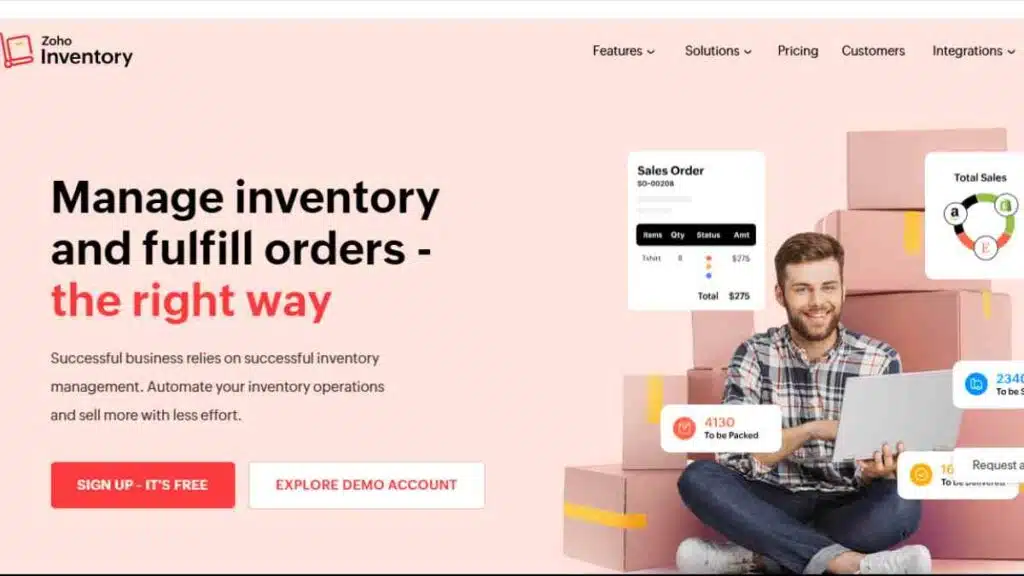
Zoho Inventory is a cloud-based inventory management software built for small and growing businesses that want strong stock control without complexity.
It offers real-time visibility, multi-channel order management, and automation that helps teams stay organised as sales grow.
Key Features
- Real-time inventory tracking across warehouses and locations
- Sales and purchase order management
- Automated reorder points and low-stock alerts
- Barcode scanning and batch tracking
- Multi-channel selling (e-commerce and marketplaces)
- Shipping and fulfilment integrations
- Inventory valuation and audit-ready reports
- Seamless connection with accounting and CRM tools
Why Zoho Inventory Stands Out
Zoho Inventory stands out because it balances power and simplicity.
It delivers advanced inventory management tools like automation, multi-channel selling, and analytics without the steep learning curve or high costs common with enterprise systems.
For businesses already using Zoho products, it becomes part of a tightly connected ecosystem that reduces manual work and improves decision-making.
Pros and Cons
| Pros | Cons |
|---|---|
| Easy to set up and use | Limited advanced manufacturing features |
| Strong automation and alerts | Some features locked behind higher plans |
| Excellent integrations within the Zoho ecosystem | Not ideal for very large enterprises |
| Scales well for growing businesses | Customisation options are limited |
| Competitive pricing for SMBs | Reporting depth may not suit complex needs |
Pricing Overview
| Plan Type | Pricing |
|---|---|
| STANDARD | $29 |
| PROFESSIONAL | $79 |
| PREMIUM | $129 |
| ENTERPRISE | $249 |
Best for
Small businesses, e-commerce sellers, and startups looking for reliable inventory management software that is affordable, scalable, and easy to manage.
See Also: Inventory Adjustment for Businesses – Meaning, Process, and Examples
2. Cin7
Cin7 is a robust inventory management software built for businesses that sell across multiple channels, online, in-store, wholesale, and marketplaces.
It combines inventory control, order management, POS integration, and automation in one system, making it a strong option for businesses that have outgrown basic stock management tools.
It is especially popular with fast-growing retail and e-commerce brands that need real-time stock accuracy across locations and sales channels.
Key Features
- Real-time inventory tracking across multiple warehouses
- Centralised order management for online and offline sales
- Built-in POS and third-party POS integrations
- Automated stock syncing across sales channels
- Demand forecasting and inventory planning tools
- B2B and wholesale pricing management
- Barcode scanning and batch tracking
- Detailed reporting and analytics dashboard
Why Cin7 Stands Out
Cin7 stands out for its true omnichannel strength.
Unlike simpler inventory management systems, it keeps stock levels perfectly aligned whether sales come from a physical store, an e-commerce website, or a wholesale customer.
This reduces overselling, manual reconciliation, and channel-specific errors that often limit scaling businesses.
Pros and Cons
| Pros | Cons |
|---|---|
| Excellent omnichannel inventory control | Higher starting price than basic tools |
| Strong automation and real-time syncing | It can feel complex for very small teams |
| Suitable for retail, ecommerce, and wholesale | Setup requires proper onboarding |
| Scales well with growing sales volume | Some features require higher plans |
| Advanced reporting and forecasting | Not ideal for micro-businesses |
Pricing
| Plan | Monthly Price |
|---|---|
| Standard | $349 |
| Pro | $599 |
| Advanced | $749 |
| Omni | Custom pricing |
Best for
Retailers, e-commerce brands, and wholesalers that need powerful inventory management software to manage stock accurately across multiple sales channels as they scale.

3. NetSuite Inventory Management
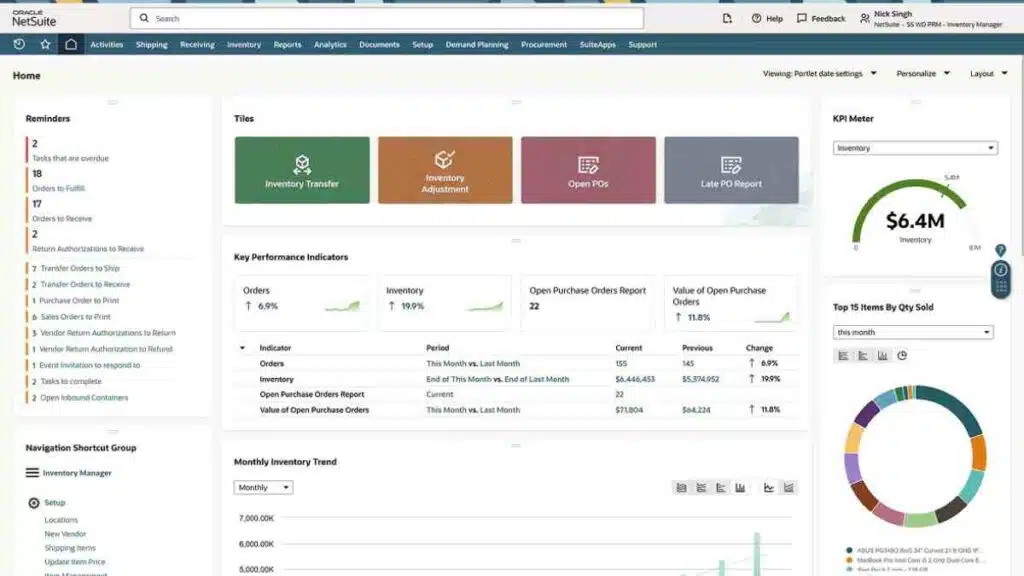
NetSuite Inventory Management is an enterprise-grade inventory management system designed for businesses with complex operations, high transaction volumes, and multi-location supply chains.
As part of Oracle NetSuite’s ERP platform, it goes beyond basic stock tracking to support end-to-end inventory, finance, and operations management.
This makes it a strong option for businesses that have outgrown standalone inventory tools and need centralised control across inventory, accounting, procurement, and fulfilment.
Key Features
- Real-time inventory visibility across warehouses and locations
- Advanced demand planning and inventory forecasting
- Automated replenishment and reorder management
- Lot and serial number tracking
- Multi-currency and multi-subsidiary support
- Inventory valuation and cost tracking
- Integrated order, finance, and supply chain management
- Customisable dashboards and reports
Why NetSuite Stands Out
NetSuite stands out because it treats inventory as part of a larger operational system, not an isolated function.
Instead of syncing multiple tools, businesses manage inventory, accounting, sales, and procurement from one platform.
This reduces data silos, improves forecasting accuracy, and supports scaling across regions and markets without changing systems.
Pros and Cons
| Pros | Cons |
|---|---|
| Powerful, enterprise-level inventory control | High cost compared to SMB tools |
| Deep automation and forecasting capabilities | Requires professional implementation |
| Ideal for multi-location and global businesses | Steep learning curve for small teams |
| Fully integrated with finance and operations | Overkill for small businesses |
| Highly customisable | Longer setup time |
Pricing
| Plan Type | Estimated Starting Price |
|---|---|
| Base ERP + Inventory Module | From $999/month |
| Advanced Configurations | $2,000+ /month |
| Implementation (One-Time) | $10,000+ |
Best for
Mid-sized to large businesses that need advanced inventory management software tightly integrated with finance, supply chain, and operations and are ready to invest in a long-term system.
4. inFlow Inventory
inFlow Inventory is an intuitive inventory management software designed for small to mid-sized businesses that want clear stock visibility without heavy setup or technical complexity.
It focuses on making everyday inventory tasks, tracking stock, managing orders, and generating reports fast and easy.
This tool is well-suited for businesses moving away from spreadsheets and basic stock management methods.
Key Features
- Real-time inventory tracking across locations
- Sales and purchase order management
- Barcode scanning and product labelling
- Inventory valuation and cost tracking
- Stock alerts for low and out-of-stock items
- Built-in reporting and analytics
- Integrations with ecommerce and accounting tools
- Cloud-based access with optional desktop support
Why inFlow Inventory Stands Out
inFlow Inventory stands out for its ease of use and fast onboarding.
Unlike more complex inventory management systems, it can be deployed quickly without specialised training.
This makes it ideal for teams that want immediate improvements in stock accuracy without overhauling their entire operations.
Pros and Cons
| Pros | Cons |
|---|---|
| Very easy to learn and use | Limited advanced automation |
| Quick setup and minimal onboarding | Fewer integrations than larger platforms |
| Strong core inventory features | Not ideal for complex supply chains |
| Affordable for small businesses | Reporting depth is basic |
| Good customer support | Scaling beyond mid-size can be limiting |
Pricing
| Plan | Monthly Price |
|---|---|
| Entrepreneur | $161 |
| Small Business | $436 |
| Mid-Size | $874 |
| Enterprise | Custom pricing |
Best for
Small to mid-sized businesses looking for reliable inventory management software that is easy to use, affordable, and quick to implement.
5. Fishbowl
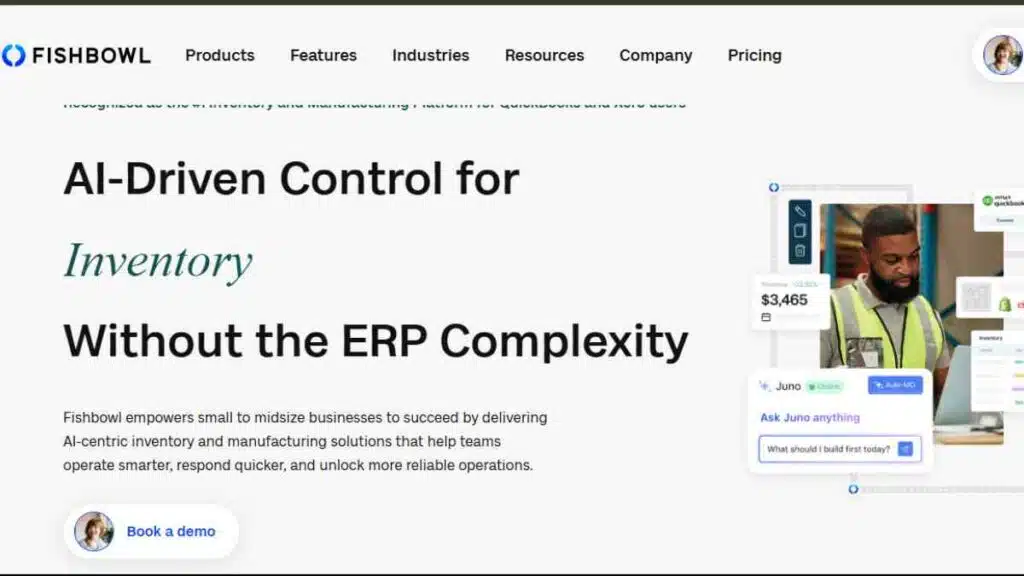
Fishbowl is a powerful inventory management software built specifically for manufacturing, warehousing, and product-based businesses that need tighter control over stock, assemblies, and workflows.
It is widely used by businesses that require more than basic stock tracking, especially those managing production and complex inventory processes.
Fishbowl is best known for its deep integration with accounting systems, making it a practical choice for businesses that want inventory and financial data to stay perfectly aligned.
Key Features
- Advanced inventory tracking across warehouses
- Manufacturing and assembly management
- Bill of materials (BOM) and work order tracking
- Barcode scanning and lot/serial number tracking
- Automated reorder points and purchasing workflows
- Inventory valuation and cost control
- Strong accounting integrations
- Customisable reports and dashboards
Why Fishbowl Stands Out
Fishbowl stands out because it bridges the gap between inventory management and manufacturing operations.
Unlike many inventory management systems that focus mainly on retail or e-commerce, Fishbowl supports production workflows, making it ideal for businesses that build, assemble, or customise products before selling them.
Pros and Cons
| Pros | Cons |
|---|---|
| Excellent for manufacturing and assembly workflows | Less intuitive than simpler tools |
| Strong inventory and cost control features | Setup can be time-consuming |
| Reliable accounting integrations | Higher upfront investment |
| Scales well for product-based businesses | Not ideal for service businesses |
| Robust reporting and tracking | Interface feels dated to some users |
Pricing
| Plan | Monthly Price |
|---|---|
| Essentials | $229 |
| Growth | $429 |
| Scale | $729 |
| Advanced | Custom Pricing |
Best for
Manufacturers, warehouses, and product-based businesses that need advanced inventory management software with production, assembly, and accounting integration.
6. Odoo Inventory
Odoo Inventory is a flexible inventory management software that forms part of the wider Odoo business suite.
It is designed for businesses that want customisable inventory control with the option to extend into accounting, sales, manufacturing, and CRM as they grow.
Because it is modular, Odoo works well for businesses that do not want to replace systems later but prefer to build their inventory management system step by step.
Key Features
- Real-time inventory tracking across multiple locations
- Automated stock moves and replenishment rules
- Barcode scanning and warehouse routing
- Lot, serial number, and expiry date tracking
- Dropshipping and cross-docking support
- Demand forecasting and stock optimisation
- Manufacturing and bill of materials (BOM) integration
- Advanced reporting and custom workflows
Why Odoo Inventory Stands Out
Odoo Inventory stands out for its modular and scalable approach.
Businesses can start with core inventory features and gradually add tools for sales, accounting, manufacturing, or ecommerce, all within one ecosystem.
This makes it especially attractive to growing businesses that want long-term flexibility without switching platforms.
Pros and Cons
| Pros | Cons |
|---|---|
| Highly customisable inventory workflows | Requires setup and configuration |
| Strong automation and warehouse features | Learning curve for non-technical users |
| Scales from small to complex operations | Advanced features need paid plans |
| Integrates seamlessly with other Odoo apps | Support quality depends on provider |
| Good value compared to enterprise systems | Can feel overwhelming at first |
Pricing
| Plan | Monthly Price |
|---|---|
| Odoo One App | Free |
| Standard | $9.10 per user |
| Odoo Custom | $13.60 per user |
Best for
Businesses that want customisable inventory management software with the flexibility to expand into a full business management system over time.

7. Square Inventory
Square Inventory is a built-in inventory management system designed for retail and brick-and-mortar businesses that want simple, reliable stock tracking tightly connected to point-of-sale operations.
It works best for businesses that prioritise ease of use, fast setup, and real-time sales-linked inventory updates.
Because inventory updates automatically with every sale, Square reduces manual adjustments and helps business owners keep accurate stock counts without extra tools.
Key Features
- Real-time inventory updates synced with POS sales
- Automatic stock adjustments after each transaction
- Low-stock alerts and item variations tracking
- Multi-location inventory visibility
- Barcode scanning with supported hardware
- Basic purchase order creation
- Sales and inventory reporting
- Ecommerce inventory syncing with Square Online
Why Square Inventory Stands Out
Square Inventory stands out for its simplicity and tight POS integration.
Unlike standalone inventory management software, it eliminates the need for complex setups by linking inventory directly to sales activity.
This makes it ideal for retailers who want dependable stock management without managing multiple systems.
Pros and Cons
| Pros | Cons |
|---|---|
| Extremely easy to set up and use | Limited advanced inventory features |
| Real-time POS-linked inventory updates | Not ideal for manufacturing or wholesale |
| Affordable entry point for small retailers | Basic reporting compared to advanced tools |
| Supports multi-location retail | Limited forecasting capabilities |
| Strong ecosystem of retail tools | E-commerce features are basic |
Pricing
| Plan | Monthly Price |
|---|---|
| Free | $0 |
| Plus | $49 |
| Premium | $149 |
Best for
Retail and brick-and-mortar businesses that are looking for simple, affordable inventory management software tightly integrated with their point-of-sale system.
8. Lightspeed Retail
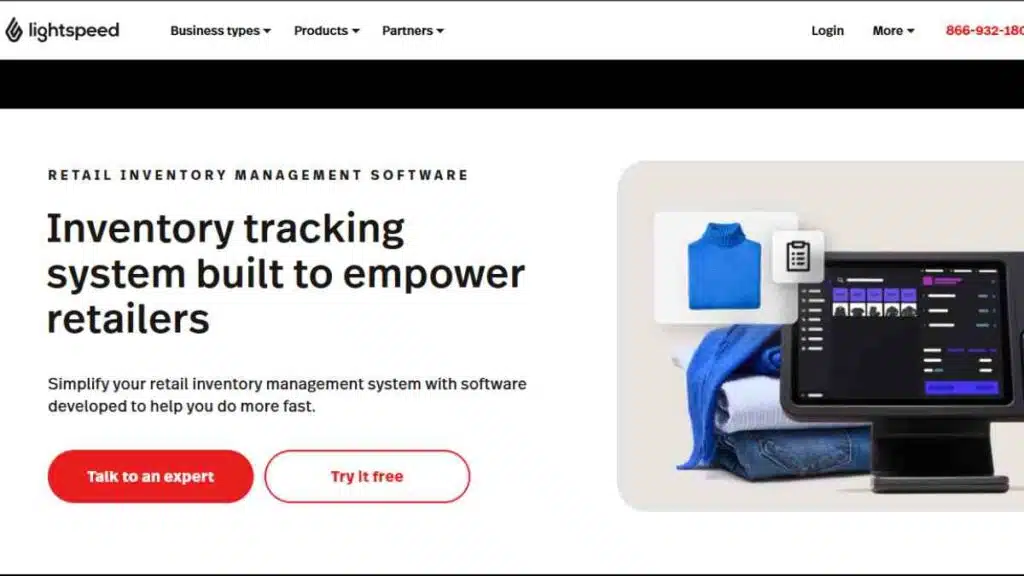
Lightspeed Retail is an inventory management software built for established retail businesses that need deeper stock control, advanced reporting, and multi-location visibility.
It combines inventory management with POS functionality, making it suitable for retailers that manage large product catalogues or multiple stores.
It’s particularly popular with speciality retailers such as fashion, electronics, and hospitality businesses that need detailed inventory insights alongside sales data.
Key Features
- Real-time inventory tracking across multiple locations
- Centralised product and variant management
- Integrated POS with inventory sync
- Low-stock alerts and automated replenishment
- Supplier and purchase order management
- Inventory forecasting and performance analytics
- Customer and sales data reporting
- E-commerce inventory syncing
Why Lightspeed Retail Stands Out
Lightspeed Retail stands out for its data-driven approach to inventory management.
Beyond tracking stock, it provides in-depth analytics that help retailers understand product performance, seasonal trends, and buying patterns.
This makes it a strong choice for businesses that want inventory decisions backed by real data, not assumptions.
Pros and Cons
| Pros | Cons |
|---|---|
| Advanced retail-focused inventory features | Higher cost than basic retail tools |
| Strong analytics and reporting | Best suited to established retailers |
| Reliable multi-location support | Limited manufacturing features |
| Integrated POS and ecommerce tools | Setup can take time |
| Scales well with retail growth | Learning curve for small teams |
Pricing
| Plan | Monthly Price |
|---|---|
| Basic | $89 |
| Core | $149 |
| Plus | $289 |
Best for
Retail businesses that need advanced inventory management software with strong reporting, POS integration, and multi-location support.
9. QuickBooks Commerce
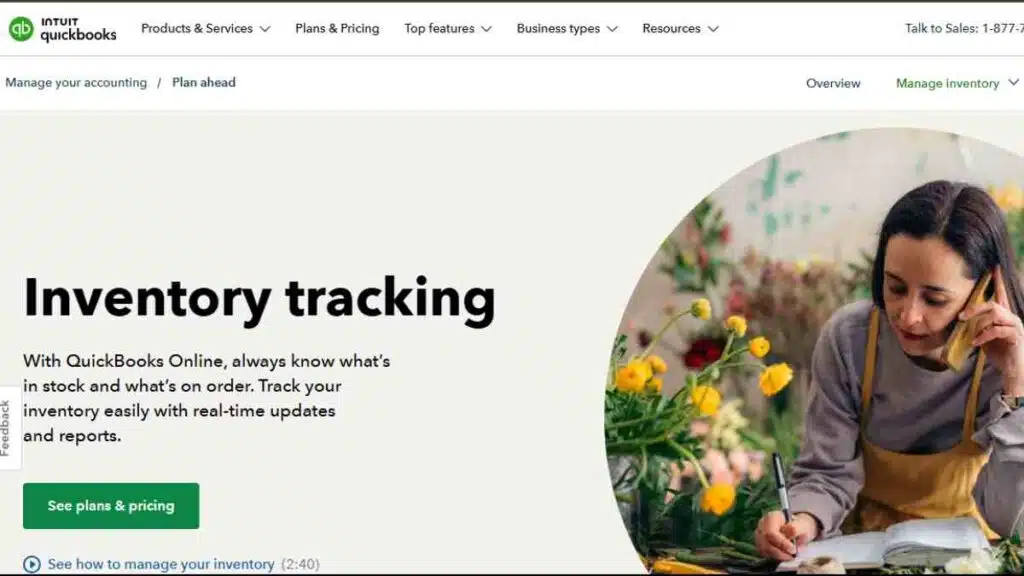
QuickBooks Commerce is an inventory management software designed for businesses that want clear visibility into stock and finances from one place.
Built to work closely with QuickBooks accounting, it helps businesses manage inventory, orders, and cash flow without juggling disconnected systems.
It is particularly useful for product-based businesses that want inventory data to directly reflect financial performance.
Key Features
- Real-time inventory tracking across locations
- Centralised order and sales management
- Automatic stock updates linked to sales
- Inventory valuation and cost tracking
- Low-stock alerts and reorder management
- Multi-channel sales support
- Strong integration with QuickBooks accounting
- Inventory and financial performance reports
Why QuickBooks Commerce Stands Out
QuickBooks Commerce stands out for its tight connection between inventory and accounting.
Unlike many inventory management systems that require manual reconciliation, it ensures stock levels, costs, and financial records stay aligned.
This makes it easier for business owners to understand how inventory decisions impact cash flow and profitability.
Pros and Cons
| Pros | Cons |
|---|---|
| Strong inventory–accounting integration | Limited advanced warehouse features |
| Easy to understand financial reporting | Not ideal for complex supply chains |
| Reduces manual data entry | Fewer customisation options |
| Good for product-based businesses | Best suited to QuickBooks users |
| Clear stock valuation insights | Less flexible than enterprise tools |
Pricing (USD)
| Plan | Monthly Price |
|---|---|
| Plus | $57.50 |
| Advanced | $137.50 |
Best for
Small to mid-sized businesses that want inventory management software tightly connected to accounting, with a strong focus on cash flow and financial clarity.
10. Sortly
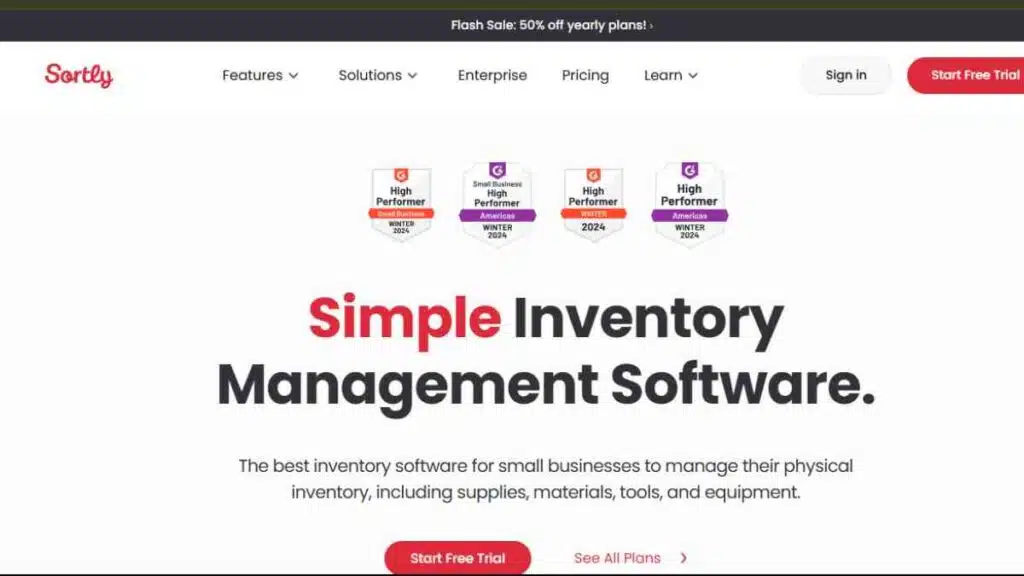
Sortly is a simple, visual inventory management software designed for businesses that want easy stock tracking without complex workflows.
It is especially popular with small businesses, field teams, and organisations that manage inventory across multiple locations but do not need heavy automation or manufacturing features.
Sortly focuses on clarity and accessibility, making it a strong alternative for businesses overwhelmed by more advanced inventory management systems.
Key Features
- Real-time inventory tracking with visual item records
- Barcode and QR code scanning
- Custom fields for products, locations, and categories
- Low-stock alerts and activity history
- Multi-location inventory tracking
- Mobile-friendly app for on-the-go updates
- Basic reporting and exportable data
- User permissions and role controls
Why Sortly Stands Out
Sortly stands out for its visual-first approach to inventory management.
Instead of dense dashboards, it allows businesses to organise inventory using photos, folders, and custom tags.
This makes it ideal for teams that value speed, simplicity, and mobile access over advanced forecasting or automation.
Pros and Cons
| Pros | Cons |
|---|---|
| Very easy to use and set up | Limited advanced inventory features |
| Strong mobile app experience | Not suitable for manufacturing |
| Visual inventory tracking with images | Basic reporting capabilities |
| Affordable for small teams | Limited integrations |
| Ideal for non-technical users | Not built for complex scaling |
Pricing
| Plan | Monthly Price |
|---|---|
| Free | $0 |
| Advanced | $49 |
| Ultra | $149 |
| Premium | $299 |
| Enterprise | Custom Pricing |
Best for
Small businesses, field teams, and organisations looking for affordable inventory management software that is easy to use, mobile-friendly, and visually intuitive.
Key Features to Look for in Inventory Management Software
Choosing inventory management software is not just about tracking stock, but about accuracy, efficiency, and scalability.
The right system should reduce manual work, prevent costly stock issues, and support smarter purchasing and sales decisions as your business grows.
Below are the essential features every reliable inventory management system should offer.
| Feature | What It Does | Importance |
|---|---|---|
| Real-Time Inventory Tracking | Updates stock levels instantly across locations | Prevents stockouts and overselling |
| Order & Purchase Management | Manages sales and supplier orders in one system | Improves order accuracy and cash flow |
| Low-Stock Alerts & Reordering | Notifies you when items need replenishing | Avoids emergency restocking |
| Multi-Location Management | Tracks inventory across stores or warehouses | Supports business expansion |
| Barcode & SKU Management | Speeds up stock movement and audits | Reduces human error |
| Inventory Forecasting | Predicts demand using sales data | Improves buying decisions |
| Reporting & Analytics | Provides stock, sales, and performance insights | Enables data-driven decisions |
| Integrations | Connects with accounting, POS, ecommerce tools | Eliminates duplicate data entry |
| User Access Controls | Assigns roles and permissions | Improves accountability and security |
| Scalability & Flexibility | Grows with your business needs | Prevents costly system changes |
This feature set ensures your inventory management software remains useful today and reliable as your operations become more complex.

How Inventory Management Software Improves Cash Flow
Cash flow problems often come from poor stock decisions, not poor sales.
Inventory management software helps businesses keep money moving by ensuring cash is not locked up in excess stock or lost through missed sales and inefficiencies.
Below are the key ways inventory management software directly improves cash flow.
Reduces Overstocking
Overstocking ties up cash in products that sit idle.
Inventory management software provides clear stock visibility and demand insights, helping businesses buy only what they can realistically sell.
Prevents Costly Stockouts
Stockouts lead to missed sales and frustrated customers.
With real-time tracking and low-stock alerts, businesses can replenish inventory on time and maintain steady revenue.
Improves Inventory Turnover
By tracking how quickly products move, inventory management systems help businesses focus on fast-selling items and reduce slow-moving stock, freeing up cash faster.
Enables Smarter Purchasing Decisions
Accurate sales data and forecasting tools guide purchasing decisions, reducing impulse buying and supplier inefficiencies that strain cash reserves.
Cuts Operational Errors and Losses
Manual tracking leads to errors, shrinkage, and discrepancies.
Automated inventory management software minimises these losses, protecting margins and preserving cash.
Supports Better Financial Planning
When inventory data integrates with accounting systems, businesses gain a clear picture of stock value, costs, and profitability, making cash flow planning more predictable and controlled.
Together, these benefits turn inventory management software from a back-office tool into a powerful cash flow management asset for growing businesses.
Common Inventory Management Mistakes to Avoid
Even with inventory management software in place, businesses can still struggle if they rely on poor habits or choose the wrong approach.
These common mistakes often lead to cash flow issues, stock inaccuracies, and operational stress, but they are all avoidable with the right systems and discipline.
Inventory Management Mistakes and How to Avoid Them
| Mistake | Why It is a Problem | How to Avoid It |
|---|---|---|
| Relying on spreadsheets too long | Manual tracking leads to errors and outdated data | Move to inventory management software with real-time updates |
| Overstocking slow-moving items | Ties up cash and increases storage costs | Use sales data and demand forecasting to guide purchasing |
| Ignoring low-stock alerts | Results in stockouts and lost sales | Set automated reorder points and alerts |
| Choosing software that doesn’t scale | Forces costly system changes later | Select inventory management systems built for growth |
| Poor staff training | Leads to incorrect data and misuse of the system | Train teams properly and document inventory processes |
| Not integrating inventory with accounting | Creates data gaps and financial blind spots | Use software that integrates with accounting and POS tools |
| Failing to review inventory reports | Misses trends and inefficiencies | Schedule regular inventory and performance reviews |
Avoiding these mistakes ensures your inventory management software delivers accurate data, healthier cash flow, and smoother day-to-day operations, not just another tool your team struggles to use.
Conclusion
Inventory management software is no longer optional for growing businesses, it is a core operational tool.
The right system helps you control stock, protect cash flow, and scale with confidence.
We want to see you succeed, and that’s why we provide valuable business resources to help you every step of the way.
- Join over 23,000 entrepreneurs by signing up for our newsletter and receiving valuable business insights.
- Register your business today with Entrepreneurs.ng’s Business Registration Services.
- Tell Your Brand Story on Entrepreneurs.ng, let’s showcase your brand to our global audience.
- Need help with your marketing strategy? Get a Comprehensive Marketing and Sales Plan here.
- Sign up for our Entrepreneurs Success Blueprint Programme to learn how to start and scale your business in just 30 days.
- Book our one-on-one consulting and speak to an expert about structuring and growing your business.
- Visit our shop for business plan templates and other valuable resources to guide you.
- Get our Employee-Employer Super Bundle NDA templates to legally protect your business and workforce.
- Advertise your business to over a million entrepreneurs through our different advertising packages.

Frequently Asked Questions (FAQs)
What is inventory management software?
Inventory management software helps businesses track stock levels, manage orders, and control inventory in real time using a centralised digital system.
Who needs inventory management software?
Any business that sells physical products—including retailers, ecommerce sellers, manufacturers, and wholesalers—can benefit from inventory management software.
What is the best inventory management software for small businesses?
The best inventory management software for small businesses is one that is easy to use, affordable, and scalable, with essential features like stock tracking, alerts, and integrations.
How much does inventory management software cost?
Pricing varies widely, from free plans for very small businesses to several hundred dollars per month for advanced or enterprise-level inventory management systems.
Can inventory management software improve cash flow?
Yes. It reduces overstocking, prevents stockouts, and improves inventory turnover, which helps keep cash moving.
Is cloud-based inventory management software better than on-premise?
Cloud-based systems are generally more flexible, easier to update, and accessible from anywhere, making them a better choice for most modern businesses.
Can inventory management software integrate with accounting tools?
Most modern inventory management systems integrate with accounting software, allowing inventory costs and stock values to stay aligned with financial records.
Does inventory management software support multiple locations?
Yes. Many inventory management tools allow businesses to track stock across multiple stores or warehouses from one dashboard.
What features should I prioritise when choosing inventory software?
Key features include real-time tracking, low-stock alerts, reporting, integrations, scalability, and ease of use.
Is inventory management software suitable for ecommerce businesses?
Absolutely. Many inventory management tools are built specifically to sync with ecommerce platforms and online marketplaces.
Can inventory management software prevent stock losses?
Yes. Automated tracking, barcode scanning, and activity logs help reduce errors, theft, and inventory discrepancies.
How long does it take to implement inventory management software?
Implementation can take anywhere from a few hours for simple systems to several weeks for advanced inventory management systems.
Do I need technical skills to use inventory management software?
Most modern inventory software is designed for non-technical users, though advanced systems may require onboarding or training.
Can inventory management software scale with my business?
Good inventory management software is built to scale, allowing you to add users, locations, and features as your business grows.
Is free inventory management software reliable?
Free plans can work for very small businesses, but growing businesses often need paid plans for advanced features and better support.
How do I know when to upgrade my inventory management system?
If you are experiencing frequent stock errors, manual work, or system limitations, it’s usually time to upgrade to a more robust solution.



