AI website builders are revolutionising how entrepreneurs, freelancers, and small business owners establish their online presence, quickly, affordably, and without needing to write a single line of code.
As artificial intelligence continues to redefine industries, it is no surprise that the global AI‑powered website builder market is expected to reach USD 31.5 billion by 2033, growing at a CAGR of 25.8 %, according to research by Market.US. This surge reflects a growing demand for no-code tools that offer speed, design intelligence, and SEO optimisation out of the box.
In this article, we will explore the top AI website builders, compare their features, and help you decide which one is right for your business.
Key Takeaways
- AI website builders simplify web design, making it faster, cheaper, and beginner-friendly.
- The best tools blend automation with customisation, offering smart layouts and SEO features.
- AI handles the tech, so users can focus on content, branding, and growth.
- Top builders are secure, mobile-ready, and scalable for long-term business success.

What Are AI Website Builders?
AI website builders are digital tools that use artificial intelligence to design and launch websites automatically. Instead of coding or manually dragging elements, users answer a few questions, like their industry, style preferences, or goals and the AI generates a professional-looking site in minutes.
These platforms streamline the process by offering built-in features like SEO, mobile optimisation, content suggestions, and even branding tools, making them ideal for entrepreneurs, creatives, and small businesses looking to get online quickly and easily.
See also: The Best AI Tools for Small Business Owners
15 Best AI Website Builders to Design Your Site
With dozens of platforms claiming to offer intelligent design, it can be hard to know which AI website builder truly delivers.
Whether you are starting a blog, launching an online store, or building a portfolio, these 15 AI-powered tools stand out for their ease of use, smart features, and ability to create stunning websites in record time.
1. Wix
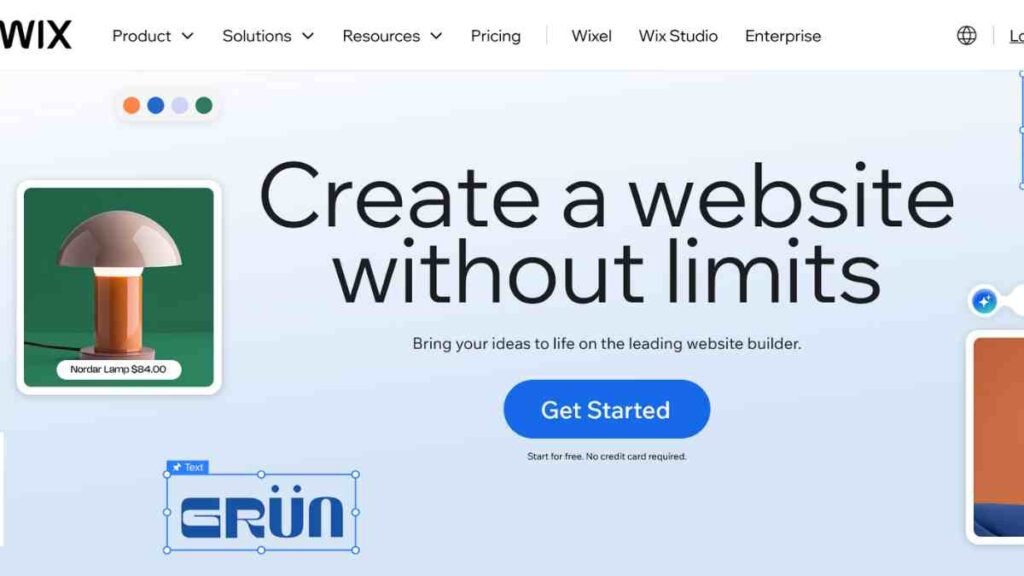
Wix is one of the most popular AI website builders, known for combining intelligent automation with powerful customisation.
Its Wix ADI (Artificial Design Intelligence) tool generates a fully functional website in minutes based on your answers to a few simple questions. From there, you can personalise everything, from layout and fonts to advanced animations and app integrations.
Wix also includes built-in SEO tools, mobile optimisation, e-commerce features, and access to over 900 templates, making it ideal for entrepreneurs, creatives, and small businesses that want both speed and control.
Key Features of Wix
| Feature | Description |
| AI-powered creation | Instantly designs sites from your answers |
| Mobile optimisation | Responsive design across all devices |
| SEO assistant | Tools to boost your Google ranking |
| App marketplace | Integrates with marketing and e-commerce apps |
| Design flexibility | Switch to advanced editor when ready |
Wix Pricing
| Plan | Price |
| Light | $17 |
| Core | $29 |
| Business | $39 |
| Business Elite | $159 |
Wix Pros and Cons
| Pros | Cons |
| Beginner-friendly with quick setup | Limited design originality |
| Affordable plans for small sites | The free version shows Wix ads |
| Large app ecosystem | Advanced features cost extra |
| Built-in SEO tools | E-commerce options are limited on cheaper plans |
| Option to switch to the advanced editor | May feel too simple for complex websites |
See Also: Top 15 E-commerce Website Builders for Creating a Powerful Online Store
2. Squarespace
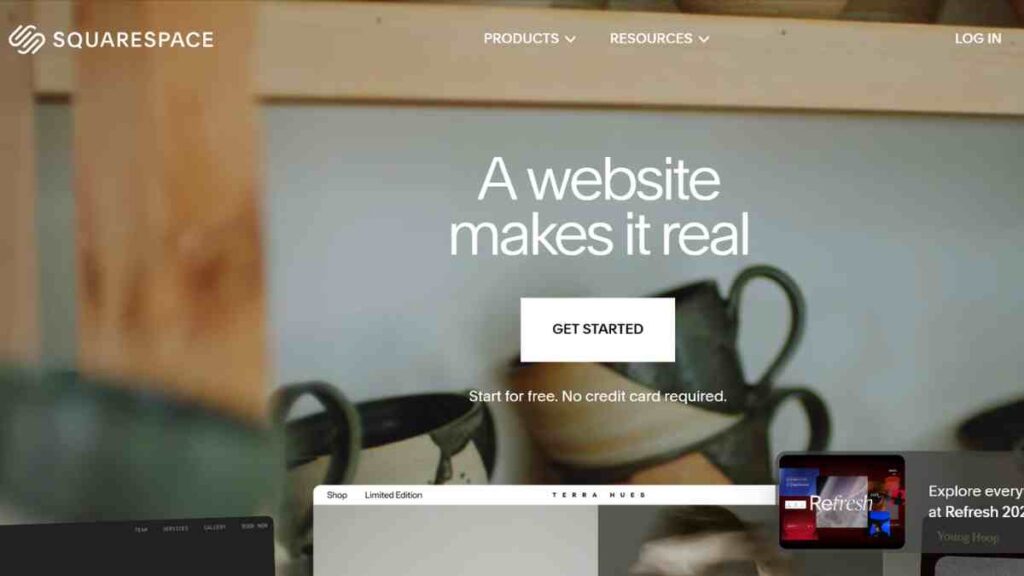
Squarespace is renowned for its stunning, design-forward templates, and now, with integrated AI features, it is even easier to build a polished, professional website.
Its AI-powered tools assist with content generation, layout suggestions, and design consistency, helping users create visually impressive sites without needing design skills.
Ideal for creatives, entrepreneurs, and growing brands, Squarespace also offers built-in e-commerce, blogging, SEO, and marketing tools, all wrapped in an elegant user interface. If aesthetics and branding matter to you, Squarespace delivers with style and substance.
Key Features of Squarespace
| Feature | Description |
| AI text generator | Creates starter content |
| World-class templates | Sleek, design-focused themes |
| E-commerce tools | Supports online shops |
| Marketing tools | Built-in email and social media integration |
| Analytics | Track visitor behaviour |
Squarespace Pricing
| Plan | Price |
| Personal | $16 |
| Business | $23 |
| Basic Commerce | $28 |
| Commerce | $52 |
Squarespace Pros and Cons
| Pros | Cons |
| Beautiful, professional templates | Pricier than rivals |
| Built-in marketing tools | Heavier performance load than lighter builders |
| Strong e-commerce tools | Few AI design features compared to competitors |
| AI writing assistant | Learning curve for beginners |
| Excellent for creatives | Limited free trial |
See Also: Website Builder Vs Web Developer – Pros, Cons, and When to Use Each
3. Hostinger
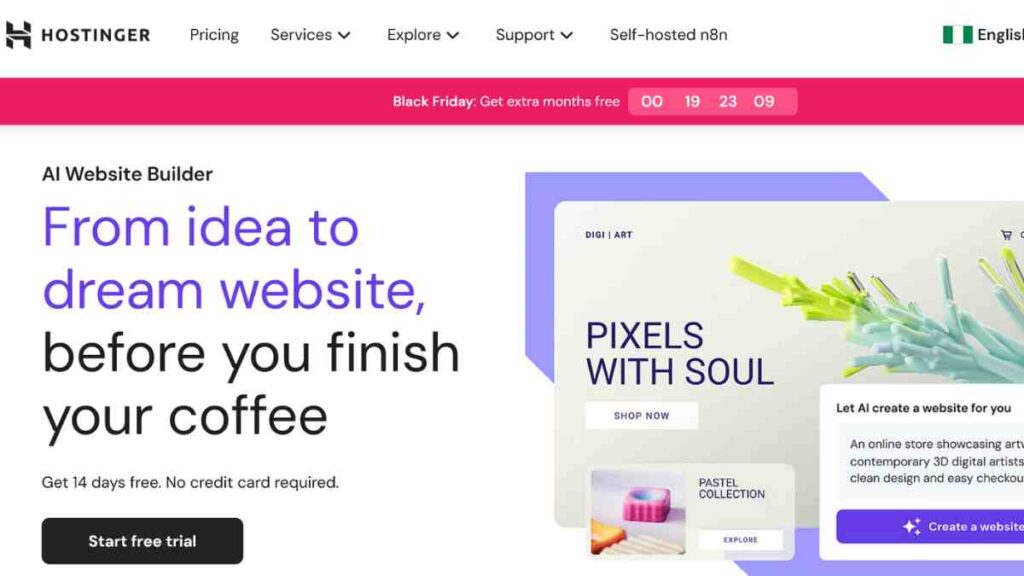
Hostinger’s AI Website Builder offers a streamlined, beginner-friendly experience ideal for entrepreneurs and small businesses launching their first site.
With just a few prompts, the AI generates a complete, mobile-responsive website, complete with tailored content, layouts, and branding. It includes built-in SEO tools, e-commerce support, and drag-and-drop editing for easy customisation.
Known for its affordability and fast hosting speeds, Hostinger is a great choice if you want to get online quickly without compromising on performance or design flexibility.
Key Features of Hostinger
| Feature | Description |
| AI writer | Generates copy for your pages |
| Drag-and-drop editing | Beginner-friendly design system |
| Free SSL | Security built in |
| Online store features | Sell products with payments and shipping |
| Reliable hosting | Comes with Hostinger servers |
Hostinger Pricing
| Plan | Price |
| Basic | $2.99 |
| Business | $3.99 |
| Startup | $7.99 |
Hostinger Pros and Cons
| Pros | Cons |
| Hosting included | Smaller template library |
| Very affordable pricing | Limited advanced design flexibility |
| AI content writer built in | Not ideal for very large sites |
| Beginner-friendly | Customer support can be slow |
| SSL and domain included | E-commerce features limited |
See Also: 12 Best AI Website Builders for WordPress – Top Tools to Build Smarter, Faster Websites
4. Shopify

Shopify is the leading AI website builder for entrepreneurs focused on e-commerce. Its built-in AI tools, including the AI-powered Shopify Magic, help users generate product descriptions, emails, and content instantly, saving time and improving conversions.
With intuitive design features, automated inventory management, SEO tools, and access to thousands of apps, Shopify empowers users to launch, scale, and manage online stores effortlessly.
If you are selling a few handmade items or managing a large inventory, Shopify is built to grow with your business.
Key Features of Shopify
| Feature | Description |
| AI product descriptions | Instantly writes product copy |
| Customisable templates | Wide range of shop-focused designs |
| Payment gateways | Supports multiple currencies and methods |
| Marketing AI | Automates email and campaigns |
| App marketplace | Thousands of integrations |
Shopify Pricing
| Plan | Price |
| Starter | $5 |
| Basic | $39 |
| Advanced | $399 |
| Plus | Custom |
Shopify Pros and Cons
| Pros | Cons |
| Strong AI product tools | Learning curve for setup |
| Wide range of apps | Transaction fees unless using Shopify Payments |
| Scales with business growth | Overkill for simple websites |
| Trusted brand | Costs add up with add-ons |
| E-commerce powerhouse | More expensive than general builders |
See Also: Website Integration- A Complete Guide On How to Use It to Expand the Functionality of Your Website
5. Zyro
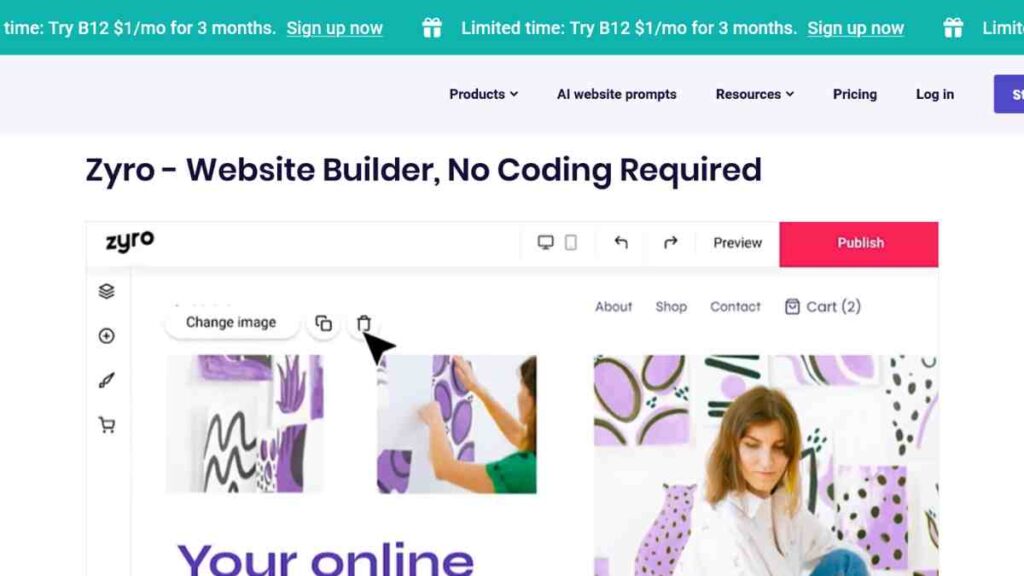
Zyro, a product by Hostinger, is an easy-to-use AI website builder designed for speed, simplicity, and affordability. It offers a range of AI tools, including content generation, heatmaps, and logo makers, to help users build professional-looking websites with minimal effort.
With drag-and-drop editing, responsive templates, and built-in e-commerce features, Zyro is ideal for startups, freelancers, and small businesses that want to get online fast without technical hassle.
Key Features of Zyro
| Feature | Description |
| AI content generator | Creates text for your website |
| AI heatmap | Predicts where visitors will click |
| Drag-and-drop editor | Simple customisation |
| E-commerce support | Sell products online easily |
| Fast hosting | Powered by Hostinger servers |
Zyro Pricing
| Plan | Price |
| Unleashed | $2.90 |
| E-commerce | $8.90 |
| E-commerce Plus | $15.90 |
Zyro Pros and Cons
| Pros | Cons |
| Easy-to-use interface | Not as flexible for complex designs |
| Ideal for beginners | Smaller community and support base |
| Very fast performance | Lacks large app marketplace |
| AI tools built-in | E-commerce features basic |
| Extremely affordable | Limited templates compared to bigger rivals |

6. Weebly
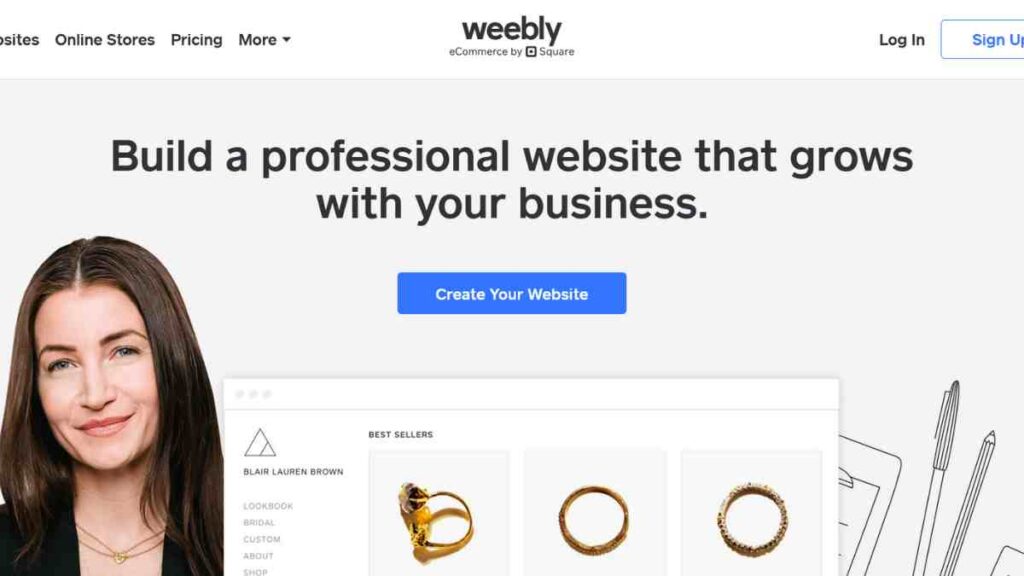
Weebly, owned by Square, is a beginner-friendly website builder that offers AI-assisted design features tailored for small businesses and online stores. Its intuitive drag-and-drop editor, responsive themes, and built-in e-commerce tools make it easy to launch a professional site in minutes.
With smart templates, SEO optimisation, and seamless integration with Square’s payment system, Weebly is a solid choice for entrepreneurs who want simplicity, functionality, and reliable performance without the learning curve.
Key Features of Weebly
| Feature | Description |
| Drag-and-drop builder | Easy editing for non-tech users |
| AI content prompts | Helps with layout and text |
| Mobile-responsive design | Works across devices |
| E-commerce tools | Sell products and manage inventory |
| Square integration | Sync payments and POS systems |
Weebly Pricing
| Plan | Price |
| Free Plan | $0 |
| Personal | $10 |
| Professional | $12 |
| Performance | $26 |
Weebly Pros and Cons
| Pros | Cons |
| Beginner-friendly with quick setup | Templates less modern than rivals |
| Affordable plans for small sites | Can feel outdated in design flexibility |
| Good e-commerce features | Fewer integrations |
| Affordable pricing | Limited advanced AI tools |
| Works seamlessly with Square | Customisation options limited |
7. GoDaddy
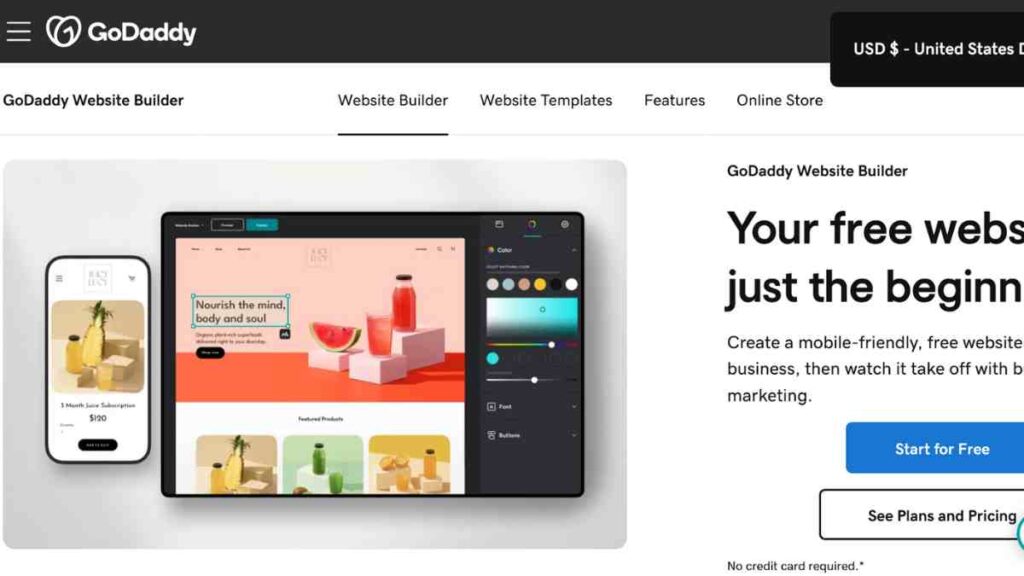
GoDaddy’s AI website builder is designed for speed and ease, making it ideal for entrepreneurs who want to get online fast. Its AI-driven setup asks a few simple questions and generates a ready-to-edit website tailored to your business type.
With built-in marketing tools, SEO guidance, online booking, and e-commerce capabilities, GoDaddy provides a complete toolkit for launching and growing your online presence.
It is a practical choice for service providers, local businesses, and side hustlers looking for a no-fuss solution.
Key Features of GoDaddy
| Feature | Description |
| AI site generator | Creates sites from a short questionnaire |
| Built-in SEO tools | Helps boost search rankings |
| Email marketing | Integrated campaigns and templates |
| Social media tools | Manage posts from the dashboard |
| Online store features | Sell products directly |
GoDaddy Pricing
| Plan | Price |
| Basic | $6.99 |
| Deluxe | $10.99 |
| Ultimate | $14.99 |
GoDaddy Pros and Cons
| Pros | Cons |
| Great for beginners | Limited customisation for advanced users |
| Fast and simple setup | Limited design flexibility |
| Marketing tools built in | Fewer creative templates |
| All-in-one solution | Ads on cheaper plans |
| Reliable hosting | Not as feature-rich as Shopify for e-commerce |
8. Jimdo
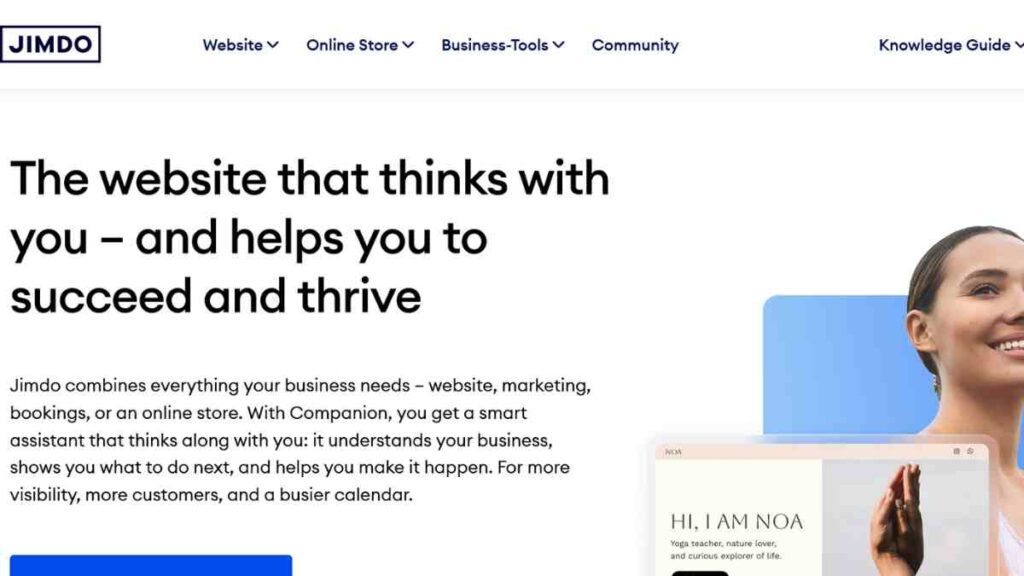
Jimdo is a long-standing website builder that uses its AI assistant, Jimdo Dolphin, to guide users through building a personalised website in just a few minutes.
By asking simple questions about your business and goals, it creates a tailored, mobile-friendly site with relevant content and design.
Ideal for freelancers, creatives, and small business owners, Jimdo also includes built-in SEO tools, GDPR compliance, e-commerce functionality, and image editing features, making it a great all-in-one platform for anyone who wants to launch a professional site quickly and affordably.
Key Features of Jimdo
| Feature | Description |
| AI site generator | Builds a site from a few questions |
| Mobile-ready designs | Responsive across devices |
| SEO basics | Optimises pages automatically |
| Online store support | Simple e-commerce features |
| Legal text generator | Helps with GDPR compliance |
Jimdo Pricing
| Plan | Price |
| Free Plan | $0 |
| Start | $11 |
| Growth | $18 |
| Ultimate | $45 |
Jimdo Pros and Cons
| Pros | Cons |
| GDPR compliance features | Smaller e-commerce offering |
| Free plan available | Less advanced AI than rivals |
| Very beginner-friendly | Limited templates |
| Affordable pricing | Not ideal for large businesses |
| Quick setup process | Fewer integrations |
See also: Best AI Tools for Business According to Business Leaders- 12 Game-Changing Apps
9. Framer AI
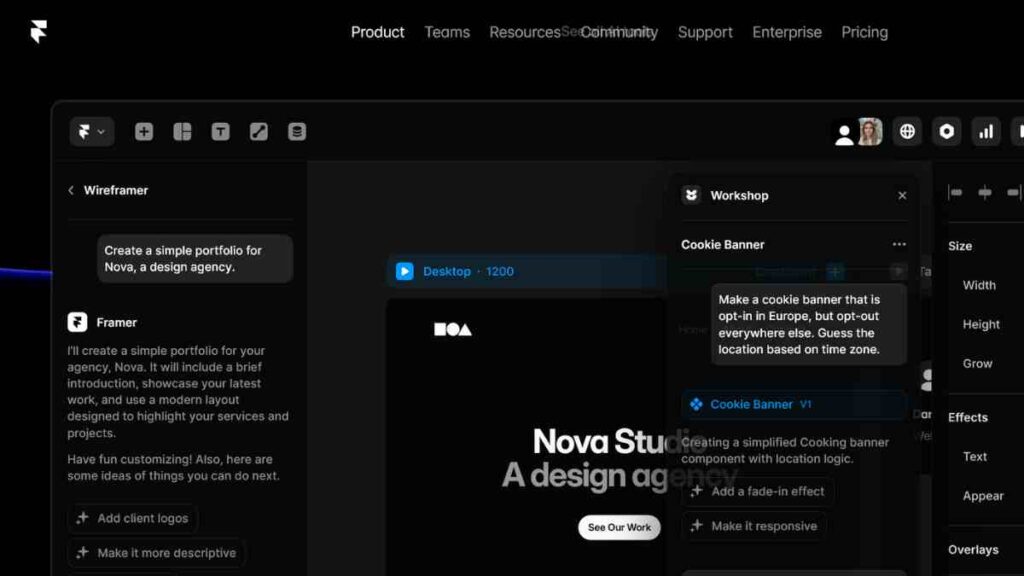
Framer AI stands out as a next-generation website builder that turns simple text prompts into fully responsive, visually stunning websites within seconds. A favourite among designers, startups, and creatives, Framer combines the power of AI with pixel-perfect design control.
It offers seamless animations, customisable components, SEO tools, and real-time collaboration features.
With built-in hosting and lightning-fast performance, Framer AI is perfect for those who want to go from idea to live site without sacrificing design quality or speed.
Key Features of Framer AI
| Feature | Description |
| Custom code support | Flexibility for developers |
| Collaboration tools | Team-friendly editing |
| Mobile-first | Optimised for all devices |
| Interactive features | Animations and transitions included |
| AI design suggestions | Creates polished, modern layouts |
Framer AI Pricing
| Plan | Price |
| Free Plan | $0 |
| Mini | $5 |
| Basic | $15 |
| Pro | $30 |
Framer AI Pros and Cons
| Pros | Cons |
| Beautiful, modern designs | Not ideal for beginners |
| Interactive and dynamic features | Learning curve for non-designers |
| Free plan available | Free plan has heavy branding |
| Supports custom code | Can be overkill for simple sites |
| Great for creative professionals | Smaller app ecosystem |
10. CodeDesign
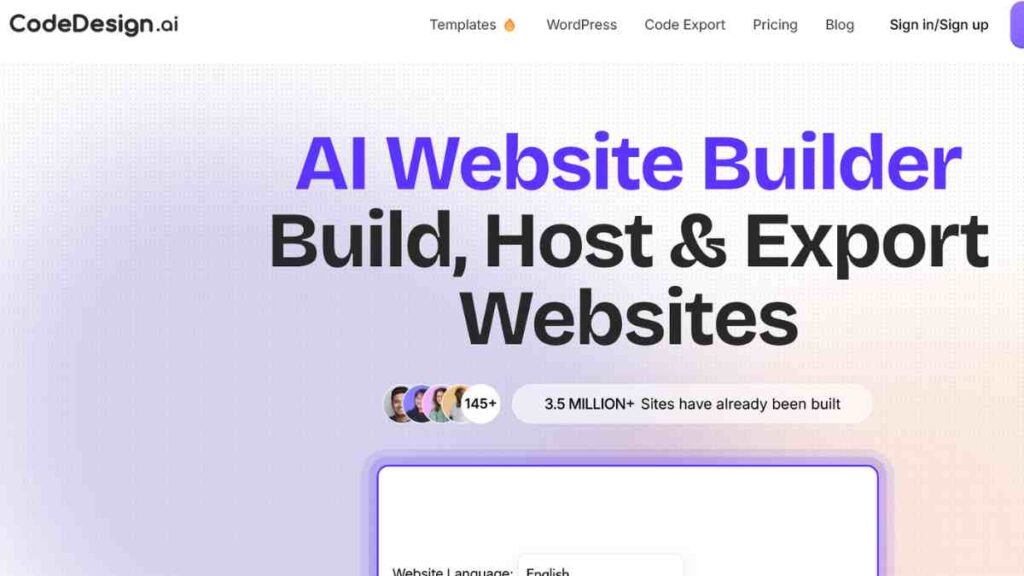
CodeDesign is an advanced AI website builder that transforms written prompts into sleek, responsive websites in minutes.
It is built for professionals who need fast, functional, and well-structured sites without touching a single line of code. With built-in SEO optimisation, multi-page support, and smart layout generation, CodeDesign suits freelancers, agencies, and marketers looking for a balance between automation and control.
It also offers export options for developers who want to fine-tune the code, making it a flexible tool for both beginners and pros.
Key Features of CodeDesign
| Feature | Description |
| AI-generated product descriptions | Faster store setup |
| Wide app ecosystem | Thousands of integrations |
| Payment gateway support | Global transactions |
| SEO and marketing tools | Attract and retain customers |
| Secure hosting | Scalable infrastructure |
CodeDesign Pricing
| Plan | Price |
| Free Plan | $0 |
| Individual | $12 |
| Growth | $24 |
| Agency | $83 |
CodeDesign Pros and Cons
| Pros | Cons |
| Leading e-commerce platform | Higher costs than simple builders |
| AI speeds up store setup | Can feel complex for beginners |
| Scales with businesses | Transaction fees unless using Shopify Payments |
| Huge app store | Ads on cheaper plans |
| Global payment options | Focused mainly on e-commerce, not blogs |

11. 10Web
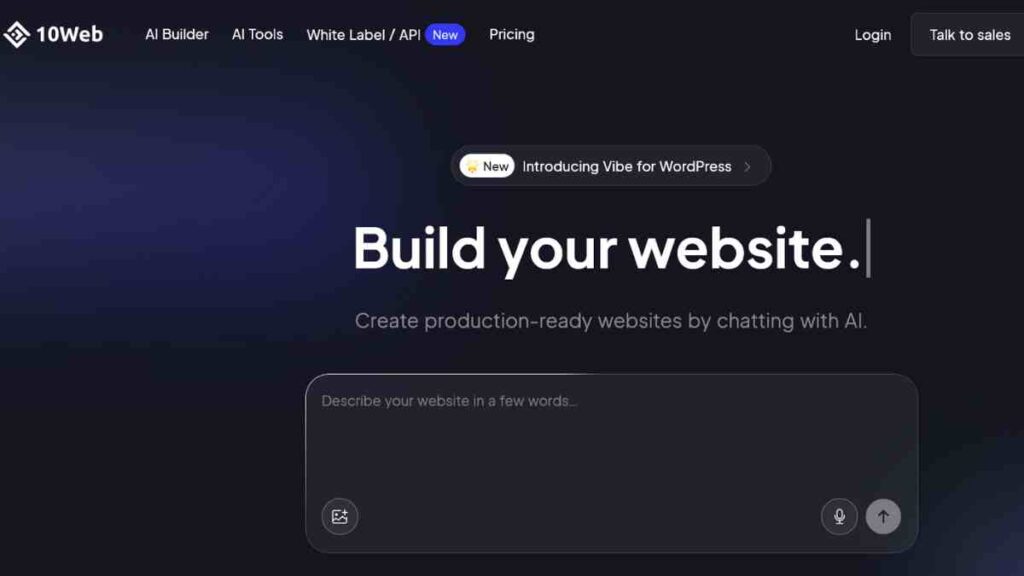
10Web is a powerful AI website builder that leverages the flexibility of WordPress with the speed of automation. Its standout feature is the ability to recreate any website from a URL using AI, instantly generating a WordPress-based version you can fully customise.
Ideal for agencies, freelancers, and entrepreneurs, 10Web offers drag-and-drop editing, automatic hosting, performance optimisation, and built-in SEO tools.
With its seamless integration into the WordPress ecosystem, it’s perfect for users who want AI speed without losing WordPress versatility.
Key Features of 10Web
| Feature | Description |
| E-commerce support | Sell products online |
| Mobile-ready designs | Responsive across devices |
| Fast hosting | Powered by Hostinger servers |
| Drag-and-drop editor | Simple customisation |
| AI logo maker | Instantly generate branding |
10Web Pricing
| Plan | Price |
| Free Plan | $0 |
| Personal | $14 |
| Premium | $35 |
10Web Pros and Cons
| Pros | Cons |
| Free domain with plans | Learning curve for beginners |
| Heatmap analytics | Less suitable for large businesses |
| Good e-commerce options | Some features require upgrades |
| Very affordable | Limited advanced design flexibility |
| AI branding tools included | Smaller app store than Wix |
12. Bookmark

Bookmark uses its proprietary AI design assistant, AIDA, to build fully functional websites in under two minutes. Just answer a few questions, and AIDA handles the layout, structure, and content, all tailored to your business needs.
With drag-and-drop editing, e-commerce features, mobile optimisation, and multilingual support, Bookmark is ideal for small businesses and solopreneurs who want a fast, hands-off website creation process.
It is a smart choice if you value speed, simplicity, and clean design without sacrificing functionality.
Key Features of Bookmark
| Feature | Description |
| Continuous learning | AI adapts to edits |
| Drag-and-drop | Simple editing tools |
| SEO support | Optimises for search engines |
| E-commerce integration | Run online shops |
| AIDA assistant | Builds sites with AI |
Bookmark Pricing
| Plan | Price |
| Free Plan | $0 |
| Premium | $2.50 |
Bookmark Pros and Cons
| Pros | Cons |
| Easy-to-use AI assistant | Limited template variety |
| Learns over time | Smaller ecosystem |
| Affordable plans | E-commerce tools less advanced |
| Free plan available | Branding on free plan |
| Good for beginners | Not ideal for large-scale projects |
13. Dorik
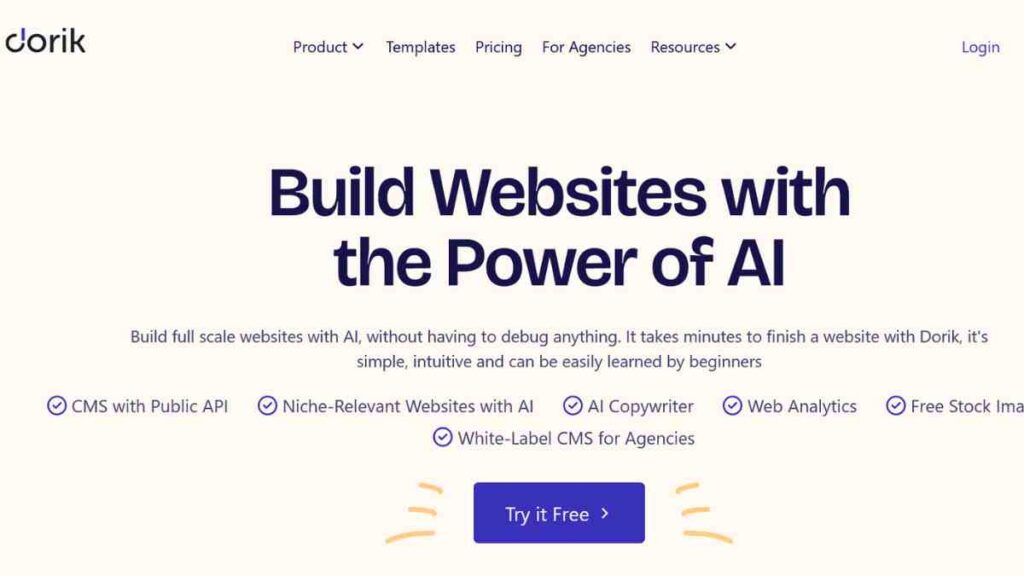
Dorik is a sleek, no-code website builder that uses AI to simplify the design process while maintaining a clean, modern aesthetic. It is popular among startups, personal brands, and SaaS founders looking for elegant one-page or multi-page sites.
Dorik offers pre-built templates, fast hosting, CMS functionality, and SEO tools, all wrapped in an intuitive interface.
Its AI content and layout suggestions make it easy to launch a professional-looking site in minutes, without the usual design overwhelm.
Key Features of Dorik
| Feature | Description |
| AI-driven layouts | Instantly suggests site designs |
| Built-in SEO | Optimises pages automatically |
| High rated templates | Stylish, modern designs |
| E-commerce tools | Sell products and services |
| Analytics dashboard | Track site performance |
Dorik Pricing
| Plan | Price |
| Free Plan | $0 |
| Personal | $18 |
| Business | $39 |
| Agency | Custom |
Dorik Pros and Cons
| Pros | Cons |
| Beautiful templates | Pricier than some rivals |
| Easy-to-use AI | Less customisable than Webflow |
| Strong e-commerce tools | Limited free options |
| Reliable hosting | Learning curve for some features |
| Great for creatives | Some features locked behind higher tiers |
14. Webflow with AI
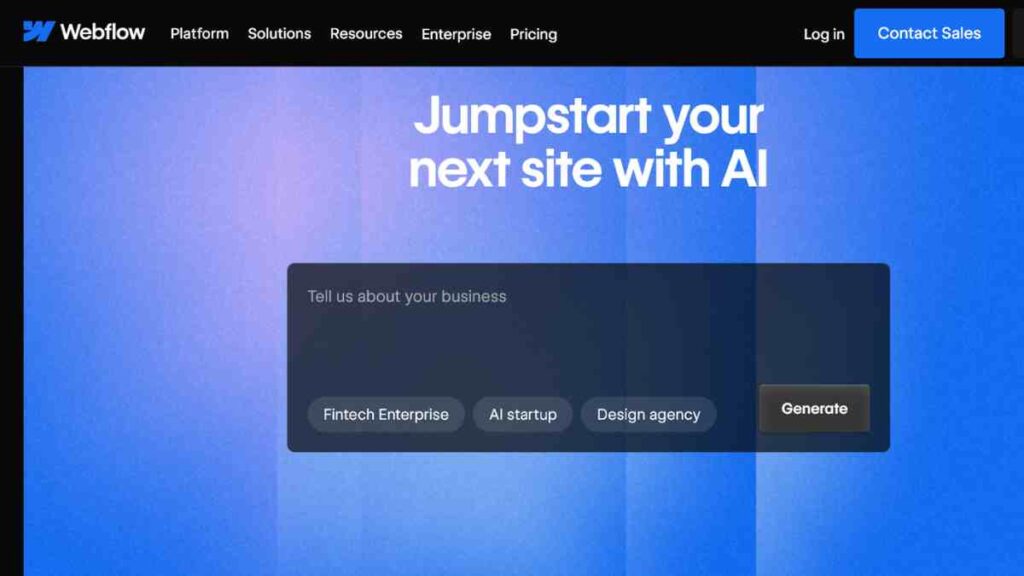
Webflow, already a favourite among designers and developers for its visual coding flexibility, now integrates powerful AI tools to streamline web creation.
With AI-driven features like content generation, layout suggestions, and custom code assistance, Webflow helps users design sophisticated, fully responsive websites faster than ever.
It is perfect for agencies, startups, and professionals who want full creative control with the added boost of intelligent automation. If you need pixel-perfect design with AI-enhanced efficiency, Webflow is a top-tier choice.
Key Features of Webflow
| Feature | Description |
| AI layout generator | Suggests modern layouts |
| Responsive design | Mobile-first approach |
| CMS integration | Manage dynamic content |
| Custom code support | Full design flexibility |
| Hosting included | Fast, secure servers |
Webflow Pricing
| Plan | Price |
| Free Plan | $0 |
| Basic | $14 |
| CMS | $23 |
| Business | $39 |
Webflow Pros and Cons
| Pros | Cons |
| Secure hosting included | Can be overwhelming at first |
| Custom code flexibility | Not ideal for absolute beginners |
| Powerful CMS | Pricing higher than basic builders |
| AI speeds up workflows | Free plan very limited |
| Professional-level design | Steeper learning curve |
15. Durable AI
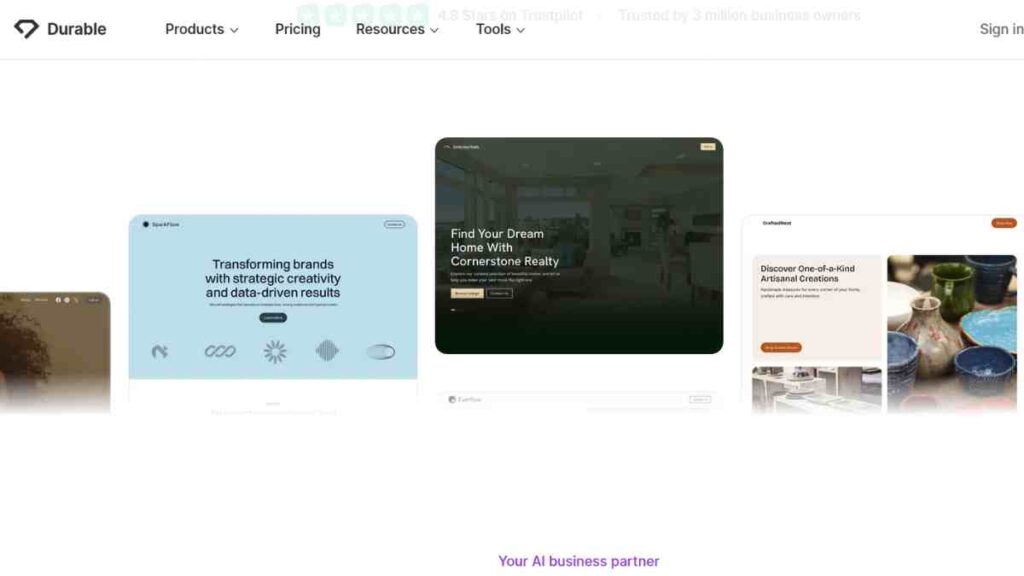
Durable AI is one of the fastest AI website builders on the market, capable of generating a complete, professional-looking website in just 30 seconds.
Tailored for solo entrepreneurs, freelancers, and small business owners, Durable offers AI-generated content, images, branding, and even CRM features out of the box.
Its simple interface, automated marketing tools, and built-in analytics make it ideal for launching a digital presence instantly without the typical setup headaches. If speed and simplicity are your top priorities, Durable delivers.
Key Features of Durable AI
| Feature | Description |
| Instant site creation | Full website built in 30–60 seconds |
| AI content writer | Generates professional copy |
| CRM integration | Manage leads directly |
| Automated updates | AI improves the site over time |
| Built-in hosting | Hosting included in all plans |
Durable AI Pricing
| Plan | Price |
| Starter | $12 |
| Business | $20 |
| Scale | $70 |
Durable AI Pros and Cons
| Pros | Cons |
| Fastest site creation tool | Higher price than some rivals |
| AI writes and designs | Limited manual editing control |
| CRM built in | Fewer templates and integrations |
| Hosting included | Not ideal for complex e-commerce |
| Beginner-friendly | New platform, smaller community |
See also: Free AI Tools For Small Businesses to Improve Growth – A Comprehensive Guide

Factors to Consider Before Choosing an AI Website Builder
With so many AI website builders available, it can feel overwhelming to decide which one is right for you. Each platform has its strengths, whether you’re looking for speed, design flexibility, or advanced e-commerce support.
The table below breaks down the most important considerations. By understanding these factors, you will be able to make an informed decision and choose among the top AI website builders with confidence.
| Factor | What to Look Out For |
| Ease of Use | Look for drag-and-drop editors, AI assistants, and straightforward onboarding |
| Design Flexibility | Ensure the builder allows manual edits, template changes, and style customisation |
| Features and Integrations | Check for built-in SEO tools, e-commerce features, blogging, or app marketplaces |
| Cost and Value | Compare free plans, upgrade options, and whether hosting, domains, or SSL are included |
| Scalability | Look for platforms that let you upgrade seamlessly as your needs expand |
| Support and Community | Prioritise 24/7 support, tutorials, and active user communities |
| Performance and SEO | Choose builders known for fast hosting, built-in SEO, and mobile optimisation |
| Security | Look for SSL certificates, secure hosting, and reliable backup systems |
Future of AI in Website Design
Technology is moving faster than ever, and website design is no exception. In this year and beyond, AI website builders will not just create simple layouts but also predict user needs, personalise content, and improve site performance automatically.
The rise of top AI website builders shows how artificial intelligence is reshaping the digital world. The table below explains what the future holds and why building websites with AI will only grow more important.
| Trend | What It Means |
| Hyper-Personalisation | AI building websites will adapt content, layouts, and images for each visitor |
| Voice and Chat Integration | AI website builders will include AI chatbots and voice assistants as standard features |
| Predictive Design | Great AI website builders will predict the best layouts and features based on user behaviour |
| AI-Driven Analytics | Top AI website builders will track behaviour and suggest improvements in real time |
| Deeper Automation | From SEO to marketing, AI website builders will handle more tasks behind the scenes |
| Accessibility Focus | Building websites with AI will ensure compliance with accessibility standards |
| Collaboration with Human Creativity | The best AI website builders will blend automation with manual design tools |
Conclusion
Using AI website builders is more than just choosing a quick way to put a site online; it is about embracing technology that empowers you to design, manage, and grow your online presence with ease.
Whether you are a beginner with no technical skills or a business owner looking for scalable solutions, these tools make website creation smarter, faster, and more affordable.
We want to see you succeed, and that’s why we provide valuable business resources to help you every step of the way.
- Join over 23,000 entrepreneurs by signing up for our newsletter and receiving valuable business insights.
- Register your business today with Entrepreneurs.ng’s Business Registration Services.
- Tell Your Brand Story on Entrepreneurs.ng, let’s showcase your brand to our global audience.
- Need help with your marketing strategy? Get a Comprehensive Marketing and Sales Plan here.
- Sign up for our Entrepreneurs Success Blueprint Programme to learn how to start and scale your business in just 30 days.
- Book our one-on-one consulting and speak to an expert about structuring and growing your business.
- Visit our shop for business plan templates and other valuable resources to guide you.
- Get our Employee-Employer Super Bundle NDA templates to legally protect your business and workforce.
- Advertise your business to over a million entrepreneurs through our different advertising packages.

Frequently Asked Questions (FAQs)
What are AI website builders?
AI website builders are online tools that use artificial intelligence to help you design and launch a website quickly. Instead of coding or hiring a developer, you answer a few questions, and the builder automatically creates a professional site tailored to your needs.
How do AI website builders work?
They work by combining machine learning, pre-designed templates, and automation. With AI website builders, you can input your business type, colours, and goals, and the tool generates layouts, content suggestions, and features suited to your project.
Are free AI website builders any good?
Free AI website builders can be a great starting point if you are a beginner or working on a budget. However, free plans often come with limits, such as fewer features, adverts on your site, or lack of custom domains.
Will using AI website builders affect my SEO?
Not negatively. Most great AI website builders come with built-in SEO tools. These help your website rank higher on search engines by optimising titles, meta descriptions, and mobile performance.
Can I customise my site after the AI builds it?
Absolutely. Building websites with AI gives you a starting point, but you can still edit colours, fonts, content, and features to make your site unique.
Are AI website builders secure?
Yes, most top AI website builders include built-in SSL certificates and regular security updates. This keeps your site safe from threats without you needing advanced technical knowledge.
Do AI website builders support mobile optimisation?
Yes. Mobile responsiveness is a standard feature in most great AI website builders, ensuring your site looks good and works smoothly across all devices.
Can I switch from an AI website builder to another platform later?
Yes, but it may require some effort. Some ways to build websites with AI allow exporting, while others may need manual transfer. It’s best to check before committing long term.
Which are the top AI website builders today?
Some of the top AI website builders today include Wix ADI, Hostinger AI, Squarespace AI, 10Web, and Zyro. These platforms stand out for their balance of ease of use, affordability, and professional results.
Are AI website builders good for businesses?
Definitely. From small start-ups to established brands, AI building websites saves time, reduces costs, and creates a professional online presence that helps businesses grow.