


Rapid shifts in AI-assisted development, especially around model quality, pricing changes, context limits, and the need for stronger workflow automation, have pushed many developers to evaluate Cursor AI alternatives.
While Cursor introduced a powerful way to generate and refactor multi-file code, some teams now require deeper control over their environment, better compatibility with existing IDEs, self-hosted options for sensitive projects, or tools that handle larger repositories with greater precision.
This guide highlights the alternatives that solve these specific gaps and offer capabilities that can significantly improve your development speed, collaboration, and technical visibility.
Key Takeaways
- The best Cursor AI alternatives offer greater flexibility, deeper automation, and broader development workflow support.
- Some tools outperform Cursor with stronger privacy controls, self-hosting options, and enterprise-ready security.
- Several alternatives provide superior multi-file context handling, faster code generation, and better IDE integration.
- Choosing the right tool depends on your needs, such as full-stack generation, collaboration, speed, or large-codebase navigation.

What Is Cursor AI?
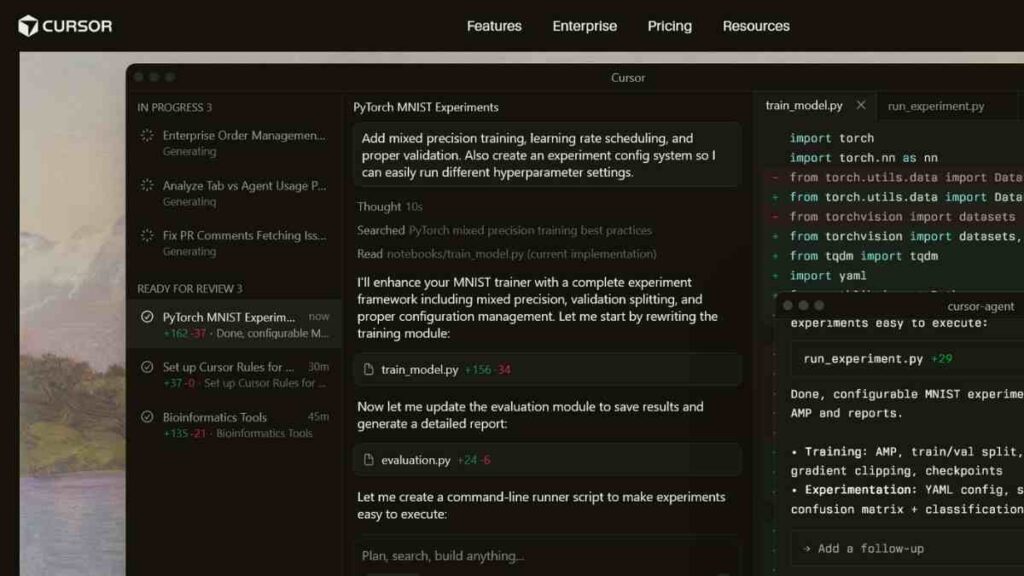
Cursor AI is an AI-powered code editor designed to help developers write, edit, and optimise code faster through intelligent automation.
Built on large language models, Cursor AI can understand entire codebases, generate new functions, refactor existing files, fix bugs, and provide context-aware suggestions as you work. It integrates directly with your local environment, supports multi-file editing, and offers an AI chat interface that can execute changes across your project.
Cursor AI is popular among developers because it improves coding accuracy, speeds up development, and streamlines repetitive tasks without requiring you to leave your editor.
Why Developers Look for Alternatives to Cursor AI
While Cursor AI is a powerful AI-driven code editor, many developers explore other options to find tools that better match their workflow, budget, or security requirements.
The search for strong Cursor AI alternatives often comes down to performance, flexibility, and specific project needs.
Key reasons developers look for alternatives include:
- Pricing limitations: Some users need more affordable or feature-rich tools without subscription constraints.
- Privacy and data control: Teams handling sensitive codebases often prefer solutions with on-premises or self-hosted options.
- Broader IDE compatibility: Developers who rely on JetBrains, Visual Studio, or other editors may need deeper integrations than Cursor currently offers.
- Advanced AI capabilities: Some alternatives provide stronger full-project understanding, autonomous agents, or more powerful refactoring tools.
- Team collaboration features: Larger engineering teams may require better code search, documentation integration, or workflow automation.
- Model flexibility: Developers may want the freedom to choose or switch between different large language models.
What Should a Better Cursor AI Alternative Offer?
When comparing Cursor AI alternatives, it is important to focus on features that genuinely improve your development workflow.
A stronger option should not only match Cursor’s capabilities but also exceed them in flexibility, performance, and integration.
Below is a clear breakdown of what an ideal alternative should provide.
| Feature Category | What a Better Alternative Should Offer |
|---|---|
| AI Code Generation | More accurate, context-aware generation across full projects |
| Refactoring & Bug Fixing | Deeper multi-file understanding with automated fixes |
| IDE Compatibility | Seamless support for VS Code, JetBrains, and other editors |
| Model Flexibility | Ability to choose or switch between powerful LLMs |
| Privacy & Security | Options for self-hosting or strict data retention control |
| Collaboration Tools | Shared context, version control integration, and team workflows |
| Performance & Speed | Faster responses, minimal latency and efficient processing. |
| Pricing & Scalability | Fair pricing with plans that scale for individuals and teams |
See Also: 12 Best Websim AI Alternatives for Advanced Simulation and No-Code Website Building

The Best Cursor AI Alternatives Available Today
The rapid rise of AI-assisted development has pushed more developers to explore tools that enhance productivity, reduce coding time, and streamline complex workflows.
In fact, according to McKinsey’s Global Survey on AI, nearly 30% of organisations now use generative AI for software development and code generation, reflecting the growing demand for powerful coding assistants.
Below, we break down the top Cursor AI alternatives that offer stronger performance, better flexibility, and features that support modern software teams.
1. GitHub Copilot
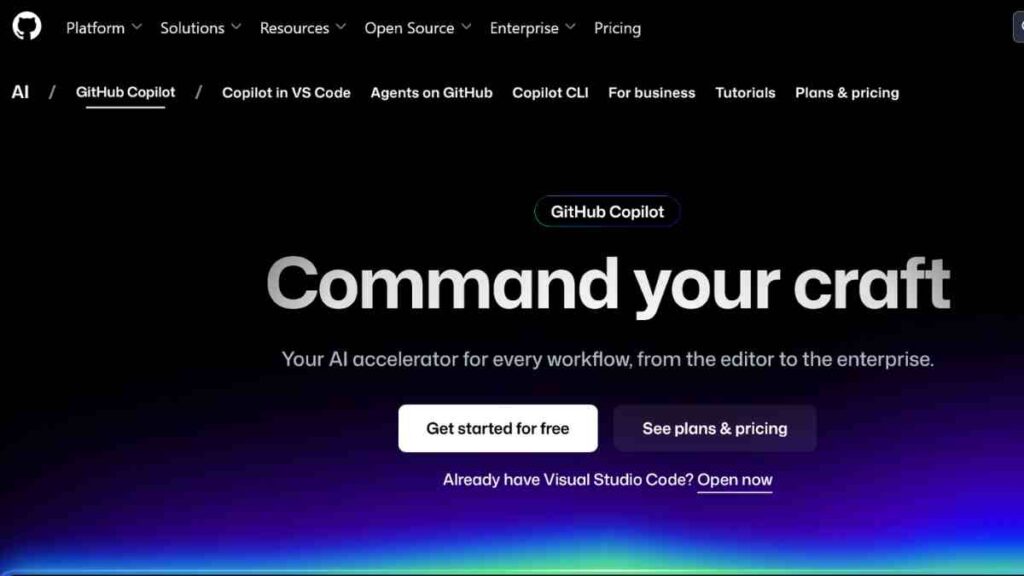
GitHub Copilot is one of the most widely used AI coding assistants, built by GitHub in collaboration with OpenAI.
It integrates seamlessly into major IDEs and helps developers generate code, fix bugs, and accelerate development through context-aware suggestions.
Its deep connection to GitHub’s ecosystem and compatibility with multiple languages make it a powerful and reliable Cursor AI alternative for both individual developers and engineering teams.
Key Features of GitHub Copilot
| Feature | Description |
|---|---|
| Context-Aware Code Suggestions | Generates intelligent code completions based on the current file, project context, and coding patterns. |
| Natural Language to Code | Allows developers to write comments or prompts in plain English and convert them directly into functional code. |
| Multi-Language Support | Works with dozens of programming languages, including JavaScript, Python, Go, Ruby, Rust, and more. |
| IDE Integration | Compatible with VS Code, JetBrains, Neovim, and GitHub Codespaces for a seamless workflow. |
| Debugging Assistance | Provides suggestions to fix errors, optimise code, and improve structure. |
| Copilot Chat (Advanced) | Offers an in-IDE conversational agent for explanations, refactoring, and code walkthroughs. |
Pros and Cons of GitHub Copilot
| Pros | Cons |
|---|---|
| Excellent IDE integration | Not available as a full standalone editor like Cursor |
| Highly accurate suggestions | Requires an internet connection for best performance |
| Strong performance across many languages | Code suggestions may need manual review |
| Ideal for rapid prototyping and everyday coding tasks | Enterprise features require higher-tier plans |
| Backed by GitHub’s ecosystem | It may be expensive for budget-conscious individual users |
GitHub Copilot Pricing
| Plan | Price |
|---|---|
| Fre | $0 |
| Business | $19 |
| Enterprise | $39 |
How GitHub Copilot Compares to Cursor AI
GitHub Copilot stands out as a strong alternative to Cursor AI because of its seamless integration across widely used IDEs, superior language coverage, and highly optimised real-time suggestions.
While Cursor focuses heavily on in-editor AI workflows, Copilot offers a more flexible and familiar development experience for those who prefer staying inside their existing tools.
Its robust ecosystem and advanced chat-assisted development make it a reliable and scalable choice for developers seeking greater productivity without changing their primary coding environment.
2. Replit Ghostwriter
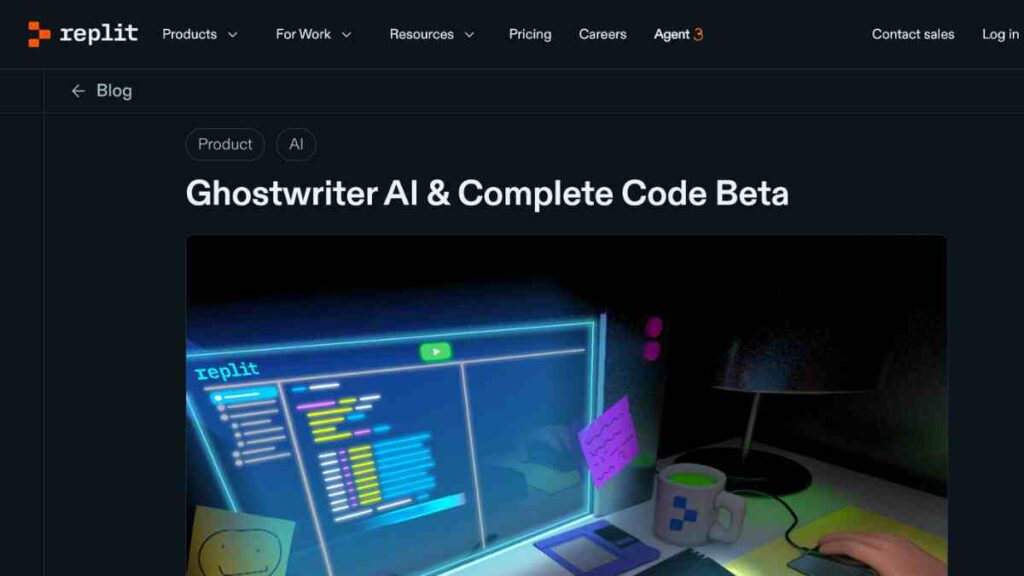
Replit Ghostwriter is an AI-powered coding assistant built directly into the Replit development environment.
It allows developers to generate, debug, and deploy applications entirely from the browser, making it one of the most convenient Cursor AI alternatives for rapid prototyping and full-stack development.
With Ghostwriter, you can turn natural-language prompts into functional code, collaborate in real time, and ship projects faster without needing a local setup.
Key Features of Replit Ghostwriter
| Feature | Description |
|---|---|
| Natural Language to Code | Converts plain-English prompts into working code across multiple languages. |
| In-Browser Development | It lets you code, test, and deploy directly from the browser with no local installation. |
| Instant Deployment | Built-in hosting and deployment tools that push projects live with one click. |
| Real-Time Collaboration | Allows multiple users to code together, similar to Google Docs for programming. |
| Bug Fixing & Refactoring | Identifies errors and provides AI-powered fixes or improvements. |
| Full-Stack Templates | Offers ready-to-use templates for web apps, APIs, bots, and more. |
Pros and Cons of Replit Ghostwriter
| Pros | Cons |
|---|---|
| Perfect for beginners and rapid prototyping | Not as powerful for very large or enterprise-scale projects |
| No installation required, everything runs online | Requires stable internet access |
| Integrated deployment and hosting | Less suitable for teams with strict security requirements |
| Real-time collaboration features | Limited control compared to local IDE setups |
| Supports multi-language development | Some advanced features require paid plans |
Replit Ghostwriter Pricing
| Plan | Price |
|---|---|
| Starter | $0 |
| Core | $25 |
| Teams | $40 |
| Enterprise | Custom pricing |
How Replit Ghostwriter Compares to Cursor AI
Replit Ghostwriter is a strong alternative to Cursor AI because it offers an all-in-one development environment where coding, debugging, and deployment happen seamlessly in the cloud.
Unlike Cursor, which requires local setup and focuses on in-editor automation, Replit allows you to build complete applications from anywhere, even on low-power devices.
Its collaboration tools and instant deployment features make it attractive for startups, learners, and teams that prioritise speed, accessibility, and real-time teamwork.
3. JetBrains AI Assistant
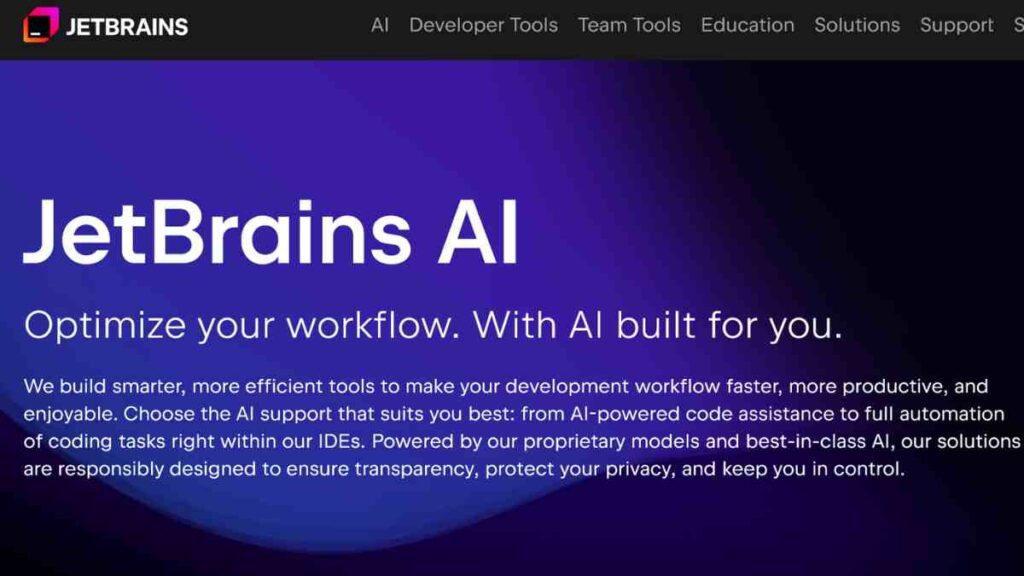
JetBrains AI Assistant is a powerful AI integration built directly into JetBrains IDEs such as IntelliJ IDEA, PyCharm, WebStorm, and GoLand.
Designed for developers who work heavily within the JetBrains ecosystem, it enhances productivity through intelligent code generation, refactoring, documentation support, and natural-language explanations.
For teams seeking deeper project understanding and native IDE optimisation, it stands as a highly capable Cursor AI alternative.
Key Features of JetBrains AI Assistant
| Feature | Description |
|---|---|
| In-IDE AI Chat | Allows developers to query code, request explanations, and generate solutions without leaving the JetBrains interface. |
| Smart Code Completion | Provides context-aware suggestions tailored to the specific language and project structure. |
| Auto-Refactoring | Suggests improvements and safely modifies code across multiple files. |
| Unit Test Generation | Automatically writes test cases based on existing code logic. |
| Documentation Assistance | Generates comments, summaries, and docstrings to improve readability. |
| Deep Project Analysis | Uses JetBrains’ advanced indexing to understand entire codebases more accurately. |
Pros and Cons of JetBrains AI Assistant
| Pros | Cons |
|---|---|
| Seamless integration with JetBrains IDEs | Not ideal for developers who do not use JetBrains products |
| Strong multi-file understanding and smart refactoring | Requires a JetBrains subscription for full functionality |
| Advanced assistance for complex, large projects | Cloud processing may not suit strict on-prem security needs |
| Automatic generation of tests and documentation | Limited browser-based or lightweight options |
| Highly optimised for performance-heavy workflows | Different features vary slightly by IDE |
JetBrains AI Assistant Pricing
| Plan | Price |
|---|---|
| Free | $0 |
| AI Pro | $10 |
| AI ultimate | $30 |
How JetBrains AI Assistant Compares to Cursor AI
JetBrains AI Assistant stands out as a superior alternative for developers embedded in the JetBrains ecosystem.
Unlike Cursor AI, which functions as a standalone editor, JetBrains AI merges deeply with mature, professional-grade IDEs known for their powerful debugging, project navigation, and language-specific tooling.
This makes the AI Assistant more suitable for large-scale, enterprise, and performance-focused projects. For developers who rely on JetBrains tools, it delivers a more cohesive, intelligent, and context-rich coding experience than Cursor can match.
4. Windsurf

Windsurf is an AI-powered coding environment built to support complex, multi-file development with intelligent automation.
It offers an agent-driven workflow that goes beyond simple code suggestions, enabling developers to delegate tasks like refactoring, debugging, and feature building to a smart AI system.
As one of the emerging Cursor AI alternatives, Windsurf appeals to developers who want deeper automation and more advanced project-wide assistance.
Key Features of Windsurf
| Feature | Description |
|---|---|
| Agentic Workflow Automation | Allows the AI to manage multi-step tasks across entire codebases, not just single-file edits. |
| Full-Project Understanding | Analyses large repositories to provide contextually accurate modifications. |
| Interactive AI Chat | Developers can discuss code, request features, and guide the AI through natural language prompts. |
| Smart Refactoring | Handles complex code cleanups and restructurings with minimal manual intervention. |
| Bug Detection & Fixing | Identifies issues and applies fixes with project-level awareness. |
| Customisation Options | Supports tuning AI behaviour based on developer preferences and workflows. |
Pros and Cons of Windsurf
| Pros | Cons |
|---|---|
| Strong focus on multi-step automation | Still evolving, with occasional stability issues |
| Excellent for large, complex projects | Fewer integrations compared to long-established tools |
| Advanced agent-driven coding capabilities | Requires familiarity to leverage fully |
| Natural language communication with AI | Not ideal for quick, lightweight tasks |
| High potential for productivity boosts | Pricing may be a barrier for some users |
Windsurf Pricing
| Plan | Price |
|---|---|
| Free Tier | $0 |
| Pro Plan | $15 |
| Teams | $30 |
| Enterprise | Custom pricing |
How Windsurf Compares to Cursor AI
Windsurf positions itself as a more autonomous and intelligent alternative to Cursor AI. While Cursor focuses on inline edits and chat-driven prompts, Windsurf takes automation further with agentic workflows capable of handling multi-step tasks across your entire project.
Its advanced understanding of large codebases and ability to execute complex tasks with minimal supervision make it a strong option for developers managing intensive or fast-moving projects.
For teams seeking deeper automation and more powerful AI-driven development, Windsurf can outperform Cursor in both efficiency and scale.
See Also: 15 Best Docker Alternatives for Containers, Virtual Machines, and Dev Workflows

5. Tabnine
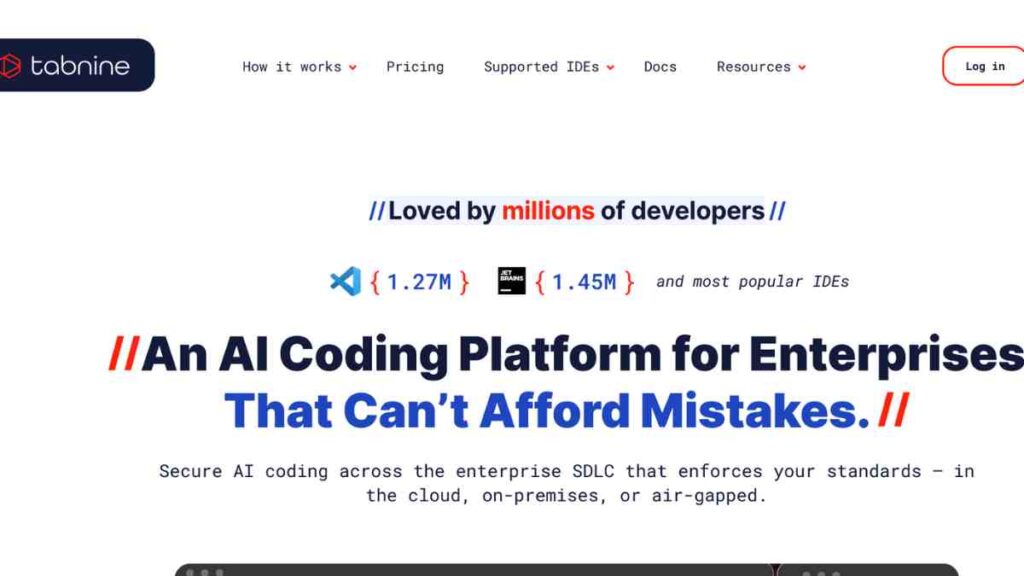
Tabnine is a privacy-focused AI coding assistant designed for developers and organisations that prioritise security, speed, and control over their code.
Unlike many cloud-dependent tools, Tabnine offers both cloud and fully self-hosted deployment options, making it one of the strongest Cursor AI alternatives for enterprise teams handling sensitive data.
Its AI models are optimised for code completion, refactoring, and team-wide consistency without compromising privacy.
Key Features of Tabnine
| Feature | Description |
|---|---|
| Privacy-First Architecture | Offers cloud, VPC, and fully on-premise deployments for maximum data control. |
| Local AI Models | Runs AI models locally to ensure zero code leakage and faster response times. |
| Multi-Language Support | Works with popular languages like Python, JavaScript, TypeScript, Java, Go, C++, and more. |
| Team Training | Allows teams to train customised AI models on their internal codebases. |
| IDE Compatibility | Integrates with VS Code, JetBrains IDEs, Vim, Neovim, and others. |
| Predictive Code Completion | Delivers high-accuracy, context-aware suggestions tailored to your code patterns. |
Pros and Cons of Tabnine
| Pros | Cons |
|---|---|
| Best-in-class privacy and self-hosted options | Not as strong at full-project edits as Cursor |
| Local model performance with low latency | Fewer generative capabilities compared to newer AI editors |
| Ideal for enterprise and regulated industries | Some features are locked behind the team and enterprise plans |
| Custom model training improves team efficiency | Not focused on full app generation |
| Broad IDE support | Interface is more minimal than some alternatives |
Tabnine Pricing
| Plan | Price |
|---|---|
| Annual Subscription | $59 per user/month |
| Tabnine Enterprise | Custom pricing |
How Tabnine Compares to Cursor AI
Tabnine stands out as a better alternative to Cursor AI for developers and teams who prioritise privacy, compliance, and full control over their code.
While Cursor relies on cloud-based interactions and broader generative capabilities, Tabnine ensures your code never leaves your environment, making it ideal for financial, healthcare, or enterprise-grade projects.
Its self-hosting options and team-trained models give organisations unmatched security and scalability, positioning Tabnine as the superior choice for secure, professional, and policy-driven development workflows.
6. Pythagora

Pythagora is an AI-powered development tool designed to automate backend workflows, generate tests, and streamline API creation with minimal manual coding.
It focuses on understanding an application’s behaviour and producing accurate, production-ready code automatically.
As a modern Cursor AI alternative, Pythagora appeals to backend developers who want to reduce repetitive tasks and accelerate feature delivery through automation and intelligent test generation.
Key Features of Pythagora
| Feature | Description |
|---|---|
| Automated Test Generation | Generates complete test suites by analysing how your API behaves, eliminating manual test writing. |
| Behaviour-Based Code Understanding | Observes real app behaviour to produce accurate test coverage and insights. |
| Backend Automation | Helps generate routes, controllers, and backend logic quickly through AI-driven commands. |
| API Workflow Support | Designed to simplify the creation, debugging, and execution of API endpoints. |
| CI/CD Integration | Works with modern pipelines to automate testing and ensure code quality. |
| Open-Source Tooling | Transparent and extensible for developers who prefer open-source ecosystems. |
Pros and Cons of Pythagora
| Pros | Cons |
|---|---|
| Exceptional for automated backend test generation | Not a full multi-language AI code editor like Cursor |
| Behaviour-based approach improves accuracy | Primarily focused on Node.js and backend APIs |
| Speeds up development for API-heavy apps | Limited versatility for mobile or frontend projects |
| Open-source and developer-friendly | Smaller ecosystem compared to larger AI tools |
| Reduces manual testing workloads significantly | Requires real API traffic for test generation |
Pythagora Pricing
| Plan | Price |
|---|---|
| Starter | $0 |
| Startup | $50 |
| Business | Custom pricing |
How Pythagora Compares to Cursor AI
Pythagora offers a specialised advantage over Cursor AI by automating one of the most time-consuming parts of backend development: writing and maintaining tests.
While Cursor focuses on generative coding and multi-file editing within a standalone AI editor, Pythagora zeroes in on backend efficiency, behaviour analysis, and workflow automation.
For teams building API-driven systems, especially in Node.js, Pythagora can outperform Cursor by delivering deeper accuracy, faster test coverage, and a streamlined backend development pipeline.
7. Tabby
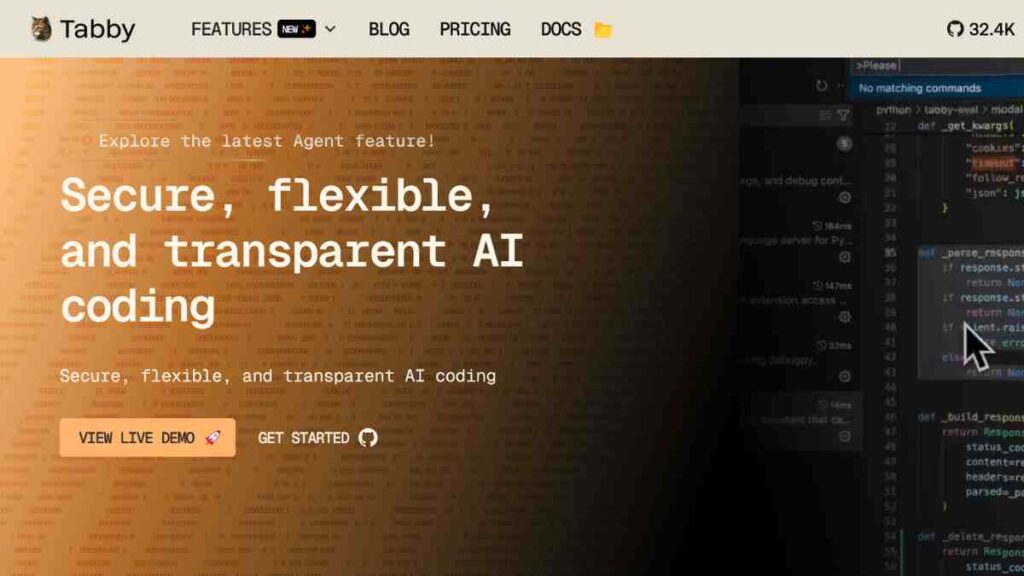
Tabby is an open-source, self-hosted AI coding assistant designed to give developers full control over their code, data, and infrastructure.
Unlike cloud-only tools, Tabby can run locally or on your own servers, making it one of the most flexible Cursor AI alternatives for teams that prioritise customisation, privacy, and transparency.
With support for multiple languages, modern LLMs, and enterprise-ready deployment options, Tabby provides a powerful coding companion without vendor lock-in.
Key Features of Tabby
| Feature | Description |
|---|---|
| Open-Source & Self-Hosted | You can run Tabby entirely on your own hardware for maximum control and security. |
| Flexible Model Support | You can use different open-source LLMs depending on performance or hardware requirements. |
| On-Prem Performance | Fast, low-latency completions with no external data transmission. |
| Multi-Language Assistance | Supports Python, JavaScript, TypeScript, Java, Go, Rust, and more. |
| Team Fine-Tuning | Tailor model behaviour using your internal codebase for higher accuracy. |
| IDE Integrations | Works with VS Code, JetBrains IDEs, Vim, and Neovim. |
Pros and Cons of Tabby
| Pros | Cons |
|---|---|
| 100% open-source and transparent | Requires technical setup for self-hosting |
| Full data privacy with on-prem deployment | Hardware requirements may be high for larger models |
| Highly customisable and flexible | Lacks some polished UI features found in commercial tools |
| Works across many IDEs | Not as beginner-friendly as plug-and-play solutions |
| Ideal for teams needing secure code workflows | Fewer advanced generative capabilities than cloud LLMs |
Tabby Pricing
| Plan | Price |
|---|---|
| Community | $0 |
| Team | $19 |
| Enterprise | Custom pricing |
How Tabby Compares to Cursor AI
Tabby is a superior choice for developers and organisations seeking privacy, transparency, and long-term control over their AI coding tools.
While Cursor AI operates as a closed, cloud-dependent system, Tabby allows you to run everything locally, ensuring sensitive code never leaves your environment.
Its open-source nature and ability to plug in various LLMs make it far more flexible than Cursor.
8. Zed

Zed is a high-performance, open-source code editor built with Rust and designed for speed, collaboration, and AI-assisted development.
Known for its ultra-responsive interface and low-latency editing experience, Zed has quickly become a favourite among developers who want a fast, lightweight environment with modern AI integrations.
As one of the leading Cursor AI alternatives, Zed combines real-time collaboration, smart code assistance, and a developer-centric design without compromising performance.
Key Features of Zed
| Feature | Description |
|---|---|
| Ultra-Fast Code Editing | Built in Rust for exceptional speed, responsiveness, and low system overhead. |
| AI Assistance Built-In | Offers command-based and conversational AI tools that help generate, refactor, and fix code. |
| Real-Time Collaboration | Allows multiple developers to code together instantly, similar to Google Docs but for programming. |
| Multi-File Context Awareness | AI can understand and modify code across entire projects, not just single files. |
| Cross-Platform Support | Available on macOS and expanding support for Linux and other systems. |
| Open-Source Foundation | Transparency and community-driven improvements with no vendor lock-in. |
Zed Pricing
| Plan | Price |
|---|---|
| Free | $0 |
| Pro | $10 |
| Enterprise | Custom pricing |
How Zed Compares to Cursor AI
Zed stands out as a strong Cursor AI alternative because it focuses on raw performance, real-time collaboration, and an open-source approach.
While Cursor provides a powerful AI-first development experience, Zed enhances productivity through speed, multi-user editing, and a transparent architecture.
Developers who prioritise a fast, modern editor with community-driven features will find Zed more flexible and efficient, especially for pair programming, team collaboration, and lightweight AI-assisted coding.

9. Qodo
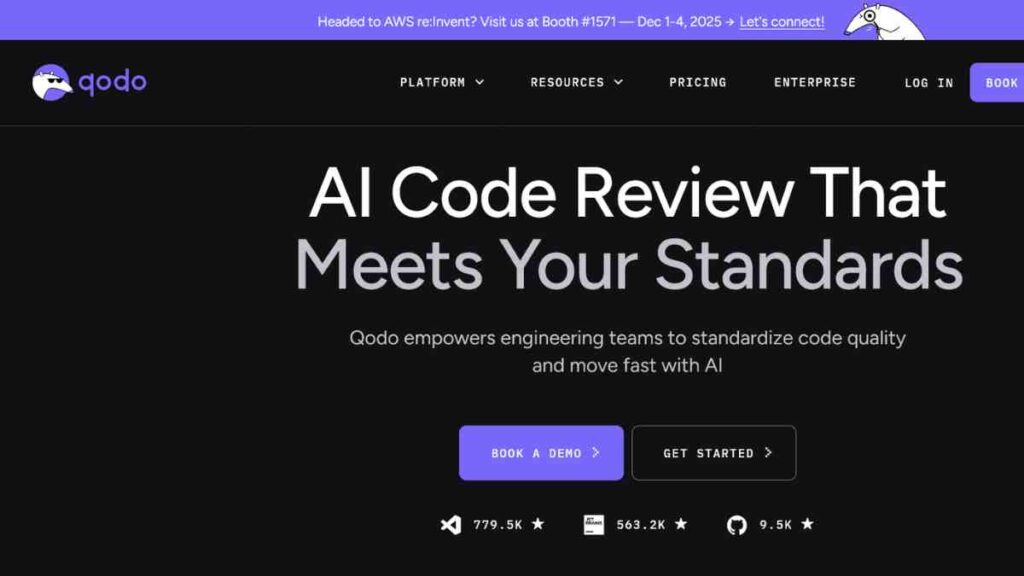
Qodo is an AI-powered coding assistant built to help developers generate, refactor, and debug code with high accuracy and speed.
Designed as a lightweight yet powerful development tool, Qodo focuses on improving developer productivity through intelligent, context-aware automation.
As a rising Cursor AI alternative, it appeals to users who want a clean interface, fast code generation, and strong multi-language support without the complexity of heavier IDEs.
Key Features of Qodo
| Feature | Description |
|---|---|
| AI Code Generation | Produces clean, functional code from simple prompts or natural-language instructions. |
| Context-Aware Editing | Understands the surrounding code to offer relevant suggestions and modifications. |
| Error Detection & Fixing | Identifies bugs and provides AI-powered corrections for smoother workflow. |
| Multi-Language Support | Works across popular languages like JavaScript, Python, TypeScript, Java, and Go. |
| Lightweight Interface | Built to run fast, even on modest systems, with minimal distractions. |
| Simple Workflow Tools | Offers quick actions like auto-documentation, code explanations, and snippet generation. |
Pros and Cons of Qodo
| Pros | Cons |
|---|---|
| Easy to use, clean and intuitive interface | Not designed for very large enterprise-level projects |
| Strong accuracy in code generation | Fewer advanced AI features compared to tools like Windsurf |
| Fast performance with low overhead | Smaller ecosystem and fewer integrations |
| Good for solo developers and learners | Limited collaboration capabilities |
| Supports many major programming languages | Still growing in community adoption |
Qodo Pricing
| Plan | Price |
|---|---|
| Developer | $0 |
| Teams | $36 |
| Enterprise | Custom pricing |
How Qodo Compares to Cursor AI
Qodo stands out as a simpler, more lightweight alternative to Cursor AI. While Cursor offers deeper, multi-file editing and advanced automation, Qodo focuses on speed, ease of use, and high-quality code generation within a streamlined interface.
Its minimal setup and quick performance make it ideal for developers who want AI assistance without switching to a heavy, AI-centric editor.
For users seeking an efficient, fast, and beginner-friendly Cursor AI alternative, Qodo provides a practical and reliable option.
10. Cline
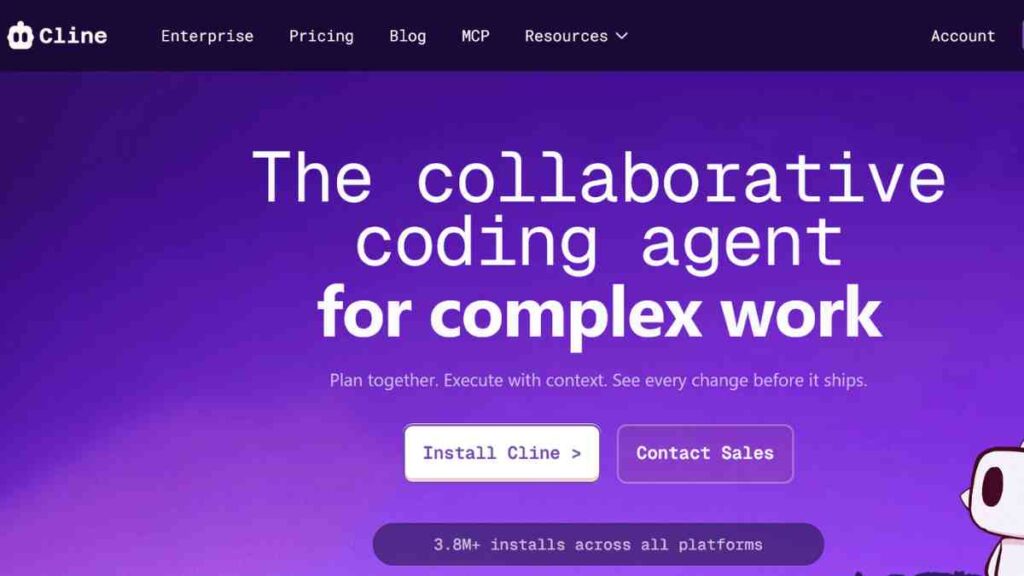
Cline is an AI-driven coding automation tool that functions as an advanced agent capable of performing multi-step development tasks with minimal supervision.
Operating as a plugin within Visual Studio Code, Cline interprets natural-language instructions and executes complex sequences such as building features, resolving errors, refactoring code, and managing project structures.
As one of the most capable Cursor AI alternatives, Cline provides a powerful way to integrate agentic workflows directly into the world’s most popular code editor.
Key Features of Cline
| Feature | Description |
|---|---|
| Agentic Task Execution | Handles multi-step tasks like building features, fixing bugs, and modifying multiple files autonomously. |
| VS Code Integration | Works natively inside Visual Studio Code for familiar workflows and quick setup. |
| Full-Project Context Awareness | Analyses large repositories to apply accurate, context-sensitive changes. |
| Natural-Language Instructions | Executes plain-English commands that translate into actionable coding operations. |
| In-Editor Automation | Manages file creation, editing, refactoring, and dependency installation without manual intervention. |
| Open Model Support | Allows users to choose from various LLMs, depending on performance or privacy needs. |
Pros and Cons of Cline
| Pros | Cons |
|---|---|
| Highly autonomous, agent-like coding behaviour | Requires careful oversight on more complex tasks |
| Uses the familiar VS Code environment | Full functionality depends on the model quality used |
| Powerful multi-file and multi-step operations | Not ideal for developers who do not use VS Code |
| Supports multiple open-source and proprietary models | Occasional missteps with ambiguous instructions |
| Great for productivity and repetitive work | Lacks the UI polish of standalone AI editors |
Cline Pricing
| Plan | Price |
|---|---|
| Open-Source | $0 |
| Teams | $20 |
| Enterprise | Custom pricing |
How Cline Compares to Cursor AI
Cline outshines Cursor AI for developers who prefer staying within VS Code while leveraging powerful agentic automation.
Unlike Cursor, which operates as a dedicated AI editor, Cline brings deep multi-step intelligence directly into an established IDE, reducing friction and enhancing familiarity.
Its support for various models and ability to execute complex, autonomous tasks make it a strong alternative for developers who value workflow continuity, flexibility, and advanced automation without switching environments.
How to Choose the Best Cursor AI Alternative
Selecting the right Cursor AI alternative depends on your workflow, project size, security needs, and preferred development environment.
Instead of picking the most popular option, focus on identifying the tool that aligns with your coding style, technical requirements, and long-term goals.
Below are the essential factors to evaluate before deciding.
| Factors | What to look out for |
|---|---|
| Your IDE or Workflow | Some tools work best in VS Code, others in JetBrains or browser-based environments. Choose one that fits your daily workflow to avoid friction. |
| AI Capabilities Needed | Decide whether you need simple code completion, multi-file editing, or full agentic automation. Features should match your project complexity. |
| Privacy & Security Requirements | Teams in regulated industries may require self-hosting or strict data-retention controls, which only some tools provide. |
| Budget & Pricing | Pricing varies widely. Some offer free tiers, others cost more for enterprise features. Select what provides the best long-term value. |
| Scalability for Teams | If you work in a team, look for collaboration tools, shared context, or custom model training options. |
| Supported Languages & Frameworks | Ensure the tool supports your primary tech stack to avoid compatibility issues. |
| Model Flexibility | Tools that allow switching between LLMs offer more adaptability as AI evolves. |
| Performance & Speed | Low-latency suggestions and fast processing significantly impact developer productivity. |
Conclusion
Choosing the right Cursor AI alternative comes down to understanding your workflow, technical needs, and long-term goals. Whether you prioritise speed, privacy, automation, or IDE compatibility, the tools highlighted in this guide offer powerful options for every type of developer.
By matching the right features to your projects, you can boost productivity, streamline coding tasks, and build more efficiently with the help of smarter AI-powered development tools.
We want to see you succeed, and that’s why we provide valuable business resources to help you every step of the way.
- Join over 23,000 entrepreneurs by signing up for our newsletter and receiving valuable business insights.
- Register your business today with Entrepreneurs.ng’s Business Registration Services.
- Tell Your Brand Story on Entrepreneurs.ng, let’s showcase your brand to our global audience.
- Need help with your marketing strategy? Get a Comprehensive Marketing and Sales Plan here.
- Sign up for our Entrepreneurs Success Blueprint Programme to learn how to start and scale your business in just 30 days.
- Book our one-on-one consulting and speak to an expert about structuring and growing your business.
- Visit our shop for business plan templates and other valuable resources to guide you.
- Get our Employee-Employer Super Bundle NDA templates to legally protect your business and workforce.
- Advertise your business to over a million entrepreneurs through our different advertising packages.

Frequently Asked Questions (FAQs)
What is Cursor AI used for?
Cursor AI is an AI-powered code editor that helps developers write, refactor, and debug code using natural-language prompts and multi-file project understanding. It streamlines coding workflows and speeds up development.
Are there free alternatives to Cursor AI?
Yes. Tools like Zed, Tabby, and Cline offer free or open-source options that deliver strong AI assistance without subscription fees.
Which Cursor AI alternative is best for privacy?
Tabnine and Tabby are ideal for privacy-sensitive teams because they offer self-hosted or on-premise deployment options that keep your code fully private.
What is the best Cursor AI alternative for beginners?
Replit Ghostwriter and Qodo are beginner-friendly choices thanks to their simple interfaces and easy natural-language code generation.
Which alternative is best for large enterprise projects?
JetBrains AI Assistant and Tabnine Enterprise provide deep project understanding, governance, and collaboration features suited for enterprise-scale environments.
Can these alternatives replace manual coding?
No. They are designed to assist, not replace developers. AI tools improve productivity but still require human oversight for accuracy and project-specific logic.
Do these tools support multiple programming languages?
Most alternatives, including GitHub Copilot, Tabnine, and Zed, support a wide range of languages like Python, JavaScript, Go, Java, and more.
Can these tools help with debugging?
Yes. Many alternatives, such as Copilot, Windsurf, and Replit Ghostwriter, can detect issues, suggest fixes, and even automate multi-step debugging tasks.



