


Miro Alternatives are gaining traction as businesses and educators look beyond the usual. In a crowded field of online whiteboard tools, these digital collaboration software and visual collaboration platforms offer fresh ways to run brainstorming sessions, workshops, and remote ideation.
According to Zoom Blog, teams now spend nearly 42% of their time collaborating, making the right choice of visual collaboration apps and brainstorming tools essential for boosting creativity, productivity, and seamless teamwork.
If you are looking for a better virtual workshop app or a more intuitive team ideation tool, the 15 options below provide powerful Miro Alternatives that go beyond traditional digital whiteboards.
Key Takeaways
- The right Miro alternative can enhance creativity, collaboration, and workflow efficiency for any team size or industry.
- Many online whiteboard tools now offer affordable, user-friendly, and feature-rich options beyond Miro’s ecosystem.
- Choosing a platform depends on your team’s needs, whether for brainstorming, project planning, or interactive workshops.
- With collaboration tools evolving rapidly, staying adaptable and exploring new visual platforms gives teams a lasting competitive edge.

What Is Miro?

Miro is a leading digital whiteboard and visual collaboration platform designed to help teams brainstorm, plan, and execute projects in real time. It provides an interactive online workspace where users can create mind maps, workflows, and wireframes using sticky notes, templates, and diagrams.
Trusted by over 60 million users worldwide, including companies like Netflix, Deloitte, and HP, Miro enables remote collaboration across departments, from design and product development to strategy and education. It integrates seamlessly with popular team ideation tools like Slack, Zoom, Trello, Jira, and Google Workspace, making it a powerful hub for distributed teams.
Miro stands out for its intuitive interface, scalable templates, and real-time co-editing features, positioning it as one of the most versatile visual collaboration apps in the market.
Top 15 Miro Alternatives for Whiteboards and Workshops
As the demand for digital collaboration software continues to soar, many teams are exploring Miro alternatives that better suit their unique needs, budgets, and workflows.
Below, we have curated the 15 best Miro competitors, each offering distinct strengths, from seamless integrations and user-friendly interfaces to specialised virtual workshop apps and team ideation tools.
These platforms empower you to collaborate visually, brainstorm effectively, and turn ideas into action, no matter where your team is.
1. Trello
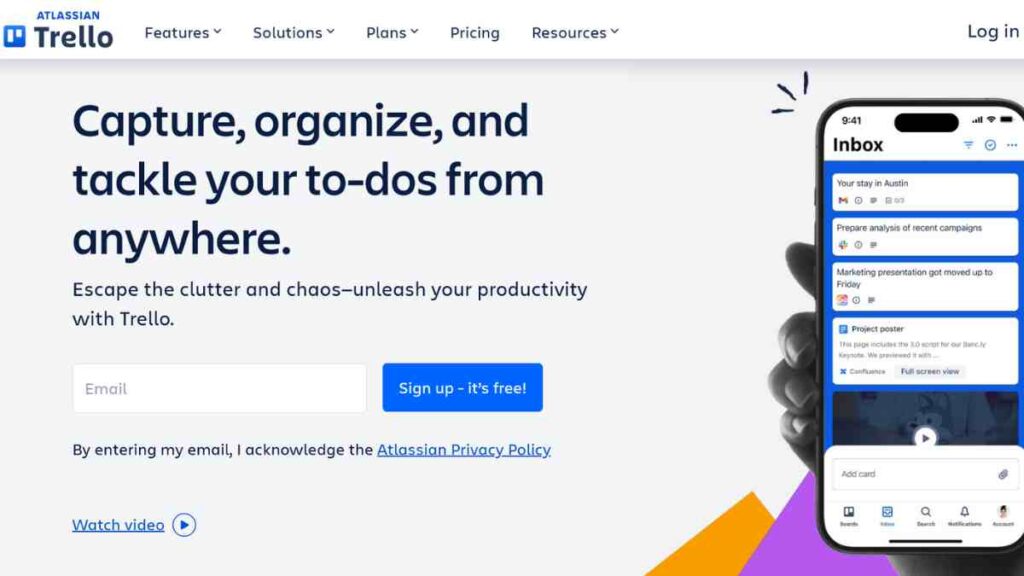
Trello is a highly visual project management and collaboration tool that doubles as a lightweight Miro alternative for teams who prefer simplicity and structure in their workflows.
Originally developed by Fog Creek Software and now owned by Atlassian, Trello uses its signature Kanban-style boards to help teams organise tasks, brainstorm ideas, and manage projects visually. While not a traditional digital whiteboard, Trello’s intuitive drag-and-drop interface, combined with its cards, lists, and automation features (Butler), makes it ideal for planning workshops, mapping workflows, and facilitating team ideation.
Its ability to integrate with popular visual collaboration apps and online whiteboard tools like Miro, Slack, Google Drive, and Jira enhances its versatility, allowing teams to collaborate effectively in hybrid and remote environments.
| Category | Details |
|---|---|
| Standout Features | Kanban boards, Butler automation, Power-Ups, real-time collaboration, custom templates, drag-and-drop interface |
| Integrations | Slack, Google Workspace, Microsoft Teams, Jira, Confluence, Dropbox, Zapier |
| Pricing | Free plan available, Standard – $5, Premium – $10, Enterprise – custom pricing, |
| Pros | Extremely user-friendly interface, flexible for different use cases (projects, workshops, brainstorming), affordable for startups and small teams and has strong mobile and desktop apps |
| Cons | Limited whiteboarding or drawing tools, it can become cluttered for large, complex projects and has fewer visual ideation features compared to Miro |
See Also: 15 Game-Changing Jamboard Alternatives for Remote Collaboration
2. FigJam
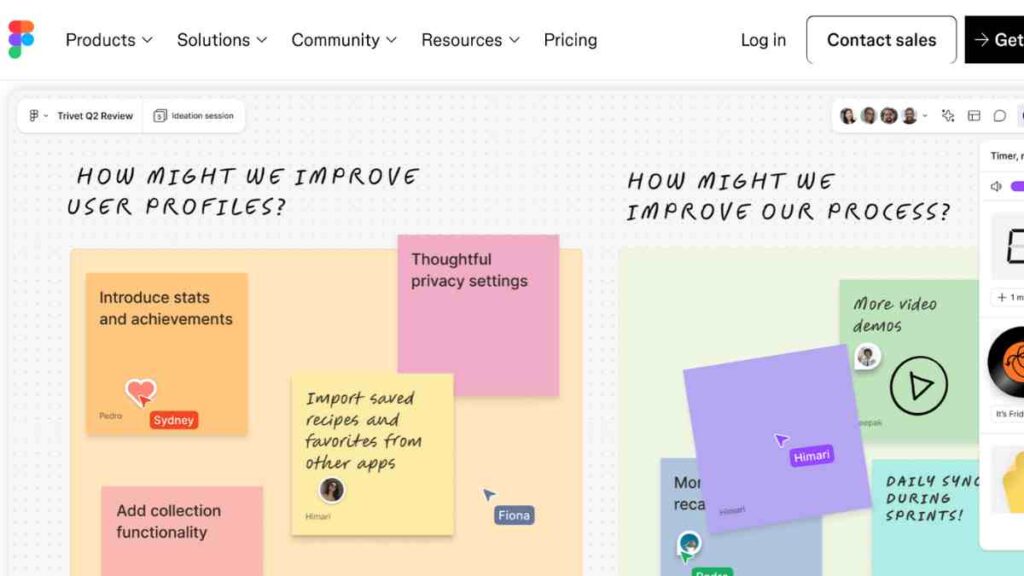
FigJam is Figma’s collaborative online whiteboard tool built specifically for brainstorming, ideation, and real-time team collaboration. Designed as a visual collaboration app, it allows designers, product managers, and teams to co-create, map ideas, and conduct workshops seamlessly.
With its playful interface, complete with sticky notes, emojis, and drawing tools, FigJam brings an engaging human touch to remote collaboration.
It supports interactive sessions, commenting, voting, and diagramming, enabling teams to move from idea to design execution without switching platforms. FigJam’s simplicity and integration power make it one of the most intuitive digital whiteboards available today.
| Category | Details |
|---|---|
| Standout Features | Sticky notes, shapes, and drawing tools, built-in templates, cursor chat, audio call support, voting, and Figma integration |
| Integrations | Figma, Slack, Microsoft Teams, Google Workspace, Zoom, Notion, Jira |
| Pricing | Free plan available, Professional – $3/user/month, Organisation – $5/user/month, Enterprise – custom pricing |
| Pros | Highly intuitive and visually engaging interface, seamless integration with Figma, ideal for design and brainstorming sessions, encourages collaboration through fun elements like emojis and reactions |
| Cons | Limited project management tools, not suitable for complex workflows, and may lack some of Miro’s advanced workshop templates |
3. Mural

Mural is a powerful digital collaboration platform and one of the top-rated Miro alternatives designed for enterprise teams that thrive on structured creativity. Founded in 2011, Mural has become a go-to virtual workshop app for organisations running strategy sessions, agile planning, and design sprints.
It provides an immersive digital whiteboard environment where teams can brainstorm, map processes, and visualise complex ideas in real time. Used by global companies like IBM, Microsoft, and SAP, Mural offers advanced facilitation features, including voting sessions, timers, private mode brainstorming, and custom templates that support every stage of team ideation.
Its enterprise-grade security, scalability, and integration ecosystem make it particularly appealing for large, distributed organisations that require both flexibility and compliance.
| Category | Details |
|---|---|
| Standout Features | Real-time collaboration, facilitation tools (timers, voting, private mode), 300+ templates, sticky notes, frameworks for agile and design thinking |
| Integrations | Microsoft Teams, Slack, Zoom, Jira, Google Workspace, Asana, Azure DevOps |
| Pricing | Free plan available (limited features), Team+ – $9.99/user/month, Business – $17.99/user/month, Enterprise – custom pricing. |
| Pros | Excellent for structured workshops and brainstorming, enterprise-grade security, user-friendly templates, and strong integration with major collaboration tools |
| Cons | Higher pricing for small teams, It can feel overwhelming for first-time users, and performance may slow down on large boards |
4. Collaboard
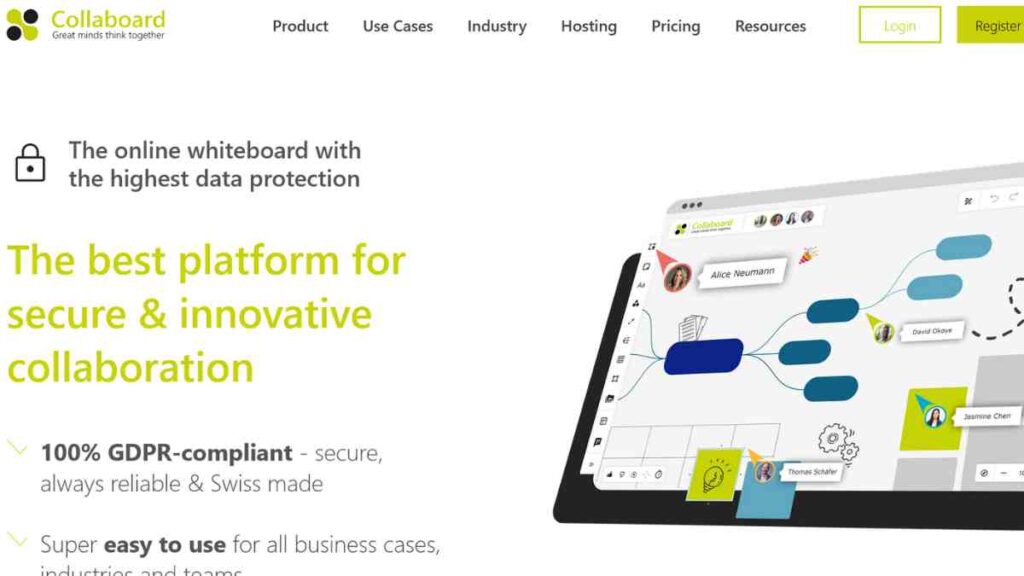
Collaboard is a secure and versatile online whiteboard tool that enables teams to collaborate visually and brainstorm ideas in real time. It stands out among Miro alternatives for its strong emphasis on data privacy, security, and on-premise hosting options, which make it appealing to enterprises, government institutions, and educational organisations with strict compliance needs.
The platform provides an intuitive canvas for creating mind maps, wireframes, flowcharts, and workshop boards. With its drag-and-drop interface, teams can add sticky notes, documents, images, and videos, making it a flexible digital collaboration software for both creative ideation and structured project planning.
Collaboard also supports handwriting recognition, video conferencing, and real-time co-editing, ensuring seamless teamwork across time zones.
| Category | Details |
|---|---|
| Standout Features | Secure cloud and on-premise hosting, real-time collaboration, sticky notes, templates, handwriting recognition, built-in video conferencing, and presentation mode |
| Integrations | Microsoft Teams, Google Workspace, Zoom, Webex, OneDrive, Jira, Trello |
| Pricing | Free plan available, Basic– €5, Advanced – €10, Enterprise – custom pricing |
| Pros | Strong focus on data security and compliance, easy to use for remote and hybrid teams, robust collaboration and video features, supports both cloud and on-premise deployment. |
| Cons | Interface feels less modern than competitors, smaller template library than Miro, and has limited third-party integrations compared to larger platforms |
5. Whimsical
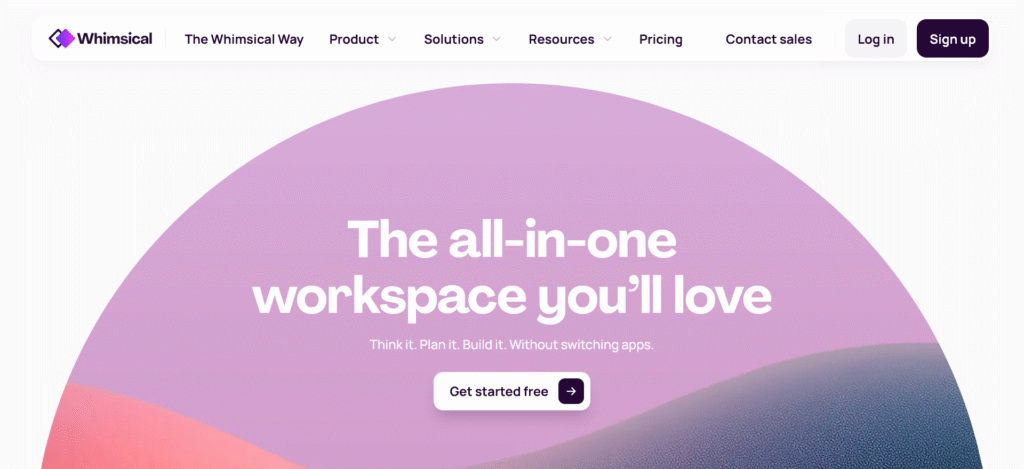
Whimsical is a beautifully designed visual collaboration platform that combines whiteboarding, flowcharting, mind mapping, and wireframing in one streamlined workspace.
Known for its clean, minimalist interface and lightning-fast performance, Whimsical has become a favourite Miro alternative among designers, product managers, and agile teams who need to visualise ideas quickly and clearly. The platform offers a balance between structure and creativity, allowing teams to switch seamlessly between diagrams, sticky notes, and documentation without clutter.
Whimsical’s simplicity eliminates the learning curve often associated with complex digital collaboration software, making it a go-to tool for startups and professionals who want to focus on ideas, not setup. It also supports real-time collaboration, enabling distributed teams to brainstorm, plan, and execute with ease.
| Category | Details |
|---|---|
| Standout Features | Unified workspace for flowcharts, wireframes, mind maps, and docs; real-time collaboration; keyboard shortcuts; AI-assisted diagramming; simple drag-and-drop editor |
| Integrations | Slack, Notion, Jira, GitHub, Linear, ClickUp, Google Drive |
| Pricing | Free plan available, Pro – $10, Business – $15, Enterprise – custom pricing |
| Pros | Intuitive and fast interface, ideal for design and planning, seamless collaboration, strong for visual thinkers, and combines multiple tools in one |
| Cons | Limited customisation compared to Miro, fewer templates, no built-in video conferencing or advanced workshop tools |
See Also: Tired of Duolingo? Try These 10 Free and Paid Duolingo Alternatives That Make Language Learning Fun

6. Nuclino
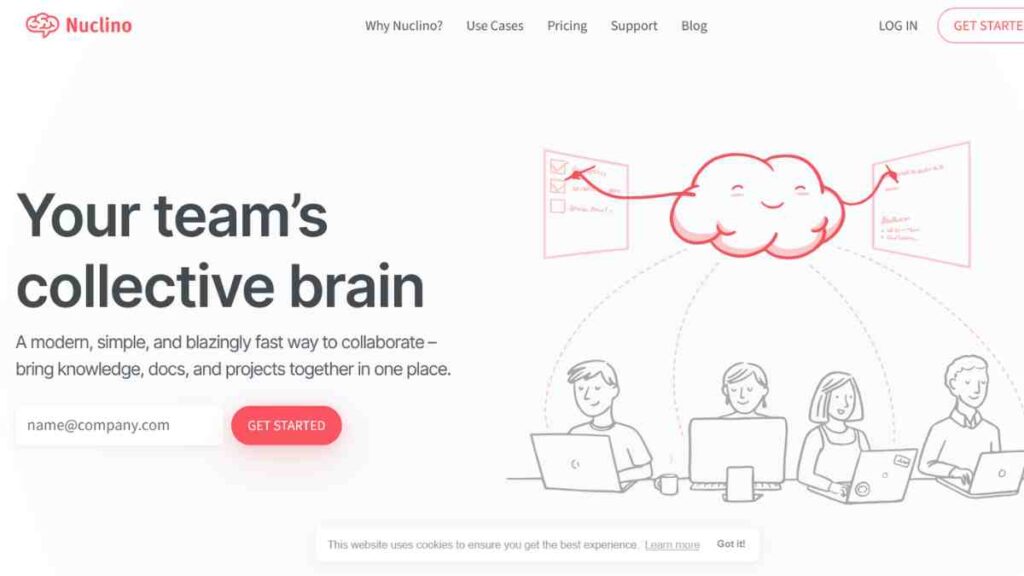
Nuclino is a sleek, lightweight collaboration and knowledge management platform that doubles as a practical Miro alternative for teams seeking a unified space to brainstorm, document, and visualise ideas. Combining the best elements of a digital whiteboard, wiki, and team ideation tool, Nuclino helps teams connect thoughts visually using graph-style mind maps and real-time co-editing features.
Founded in 2015, Nuclino is trusted by teams in marketing, product development, and software engineering who want to streamline communication and reduce tool overload.
Its minimalist interface and instant syncing make it ideal for brainstorming sessions, project planning, and documentation, all within one ecosystem. The platform’s speed, simplicity, and transparency position it as a standout among other Miro competitors.
| Category | Details |
|---|---|
| Standout Features | Real-time collaborative editing, graph-style visualisation, markdown support, version history, drag-and-drop organisation, and instant search |
| Integrations | Slack, Google Workspace, Microsoft Teams, GitHub, Jira, Zapier, Figma |
| Pricing | Free plan available, Starter– $6/user/month, Business – $10/user/month. |
| Pros | Clean and intuitive interface, combines documentation with visual collaboration, lightning-fast performance, excellent for small and medium teams |
| Cons | Lacks advanced diagramming and workshop tools, limited template variety, not ideal for large-scale visual mapping or design workflows |
7. Creately
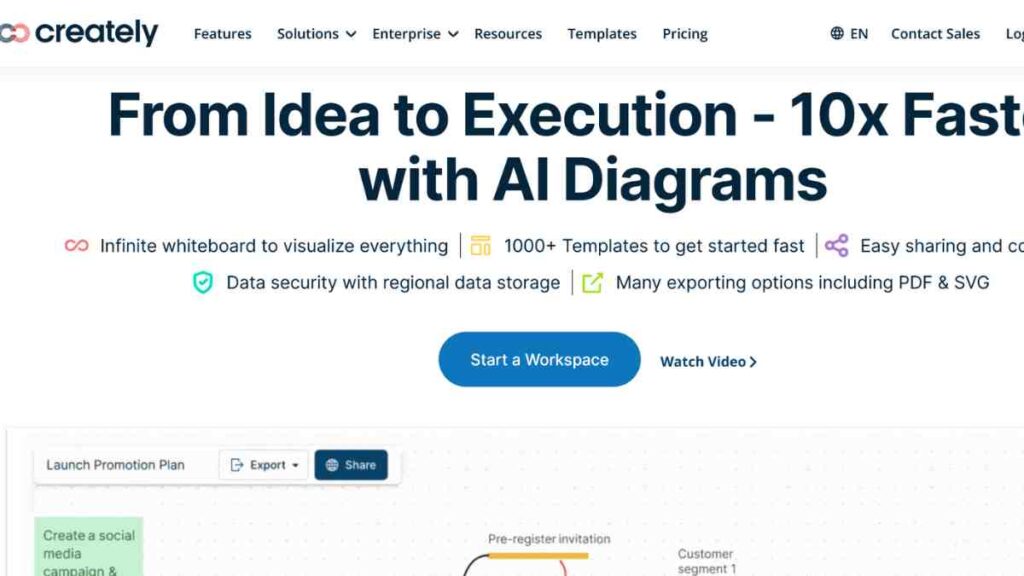
Creately is a robust visual collaboration and diagramming platform that bridges the gap between whiteboarding, project management, and knowledge sharing. As one of the most versatile Miro alternatives, Creately allows teams to brainstorm, plan, and execute ideas visually through its combination of smart diagrams, Kanban boards, and database-powered workflows.
Founded in 2008, Creately is used by over 10 million users and 1,000+ enterprises, including Amazon, NASA, and PayPal. Its infinite canvas, drag-and-drop simplicity, and real-time collaboration features make it ideal for hybrid teams managing complex projects.
Unlike traditional digital whiteboard tools, Creately’s data-linked visualisation turns ideas into actionable workflows, making it a favourite among business strategists, designers, and educators.
| Category | Details |
|---|---|
| Standout Features | Smart visual canvas, data-linked diagrams, built-in project management, database-style documentation, real-time collaboration, 1,000+ templates |
| Integrations | Google Workspace, Microsoft Teams, Slack, Confluence, Jira, GitHub, Zapier |
| Pricing | Free plan available, Personal – $5, Team– $5/user/month, Business – $89 |
| Pros | Combines diagramming and whiteboarding, intuitive and fast interface, great for structured workflows, strong template and integration support |
| Cons | Interface can feel complex for beginners, performance slows with very large diagrams, and the mobile app is less powerful than the desktop version |
8. Stormboard
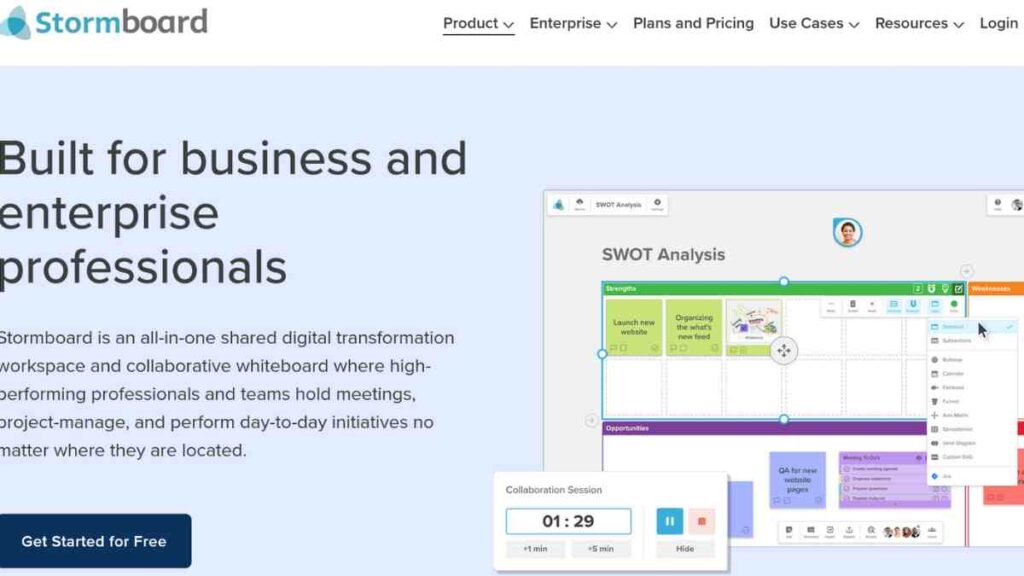
Stormboard is a dynamic digital collaboration software that transforms traditional brainstorming sessions into structured, interactive experiences. Designed as one of the most practical Miro alternatives, it combines the power of sticky notes, project templates, and real-time collaboration to help teams capture ideas, organise thoughts, and take action faster.
Founded in Canada, Stormboard is trusted by companies like Dell, Disney, and SAP for running remote workshops, agile planning, and innovation sessions.
The platform stands out for its ability to merge visual collaboration with project management, offering built-in tools for task tracking, reporting, and exporting brainstorm results into actionable plans. It is equally useful for educators, corporate teams, and consultants running structured virtual workshops.
| Category | Details |
|---|---|
| Standout Features | Sticky notes and templates, task tracking, report generation, presentation mode, brainstorming framework library, and real-time collaboration |
| Integrations | Microsoft Teams, Slack, Google Workspace, Zapier, Jira, Azure DevOps |
| Pricing | Free plan available (basic features), Business – $10, Enterprise – custom pricing. |
| Pros | Great for structured brainstorming and project planning, a wide range of templates, an easy-to-use interface, excellent reporting and documentation features |
| Cons | Limited design and drawing flexibility, fewer integrations compared to Miro, and the free version has restricted functionality |
9. Explain Everything
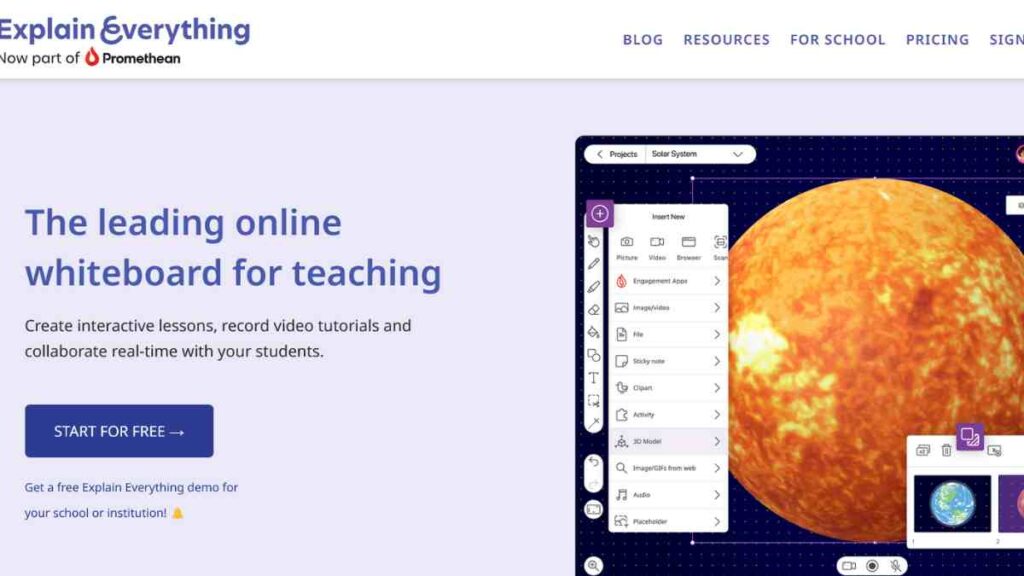
Explain Everything is an interactive digital whiteboard and video collaboration platform that empowers users to create, share, and present ideas visually.
Unlike many other Miro alternatives, Explain Everything combines whiteboarding, screen recording, and multimedia presentation tools into a single workspace, making it popular among educators, trainers, and creative professionals.
The platform allows users to sketch, annotate, record explanations, and collaborate in real time. It supports voiceovers, animations, and live video conferencing, allowing teams to turn brainstorming sessions or lessons into shareable, interactive videos.
With compatibility across web, mobile, and tablet devices, Explain Everything bridges the gap between visual collaboration and interactive storytelling.
| Category | Details |
|---|---|
| Standout Features | Interactive whiteboard, screen recording, video presentations, voiceover and animation tools, cloud collaboration, and real-time co-editing |
| Integrations | Google Workspace, Microsoft Teams, Dropbox, Zoom, YouTube, Schoology |
| Pricing | Free plan available (basic features), Advanced– $69, Education– custom pricing |
| Pros | Combines video and whiteboarding, great for educators and trainers, supports real-time and asynchronous collaboration, easy to share presentations and tutorials |
| Cons | Limited project management features, can feel feature-heavy for casual users, and lacks the deep integration ecosystem of Miro |
10. Microsoft Whiteboard
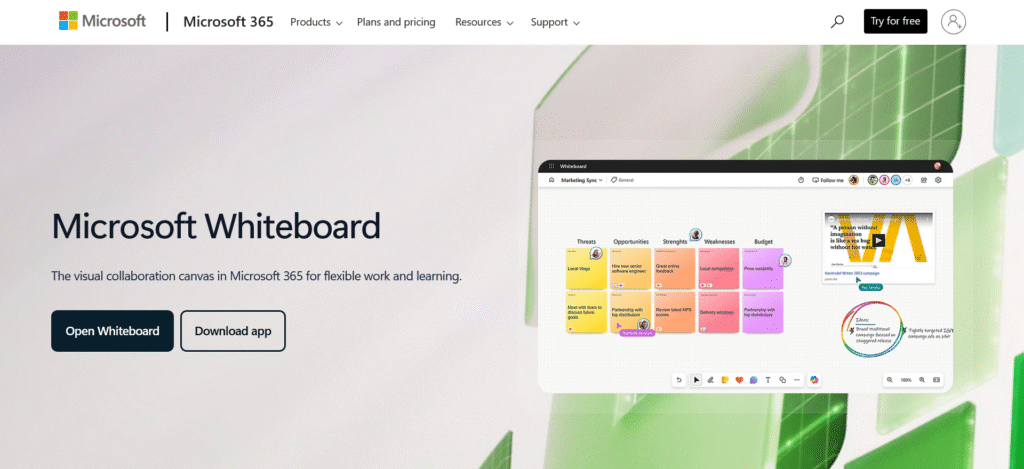
Microsoft Whiteboard is a robust digital collaboration tool that integrates seamlessly with the Microsoft 365 ecosystem, offering teams a shared canvas to brainstorm, visualise ideas, and collaborate in real time.
Positioned as one of the most accessible Miro alternatives, it is designed for organisations already using Microsoft Teams, Outlook, or OneNote, making collaboration simple and deeply integrated into existing workflows.
Originally launched in 2018, Microsoft Whiteboard has evolved into a powerful visual collaboration platform supporting sticky notes, templates, shapes, and inking tools optimised for touch and stylus use. It allows users to co-create during meetings, plan projects, and annotate concepts live.
With strong enterprise-grade security and cloud syncing via OneDrive, it’s an ideal solution for businesses prioritising compliance, security, and productivity within a unified digital workspace.
| Category | Details |
|---|---|
| Standout Features | Infinite canvas, sticky notes, drawing and inking tools, templates, text recognition, real-time collaboration, OneDrive auto-sync |
| Integrations | Microsoft Teams, OneNote, Outlook, SharePoint, PowerPoint |
| Pricing | Free with a Microsoft account, included with Microsoft 365 Business and Education plans |
| Pros | Seamless integration with Microsoft apps, excellent for hybrid and enterprise teams, easy to use, secure and compliant with enterprise standards |
| Cons | Limited advanced templates compared to Miro, fewer integrations outside the Microsoft ecosystem, and occasional syncing delays with large boards |
See Also: Top 15 Wireframing Tools for Faster and Smarter Prototyping

11. Zoom Whiteboard
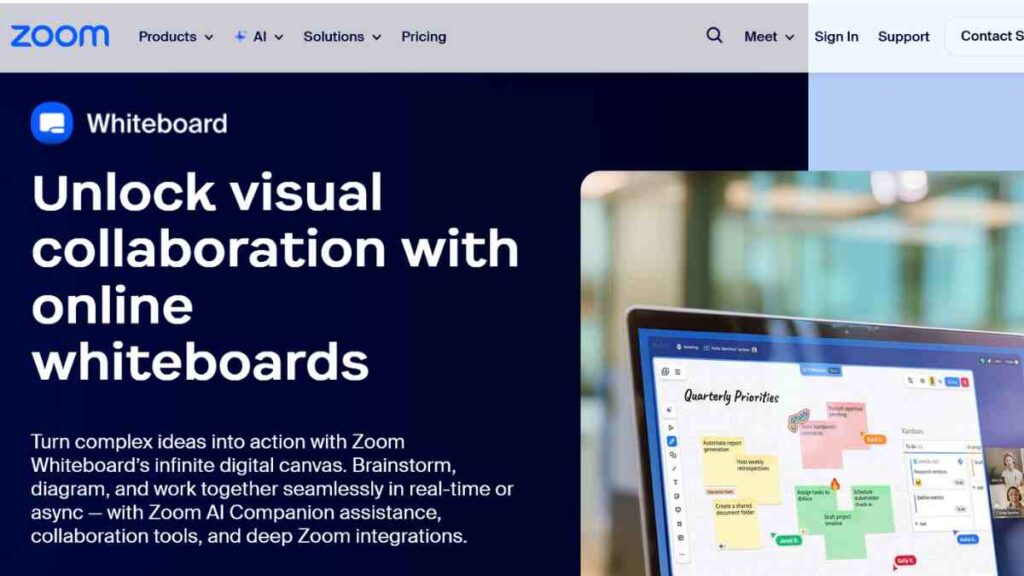
Zoom Whiteboard is a versatile visual collaboration app built directly into the popular Zoom video conferencing platform. Designed to enhance virtual meetings and workshops, it allows participants to brainstorm, draw, and share ideas visually, even outside live calls.
As a rapidly growing Miro alternative, Zoom Whiteboard combines the familiarity of Zoom’s interface with powerful, real-time collaboration tools, making it ideal for hybrid teams, educators, and business facilitators.
Launched in 2022, Zoom Whiteboard supports sticky notes, shapes, connectors, drawing tools, and templates that enable teams to plan projects and visualise workflows collaboratively. What makes it unique is its integration with Zoom Meetings and Zoom Rooms, allowing participants to ideate seamlessly during or after video sessions.
| Category | Details |
|---|---|
| Standout Features | Integrated whiteboard within Zoom, real-time and asynchronous collaboration, sticky notes, shapes, connectors, templates, and in-meeting editing |
| Integrations | Zoom Meetings, Zoom Rooms, Google Workspace, Slack, Microsoft Teams |
| Pricing | Included in all Zoom plans (Free to Enterprise); advanced features available with Zoom One Pro and Business tiers |
| Pros | Native integration with Zoom, ideal for live and hybrid collaboration, easy to use, accessible across devices, and supports async teamwork |
| Cons | Limited creative tools compared to Miro, lacks standalone advanced features, and templates are still expanding |
12. Lucidchart
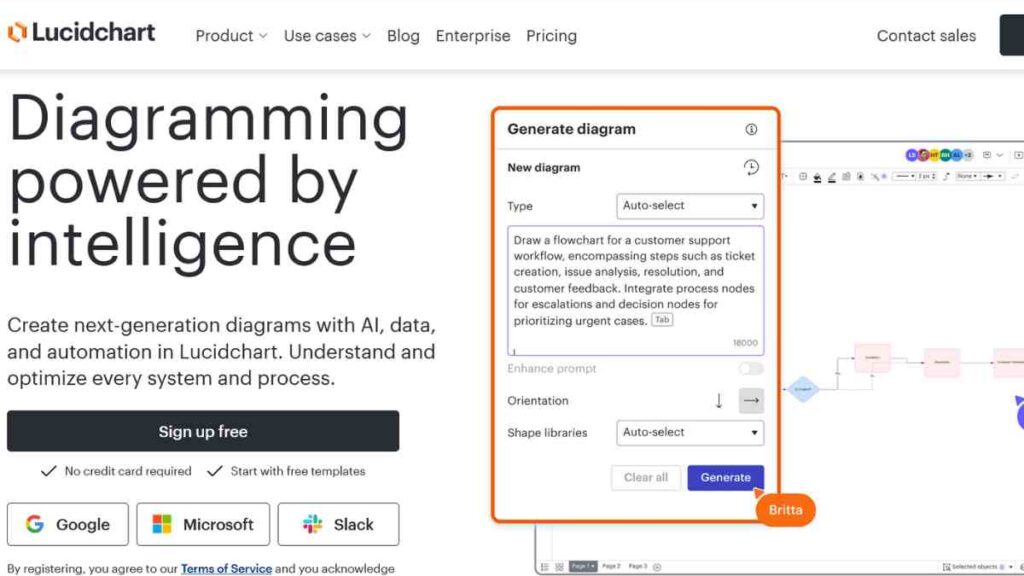
Lucidchart is a leading diagramming and visual collaboration platform designed to help teams map out ideas, systems, and workflows in a clear, structured way. As one of the most established Miro alternatives, it is preferred by engineers, product managers, and business strategists who need to visualise complex processes with precision.
Developed by Lucid Software, the same company behind Lucidspark, Lucidchart offers a powerful suite of tools for creating flowcharts, UML diagrams, wireframes, and organisational charts. It is cloud-based and supports real-time collaboration, allowing multiple users to edit diagrams simultaneously from any device.
Its intuitive drag-and-drop interface, extensive shape libraries, and smart auto-formatting features make it a top choice for teams that prioritise clarity, structure, and speed.
| Category | Details |
|---|---|
| Standout Features | Flowchart and diagram creation, data linking, collaboration in real time, auto-layouts, revision history, templates, and visual automation |
| Integrations | Google Workspace, Microsoft Teams, Slack, Jira, Confluence, Zoom, AWS, GitHub |
| Pricing | Free plan available (basic features), Individual – $9.00, Team –$10.00, Enterprise – custom pricing |
| Pros | Excellent for technical diagrams and business processes, strong integration ecosystem, user-friendly interface, and reliable cloud sync |
| Cons | Limited creative freedom for freehand drawing, fewer brainstorming templates than Miro, and complex diagrams can feel overwhelming for new users |
13. Coggle

Coggle is a simple yet powerful mind mapping and visual thinking tool that helps teams and individuals brainstorm ideas, outline projects, and present information in an organised, visual format. As one of the most intuitive Miro alternatives, Coggle focuses on clarity and ease of use.
Founded in the UK, Coggle enables users to create collaborative mind maps with unlimited branches, colour-coded connections, and embedded images or links. It is browser-based, meaning no downloads are required, and every change is saved instantly to the cloud.
While it does not aim to replace comprehensive digital whiteboard platforms like Miro, Coggle excels at visual brainstorming, note-taking, and hierarchical idea organisation, all within a clean and distraction-free interface.
| Category | Details |
|---|---|
| Standout Features | Collaborative mind maps, unlimited image uploads, colour-coded branches, real-time editing, drag-and-drop interface, version history |
| Integrations | Google Drive, Slack, Microsoft Teams, GitHub |
| Pricing | Free plan available, Awesome – $5/month, Organisation – $8/user/month |
| Pros | Extremely easy to use, great for brainstorming and visual idea mapping, real-time collaboration, affordable pricing, and integrates with Google Drive |
| Cons | Limited diagram types beyond mind maps, lacks advanced templates and features for large-scale projects, and has fewer integrations than Miro |
14. Milanote
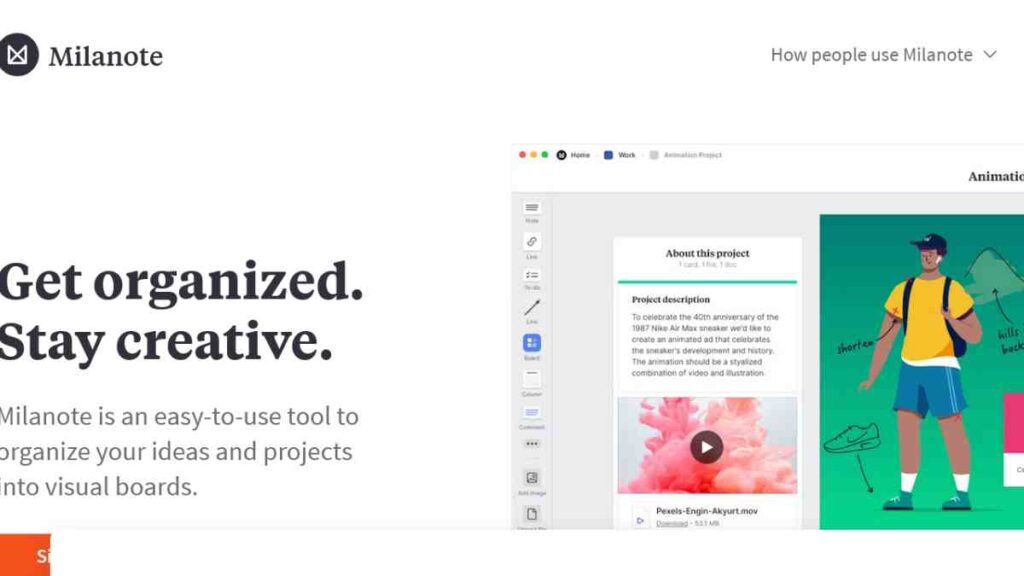
Milanote is a visually rich digital whiteboard and creative collaboration tool designed to help teams organise ideas, projects, and inspiration in an intuitive, drag-and-drop workspace.
Recognised as one of the most visually appealing Miro alternatives, Milanote caters especially to designers, marketers, writers, and creative agencies who value aesthetic presentation and freeform thinking over rigid structures.
Founded in 2017 in Australia, Milanote replicates the experience of working on a physical pinboard, allowing users to combine images, notes, checklists, links, and files into visually engaging boards. It is perfect for brainstorming, storyboarding, and project planning, with built-in templates for mood boards, brand guidelines, and creative briefs.
| Category | Details |
|---|---|
| Standout Features | Visual boards, drag-and-drop interface, mood boards, creative project templates, real-time collaboration, file and image embedding |
| Integrations | Slack, Google Drive, Dropbox, Notion, and browser clipper extensions |
| Pricing | Free plan available (limited notes and boards), Pay per person- $9.99, Upgrade your team – $49 |
| Pros | Beautiful and intuitive design, ideal for creative workflows, easy to use, excellent for visual storytelling and concept planning |
| Cons | Limited diagramming and technical tools, no advanced automation features, and real-time editing can lag with large boards |
15. Excalidraw
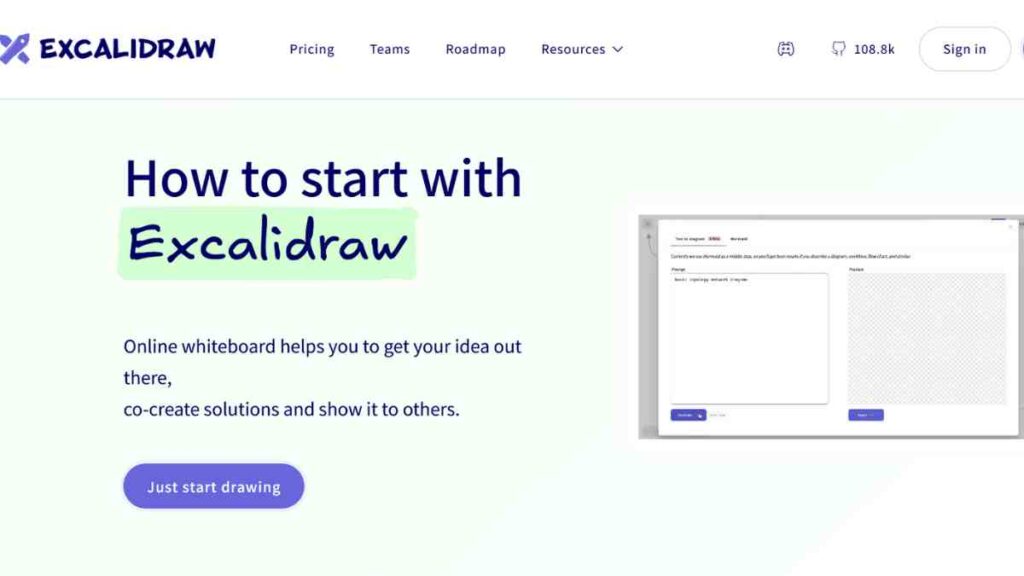
Excalidraw is a minimalist, open-source digital whiteboard tool that delivers a hand-drawn, sketch-style experience for visual thinkers and creative teams. As one of the most lightweight yet capable Miro alternatives, it focuses on simplicity, speed, and privacy, allowing users to create flowcharts, wireframes, mind maps, and quick idea sketches without the clutter of traditional enterprise tools.
Originally launched in 2020, Excalidraw has gained a loyal following among designers, developers, educators, and product teams for its intuitive interface and open-source flexibility.
The platform supports real-time collaboration, self-hosting, and integration into custom workflows, making it especially appealing for privacy-conscious organisations and tech-savvy teams. Its sketch-like visuals make brainstorming feel more organic, spontaneous, and fun.
| Category | Details |
|---|---|
| Standout Features | Hand-drawn sketch effect, real-time collaboration, infinite canvas, offline mode, open-source architecture, self-hosting support, end-to-end encryption |
| Integrations | Slack, GitHub, Notion, VS Code, Figma, Confluence (via plugins and API) |
| Pricing | Free solo (free forever), Plus – $6 |
| Pros | Free and privacy-friendly, lightweight and fast, supports real-time collaboration, offline access, and open-source customisation |
| Cons | Limited templates and enterprise features, lacks built-in video or task management tools, and visuals are intentionally basic |

Why Look for a Miro Alternative?
While Miro remains one of the most popular digital collaboration platforms, not every team’s needs fit neatly into its framework. Some users seek simpler, more affordable, or more secure options, while others want tools that focus on specific features like project management, mind mapping, or enterprise data control.
Whether it is about cost, performance, or usability, exploring Miro alternatives can help teams find a better match for their workflow, budget, and creative style.
| Reason | Explanation |
|---|---|
| Cost and Pricing Flexibility | Miro’s paid plans can be expensive for startups or small teams; alternatives often offer generous free or lower-cost tiers. |
| Performance and Speed | Large Miro boards can lag or load slowly; some alternatives provide faster, lightweight experiences. |
| Ease of Use | Beginners may find Miro’s interface overwhelming; tools like Coggle or FigJam offer simpler, more intuitive layouts. |
| Specialised Features | Teams needing mind maps, diagramming, or workflow automation may prefer platforms like Creately or Lucidchart. |
| Security and Compliance | Privacy-conscious organisations and government teams may choose secure, on-premise options like Collaboard. |
| Integration Preferences | Some businesses want tools that better fit their existing ecosystem (e.g., Microsoft Whiteboard for Microsoft users). |
| Offline and Open-Source Options | Platforms like Excalidraw or Nuclino offer offline access and self-hosted environments for more control. |
Conclusion
Choosing the right Miro alternative depends on your team’s goals, workflow, and collaboration style. Whether you prioritise simplicity, security, pricing, or creative flexibility, the tools in this guide offer strong options for every type of team, from startups to global enterprises.
The key is to pick a platform that complements how your team thinks, creates, and collaborates.
We want to see you succeed, and that’s why we provide valuable business resources to help you every step of the way.
- Join over 23,000 entrepreneurs by signing up for our newsletter and receiving valuable business insights.
- Register your business today with Entrepreneurs.ng’s Business Registration Services.
- Tell Your Brand Story on Entrepreneurs.ng, let’s showcase your brand to our global audience.
- Need help with your marketing strategy? Get a Comprehensive Marketing and Sales Plan here.
- Sign up for our Entrepreneurs Success Blueprint Programme to learn how to start and scale your business in just 30 days.
- Book our one-on-one consulting and speak to an expert about structuring and growing your business.
- Visit our shop for business plan templates and other valuable resources to guide you.
- Get our Employee-Employer Super Bundle NDA templates to legally protect your business and workforce.
- Advertise your business to over a million entrepreneurs through our different advertising packages.

Frequently Asked Questions (FAQs)
What is Miro used for?
Miro is an online whiteboard and collaboration platform designed to help teams brainstorm, plan projects, and visualise ideas in real time. It is widely used for workshops, agile planning, design sprints, and mind mapping, offering templates and tools that make team ideation seamless and interactive.
Why do teams look for Miro alternatives?
Teams often seek Miro alternatives due to factors like pricing, performance on large boards, or the need for more focused tools (e.g., mind mapping, diagramming, or enterprise security). Others prefer simpler, lightweight, or offline options for everyday collaboration.
Which Miro alternative is best for startups?
For startups, tools like Trello, FigJam, and Coggle are great options. They are affordable, intuitive, and offer enough flexibility for brainstorming, workflow management, and creative collaboration without overwhelming new users.
Are there free Miro alternatives?
Yes, several free Miro competitors offer strong features at no cost. Platforms such as Excalidraw, Microsoft Whiteboard, Zoom Whiteboard, and FigJam provide free plans ideal for small teams, educators, and freelancers.
Which Miro alternative is best for enterprise use?
Enterprises that prioritise security and scalability often choose Mural, Collaboard, or Microsoft Whiteboard. These platforms offer enterprise-grade compliance, data protection, and integration with corporate tools like Microsoft 365, Jira, and Slack.
What is the best Miro alternative for creative professionals?
For designers, marketers, and creatives, Milanote and FigJam stand out. Both tools focus on visual storytelling, mood boarding, and freeform ideation, offering a more artistic and fluid experience than traditional whiteboard platforms.
Can Miro alternatives integrate with other apps?
Absolutely. Most top Miro alternatives, like Lucidchart, Creately, and Mural, integrate with key productivity apps, including Slack, Google Workspace, Microsoft Teams, Jira, and Zoom, ensuring smooth workflows across platforms.
Do Miro alternatives work offline?
Some, like Excalidraw and Collaboard, offer offline functionality or self-hosted options for teams needing privacy or working in low-connectivity environments. Others, such as Miro and Mural, are primarily cloud-based.
Which Miro alternative is easiest to use?
If you are looking for simplicity, Coggle and FigJam are the easiest to start with. They have minimal learning curves, clean interfaces, and straightforward tools designed for quick brainstorming and collaboration.
How do I choose the best Miro alternative for my team?
Consider your team size, budget, integration needs, and collaboration goals. For technical teams, Lucidchart or Creately might fit best; for educators, Explain Everything; and for creative teams, Milanote or FigJam. Choose a tool that matches how your team naturally collaborates and creates.



