

Choosing the right cloud storage tool can feel overwhelming, especially when you are trying to find free Dropbox alternatives that offer the same reliability without the price tag.
With more entrepreneurs, creators, and small businesses relying on digital tools every day, choosing the right tool can make all the difference in how efficiently you manage files, share documents, and keep your business organised.
This guide breaks down the top options that help you stay organised, collaborate effortlessly, and protect your files, without spending a penny.
Key Takeaways
- The best free Dropbox alternatives offer generous storage, smooth syncing, and stronger privacy controls.
- Different platforms excel in unique areas, so the right choice depends on your workflow and collaboration needs.
- Switching to a free alternative can reduce costs while maintaining, sometimes even improving, productivity and file security.
- Understanding each tool’s strengths helps entrepreneurs choose a long-term solution that supports growth and flexibility.

The Best Free Dropbox Alternatives for Modern Entrepreneurs
Finding the right mix of free cloud storage services can transform how you work, especially if you are managing a growing business on a tight budget.
Below, we break down the leading Dropbox competitors that offer reliable syncing, generous storage, and secure sharing.
1. Google Drive
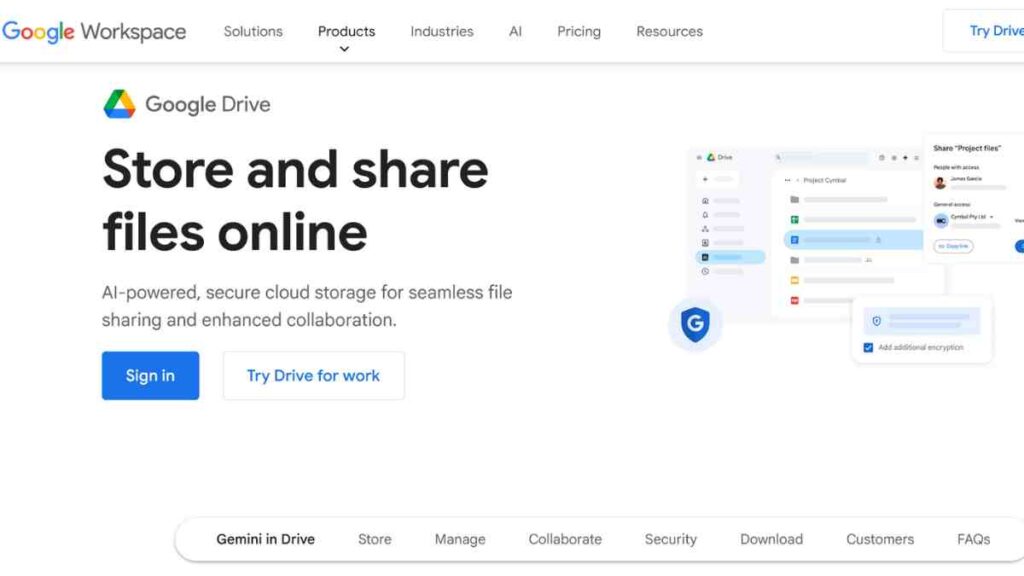
Google Drive remains one of the most dependable options for entrepreneurs who want secure, flexible, and easy-to-use cloud storage without paying upfront.
It is not just a familiar name but a platform designed to simplify teamwork, protect your files, and keep your business running smoothly across all your devices.
Why Google Drive Still Leads the Pack
What makes Google Drive stand out among other Dropbox competitors is its clean interface and effortless integration with Google Workspace.
With 15GB of free storage, you can manage documents, spreadsheets, presentations, and media files in one place.
Its real-time collaboration features allow you and your team to write proposals, review contracts, or build financial models together without sending attachments back and forth.
Security and Backup Features
Google provides two-step verification, advanced encryption, and strong data-protection standards.
Combined with its automatic syncing, it also serves as a dependable free cloud backup solution, ensuring your important files are always safe and accessible.
Limitations to Note
The shared 15GB can fill up quickly, especially if your Gmail inbox is heavy. Also, Drive’s offline mode may require some setup, and large team structures sometimes need paid Workspace plans for full functionality.
See Also: Top 12 Free DocuSign Alternatives for Secure Digital Signing
2. Microsoft OneDrive
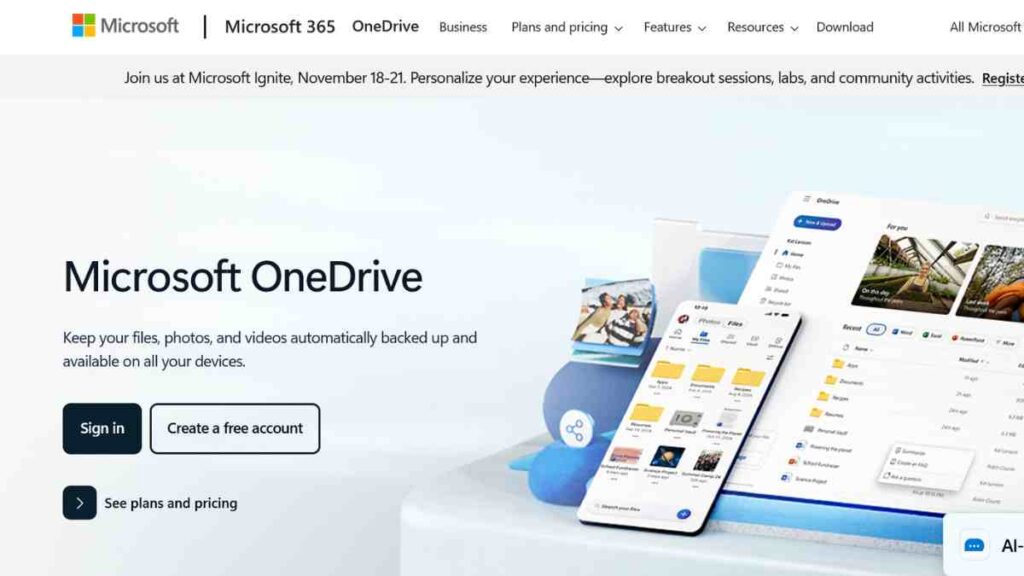
Microsoft OneDrive is a powerful option for entrepreneurs who want reliable storage paired with professional-grade productivity tools.
As one of the strongest Dropbox alternatives, it offers a smooth experience for users who work across different devices and need a secure space to store and manage their files.
Why OneDrive Is a Smart, Business-Friendly Option
What gives OneDrive an edge over many Dropbox competitors is its deep integration with Microsoft 365.
If you create proposals in Word, track finances in Excel, or collaborate on presentations in PowerPoint, OneDrive makes the entire workflow seamless.
Its 5GB free storage plan is not the largest out there, but its efficiency and compatibility make it a solid choice for entrepreneurs who prioritise productivity.
Security Features That Support Business Growth
Microsoft places strong emphasis on data protection. Your files are encrypted, monitored for suspicious activity, and supported by multi-factor authentication.
For entrepreneurs searching for a dependable free cloud backup solution, OneDrive provides peace of mind, especially when working with sensitive financial or operational documents.
Limitations to Consider
The free plan offers less storage compared to Google Drive, and some advanced features, like version history or large-file syncing, work best with a paid Microsoft 365 subscription.
Businesses not using Microsoft’s ecosystem may also find the platform less intuitive.
3. Bitrix24
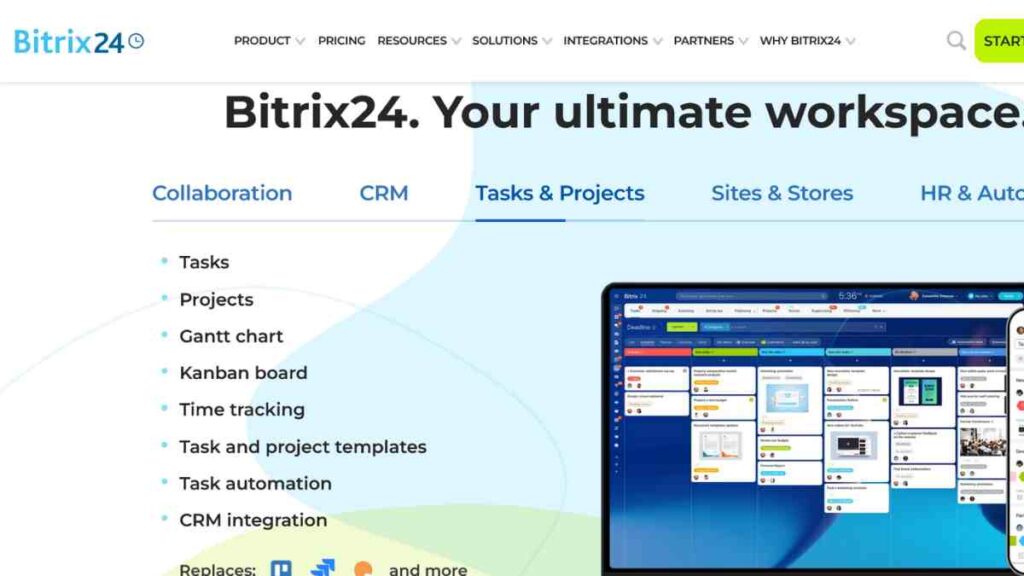
Bitrix24 is more than just a cloud storage platform, but a complete workspace designed for entrepreneurs who want to manage files, teams, communication, and projects in one place.
Among other Dropbox alternatives, Bitrix24 stands out because it merges storage with advanced business tools, making it especially appealing to small businesses looking to streamline operations without paying for multiple apps.
Why Bitrix24 Goes Beyond Basic Cloud Storage
What sets Bitrix24 apart from most Dropbox competitors is its all-in-one approach. Beyond offering free cloud storage services, it includes project management tools, team chat, video conferencing, a built-in CRM, and task automation.
For entrepreneurs handling multiple clients or projects, this eliminates the need to jump between different platforms.
The free plan provides up to 5GB of storage, but the real value lies in how much productivity it packs into one ecosystem. You can assign tasks, share files, manage deadlines, and communicate with your team, all without leaving the dashboard.
Strong Security and Team Collaboration Features
Bitrix24’s security measures, encryption, detailed access control, and secure sharing make it a safe hub for internal documents.
Teams can collaborate on files, comment on tasks, and work together without exposing sensitive information.
Its real-time collaboration features also make it a strong option for entrepreneurs looking for free collaboration tools that go beyond simple file syncing.
Limitations to Keep in Mind
While feature-rich, Bitrix24 can feel overwhelming for users who simply want a simple free file storage app.
The interface has a learning curve, and some of the more advanced features, like expanded storage or deeper CRM capabilities, sit behind paid plans.
Businesses that prefer simplicity may find it more complex than necessary.

4. Box
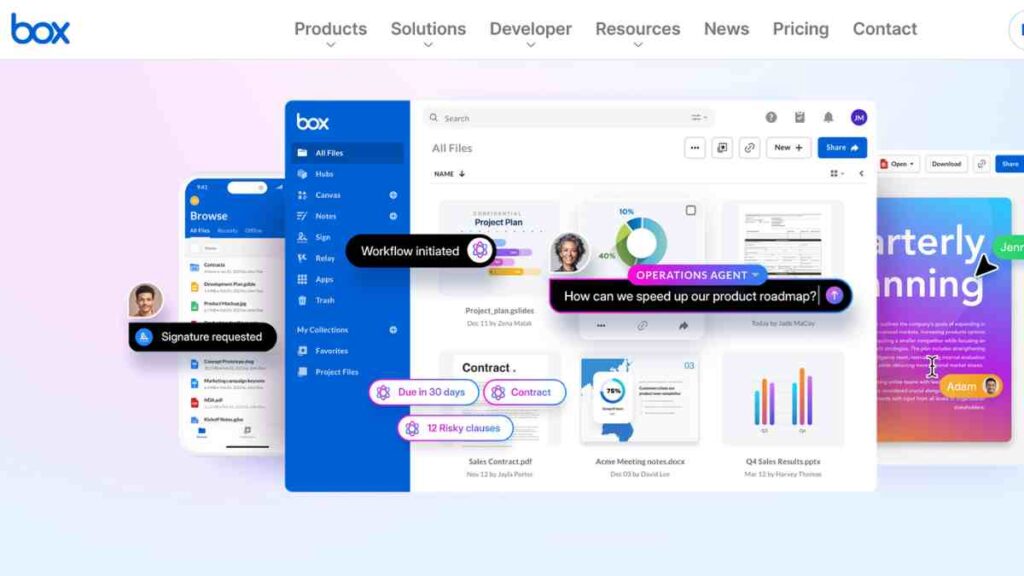
Box is a strong choice for entrepreneurs and teams that prioritise secure file management, structured workflows, and professional collaboration.
Known for its enterprise-grade features, it is one of the most reliable alternatives to Dropbox for businesses that handle sensitive documents or work across multiple departments.
As remote work continues to rise, with 98% of employees expressing the desire to work remotely at least part of the time, according to Forbes, platforms like Box become even more valuable.
Why Box Appeals to Growing Businesses
Box stands out among Dropbox competitors because it focuses heavily on security, compliance, and organised collaboration. Entrepreneurs can store files, manage approvals, automate workflows, and even collaborate with clients, all in one ecosystem.
These capabilities make it especially useful for industries like consulting, finance, legal services, and creative agencies where document control is critical.
Its free plan offers 10GB of storage with a simple, clean interface suitable for users who want more structure than typical free cloud storage services provide.
Security and Compliance You Can Trust
Box is known for world-class security. Features like granular permissions, end-to-end encryption, watermarking, and compliance certifications (HIPAA, ISO 27001, GDPR) make it one of the safest free cloud backup solutions available to small businesses.
Entrepreneurs dealing with contracts, client files, or private reports will appreciate its ability to manage sensitive information without stress.
Limitations to Be Aware Of
While the free plan offers decent storage, it limits file upload size, which may affect businesses handling large media files. Some advanced workflow automation features are reserved for paid tiers.
And unlike simple free file storage apps, Box may feel slightly more “corporate” to those who want a minimalist interface.
5. iCloud Drive
iCloud Drive is a great option for entrepreneurs and creatives who work heavily within the Apple ecosystem.
As one of the simplest alternatives to Dropbox, it delivers a clean design, fast syncing, and dependable storage across all Apple devices without any complicated setup.
If you are someone who values a streamlined workflow, iCloud keeps everything exactly where you expect it to be.
Why iCloud Drive Works Well for Apple Users
What makes iCloud Drive stand out among other Dropbox competitors is its deep, almost invisible integration with macOS, iPadOS, and iOS.
Files stay updated across your devices automatically, your desktop and documents are mirrored in the cloud, and collaboration through Pages, Numbers, and Keynote feels effortless.
For entrepreneurs who want free cloud storage services that simply “fit in” with their existing tools, iCloud Drive offers remarkable convenience.
Reliable Syncing and Built-In Backup Support
Apple’s ecosystem is known for reliability, and iCloud Drive benefits from that strength. Your files are encrypted, synced quietly in the background, and backed up continuously.
For entrepreneurs who want a simple, free cloud backup solution for key documents, iCloud Drive ensures nothing gets lost, even if a device fails.
Limitations to Consider
The 5GB free allowance fills up quickly, especially if you use iCloud Photos or store device backups in the cloud.
While it offers file sharing and collaboration, it is not as feature-rich as other platforms. Windows users can access iCloud too, but the experience is not as fluid as on Apple devices.
6. Proton Drive
Proton Drive is one of the most secure Dropbox alternatives, built for entrepreneurs and small businesses that prioritise privacy above everything else.
Created by the team behind Proton Mail, it offers encrypted cloud storage that protects your files from unauthorised access, and even Proton cannot see what you store.
Why Proton Drive Is the Go-To for Privacy-Focused Entrepreneurs
Proton Drive stands out from traditional Dropbox competitors because it uses end-to-end encryption by default.
Every file, along with its metadata, is encrypted before it even leaves your device. This makes it one of the strongest free cloud storage services for entrepreneurs handling sensitive business data, client documents, intellectual property, or confidential internal materials.
The free plan includes 5GB of secure storage, which may seem modest, but the level of protection and clarity you get in return is hard to match.
Limitations to Keep in Mind
The free storage capacity is small, and it does not yet offer the deep collaboration features found in other cloud storage for small businesses.
Features such as large file uploads, advanced sharing options, and extensive syncing are improving but still developing compared to mainstream platforms.
7. Jottacloud
Jottacloud is a reliable and privacy-conscious alternative to Dropbox, designed for entrepreneurs who want simple, secure storage without unnecessary complexity.
Originating from Norway, where strict privacy laws offer additional protection, Jottacloud appeals to business owners who need a trustworthy cloud solution that respects user data.
Why Jottacloud Works Well for Entrepreneurs and Small Teams
As one of the more understated Dropbox competitors, Jottacloud focuses on clean organisation, automatic backups, and straightforward syncing across all devices.
Its free plan offers 5GB of storage, making it a practical starting point for entrepreneurs who want free cloud storage services that are easy to manage.
You can back up documents, photos, and folders, access files from any device, and sync updates in real time. For small businesses looking for stability rather than endless features, Jottacloud provides exactly that.
Privacy as a Core Strength
Unlike some global cloud services, Jottacloud follows Norwegian data regulation, which is among the strongest in Europe.
Your files are stored securely, encrypted in transit, and handled under strict privacy standards. For entrepreneurs who want free cloud backup solutions backed by real legal protections, this is a top choice.
Limitations to Consider
Jottacloud’s free storage is decent but not as generous as some competitors. Collaboration features are functional but not as advanced as platforms built specifically for collaboration.
While great for backups and basic sharing, it is not ideal for businesses that need real-time editing, heavy integrations, or advanced workflow automation.

8. pCloud
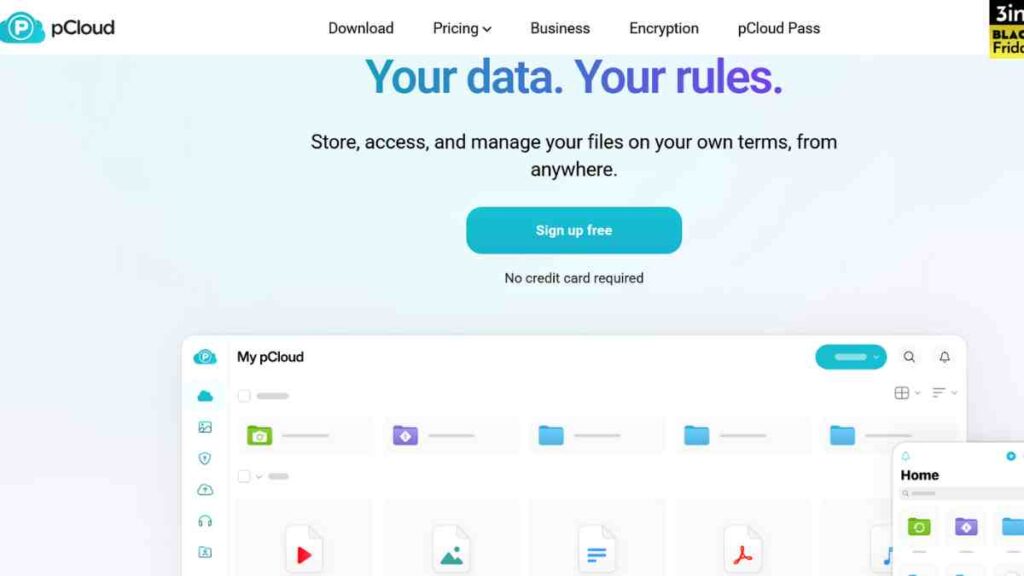
pCloud is one of the most versatile alternatives to Dropbox, offering a blend of security, speed, and long-term affordability that appeals to entrepreneurs and growing small businesses.
Known for its lifetime storage option and strong encryption add-on, pCloud gives users full control over their files without locking them into monthly payments.
Why pCloud Is a Favourite Among Business Owners
pCloud stands out among other Dropbox competitors because it offers a rare mix of flexibility and data security.
Its free plan includes 10GB of storage, more generous than many free cloud storage services, and files sync quickly across desktops, mobile devices, and the web.
Entrepreneurs appreciate pCloud because it enables easy file sharing, fast uploads, and well-organised folders.
Security Features That Put You in Control
pCloud takes security seriously. All files are encrypted in transit and at rest, and users who want maximum privacy can activate pCloud Crypto, its zero-knowledge encryption feature.
Although Crypto is a paid add-on, it provides the kind of protection usually found in specialised free cloud backup solutions and enterprise systems.
This makes pCloud a compelling choice for entrepreneurs who store sensitive client data, proprietary assets, or confidential internal documents.
Limitations to Consider
While the free plan offers generous storage, some features, like extended file history or advanced encryption, require upgrades.
Collaboration features are solid but not as advanced as platforms built specifically as free collaboration tools. The interface is clean, though slightly less intuitive than some mainstream competitors.
9. Sync.com
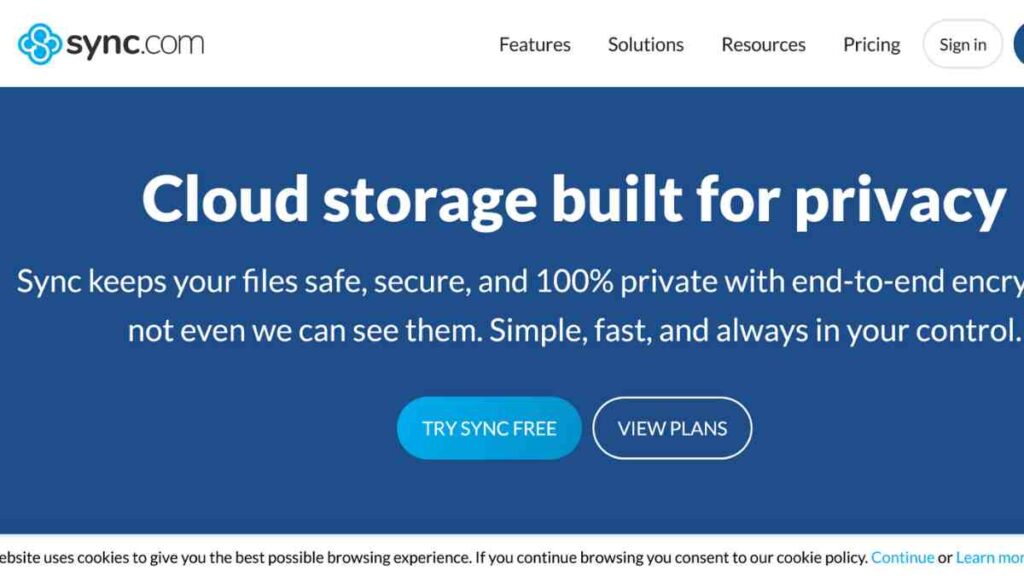
Sync.com is one of the most secure and business-friendly alternatives to Dropbox, trusted by entrepreneurs who want airtight privacy without sacrificing usability.
It combines zero-knowledge encryption with generous storage options, making it a top choice for business owners who handle sensitive client data or intellectual property.
Why Sync.com Stands Out for Security and Simplicity
Among the top Dropbox competitors, Sync.com is widely regarded as one of the strongest options for entrepreneurs who need more than just basic storage.
What sets it apart is its end-to-end encryption, which ensures only you and the people you choose can access your files. Even Sync.com itself cannot view your data.
Its free plan includes 5GB of storage, offering a secure entry point for users who want free cloud storage services without worrying about data exposure or intrusive access policies.
Real-time Collaboration Features
Sync.com includes polished collaboration features such as shared folders, team access, permissions, and secure file requests.
It is not as feature-heavy as other full project management platforms, but its strength lies in being a secure, dependable free file-sharing platform that does not cut corners.
Real-time syncing is smooth, and the desktop app works quietly in the background, ensuring your files are always backed up and accessible.
Limitations to Consider
Sync.com is security-first, which means it may feel slightly slower than competitors when handling very large files due to encryption processes.
It also does not offer built-in document editing like Google Drive or Microsoft OneDrive. If your priority is heavy, real-time co-editing, other tools may be more suitable. But if privacy and protection come first, Sync.com leads the pack.
10. Tresorit
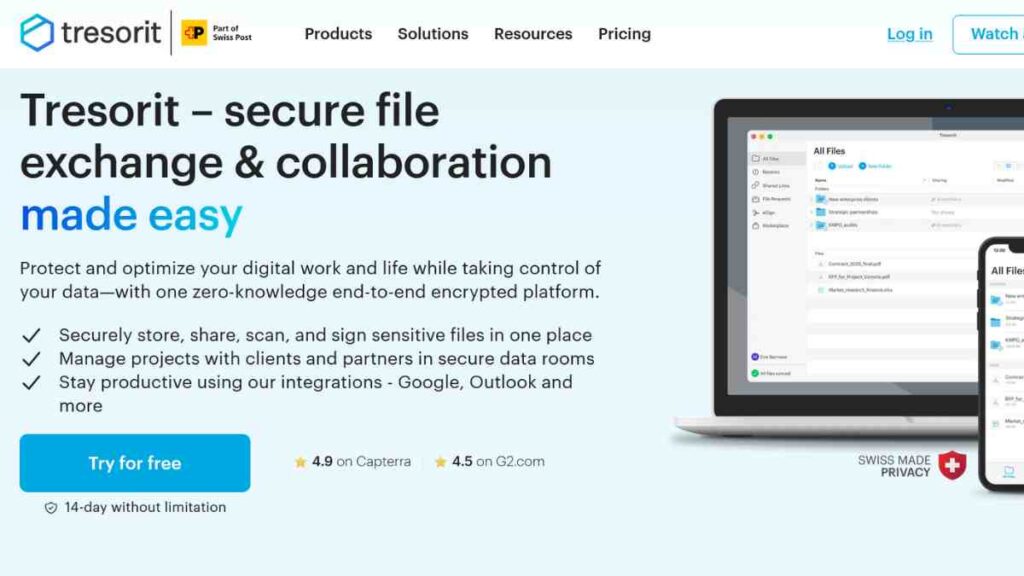
Tresorit is one of the most secure alternatives to Dropbox, built specifically for professionals and small businesses that can’t afford to take risks with their data.
Known for its uncompromising security standards, Tresorit uses end-to-end encryption, advanced permission controls, and a privacy-first architecture that keeps your files safe at every stage.
Why Tresorit Is a Top Choice for High-Security Businesses
Tresorit distinguishes itself from other Dropbox competitors by offering zero-knowledge encryption across all plans, including the free tier.
This means your files are encrypted before they leave your device, and only you hold the keys to unlock them. Even Tresorit’s own team cannot access your stored content.
The free plan gives you 3GB of storage, which is modest, but extremely valuable if you prioritise secure and compliant free cloud storage services over large capacity.
Collaboration and Privacy Features
Tresorit offers polished, privacy-focused collaboration features that include shared folders, permission-based access, and encrypted file sharing.
While it does not offer real-time document editing like Google Drive or Microsoft OneDrive, it excels as a highly secure free file-sharing platform for businesses that value accuracy, control, and compliance.
Its syncing is stable and consistent, making it a dependable free cloud backup solution for entrepreneurs who cannot risk losing critical data due to device failure or cyberattacks.
Limitations to Be Aware Of
Tresorit’s free plan offers limited storage compared to more mainstream platforms, and its strict encryption can make large file transfers slightly slower.
Collaboration is secure but not as “live” or interactive as tools built for co-editing. For entrepreneurs seeking simple, everyday storage with broad integrations, it may feel more specialised than necessary.
However, for those who need maximum privacy and compliance support, Tresorit remains one of the best options in the market.

Key Features to Look for in a Dropbox Alternative
Before choosing from the many Dropbox competitors available today, it is important to understand which features actually matter for your workflow.
Whether you are an entrepreneur, freelancer, or small business owner, the right combination of storage, security, and collaboration tools will determine how efficiently you work and how well your files stay protected.
Use the table below as a quick guide to evaluate any alternatives to Dropbox you are considering.
| Feature | What to Look For |
|---|---|
| Storage Capacity | At least 5–10GB free storage, scalable paid options, no aggressive limits. |
| File Sync Speed | Real-time syncing, stable desktop/mobile apps, minimal lag for large files. |
| Security & Privacy | End-to-end encryption, 2FA, zero-knowledge options, and GDPR compliance. |
| Collaboration Tools | Shared folders, permission controls, secure link sharing, and commenting. |
| Device Compatibility | Windows, macOS, iOS, Android, Linux, and browser-based access. |
| File Sharing Options | Password-protected links, expiry dates, and download restrictions. |
| Backup & Recovery | Automatic backups, file history, and versioning options. |
| Integrations | Compatibility with productivity apps like Google Workspace, Microsoft 365, Slack, Zoom, or CRM tools. |
| Ease of Use | Clean interface, simple navigation, minimal learning curve. |
| Cost & Upgrade Flexibility | Fair pricing, lifetime plans, or flexible subscriptions. |
Conclusion
Choosing the right Dropbox alternative comes down to understanding your workflow, security needs, and the level of collaboration your business requires.
Whether you prioritise privacy, generous storage, or seamless teamwork, there is a free cloud solution that can support your growth. Take the time to test a few options, explore their strengths, and select the platform that helps you work smarter, not harder.
We want to see you succeed, and that’s why we provide valuable business resources to help you every step of the way.
- Join over 23,000 entrepreneurs by signing up for our newsletter and receiving valuable business insights.
- Register your business today with Entrepreneurs.ng’s Business Registration Services.
- Tell Your Brand Story on Entrepreneurs.ng, let’s showcase your brand to our global audience.
- Need help with your marketing strategy? Get a Comprehensive Marketing and Sales Plan here.
- Sign up for our Entrepreneurs Success Blueprint Programme to learn how to start and scale your business in just 30 days.
- Book our one-on-one consulting and speak to an expert about structuring and growing your business.
- Visit our shop for business plan templates and other valuable resources to guide you.
- Get our Employee-Employer Super Bundle NDA templates to legally protect your business and workforce.
- Advertise your business to over a million entrepreneurs through our different advertising packages.

Frequently Asked Questions (FAQ)
Are there truly reliable free alternatives to Dropbox?
Yes. Many platforms offer secure, fast, and feature-rich free plans that work well for individuals, freelancers, and small businesses. The best option depends on your storage needs and workflow.
Which free Dropbox alternative offers the most storage?
Platforms like Google Drive and pCloud typically offer some of the most generous free storage allowances, making them great choices if capacity is your top priority.
What is the most secure alternative to Dropbox?
Tresorit, Proton Drive, and Sync.com are known for strong encryption and privacy-first architecture, making them ideal for entrepreneurs handling sensitive data.
Can I collaborate with my team using a free cloud storage service?
Yes. Tools like Google Drive, OneDrive, Bitrix24, and Box offer built-in collaboration features such as shared folders, permission controls, and real-time editing.
Are free cloud storage platforms safe for business use?
Generally, yes, especially when you choose providers that offer encryption, two-factor authentication, and compliance with privacy regulations. Always review each platform’s security features before storing sensitive files.
Which Dropbox alternative is best for Apple users?
iCloud Drive is the most seamless choice for Apple users, as it integrates tightly with macOS, iOS, and the Apple productivity suite.
Can I migrate my files from Dropbox to another platform easily?
Most cloud storage services allow quick file imports. You can download your Dropbox files and upload them to your new provider, or use built-in migration tools where available.
Do free cloud storage services support file sharing with clients?
Yes. Many platforms let you share files via secure links, set access permissions, restrict downloads, and add passwords or expiry dates, even on free plans.



