


The demand for smarter, more affordable writing tools has made Grammarly alternatives increasingly popular among entrepreneurs and content creators. While Grammarly remains a popular writing assistant, many people are looking for alternatives that offer similar or even better features.
Many of these tools now match Grammarly’s accuracy, offering advanced grammar checks, tone analysis, and readability suggestions, all for free.
In this guide, we highlight the top free Grammarly alternatives that can help you write confidently, optimise your content for search engines, and maintain a polished brand voice.
Key Takeaways
- Entrepreneurs can boost writing quality using free, reliable Grammarly alternatives.
- Tools like Hemingway and ProWritingAid enhance clarity, tone, and readability.
- Combining multiple editors ensures error-free, SEO-optimised content.
- Choosing the right tool saves time and strengthens brand communication.

15 Best Free Grammarly Alternatives to Improve Your Writing
Here is a curated list of the best free Grammarly alternatives to help you write with precision and impact.
These tools offer grammar correction, style enhancement, and readability improvements for entrepreneurs, content creators, and business professionals who want polished, error-free writing without the premium cost.
1. ProWritingAid
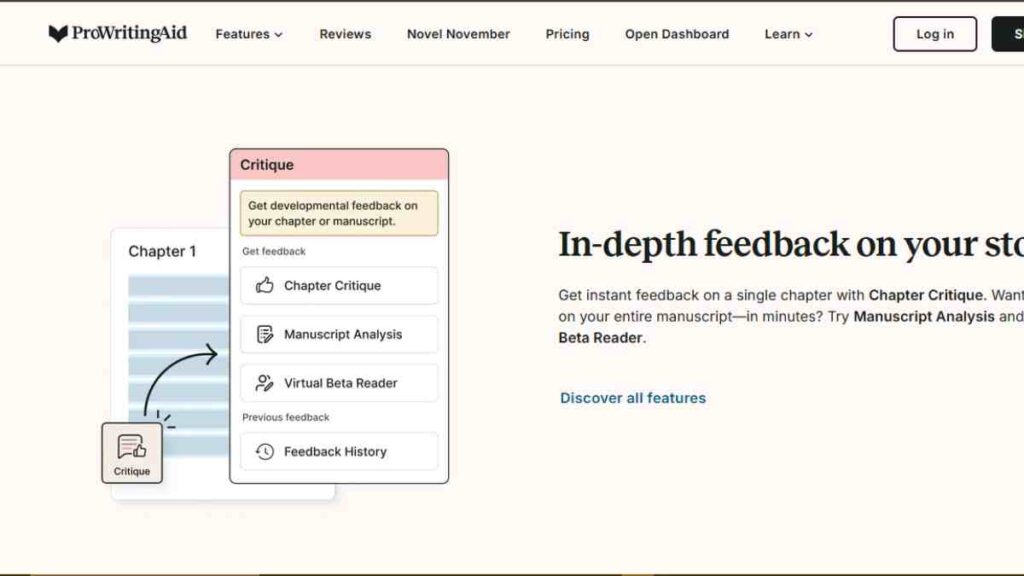
ProWritingAid tops the list of the best free Grammarly alternatives, offering a powerful blend of grammar correction, style improvement, and in-depth writing analysis.
It is an AI-powered writing assistant designed for entrepreneurs, writers, and professionals who want to enhance their content using smart grammar and spelling checker features.
Unlike other Grammarly competitors, ProWritingAid combines editing and learning, helping you become a better writer with every suggestion.
Key Features
| Feature | Description |
|---|---|
| Comprehensive Grammar Checks | Detects grammatical, punctuation, and syntax errors instantly. |
| Style and Readability Enhancer | Analyses sentence structure, tone, and flow for clear communication. |
| In-Depth Writing Reports | Offers 20+ detailed reports to refine your writing style. |
| Real-Time Suggestions | Acts as a responsive AI grammar checker for instant improvements. |
| Integrations | Works with Google Docs, MS Word, Chrome, and Scrivener for seamless editing. |
Pros
- Provides comprehensive editing and proofreading tools beyond basic corrections.
- Offers detailed writing reports to improve long-term writing skills.
- Integrates smoothly with major writing platforms and browsers.
- Great for teams and businesses that require a consistent tone and brand voice.
- One of the most affordable and feature-rich AI writing tools on the market.
Cons
- Free version limits access to advanced reports and features.
- It can be slower than other free grammar checker tools when analysing long documents.
- Interface feels slightly complex for beginners.
- Requires a stable internet for online checks.
- Lacks mobile app support compared to other Grammarly competitors.
Pricing
| Plan | Cost |
|---|---|
| Free Plan | $0 |
| Premium Plan | $10/month (billed annually) |
| Premium Plus | $12/month (billed annually) |
2. Hemingway Editor
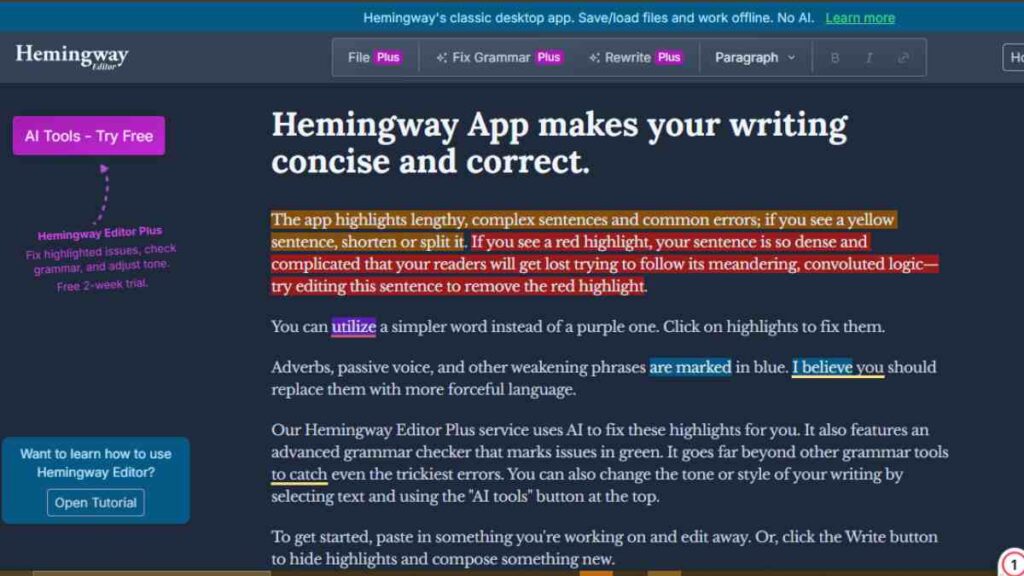
Hemingway Editor is one of the best free Grammarly alternatives for writers seeking simplicity and clarity. Unlike many advanced AI writing tools or AI grammar checker software, Hemingway emphasises making your writing bold, clear and reader-friendly.
This online writing editor highlights long sentences, passive voice, and complex phrases, helping entrepreneurs, bloggers and business professionals create concise, high-impact content.
A blog from Harvard Division of Continuing Education notes that “the key to powerful and persuasive communication, whether written or spoken, is clarity and, when possible, brevity.”
Key Features
| Feature | Description |
|---|---|
| Readability Scoring | Gives you a grade-level score so you know how easy your text is. |
| Highlight System | It colour-codes sentences with passive voice, adverbs, and complex phrases. |
| Offline Desktop App | Allows editing without internet access. |
| Formatting Tools | Built-in headings, quotes, bullet lists and export features. |
| Instant Feedback | Real-time suggestions for simpler, clearer sentence structure. |
Pros
- Extremely easy to use for busy entrepreneurs or content creators.
- Improves clarity, tone and flow instantly, helping you produce readable work.
- Lightweight and fast compared to other writing assistant software.
- Encourages concise, impactful writing for blog posts, executive summaries, and proposals.
- Works effectively alongside other editing and proofreading tools as part of your workflow.
Cons
- Lacks advanced grammar checks found in full-featured AI writing tools.
- No browser extension or real-time integration for live writing in email, social platforms.
- Does not automatically check all spelling errors in the free version.
- Collaboration features or team-based use are very limited.
- The desktop version requires a one-time fee with no cloud sync in the free version.
Pricing
| Plan | Cost |
|---|---|
| Online Version | $0 |
| Desktop App | $19.99 (one-time) |
3. LanguageTool
LanguageTool is one of the most versatile Grammarly alternatives, offering robust grammar correction and multilingual support.
Unlike many AI-powered writing assistants, this tool detects grammar, punctuation, and style errors in over 20 languages, making it one of the most inclusive free grammar checker tools available.
It is ideal for entrepreneurs, global businesses, and content creators who write for diverse audiences and want a reliable online writing editor that ensures accuracy and consistency.
Key Features
| Feature | Description |
|---|---|
| Multilingual Grammar Checker | Supports 20+ languages, including English, French, Spanish, and German. |
| AI-Powered Rephrasing | Suggests alternative sentence structures for better tone and clarity. |
| Style and Tone Detection | Identifies overly formal or informal language for better readability. |
| Browser and App Integration | Works with Chrome, Firefox, Edge, Google Docs, and MS Word. |
| Personal Dictionary | Allows users to add custom words to avoid repeated flagging. |
Pros
- Excellent for multilingual users and international business communication.
- Detects contextual errors better than many other grammar correction tools.
- Offers a clean, distraction-free design and smooth integration with browsers.
- Supports tone and style adjustments to suit business or casual writing.
- Strong open-source community ensures constant improvement.
Cons
- The free version limits the number of advanced suggestions.
- Slightly slower than some AI grammar checker tools during long document scans.
- May not catch complex stylistic nuances as effectively as other Grammarly competitors.
- Mobile experience is limited compared to desktop.
- The rephrasing feature works best in English, with limited support for other languages.
Pricing
| Plan | Cost |
|---|---|
| Free Plan | $0 |
| Premium Plan | $4.99/month (billed annually) |
| Team Plan | $9.48/month per user (billed annually) |
4. Ginger Software
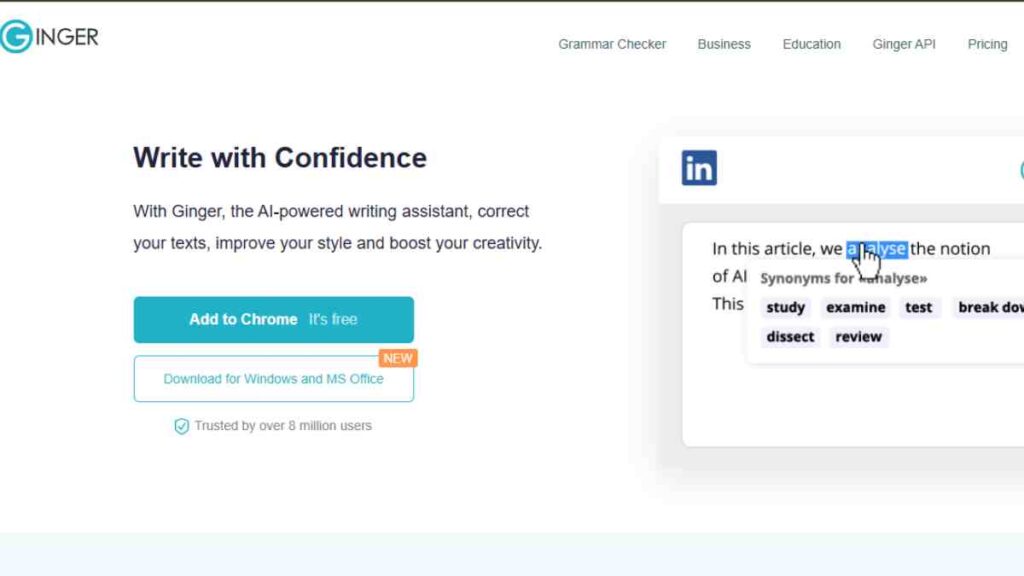
Ginger Software is one of the oldest and most trusted Grammarly alternatives, known for its smart AI-powered writing assistant capabilities.
It is an all-in-one grammar and spelling checker that helps entrepreneurs, writers, and students create error-free content quickly.
Beyond correcting grammar, Ginger offers sentence rephrasing, translation, and personal training features, making it a versatile writing assistant software that stands out among other Grammarly competitors.
Key Features
| Feature | Description |
|---|---|
| Advanced Grammar and Spelling Checker | Detects grammar, punctuation, and spelling mistakes in real time. |
| Sentence Rephraser | Suggests alternative sentence structures for better readability. |
| Text-to-Speech Function | Reads text aloud to help identify tone and fluency issues. |
| Translation Tool | Translates text into over 40 languages for global communication. |
| Personal Trainer | Offers writing improvement exercises tailored to your mistakes. |
Pros
- Strong real-time grammar and punctuation correction.
- Rephrasing tool improves sentence flow and tone instantly.
- Works across browsers, Microsoft Word, and mobile devices.
- Excellent multilingual support for entrepreneurs targeting global markets.
- Doubles as a learning tool with personalised writing feedback.
Cons
- Limited functionality in the free version compared to other free grammar checker tools.
- Rephrasing and translation features require a stable internet connection.
- Interface can feel slightly outdated compared to newer AI writing tools.
- Lacks plagiarism detection.
- It may not provide as deep a stylistic analysis as some online writing editors.
Pricing
| Plan | Cost |
|---|---|
| Free Plan | $0 |
| Premium Plan | $13.99/month or $84/year |
| Business Plan | Custom pricing |
5. QuillBot
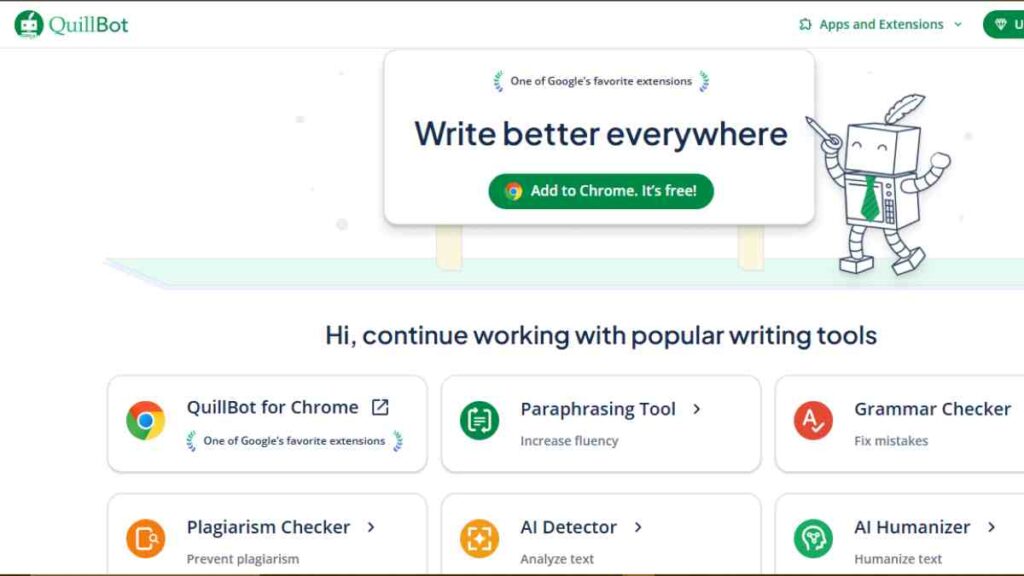
QuillBot is one of the most popular Grammarly alternatives, best known for its advanced AI writing tools and paraphrasing capabilities.
Unlike traditional grammar correction tools, QuillBot uses sophisticated AI-powered writing assistants to rewrite, summarise, and improve content for clarity and originality.
It is a favourite among entrepreneurs, students, and professional writers who need quick, high-quality content edits and rewrites without losing the original tone or meaning.
Key Features
| Feature | Description |
|---|---|
| Paraphrasing Tool | Uses AI to rephrase sentences while maintaining original context. |
| Grammar Checker | Detects grammatical, spelling, and punctuation errors instantly. |
| Summariser Tool | Condenses long documents into concise, easy-to-read summaries. |
| Citation Generator | Automatically creates references in multiple academic formats. |
| Extensions and Integrations | Works seamlessly with Chrome, Google Docs, and Microsoft Word. |
Pros
- Excellent AI paraphrasing engine for rewording content naturally.
- Acts as both a grammar and spelling checker and an online writing editor.
- Built-in summariser saves time for entrepreneurs and content marketers.
- User-friendly interface suitable for beginners and professionals alike.
- Helps prevent plagiarism by generating fresh, unique phrasing.
Cons
- The free version has character limits on the paraphrasing and summarising tools.
- Some features, like tone selection, are only available in the premium plan.
- Occasional AI errors may slightly alter sentence meaning.
- Internet connection required for real-time processing.
- Not ideal for deep stylistic analysis compared to other Grammarly competitors.
Pricing
| Plan | Cost |
|---|---|
| Free Plan | $0 |
| Premium Plan | $9.95/month or $99.95/year |

6. Slick Write
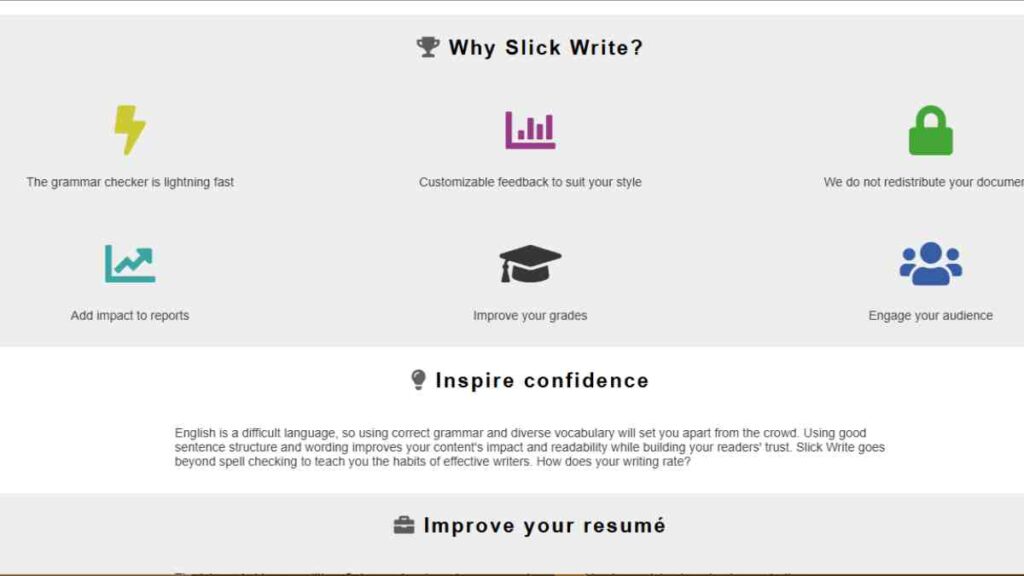
Slick Write is a fast, intuitive, and completely free Grammarly alternative that helps users improve their grammar, style, and readability in real time.
This lightweight online writing editor stands out among other free grammar checker tools for its speed, simplicity, and visual feedback on writing flow.
Entrepreneurs, bloggers, and content creators who need quick editing and proofreading without complex features will find Slick Write a valuable AI grammar checker companion for producing polished, professional writing.
Key Features
| Feature | Description |
|---|---|
| Real-Time Grammar Checker | Instantly detects grammar, punctuation, and spelling errors. |
| Readability Analysis | Evaluates sentence length, structure, and word variety. |
| Flow Index Tool | Highlights sentences that break the natural rhythm of writing. |
| Customisable Feedback | Lets you focus on specific writing issues, such as passive voice or word repetition. |
| Browser Integration | Works seamlessly as a browser extension for quick document checks. |
Pros
- Completely free with no feature restrictions or hidden fees.
- Extremely fast and perfect for quick proofreading before publishing.
- Offers advanced readability and flow analysis compared to many Grammarly competitors.
- Customisable feedback options let users tailor the tool to their writing style.
- Ideal for entrepreneurs seeking an efficient, distraction-free grammar correction tool.
Cons
- No offline or desktop version.
- Lacks AI-driven paraphrasing or tone adjustment like other AI-powered writing assistants.
- The interface looks outdated compared to modern writing assistant software.
- Doesn’t support collaboration or cloud-based saving.
- Limited integration options with third-party apps.
Pricing
| Plan | Features | Cost |
|---|---|---|
| Free Plan | Unlimited grammar, spelling, and readability checks. | $0 |
7. Writer.com

Writer.com is a professional-grade Grammarly alternative designed for teams, brands, and entrepreneurs who prioritise consistency and clarity in their communications.
Unlike many free grammar checker tools, Writer goes beyond basic error correction by acting as a full AI-powered writing assistant that ensures every piece of content aligns with your brand voice.
It is one of the few Grammarly competitors built specifically for business use, making it ideal for startups, marketing agencies, and organisations focused on maintaining polished, on-brand messaging.
Key Features
| Feature | Description |
|---|---|
| Brand Voice Consistency | Customises grammar, tone, and word choices to reflect your brand identity. |
| Inclusive Language Checker | Ensures communication remains professional, respectful, and bias-free. |
| Grammar and Style Correction | Detects and fixes spelling, grammar, and tone inconsistencies. |
| Team Collaboration Tools | Allows multiple users to share, edit, and align writing across teams. |
| Integrations | Works with Google Docs, Microsoft Word, Chrome, and enterprise apps like Salesforce. |
Pros
- Tailored for businesses and ensures consistent, brand-aligned communication.
- Detects inclusive language issues, making content more professional.
- Ideal for teams managing multiple writers or departments.
- Sleek and modern interface that integrates easily with business tools.
- AI learns your brand style over time, improving writing accuracy.
Cons
- The free version offers limited features compared to the business plan.
- Not as suitable for personal or creative writing use.
- It can be expensive for small startups.
- Requires setup time to train the AI on the brand voice.
- Less intuitive for beginners than other online writing editors.
Pricing
| Plan | Cost |
|---|---|
| Free Plan | $0 |
| Starter Plan | $29 |
| Enterprise Plan | Custom pricing |
8. Zoho Writer
Zoho Writer is an all-in-one cloud-based Grammarly alternative that doubles as a full-featured word processor and AI-powered writing assistant.
As one of the most efficient free grammar checker tools, Zoho Writer offers real-time grammar correction, readability scoring, and collaboration capabilities.
Entrepreneurs and teams already using Zoho CRM, Projects, or Mail will find this online writing editor seamlessly integrated into their workflow, helping them write, edit, and publish professional documents faster.
Key Features
| Feature | Description |
|---|---|
| Zia AI Writing Assistant | Detects grammar, punctuation, and style errors while suggesting tone adjustments. |
| Readability and Clarity Reports | It rates writing for simplicity, sentence variety, and flow. |
| Team Collaboration | Enables real-time co-authoring and commenting within documents. |
| Smart Templates | Offers custom templates for business letters, proposals, and contracts. |
| Cloud Integration | Syncs with Zoho CRM, Projects, and Google Drive for seamless productivity. |
Pros
- Fully cloud-based and ideal for remote teams and collaborative writing.
- Includes an intelligent AI grammar checker through Zia, Zoho’s built-in assistant.
- Supports advanced formatting and document automation features.
- Offers robust integration with other Zoho apps and cloud storage.
- Free plan includes features comparable to premium Grammarly competitors.
Cons
- The interface can feel overwhelming for users unfamiliar with Zoho’s ecosystem.
- Limited offline access unless using the mobile app.
- Grammar suggestions, while accurate, are less nuanced than Grammarly.
- Requires sign-in to access full functionality.
- Some features, like automation and templates, are more suited for business use than casual writing.
Pricing
| Plan | Cost |
|---|---|
| Free Plan | $0 |
9. PaperRater
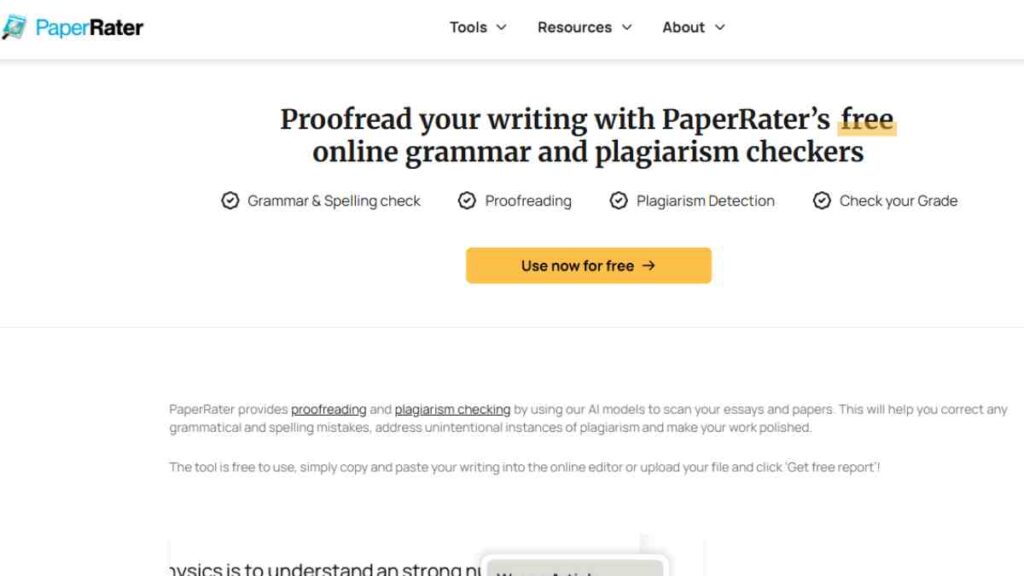
PaperRater is an educational yet highly practical Grammarly alternative that combines AI grammar checker technology with plagiarism detection.
Powered by advanced algorithms, this free grammar checker tool evaluates your writing for grammar, spelling, vocabulary, and overall style. It is ideal for entrepreneurs, students, and professionals who want an all-in-one editing and proofreading tool that enhances quality while maintaining originality.
Unlike some Grammarly competitors, PaperRater delivers instant results, making it a go-to choice for users who need quick, accurate feedback without downloads or installations.
Key Features
| Feature | Description |
|---|---|
| Grammar and Spelling Check | Automatically detects grammatical errors, typos, and sentence issues. |
| Plagiarism Detection | Compares your text against online sources for originality. |
| Writing Suggestions | Offers real-time tips for word choice and sentence flow. |
| Vocabulary Builder | Suggests stronger word choices to improve clarity and tone. |
| Automated Scoring | Provides instant feedback on grammar, usage, and writing quality. |
Pros
- Fast and easy to use with no downloads or sign-ins required.
- Combines grammar correction tools with plagiarism detection.
- Great for improving vocabulary and writing fluency.
- Ideal for educational, business, or professional use.
- Lightweight and accessible via any web browser.
Cons
- The free version displays ads and has limited advanced suggestions.
- Interface looks dated compared to newer AI-powered writing assistants.
- Plagiarism tool accuracy depends on web database coverage.
- No browser extensions or integrations with Word or Google Docs.
- Requires an internet connection for all functions.
Pricing
| Plan | Cost |
|---|---|
| Free Plan | $0 |
| Premium Plan | $14.95/month or $95.40/year |
10. Reverso
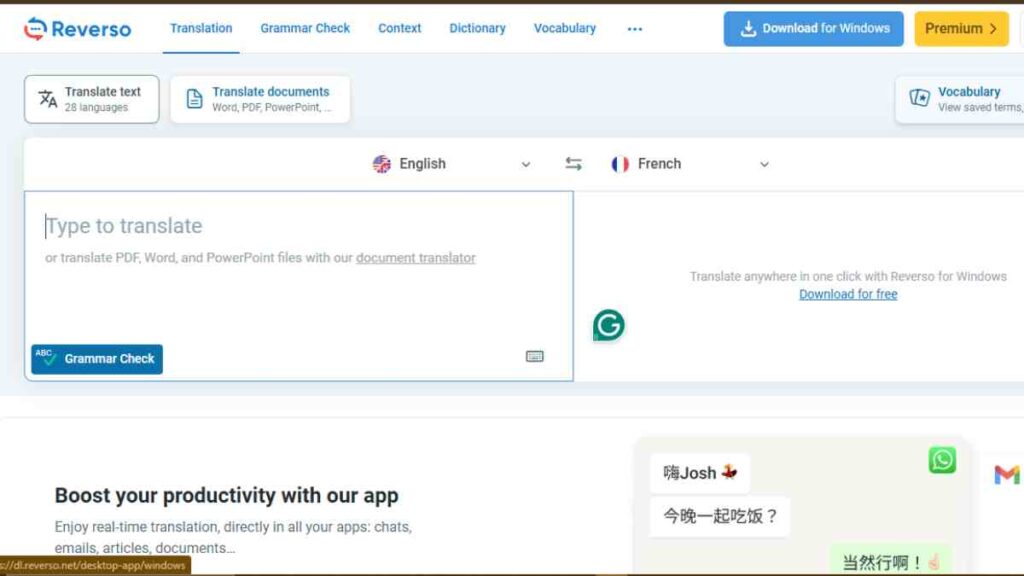
Reverso is one of the most versatile Grammarly alternatives, combining AI-powered writing assistance with high-quality translation capabilities.
It is a multilingual grammar correction tool that helps writers improve accuracy, tone, and fluency in more than 25 languages.
For entrepreneurs and professionals working in international markets, Reverso doubles as both a grammar and spelling checker and a translation companion, making it one of the most valuable online writing editors for cross-border communication.
Key Features
| Feature | Description |
|---|---|
| Multilingual Grammar Checker | Detects and corrects grammar mistakes in multiple languages. |
| Translation Tool | Translates phrases and sentences with contextual accuracy. |
| Contextual Synonyms and Examples | Suggests word alternatives with real usage examples. |
| Pronunciation and Voice Feature | Reads text aloud to help users master pronunciation. |
| Mobile and Browser Integration | Available as mobile apps and browser extensions for on-the-go use. |
Pros
- Ideal for bilingual entrepreneurs, translators, and global business communication.
- Accurate translation paired with strong grammar correction tools.
- Offers real-life examples for improved contextual learning.
- User-friendly interface with easy switching between languages.
- Integrates seamlessly across web browsers and mobile apps.
Cons
- Free version includes ads and limited advanced grammar checks.
- Not suitable for long-form content editing or document uploads.
- Limited collaboration tools compared to other Grammarly competitors.
- Translation accuracy may vary for complex business terms.
- Doesn’t include tone detection or writing reports.
Pricing
| Plan | Cost |
|---|---|
| Free Plan | $0 |
| Premium Plan | 6.49 Eur /month or 77.8 Eur /year |

11. SentenceCheckup
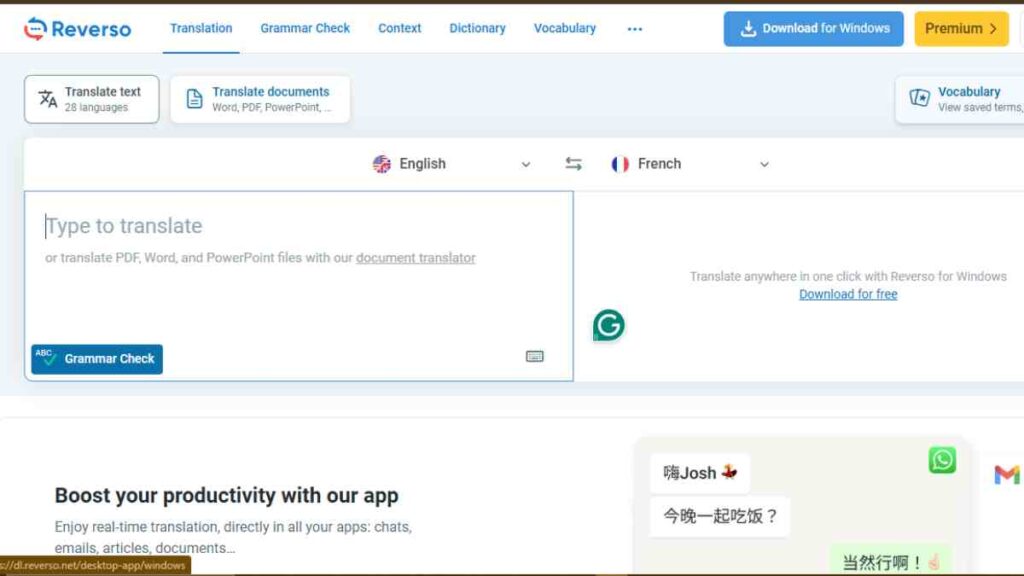
SentenceCheckup is a simple yet efficient Grammarly alternative that focuses on improving sentence structure, grammar, and readability.
It is a web-based AI grammar checker that instantly analyses your text for grammatical errors, punctuation issues, and awkward phrasing. Entrepreneurs, students, and content creators can use it as a lightweight online writing editor for quick proofreading before publishing or submitting documents.
Its clean, ad-free interface makes it one of the most straightforward free grammar checker tools for fast, accurate text editing.
Key Features
| Feature | Description |
|---|---|
| Instant Sentence Correction | Detects and fixes grammar, punctuation, and word order errors. |
| Readability Enhancer | Suggests ways to simplify complex sentences for better flow. |
| Ad-Free Interface | Offers distraction-free editing for focused writing. |
| Real-Time Suggestions | Provides immediate feedback for improved clarity. |
| No Sign-Up Required | Allows users to check grammar quickly without creating an account. |
Pros
- Completely free and accessible without registration.
- Offers fast grammar correction with minimal loading time.
- Great for entrepreneurs and writers needing quick, accurate edits.
- Clean and simple layout ideal for distraction-free proofreading.
- Works perfectly on both desktop and mobile browsers.
Cons
- Lacks AI-powered paraphrasing and tone analysis tools.
- Limited vocabulary and style enhancement compared to other Grammarly competitors.
- No offline or integration features.
- Does not offer document uploads, only text pasting.
- May overlook advanced contextual grammar issues.
Pricing
| Plan | Cost |
|---|---|
| Free Plan | $0 |
12. Scribens
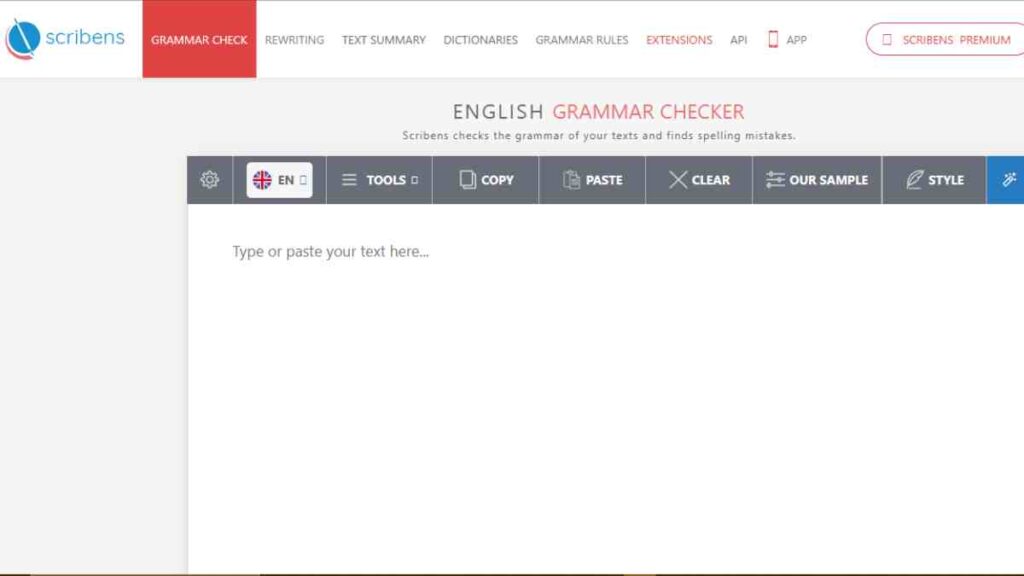
Scribens is a powerful and user-friendly Grammarly alternative that offers comprehensive grammar and spelling correction across multiple platforms.
It is one of the best free grammar checker tools for writers, entrepreneurs, and professionals who want an accessible yet advanced AI-powered writing assistant.
Unlike many other Grammarly competitors, Scribens provides detailed grammatical explanations, helping users understand and correct their mistakes, making it both an editing tool and a learning resource.
Key Features
| Feature | Description |
|---|---|
| Advanced Grammar and Spelling Check | Detects over 250 types of grammar, syntax, and spelling issues. |
| Vocabulary Enhancement | Suggests alternative words for a stronger expression. |
| Style and Structure Analysis | Identifies redundancy, passive voice, and sentence imbalance. |
| Browser and App Extensions | Integrates with Chrome, Firefox, Word, and Gmail. |
| Multilingual Support | Works in English and French with accurate corrections. |
Pros
- Offers detailed explanations for each correction to improve writing skills.
- The free version includes full grammar and punctuation checking.
- Compatible with multiple browsers and word processors.
- Lightweight and fast for quick proofreading.
- Great for bilingual entrepreneurs writing in English and French.
Cons
- Interface feels slightly outdated compared to modern AI writing tools.
- Lacks advanced features like tone detection or rephrasing.
- No mobile app for on-the-go editing.
- Ads appear in the free version.
- Limited style suggestions compared to the top Grammarly competitors.
Pricing
| Plan | Cost |
|---|---|
| Free Plan | $0 |
| Premium Plan | 9.90 €/month or 49.90 €/year |
13. After the Deadline
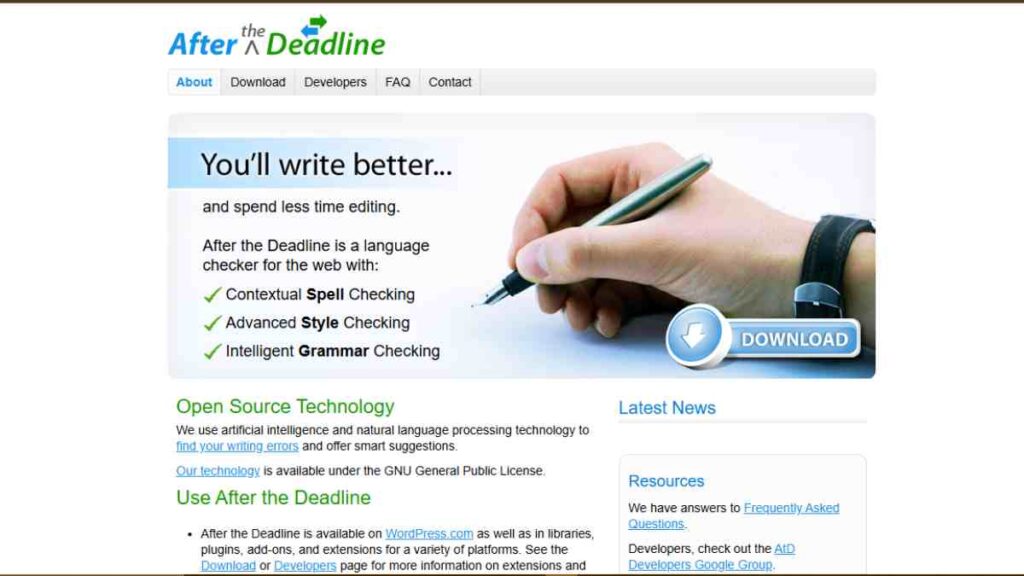
After the Deadline is an open-source Grammarly alternative that provides essential grammar, spelling, and style checking for writers who prefer simplicity and transparency.
Unlike commercial AI writing tools, this free grammar correction tool focuses on accuracy and privacy for entrepreneurs, developers, and writers who want effective editing without data tracking.
It integrates easily into browsers and content management systems, making it one of the most flexible online writing editors available today.
Key Features
| Feature | Description |
|---|---|
| Open-Source Grammar Checker | Free, community-supported grammar and spelling checker. |
| Style and Context Analysis | Highlights passive voice, clichés, and misused words. |
| Custom Integrations | Works with WordPress, Chrome, Firefox, and other platforms. |
| Privacy-Focused Design | Processes text locally, ensuring user data is not stored online. |
| Simple Interface | Clean and distraction-free environment for fast editing. |
Pros
- Completely free and open-source with no hidden costs.
- Offers strong grammar and style correction capabilities.
- It can be integrated into blogs and websites, perfect for content creators.
- Lightweight and fast, ideal for developers and digital writers.
- No data collection, ensuring total writing privacy.
Cons
- Lacks AI-driven suggestions compared to newer AI-powered writing assistants.
- The interface feels basic and less modern.
- No mobile app or offline editing mode.
- Doesn’t provide detailed writing insights or reports.
- Requires manual setup for integration on some platforms.
Pricing
| Plan | Cost |
|---|---|
| Open Source Version | Free |
14. OnlineCorrection.com
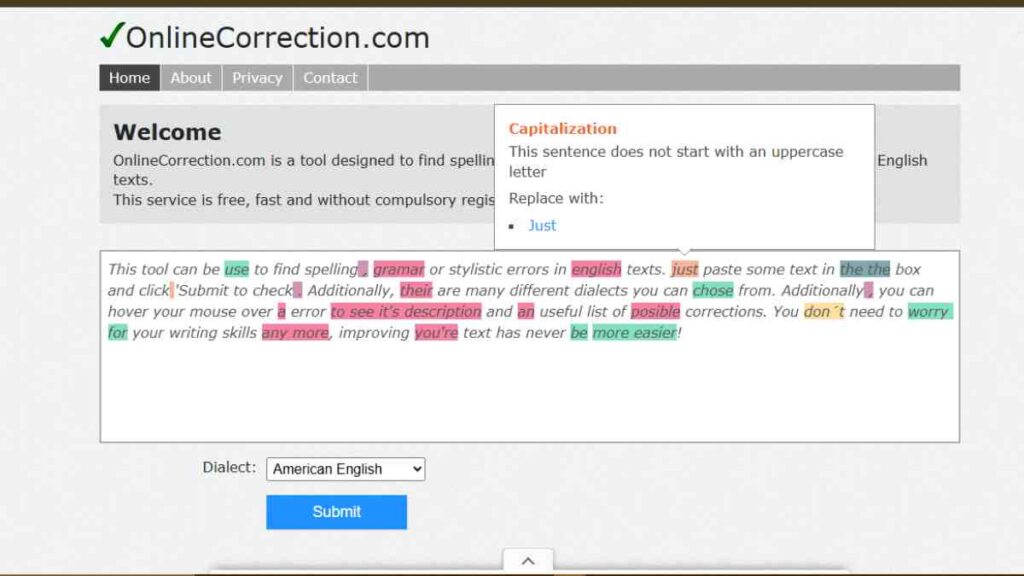
OnlineCorrection.com is one of the simplest yet most effective Grammarly alternatives for quick grammar, spelling, and punctuation correction.
It is a completely free, browser-based AI grammar checker that focuses on speed and usability rather than complex AI algorithms. Entrepreneurs, students, and professionals who need instant proofreading before sending emails, reports, or blog posts will find this online writing editor exceptionally useful.
Despite its minimalist design, it delivers accurate corrections, making it one of the most practical free grammar checker tools for everyday writing.
Key Features
| Feature | Description |
|---|---|
| Instant Grammar and Spelling Checks | Detects common grammar, punctuation, and spelling mistakes. |
| Automatic Correction Suggestions | Highlights and corrects errors in real time. |
| Multi-Dialect Support | Supports American, British, and Australian English. |
| No Sign-Up Required | Accessible instantly without account creation. |
| Lightweight Interface | Designed for speed and simplicity, even on slow connections. |
Pros
- 100% free with no ads or registration needed.
- Quick and accurate grammar and spelling correction.
- Ideal for writers who need fast results without distractions.
- Works on any browser and mobile device.
- Great for entrepreneurs writing emails, proposals, and web content.
Cons
- Limited to basic grammar and punctuation checks.
- Lacks advanced features like tone, style, or readability analysis.
- No browser extensions or document uploads.
- Interface design is very minimal and outdated.
- No AI rephrasing or contextual correction features.
Pricing
| Plan | Features | Cost |
|---|---|---|
| Free Plan | Grammar, punctuation, and spelling correction. | $0 |
15. Microsoft Editor
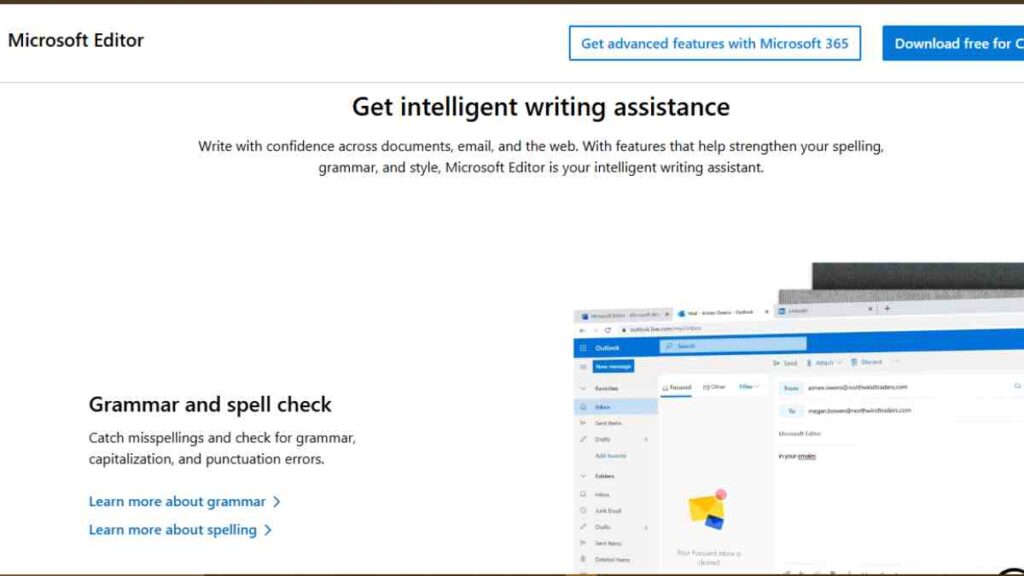
Microsoft Editor is a modern, built-in Grammarly alternative that leverages AI-powered writing assistance across Microsoft 365 apps like Word, Outlook, and Edge.
It is one of the most accessible free grammar checker tools for entrepreneurs and professionals who already use Microsoft’s ecosystem. This intelligent grammar and spelling checker offers context-aware suggestions for clarity, tone, and conciseness, helping users maintain professionalism across all digital communications.
Among other Grammarly competitors, Microsoft Editor stands out for its seamless integration, user-friendly design, and reliable performance for both online and offline writing.
Key Features
| Feature | Description |
|---|---|
| AI Grammar and Style Checker | Detects and corrects grammar, punctuation, and stylistic errors. |
| Tone and Clarity Suggestions | Adjusts writing tone to suit formal or casual communication. |
| Multilingual Support | Checks grammar and spelling in over 20 languages. |
| Microsoft 365 Integration | Works directly within Word, Outlook, and Edge. |
| Browser Extension | Allows editing on websites, email platforms, and social media. |
Pros
- The free version offers robust grammar and style correction.
- Integrates smoothly with Microsoft 365 tools, which is ideal for entrepreneurs and teams.
- Offers tone, clarity, and conciseness recommendations.
- Works both online and offline for maximum convenience.
- Secure and privacy-focused, with all data managed within Microsoft’s ecosystem.
Cons
- Premium features are locked behind a Microsoft 365 subscription.
- Limited plagiarism detection and deep analysis compared to Grammarly competitors.
- Fewer integrations outside Microsoft apps.
- Suggestions can sometimes be overly formal.
- Doesn’t provide creative rephrasing like some AI writing tools.
Pricing
| Plan | Cost |
|---|---|
| Free Plan | $0 |
| Microsoft 365 Personal | $6.99/month |
| Microsoft 365 Family | $9.99/month |

Features to Consider When Choosing the Best Grammarly Alternatives
Before selecting a Grammarly alternative, it is important to understand which features truly enhance your writing process. The right AI-powered writing assistant should not only correct grammar and spelling but also improve clarity, tone, and readability.
Entrepreneurs, content creators, and business professionals need tools that fit their writing goals, whether that is creating compelling marketing copy, crafting professional emails, or producing SEO-optimised articles.
Below is a breakdown of the essential features to look out for when choosing the best free grammar checker tools, editing and proofreading software, or AI writing tools for your business or personal use.
| Feature | Why It Matters | Ideal For |
|---|---|---|
| Grammar and Spelling Accuracy | Detects and corrects grammar, punctuation, and syntax issues to ensure professional writing. | All writers, especially professionals and entrepreneurs. |
| Style and Tone Detection | Adjusts tone to suit formal or casual communication, helping you maintain brand consistency. | Business owners, marketers, and corporate teams. |
| Readability Scoring | Measures sentence length, word choice, and overall readability for improved clarity. | Content creators, educators, and copywriters. |
| Multilingual Support | Assists writers working in multiple languages, ensuring correct grammar across regions. | Entrepreneurs, translators, and global businesses. |
| AI-Powered Rephrasing | Suggests sentence rewrites for better flow and engagement without changing meaning. | Writers, students, and content strategists. |
| Plagiarism Detection | Ensures originality by scanning your text against online sources. | Bloggers, students, and professional writers. |
| Integrations and Compatibility | Syncs with tools like Google Docs, Word, and Chrome for smoother workflow. | Remote teams and professionals using multiple apps. |
| Collaboration Tools | Enables team editing, feedback, and version control in real time. | Marketing teams and agencies. |
| Data Privacy and Security | Protects user data and ensures confidentiality, essential for business communication. | Entrepreneurs and enterprise users. |
| Affordability and Accessibility | Offers free or affordable plans without compromising on quality. | Startups, freelancers, and small businesses. |
Conclusion
Choosing the right Grammarly alternative depends on your writing needs, goals, and budget.
For entrepreneurs and professionals, these free grammar checker tools ensure your communication remains polished, persuasive, and professional, helping you write with clarity and confidence.
We want to see you succeed, and that’s why we provide valuable business resources to help you every step of the way.
- Join over 23,000 entrepreneurs by signing up for our newsletter and receiving valuable business insights.
- Register your business today with Entrepreneurs.ng’s Business Registration Services.
- Tell Your Brand Story on Entrepreneurs.ng, let’s showcase your brand to our global audience.
- Need help with your marketing strategy? Get a Comprehensive Marketing and Sales Plan here.
- Sign up for our Entrepreneurs Success Blueprint Programme to learn how to start and scale your business in just 30 days.
- Book our one-on-one consulting and speak to an expert about structuring and growing your business.
- Visit our shop for business plan templates and other valuable resources to guide you.
- Get our Employee-Employer Super Bundle NDA templates to legally protect your business and workforce.
- Advertise your business to over a million entrepreneurs through our different advertising packages.

Frequently Asked Questions (FAQ)
What are the best free Grammarly alternatives?
Some of the best free Grammarly alternatives include ProWritingAid, Hemingway Editor, LanguageTool, Zoho Writer, and Slick Write. These tools offer grammar correction, readability checks, and AI-powered writing assistance without requiring a paid subscription.
Are Grammarly alternatives as accurate as Grammarly?
Yes, several Grammarly competitors like ProWritingAid and LanguageTool provide similar or even better accuracy in grammar and style correction. The difference often lies in additional features like integrations, tone detection, or user interface.
Which Grammarly alternative is best for entrepreneurs and business writing
Writer.com and Zoho Writer are excellent choices for entrepreneurs because they combine AI-powered writing assistants with collaboration, brand tone, and workflow features ideal for professional communication.
Do free grammar checker tools work offline?
Most free grammar checker tools are cloud-based and require an internet connection. However, Hemingway Editor and Zoho Writer offer limited offline functionality through desktop or mobile apps.
Can Grammarly alternatives check plagiarism?
Yes, tools like ProWritingAid and PaperRater include built-in plagiarism detection features, making them reliable editing and proofreading tools for ensuring originality and content integrity.
Which Grammarly alternative supports multiple languages?
LanguageTool and Reverso are the best options for multilingual users, offering grammar correction and translation across more than 20 languages, perfect for entrepreneurs and global businesses.



