


Sometimes the creative process needs new energy, and that is exactly why many creators today are exploring Ideogram alternatives.
Ideogram has earned its place for turning text into striking visuals, but the design world moves fast. Entrepreneurs, marketers, and brand builders want tools that do not just generate beautiful images; they want versatility, control, and speed.
But before you pick your next go-to design companion, it is worth understanding what these emerging tools bring to the table and how they can elevate your creative workflow.
Key Takeaways
- Ideogram alternatives give entrepreneurs more creative flexibility, better typography, and broader branding options.
- Different tools excel at unique strengths, so choosing the right one depends on your workflow, audience, and content goals.
- AI visual platforms now offer faster, more intuitive ways to design professional assets without technical expertise.
- Adopting the right alternative can streamline content production, elevate brand storytelling, and sharpen your competitive edge.

The Best Tools to Consider When Exploring Ideogram Alternatives
The landscape of AI visual tools is expanding quickly, giving entrepreneurs smarter ways to design, brand, and create.
Instead of relying on one platform, many now mix AI image generators, AI text-to-image platforms, and other visual content tools to build a consistent identity and streamline production.
A recent HubSpot study shows that 73% of marketers already use AI to support content creation, evidence of how essential these AI design tools for entrepreneurs have become in modern workflow
1. OpenArt
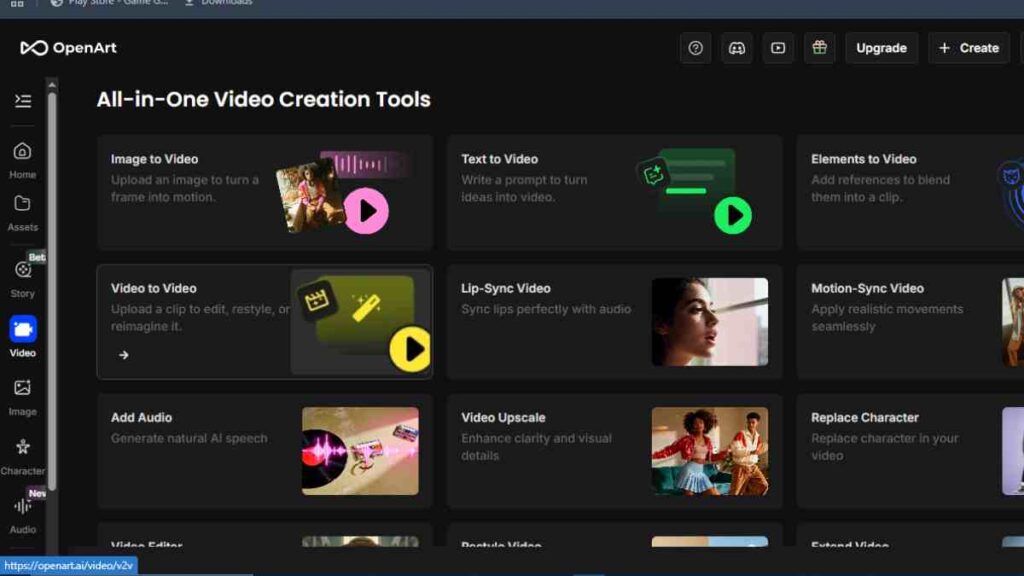
OpenArt has grown into one of the most versatile AI image generator platforms available, especially for creators who want flexibility without a steep learning curve.
It offers a wide library of models, including custom community-trained options, making it useful for entrepreneurs who need everything from product mockups to social visuals.
Its interface is clean, its outputs are high quality, and its community-driven model library gives users a wider creative range than many Ideogram competitors.
Key Features
- Offers multiple AI models for diverse creative needs
- Supports text-to-image generation and image-to-image transformation
- Includes custom model training for unique brand visuals
- Provides upscale options for enhancing image quality
- Features a prompt library and access to community-shared models
Pricing
| Plan | Cost |
|---|---|
| Free | $0 |
| Essential | $14 |
| Advanced | $29 |
| Infinite | $56 |
| Wonder | $240 |
Pros and Cons
| Pros | Cons |
|---|---|
| Wide variety of AI models for different creative tasks | Output quality varies depending on the chosen model |
| Simple interface suitable for beginners and advanced users | Advanced tools use more credits |
| Strong community resources and shared models | Occasional delays during peak usage |
| High creative flexibility for branding and visual production | May require experimentation to achieve desired results |
Reviews
Users appreciate the platform’s creative freedom, model variety, and ease of use. Many highlight the ability to experiment with different styles and outputs.
Some note that results depend heavily on the selected model, but overall satisfaction remains high.
2. Pixelcut
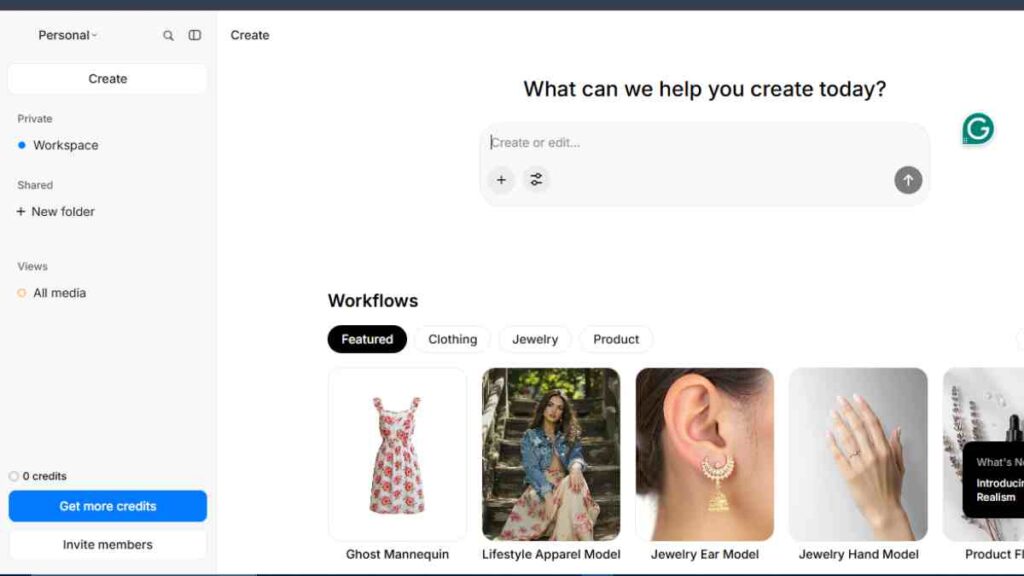
Pixelcut is a strong contender among AI visual tools, especially for entrepreneurs who prioritise fast, polished content for social media and product showcases.
It is known for its clean mobile experience, making it easy to remove backgrounds, enhance product photos, and create branded visuals on the go.
While it is not a traditional AI text-to-image platform, its AI-powered editing and design features place it firmly among practical Ideogram competitors for business owners who want speed and consistency in their visual output.
Key Features
- Removes backgrounds quickly for clean, professional product photos
- Enhances product images for sharper, more appealing visuals
- Includes an AI image generator for simple creative outputs
- Offers ready-made templates for social media content
- Features a magic eraser for removing unwanted objects
- Supports batch editing and is designed with a mobile-first workflow
Pricing
| Plan | Cost |
|---|---|
| Free | Per-credit access |
| Paid Plans | Start at 10 dollars for 1,000 credits |
Pros and Cons
| Pros | Cons |
|---|---|
| Very easy to use | Limited advanced design features |
| Excellent for product photography | Fewer artistic generation options |
| Strong mobile app | Best tools sit behind paid plans |
| Fast editing workflow | May not suit teams needing deeper creativity |
Reviews
Users praise its speed and mobile friendliness. Many find it highly effective for e-commerce visuals. Some note that it has limited creative depth, but overall feedback remains positive.

3. Playground AI

Playground AI is one of the most flexible AI text to image platforms available, offering impressive creative control for both beginners and experienced designers.
Entrepreneurs use it to produce ads, illustrations, product shots, and branded content with ease.
Its blend of free access, powerful editing tools, and a large model selection makes it a popular choice among AI content creation tools and a practical alternative for users comparing Ideogram competitors.
Key Features
- Text to image creation
- Image editing
- Inpainting and outpainting
- Style presets
- Multiple model options
- High resolution outputs
- Prompt history
- Commercial use support
Pricing
| Plan | Cost |
|---|---|
| Free | $0 |
| Pro | $15 |
| Team | $30 |
Pros and Cons
| Pros | Cons |
|---|---|
| Highly versatile with a wide range of creative tools | Interface can feel busy for new users |
| Strong editing capabilities | Some models require experimentation for consistent results |
| Generous free usage | Export speed varies during peak times |
| Great for ads, social content, and marketing visuals | Learning curve for users new to advanced AI features |
Reviews
Users appreciate the strong balance between creativity and ease of use. Many highlight its wide creative range and editing power.
Some point out that the learning curve can be noticeable at first, but overall reviews are highly favourable.
4. StarryAI
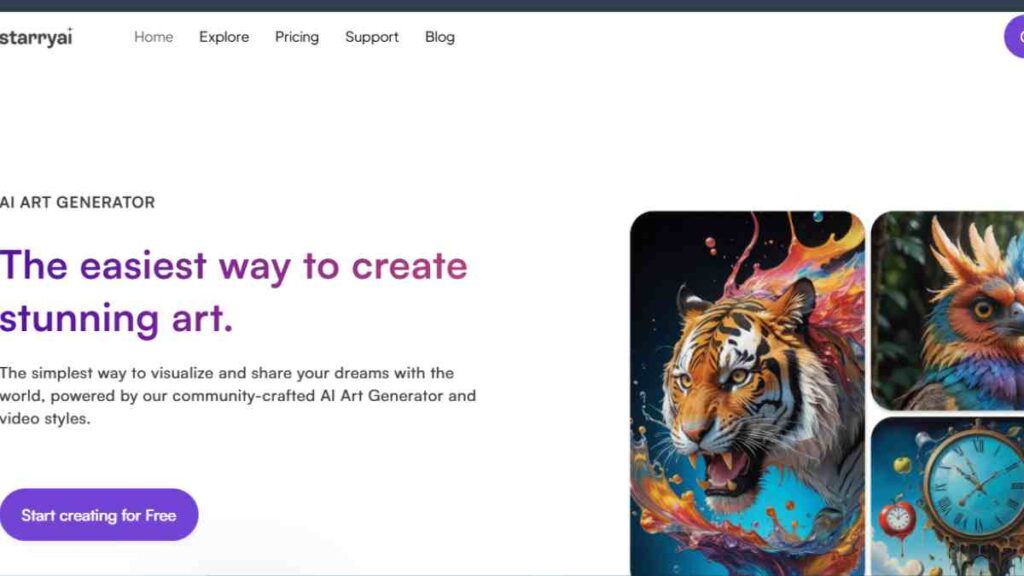
StarryAI focuses on simplicity and artistic expression, making it appealing to entrepreneurs who want eye-catching visuals without complex settings.
It is especially popular for conceptual art, social graphics, and inspirational imagery.
Although it offers fewer technical controls than some larger AI visual tools, its clean interface and dependable styles make it a comfortable choice for users exploring Ideogram alternatives with a more artistic feel.
Key Features
- Text to image generation for quick visual creation
- Style-based presets that help guide the artistic direction
- Upscaling options that improve image clarity and resolution
- A canvas for edits and adjustments
- Mobile app access for creating visuals on the go
- A user gallery that provides inspiration from community creations
Pricing
| Plan | Cost |
|---|---|
| Starter | $15 |
| Unlimited Pro | $35 |
| Unlimited Pro Max | $95 |
Pros and Cons
| Pros | Cons |
|---|---|
| Easy to use with reliable artistic styles | Limited advanced editing tools |
| Available on mobile for flexible creation | Fewer models than broader AI platforms |
| Great for quick creative concepts | Output consistency may vary with complex prompts |
| Ideal for social graphics and concept visuals | Less control for users who want detailed precision |
Reviews
Users praise its simplicity and artistic output, noting that it works well for mood boards, social graphics, and early creative concepts.
Some wish for more control or additional models, but overall sentiment remains positive due to its ease of use and appealing style presets.
5. Kittl
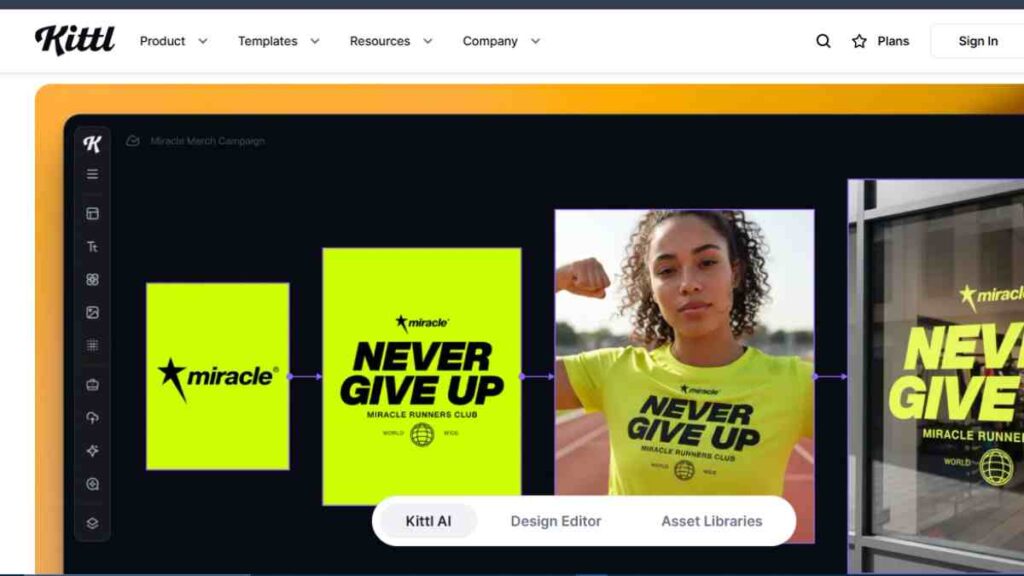
Kittl has become a favourite among entrepreneurs who want professional branding without the steep learning curve of traditional design software.
It combines AI-assisted design with intuitive editing, making it easy to create logos, posters, product labels and social graphics.
While it is not a pure AI text-to-image platform, its AI-powered design suggestions and typography tools place it firmly among practical Ideogram alternatives for brand-driven visual creation.
Key Features
- AI assisted design suggestions that help refine layouts and visual direction
- Logo and branding tools for building consistent brand identities
- Advanced typography controls for polished, professional text styling
- Editable templates that speed up design work
- Vector level editing for precise and scalable graphics
- Background removal for clean, ready-to-use assets
- Commercial use graphics suitable for marketing and branding projects
Pricing
| Plan | Cost |
|---|---|
| Free | $0 |
| Pro | $15 |
| Expert | $30 |
| Business | $65 |
Pros and Cons
| Pros | Cons |
|---|---|
| Excellent for branding and identity design | Not focused on artistic image generation |
| Strong typography tools and layout controls | Some advanced assets are available only in paid tiers |
| Beginner friendly interface | Limited AI text-to-image features |
| High quality templates for quick creation | Less suited for complex generative artwork |
Reviews
Users appreciate its strong branding features, clean interface, and robust typography tools. Many praise the quality of its templates and find it reliable for logos, brand kits, and marketing graphics.
Some mention that it is not ideal for advanced generative art, but overall reviews remain very positive.
6. Canva
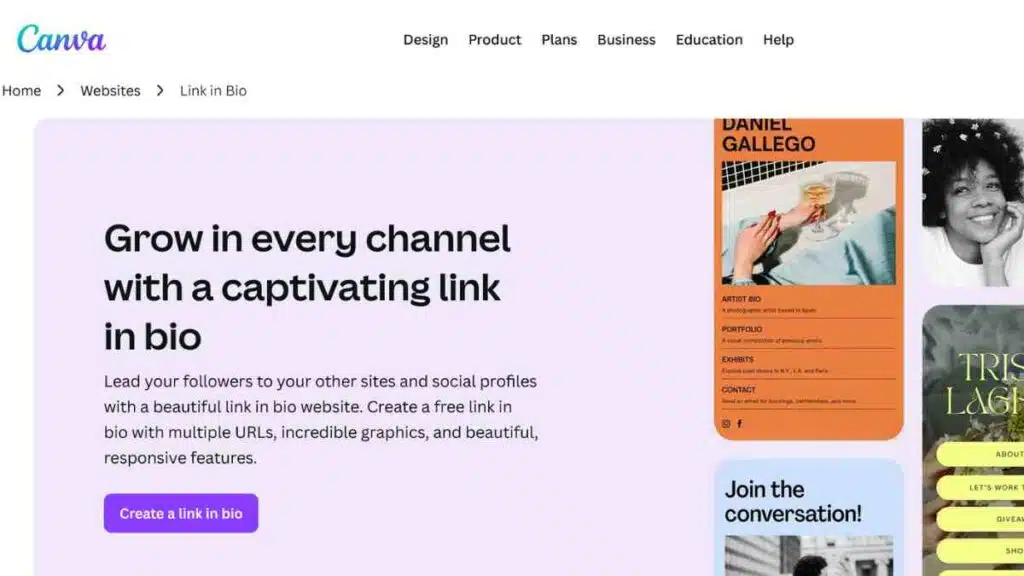
Canva remains one of the most accessible visual content tools for entrepreneurs, combining ease of use with a broad suite of AI powered features.
Its AI image generation, instant branding tools, and vast template library make it ideal for creating marketing materials, social content, pitch decks and product visuals in minutes.
As an Ideogram alternative, Canva stands out for its all in one workflow that supports both design and content creation without requiring any design experience.
Key Features
- AI image generator for quick creative outputs
- Brand kit for consistent visual identity across projects
- Magic Design for instant, auto-generated layouts
- Magic Eraser for removing unwanted elements
- Presentation and social templates for everyday business content
- Drag and drop editor that is simple and intuitive
- Collaboration features for team projects
- Stock libraries with photos, videos, and graphics
Pricing
| Plan | Cost |
|---|---|
| Free | $0 |
| Pro | $12.99 |
| Teams | $14.99 |
Pros and Cons
| Pros | Cons |
|---|---|
| Extremely easy to use, even for beginners | Generative image quality is improving but not as advanced as specialist AI tools |
| Ideal for quick, business-ready designs | Some premium assets require Pro access |
| Strong brand management tools | Limited fine control for complex, high-precision designs |
| Large template and asset library | Power users may want deeper customisation options |
Reviews
Users highlight its speed, simplicity, and versatility. Many SMEs note how well it supports day-to-day content creation, from presentations to social posts.
A few users mention that advanced designers may want deeper control, but overall reviews remain consistently strong.

7. DeepAI

DeepAI is one of the simplest AI text to image platforms available, designed for users who want quick generations without navigating complex interfaces.
It provides straightforward tools for producing illustrations, abstract visuals and concept drafts.
Although it is less feature rich than many Ideogram competitors, its ease of use and accessible API make it valuable for entrepreneurs who want fast outputs or basic AI integration within their workflows.
Key Features
- Text to image creation for generating visuals from written prompts
- Image editing for refining and enhancing existing images
- Inpainting and outpainting for adding or extending visual elements
- Style presets for guiding creative direction intuitively
- Multiple model options for varied artistic outputs
- High resolution outputs for professional-quality visuals
- Prompt history for revisiting previous creative attempts
- Commercial use support for business-ready content production
Pricing
| Plan | Cost |
|---|---|
| Monthly | $4.99 |
| Yearly | $45 |
Pros and Cons
| Pros | Cons |
|---|---|
| Very easy to use | Limited creative control |
| Fast results with a lightweight design | Fewer styles than larger platforms |
| Accessible API for simple integrations | Output quality varies across prompts |
| Good for quick tests and rough concepts | Interface may feel basic for professional use |
Reviews
Users appreciate its simplicity and speed, often using it for quick tests, rough ideas, or early creative concepts.
Some note that artistic quality is not as strong as advanced platforms, but overall it remains useful for basic, fast image generation needs.
8. Adobe Firefly

Adobe Firefly sits at the premium end of AI visual tools, offering powerful text to image generation woven seamlessly into the Adobe ecosystem.
Entrepreneurs value it for its commercial safe dataset, consistent visual quality and deep integration with Photoshop and Illustrator.
Firefly is especially strong for brand focused creators who want professional grade assets and the reliability that comes with Adobe’s design infrastructure.
Key Features
- Text to image generation for producing high-quality visuals from prompts
- Text effects for stylised lettering and creative typography
- Generative fill for adding new elements to existing images
- Generative expand for extending images beyond their original borders
- Custom style training for creating consistent brand-aligned outputs
- High resolution outputs for professional production needs
- Tight integration with Adobe Creative Cloud for seamless creative workflows
Pricing
| Plan | Cost |
|---|---|
| Not Public | Pricing details are not publicly disclosed. |
Pros and Cons
| Pros | Cons |
|---|---|
| Exceptional image quality suitable for professional work | Best features require an Adobe subscription |
| Professional-grade creative tools for designers | Learning curve can feel steep for new users |
| Commercial-safe training data for brand protection | Generation limits apply for free accounts |
| Seamless workflow with Photoshop and Illustrator | Cost may be a barrier for small teams |
Reviews
Users praise its reliability, output quality, and alignment with professional branding and advertising workflows.
Some highlight the cost as a hurdle, but overall sentiment remains very positive due to its power, precision, and Creative Cloud integration.
9. Bria
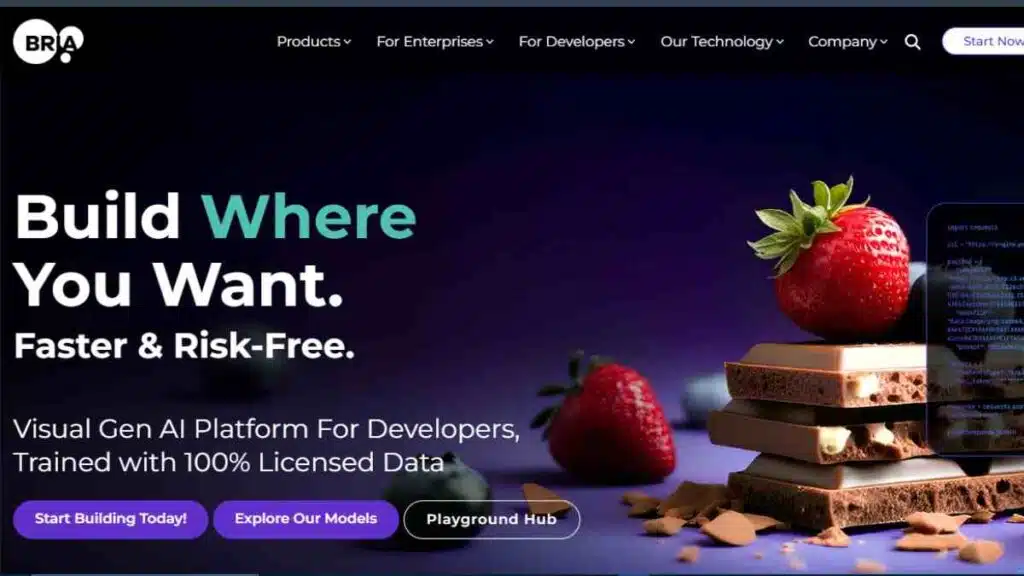
Bria is designed for businesses that prioritise brand safety, consistency and control in their visual production pipeline.
Unlike many consumer-focused AI image tools, Bria positions itself as an enterprise-friendly platform with a strong emphasis on ethically sourced datasets and customisable outputs.
Entrepreneurs and marketing teams use it to generate product visuals, ads and branded assets while maintaining compliance and visual accuracy.
Key Features
- Text to image generation for producing controlled business visuals
- Ethical and licensed datasets for compliance-safe content creation
- Brand consistency tools for maintaining unified visual identity
- Custom model training for organisation-specific styles
- API integration for embedding AI generation into workflows
- Image variation for exploring multiple creative directions
- Background editing for refining or replacing visual environments
Pricing
| Plan | Cost |
|---|---|
| Free Trial | $0 |
| Image Generation | $0.04 |
| Video Generation | $0.14 |
| Enterprise | Custom pricing |
Pros and Cons
| Pros | Cons |
|---|---|
| Strong focus on brand safety and ethical datasets | Less suited for experimental or highly artistic work |
| Predictable outputs ideal for marketing and product teams | Pricing is higher than consumer-focused platforms |
| Enterprise-level integrations for scaling teams | Limited free access |
| High-quality controls for consistent results | More business-oriented than creative |
Reviews
Users appreciate its compliance-driven approach and stable results. Many highlight how reliable it is for product imagery, ads, and marketing visuals.
Some say it lacks the creative freedom of art-focused tools, but overall reviews remain very positive due to its predictability and business alignment.
10. Clipdrop

Clipdrop is a fast and practical AI visual tool created to help entrepreneurs produce clean, ready to use visuals with minimal effort.
Known for its background removal, relighting and upscaling features, the platform excels at transforming ordinary images into polished assets for marketing and product presentation.
As part of Stability AI’s ecosystem, Clipdrop has become a popular Ideogram competitor for users who want quick enhancements and efficient AI assisted editing rather than full scale design software.
Key Features
- Background remover for clean, professional product cutouts
- Relighting tool for adjusting lighting and improving image depth
- Image upscaler for increasing resolution and clarity
- Cleanup tool for removing unwanted objects or imperfections
- Text to image generator for quick creative visuals
- Stable Diffusion integration for broader generative options
- Mobile and web access for editing from any device
Pricing
| Plan | Cost |
|---|---|
| Free | $0 |
| Pro | $9.99 |
| Enterprise | Custom pricing |
Pros and Cons
| Pros | Cons |
|---|---|
| Extremely fast processing for quick turnarounds | Not a full design suite |
| Excellent for product photography and marketing assets | Limited creative controls for complex projects |
| Simple tools that are easy for SMEs to use | Some advanced tools require premium plans |
| Strong enhancement and cleanup features | Occasional processing delays |
Reviews
Users praise its speed, output quality, and reliability for e-commerce and marketing workflows. Many find it invaluable for product photos and quick edits.
Some wish it offered broader design features, but overall feedback is strongly positive.

How to Choose the Right Ideogram Alternative
Choosing the best Ideogram alternative depends on what you want to create and the level of control your workflow demands.
Some platforms excel at branding, others shine in rapid content creation, and a few offer deeper creative experimentation.
The right fit is the tool that aligns with your goals, your budget and the type of visual assets your business produces most often. This table will help you compare the core factors that matter when making a confident decision.
| Category | What to Consider |
|---|---|
| Primary Use Case | Identify whether you need branding assets, product visuals, artistic images, ads, social graphics or general content creation |
| Ease of Use | Choose a platform that matches your skill level, simple interfaces help beginners while advanced tools suit detailed creative work |
| Output Quality | Look for tools that deliver consistent images that align with your brand style and visual identity |
| Features | Consider the availability of text to image generation, editing tools, templates, typography options, upscaling and model choices |
| Collaboration Needs | Select tools that allow team sharing, version control and easy feedback if you work with designers or marketers |
| Pricing | Match your budget with the required features, evaluate free plans, subscription tiers and credit systems |
| Integration | Check if the tool connects smoothly with your existing workflow such as social media platforms or design software |
| Brand Safety | Ensure the tool uses licensed datasets and offers predictable outputs if your business relies on consistent branding |
Conclusion
The best Ideogram alternative is the one that fits your creative goals and works smoothly in your daily workflow.
Each tool offers something unique, so start with the one that matches your needs now and adapt as your brand grows.
We want to see you succeed, and that’s why we provide valuable business resources to help you every step of the way.
- Join over 23,000 entrepreneurs by signing up for our newsletter and receiving valuable business insights.
- Register your business today with Entrepreneurs.ng’s Business Registration Services.
- Tell Your Brand Story on Entrepreneurs.ng, let’s showcase your brand to our global audience.
- Need help with your marketing strategy? Get a Comprehensive Marketing and Sales Plan here.
- Sign up for our Entrepreneurs Success Blueprint Programme to learn how to start and scale your business in just 30 days.
- Book our one-on-one consulting and speak to an expert about structuring and growing your business.
- Visit our shop for business plan templates and other valuable resources to guide you.
- Get our Employee-Employer Super Bundle NDA templates to legally protect your business and workforce.
- Advertise your business to over a million entrepreneurs through our different advertising packages.

Frequently Asked Questions (FAQs)
What is the best Ideogram alternative for beginners
The best starting point for beginners is Canva or Pixelcut because both offer simple interfaces and quick results without requiring design experience.
Which Ideogram competitor is best for branding
Kittl and Adobe Firefly stand out for branding since they provide strong typography tools, professional templates and reliable outputs for business identity work.
Are AI text to image platforms suitable for entrepreneurs
Yes, AI text to image platforms help entrepreneurs create ads, product visuals and social content faster, making them powerful companions for everyday content creation.
Which tool offers the most creative control
Playground AI offers the widest creative freedom with its advanced editing options, multiple models and high resolution outputs.
Do free plans offer enough features for business use
Free plans work well for basic visuals but most entrepreneurs upgrade for higher resolution images, faster processing and expanded creative tools.
Which tool is best for product photos
Pixelcut and Clipdrop are strong options because they offer background removal, relighting and enhancement tools that make product images look professional with minimal effort.
Are AI visual tools safe for commercial use
Yes, most established platforms are safe for commercial use, especially tools like Adobe Firefly and Bria that rely on licensed or commercially safe datasets.
How do I know if an AI tool fits my brand style
Test a few prompts across different platforms and compare the outputs, the right tool is the one that consistently produces visuals that match your brand’s tone, colours and overall identity.



