


Running payroll used to mean spreadsheets, calculators, and late nights before payday. Today, Payroll Software has become a core infrastructure tool for modern businesses, not just an administrative add-on.
This shift is also reflected in how organisations invest. In a Gartner survey, 48% of respondents said they planned to increase their HR technology budget, a clear signal that businesses are prioritising automation across HR operations, including payroll workflows.
In this guide, we examine the 15 best payroll software options, compare their features and pricing, and help you choose the right system for your business as it grows.
Key Takeaways
- The best Payroll Software automates salaries, taxes, and compliance while reducing costly payroll errors.
- Choosing the right payroll software depends on your size, growth plans, and need for HR features or global support.
- Payroll software with tax filing and small business payroll automation saves time, improves accuracy, and protects cash flow.
- Understanding pricing, integrations, and scalability is essential when learning how to choose a payroll software that grows with you.

What Is a Payroll Software?
A Payroll Software is a digital system that calculates employee wages, deducts taxes, manages statutory contributions, and processes payments automatically.
Modern payroll systems also handle compliance filings, generate payslips, track benefits, and often integrate with accounting and HR tools.
For small businesses, payroll software reduces manual errors, saves administrative time, and ensures employees are paid accurately and on schedule.
How We Selected the Best Payroll Software for Small Businesses
With dozens of payroll systems available globally, selecting the right options requires a structured evaluation process.
We assessed each platform based on functionality, pricing transparency, automation capabilities, scalability, and overall value for small and growing businesses.
Below is the evaluation framework used to determine the best payroll software for small businesses in this guide:
| Evaluation Criteria | What We Assessed |
|---|---|
| Core Payroll Features | Salary calculation, direct deposit, payslip generation, deductions management |
| Tax Filing Capabilities | Automated tax calculations, compliance updates, statutory reporting |
| HR Integration | Onboarding, benefits management, leave tracking, payroll software with HR features |
| Pricing Structure | Base fees, per-employee costs, hidden charges, scalability of pricing |
| Ease of Use | User interface, setup process, dashboard clarity |
| Automation Level | Small business payroll automation, recurring payroll runs, alerts |
| Integrations | Compatibility with accounting tools, time tracking, and business software |
| Global Support | Multi-country payroll, contractor payments, international compliance |
| Customer Support | Availability, onboarding assistance, knowledge resources |
| Scalability | Suitability for startups, growing teams, and expanding businesses |
This structured approach ensures each payroll software featured in this article delivers practical value, operational efficiency, and long-term growth potential for small businesses.
15 Best Payroll Software for Small Businesses
Below, we review 15 of the best payroll software for small businesses globally.
Each platform is evaluated based on features, pricing structure, ease of use, automation level, scalability, and overall suitability for growing companies.
1. Gusto
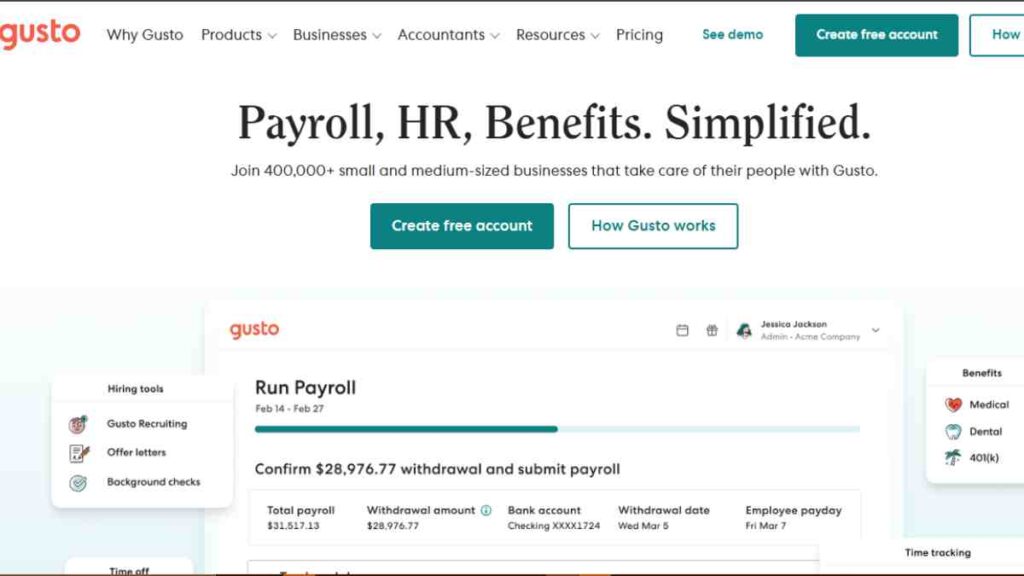
Gusto is a cloud-based Payroll Software built for small businesses that want an intuitive, automated system for running payroll and managing core HR tasks.
It is widely recognised for simplifying payroll runs, handling tax calculations and filings automatically in supported jurisdictions, and consolidating payroll and employee administration into one dashboard.
For small businesses seeking payroll software with tax filing and integrated HR capabilities, Gusto positions itself as a modern, growth-friendly solution.
Best For
Gusto is best suited for small businesses that want straightforward payroll processing with built-in compliance and the option to expand into HR and benefits management as they scale.
It is also suitable for contractor-heavy businesses due to its dedicated contractor plan.
Pricing Structure
Gusto operates on a tiered pricing model that combines a base monthly subscription with a per-person fee.
| Plan Type | Pricing Model |
|---|---|
| Contractor Only | $35 per month + $6 per contractor per month |
| Simple Plan | $40 per month + $6 per person per month |
| Plus Plan | $80 per month + $12 per person per month |
| Premium Plan | Custom pricing |
This pricing structure makes Gusto predictable for budgeting, especially for small teams that want transparent payroll costs.
Core Features
Gusto’s features are grouped around payroll automation, compliance management, and HR administration.
| Feature Group | What Gusto Provides |
|---|---|
| Payroll Processing | Online payroll runs, recurring payroll scheduling, direct deposit, and digital payslips |
| Tax Filing & Compliance | Automated federal, state, and local payroll tax calculations and filings, plus year-end W-2 and 1099 generation |
| HR Tools | Employee onboarding, document management, and core HR records management |
| Benefits Administration | Health benefits management and automatic payroll deductions for enrolled employees |
| Time & Attendance | Built-in time tracking (on higher tiers) with hours synced directly into payroll |
| Global Contractor Payments | Ability to pay international contractors in over 120 countries |
Integrations
Gusto integrates with accounting platforms, time-tracking software, and other business systems.
This reduces manual data entry and ensures payroll data aligns with financial reporting.
Customer Support
Support is available through chat, phone, and email depending on the selected plan.
Higher-tier plans offer priority support and dedicated assistance, which may be valuable for businesses managing complex payroll structures.
Limitations to Consider
Gusto is strongest for US-based small businesses. Companies requiring complex multi-country employee payroll may find its international capabilities limited.
Additionally, advanced HR features are tied to higher-tier plans, which increases overall cost as teams grow.
2. QuickBooks Payroll
QuickBooks Payroll is a cloud-based payroll system developed by Intuit and designed to integrate seamlessly with QuickBooks accounting software.
It is particularly attractive to small businesses already using QuickBooks for bookkeeping, as payroll data automatically syncs with financial records.
As a Payroll Software solution, it combines payroll processing, automated tax filing, and optional HR support within a familiar accounting environment.
Best For
QuickBooks Payroll is best suited for small businesses that already use QuickBooks Online and want payroll fully integrated into their accounting workflow.
It is also practical for businesses that prioritise tax compliance and automated filings.
Pricing Structure
QuickBooks Payroll follows a base monthly subscription plus a per-employee fee model.
| Plan Type | Pricing Model |
|---|---|
| Core | $45 per month + $6 per employee per month |
| Premium | $75 per month + $8 per employee per month |
| Elite | $125 per month + $10 per employee per month |
Pricing may vary slightly depending on promotions, but the structure remains consistent across tiers.
Core Features
QuickBooks Payroll combines payroll automation with accounting integration.
| Feature Group | What QuickBooks Payroll Provides |
|---|---|
| Payroll Processing | Automated payroll runs, direct deposit, digital payslips |
| Tax Filing & Compliance | Automatic federal and state payroll tax calculation and filing |
| Accounting Integration | Seamless sync with QuickBooks Online for real-time financial reporting |
| Time Tracking | Built-in or integrated time tracking (Premium and above) |
| HR Support | HR advisory services and document templates (Elite plan) |
| Tax Penalty Protection | Coverage for tax filing errors on higher-tier plans |
Integrations
The strongest advantage of QuickBooks Payroll is its native integration with QuickBooks Online.
Payroll expenses automatically categorise into accounting records, reducing reconciliation errors and manual data entry. It also integrates with time-tracking and third-party business tools.
Customer Support
Support options vary by plan. Higher-tier plans provide priority support and access to HR advisory services.
Elite users also receive tax penalty protection coverage.
Limitations to Consider
QuickBooks Payroll is most valuable within the QuickBooks ecosystem. Businesses not using QuickBooks accounting may not experience its full integration benefits.
Additionally, it does not provide full international payroll support, which may limit its suitability for globally distributed teams.

3. ADP RUN
ADP RUN is a small business payroll solution developed by ADP, one of the most established payroll providers globally.
It is designed for businesses with fewer than 50 employees that want a structured payroll system backed by enterprise-level compliance expertise.
As a Payroll Software platform, ADP RUN combines payroll processing, automated tax filing, compliance support, and optional HR services within a scalable framework.
Best For
ADP RUN is best suited for small businesses that want strong compliance backing and access to additional HR services as they grow.
It is particularly attractive to companies operating in regulated industries or those seeking a payroll provider with long-standing experience.
Pricing Structure
ADP does not publish fixed pricing publicly. Instead, pricing is customised based on business size, payroll frequency, and required services.
| Plan Type | Pricing Model |
|---|---|
| Essential Payroll | Custom quote |
| Enhanced Payroll | Custom quote |
| Complete Payroll & HR | Custom quote |
| HR Pro | Custom quote |
Pricing typically follows a base fee plus a per-employee charge structure, but exact costs vary based on configuration.
Core Features
ADP RUN focuses heavily on payroll accuracy, compliance, and scalability.
| Feature Group | What ADP RUN Provides |
|---|---|
| Payroll Processing | Automated payroll runs, direct deposit, digital payslips |
| Tax Filing & Compliance | Automated federal, state, and local tax calculations and filings |
| Compliance Monitoring | Ongoing regulatory updates and alerts |
| HR Tools | Onboarding support, employee handbooks, and HR document templates |
| Reporting & Analytics | Custom payroll reports and labour cost insights |
| Mobile Access | Payroll management via mobile app |
Integrations
ADP RUN integrates with accounting platforms, time tracking systems, and business management tools. These integrations help synchronise payroll data with financial records and workforce management systems.
Limitations to Consider
ADP RUN’s pricing is not transparent upfront, which may make budgeting more difficult for very small startups.
Additionally, some advanced HR features are available only in higher-tier plans, increasing total cost as business needs expand.
4. Paychex Flex
Paychex Flex is a cloud-based payroll and HR platform designed for small to medium-sized businesses that want payroll automation with structured compliance support.
Developed by Paychex, a long-established payroll provider, the platform combines payroll processing, tax administration, and HR services into a scalable system.
As a Payroll Software solution, Paychex Flex focuses on compliance accuracy, flexible service tiers, and access to payroll specialists.
Best For
Paychex Flex is best suited for small businesses that want personalised support alongside payroll automation. It is particularly appropriate for companies that expect to grow and may require expanded HR services over time.
Pricing Structure
Paychex does not publish fixed pricing on its website. Costs are customised based on company size, payroll frequency, features selected, and service level.
| Plan Type | Pricing Model |
|---|---|
| Paychex Flex Essentials | Custom quote |
| Paychex Flex Select | Custom quote |
| Paychex Flex Pro | Custom quote |
Pricing typically follows a base fee plus a per-employee charge, with additional costs for HR add-ons and specialised services.
Core Features
Paychex Flex combines payroll automation with broader workforce management capabilities.
| Feature Group | What Paychex Flex Provides |
|---|---|
| Payroll Processing | Automated payroll runs, direct deposit, digital payslips |
| Tax Filing & Compliance | Federal, state, and local payroll tax calculations and filings |
| HR Administration | Employee onboarding, document management, and HR compliance tools |
| Benefits Administration | Health benefits, retirement plans, and payroll-linked deductions |
| Time & Attendance | Time tracking with hours synced directly into payroll |
| Reporting & Analytics | Custom payroll reports and labour cost insights |
| Mobile Access | Payroll and HR management via mobile app |
Integrations
Paychex Flex integrates with accounting software, time tracking tools, and HR applications.
These integrations help reduce duplicate data entry and ensure payroll data aligns with financial records.
Customer Support
One of Paychex Flex’s strongest advantages is access to payroll specialists and HR advisors, depending on the plan selected.
Businesses that prefer guided support rather than a purely self-service model may find this valuable.
Limitations to Consider
Pricing transparency is limited, as businesses must request a quote. Additionally, advanced HR services and advisory support increase overall cost.
Companies seeking a low-cost, self-service payroll tool may find other platforms more budget-friendly.
5. Rippling
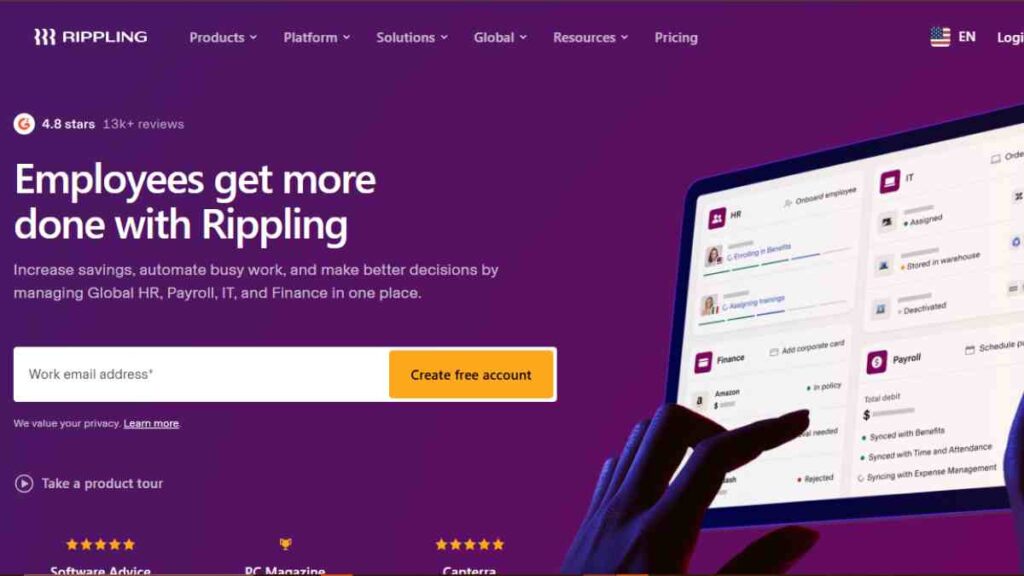
Rippling is a workforce management platform that combines payroll, HR, IT, and employee data management in one unified system.
Unlike traditional payroll tools, Rippling connects payroll directly with employee onboarding, device management, app provisioning, and benefits administration.
As a Payroll Software solution, Rippling stands out for automation depth. Changes made in one part of the system, such as salary updates or role changes, automatically sync across payroll, benefits, and compliance workflows.
Best For
Rippling is best suited for fast-growing small businesses and startups that want payroll integrated with HR and IT systems.
It is particularly effective for technology-driven companies, remote teams, and businesses scaling across multiple states or countries.
Pricing Structure
Rippling does not publish fixed pricing publicly. Its pricing is modular, meaning businesses pay for the specific services they choose.
| Plan Type | Pricing Model |
|---|---|
| Core Platform | Custom quote (modular pricing) |
| Payroll Add-On | Per employee per month (custom quote) |
| HR & Benefits Add-Ons | Custom pricing |
| IT Management Add-Ons | Custom pricing |
Rippling’s pricing typically starts with a base platform fee plus per-employee charges for each module selected.
Core Features
Rippling’s capabilities extend beyond standard payroll systems.
| Feature Group | What Rippling Provides |
|---|---|
| Payroll Processing | Automated payroll runs with multi-state support |
| Tax Filing & Compliance | Automatic federal, state, and local tax calculations and filings |
| Global Payroll | Support for international payroll in multiple countries |
| HR Administration | Onboarding, employee lifecycle management, document management |
| Benefits Administration | Health, retirement, and payroll-linked benefits |
| IT & App Management | Device setup, software access control tied to employee records |
| Automation Engine | Workflow automation that syncs changes across departments |
Integrations
Rippling integrates with accounting platforms, time-tracking tools, and hundreds of third-party applications.
Its system is built around centralised employee data, which reduces duplication and manual updates across systems.
Customer Support
Support is provided through chat and help centre resources. Higher-tier configurations may include dedicated account support, depending on contract terms.
Limitations to Consider
Rippling’s modular pricing can become expensive as businesses add more features. Companies seeking a simple payroll-only solution may find the platform more complex than necessary.
Additionally, pricing transparency is limited because costs depend on custom configuration.
6. OnPay
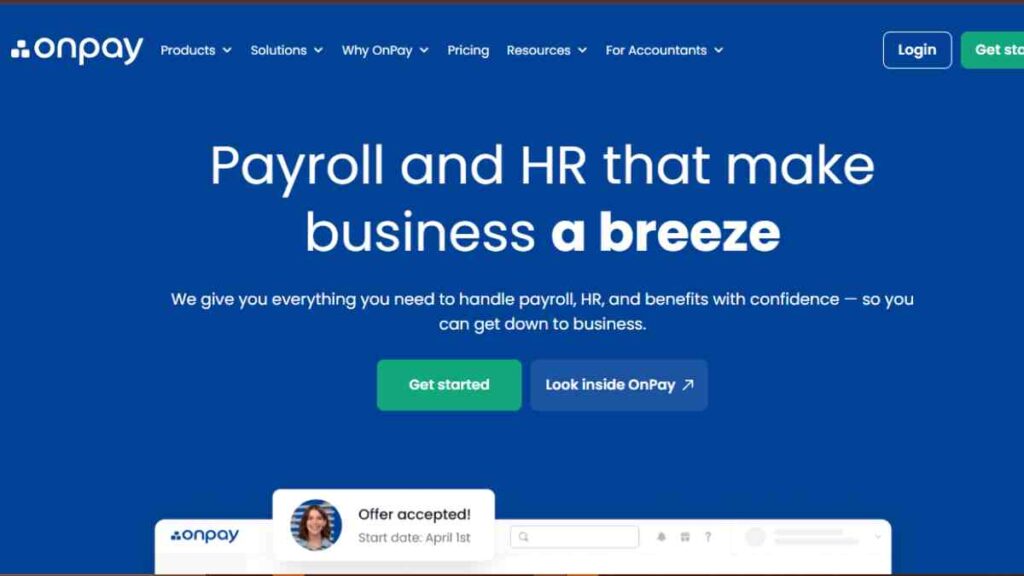
OnPay is a straightforward, full-service Payroll Software designed specifically for small businesses that want transparent pricing and built-in compliance without complex tiered plans.
Unlike many competitors that separate payroll and HR features into multiple packages, OnPay offers a single pricing structure that includes payroll processing, tax filing, and essential HR tools.
Its simplicity and flat pricing model make it attractive to startups and growing businesses that want predictable payroll costs.
Best For
OnPay is best suited for small businesses that want full-service payroll with tax filing included, without navigating multiple plan tiers. It is particularly suitable for companies that value cost transparency and ease of use.
Pricing Structure
OnPay uses a simple, flat pricing model.
| Plan Type | Pricing Model |
|---|---|
| Single Plan | $40 per month + $6 per employee per month |
There are no tiered feature levels, which simplifies budgeting and reduces unexpected upgrade costs.
Core Features
OnPay bundles payroll and HR essentials into one platform.
| Feature Group | What OnPay Provides |
|---|---|
| Payroll Processing | Unlimited monthly payroll runs, direct deposit, digital payslips |
| Tax Filing & Compliance | Automatic federal, state, and local tax calculation and filing |
| Multi-State Payroll | No additional charge for multi-state payroll processing |
| HR Tools | Employee onboarding, document storage, and compliance support |
| Benefits Administration | Health benefits and workers’ compensation integration |
| PTO Management | Paid time-off tracking integrated into payroll |
Integrations
OnPay integrates with accounting software and time-tracking platforms, ensuring payroll data flows directly into financial records.
This reduces reconciliation errors and manual bookkeeping adjustments.
Customer Support
OnPay provides customer support through phone, chat, and email. Its support model is generally structured to assist small businesses during onboarding and routine payroll operations.
Limitations to Consider
OnPay does not provide international payroll services. Additionally, while it includes HR tools, it does not offer the advanced workforce management automation found in more enterprise-focused platforms.
7. Square Payroll
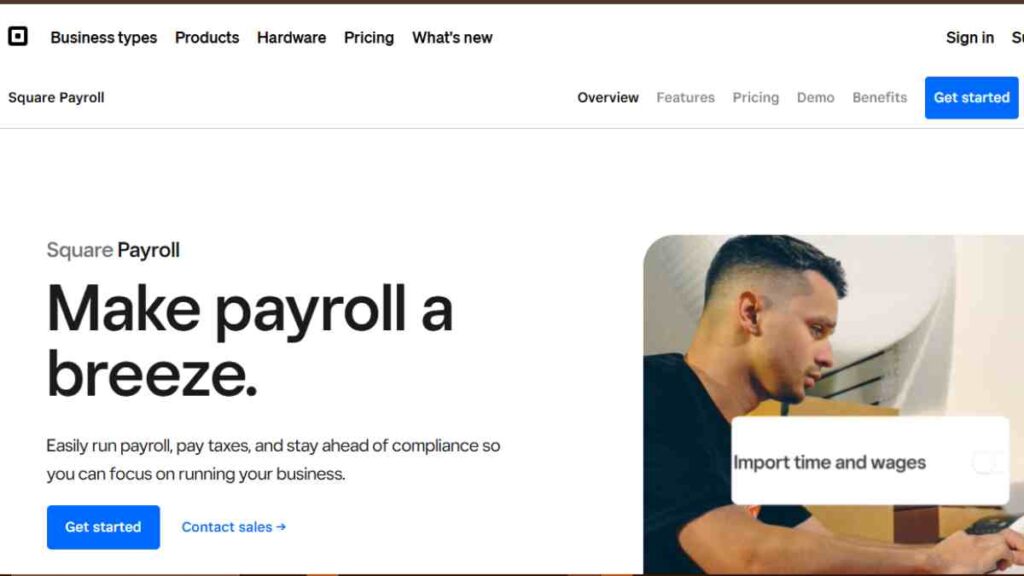
Square Payroll is a streamlined Payroll Software solution developed by Block, Inc., designed primarily for small businesses that already use Square’s point-of-sale (POS) ecosystem.
It integrates payroll directly with Square’s payment and time-tracking systems, making it especially convenient for retail, hospitality, and service-based businesses.
Its structure focuses on simplicity, contractor payments, and seamless wage calculations tied to POS and time data.
Best For
Square Payroll is best suited for small retail stores, restaurants, cafés, and service businesses already operating within the Square ecosystem.
It is also practical for businesses paying both employees and contractors.
Pricing Structure
Square Payroll uses a straightforward pricing model depending on whether you pay employees, contractors, or both.
| Plan Type | Pricing Model |
|---|---|
| Employees + Contractors | $35 per month + $6 per employee per month |
| Contractors Only | $6 per contractor per month (no base fee) |
This structure makes it affordable for very small teams and businesses that primarily work with contractors.
Core Features
Square Payroll combines payroll automation with POS integration.
| Feature Group | What Square Payroll Provides |
|---|---|
| Payroll Processing | Automated payroll runs, direct deposit, digital payslips |
| Tax Filing & Compliance | Federal and state payroll tax calculation and filing |
| POS Integration | Automatic import of employee hours and tips from Square POS |
| Time Tracking | Syncs with Square Timecards for wage calculation accuracy |
| Contractor Payments | Unlimited contractor payments with automated 1099 generation |
| Benefits Administration | Health benefits and workers’ compensation integration |
Integrations
Its strongest integration advantage is with Square POS and Square’s broader commerce ecosystem. This ensures that sales data, employee hours, and tip information automatically sync into payroll, reducing manual errors.
Customer Support
Support is available via phone and online help resources. Businesses within the Square ecosystem typically manage payroll alongside other Square services through a unified dashboard.
Limitations to Consider
Square Payroll is most valuable when paired with Square’s POS tools. Businesses not using Square may not benefit fully from its ecosystem integration.
Additionally, it does not provide advanced HR automation or international payroll services.
8. Deel
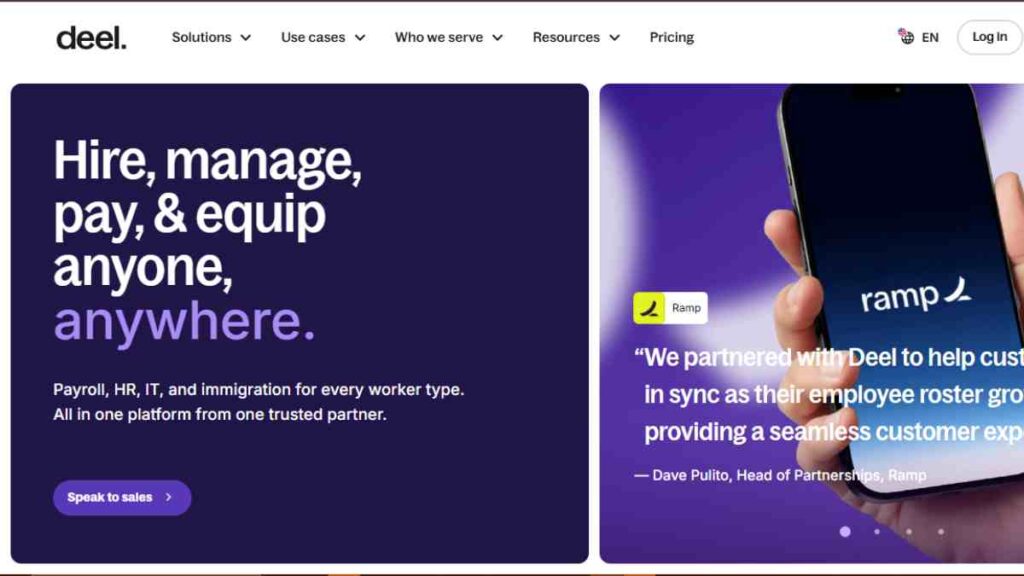
Deel is a global Payroll Software platform built for businesses hiring across borders.
Unlike traditional domestic payroll systems, Deel specialises in international payroll, contractor payments, and employer-of-record (EOR) services.
It enables companies to hire employees and contractors in multiple countries without establishing local entities.
For small businesses expanding internationally or operating remote-first teams, Deel combines payroll automation with global compliance infrastructure.
Best For
Deel is best suited for startups and growing companies hiring internationally.
It is particularly valuable for businesses managing remote teams across multiple countries and those seeking global payroll software with built-in compliance support.
Pricing Structure
Deel’s pricing depends on whether you are hiring contractors, full-time employees via employer-of-record services, or managing global payroll for owned entities.
| Service Type | Pricing Model |
|---|---|
| Contractors | From $49 per contractor per month |
| Employer of Record (EOR) | From $599 per employee per month |
| Global Payroll | Custom pricing |
Pricing varies depending on country, employment structure, and additional compliance requirements.
Core Features
Deel focuses heavily on global workforce management and compliance automation.
| Feature Group | What Deel Provides |
|---|---|
| Global Payroll | Multi-country payroll processing with country-specific compliance |
| Contractor Payments | Payments in 150+ countries in multiple currencies |
| Employer of Record | Legal employment infrastructure in numerous jurisdictions |
| Tax & Compliance | Country-specific tax calculations and statutory compliance management |
| Benefits Administration | Localised benefits options depending on country |
| Multi-Currency Payments | Payment processing in various currencies |
| Automated Documentation | Local employment contracts and compliance documentation generation |
Integrations
Deel integrates with accounting software, HR platforms, and time-tracking systems. These integrations allow payroll data to sync with financial reporting and workforce management tools.
Customer Support
Deel offers 24/7 customer support, which is critical for businesses operating across time zones. Dedicated support may be available depending on the service tier selected.
Limitations to Consider
Deel is not designed as a low-cost domestic payroll solution. For businesses operating solely within one country, especially the US, more affordable payroll systems may be sufficient.
Additionally, employer-of-record services significantly increase per-employee costs.

9. Papaya Global
Papaya Global is a comprehensive global Payroll Software platform designed for businesses managing international workforces.
It specialises in cross-border payroll, compliance automation, and workforce payments across multiple countries.
Unlike traditional domestic payroll systems, Papaya Global focuses on centralising multi-country payroll operations into one unified dashboard.
For small businesses expanding internationally or managing distributed teams, Papaya Global offers infrastructure that simplifies complex global payroll requirements.
Best For
Papaya Global is best suited for growing companies operating in multiple countries or planning international expansion.
It is particularly valuable for businesses needing payroll software with tax filing and compliance management across different legal jurisdictions.
Pricing Structure
Papaya Global uses a custom pricing model depending on services selected, workforce size, and country coverage.
| Service Type | Pricing Model | Coverage Overview |
|---|---|---|
| Global Payroll | Custom quote | Multi-country payroll processing for businesses with local entities |
| Employer of Record (EOR) | From approximately $650 per employee per month | Hire employees in foreign countries without establishing a local entity |
| Contractor Management | Custom pricing | International contractor payments and compliance support |
Pricing varies significantly depending on country complexity and regulatory requirements.
Core Features
Papaya Global focuses on global payroll standardisation and compliance.
| Feature Group | What Papaya Global Provides |
|---|---|
| Multi-Country Payroll | Centralised payroll management across 160+ countries |
| Tax Filing & Compliance | Automated statutory compliance and country-specific tax calculations |
| Employer of Record | Legal employment infrastructure in supported jurisdictions |
| Workforce Payments | Cross-border payment processing in multiple currencies |
| Benefits Administration | Country-specific benefits management |
| Analytics & Reporting | Global payroll insights and consolidated reporting dashboard |
Integrations
Papaya Global integrates with HR systems, accounting platforms, and ERP software. This allows multinational businesses to consolidate payroll data into broader financial and workforce management systems.
Customer Support
Support includes onboarding assistance and dedicated account management depending on the service package selected.
Given the complexity of global payroll, structured implementation support is typically part of the service offering.
Limitations to Consider
Papaya Global is not positioned as a low-cost payroll solution for purely domestic small businesses. Its strength lies in global payroll complexity.
Businesses operating in a single country may find more affordable payroll systems that meet their needs.
10. Oyster HR
Oyster HR is a global Payroll Software platform designed to help businesses hire, pay, and manage talent across borders.
It combines employer-of-record (EOR) services, international payroll, and contractor management into a single system.
The platform focuses heavily on compliance, enabling businesses to hire internationally without establishing local legal entities.
Best For
Oyster HR is best suited for remote-first startups and small businesses hiring employees in multiple countries. It is particularly useful for companies that want to expand internationally without opening foreign subsidiaries.
Pricing Structure
Oyster HR uses structured pricing depending on the type of worker being managed.
| Service Type | Pricing Model |
|---|---|
| Contractor Management | From $29 per contractor per month |
| Employer of Record (EOR) | From $599 per employee per month |
| Global Payroll | Custom pricing |
Pricing varies depending on country regulations and benefits requirements.
Core Features
Oyster HR focuses on international payroll compliance and workforce management.
| Feature Group | What Oyster HR Provides |
|---|---|
| Global Payroll | Multi-country payroll processing with local compliance management |
| Employer of Record | Legal employment infrastructure in 180+ countries |
| Contractor Payments | Cross-border contractor payments in multiple currencies |
| Compliance Management | Country-specific tax, labour law, and statutory compliance support |
| Benefits Administration | Localised benefits packages tailored to each jurisdiction |
| Onboarding Tools | Automated global onboarding workflows |
Integrations
Oyster integrates with HR platforms, accounting tools, and workforce management systems. These integrations allow payroll data to flow into financial reporting and operational dashboards.
Customer Support
Oyster provides customer support through dedicated onboarding assistance and ongoing compliance guidance. Businesses managing international teams benefit from structured support throughout hiring and payroll cycles.
Limitations to Consider
Oyster HR is not a cost-effective solution for purely domestic payroll needs. Its strength lies in international hiring and compliance infrastructure.
Employer-of-record services significantly increase per-employee costs compared to domestic payroll software.
11. Zenefits
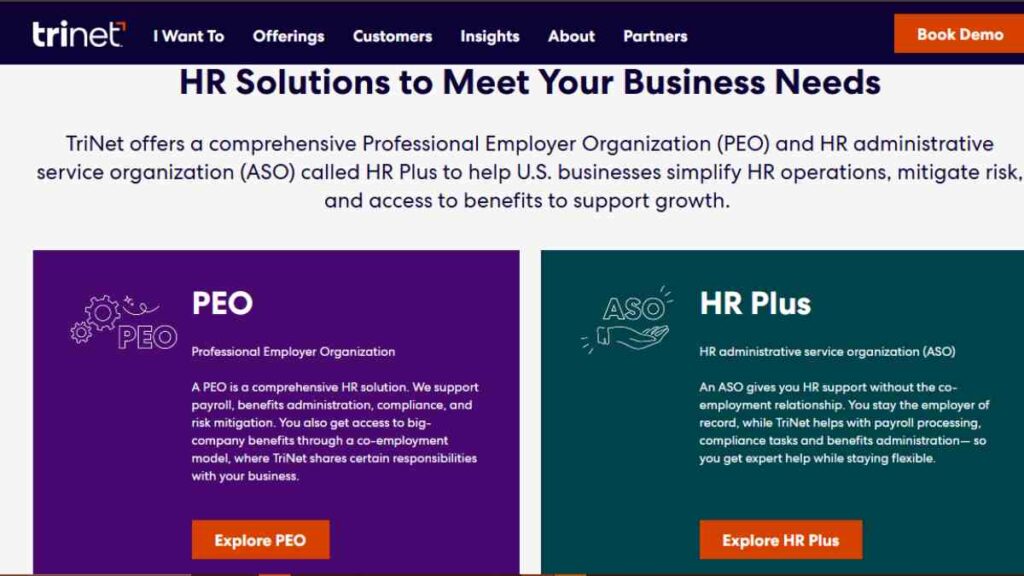
Zenefits is a cloud-based HR and Payroll Software platform designed for small and mid-sized businesses that want payroll tightly integrated with HR management.
Unlike standalone payroll systems, Zenefits positions itself as a full HR suite with payroll built directly into its ecosystem.
For businesses seeking payroll software with HR features, Zenefits offers a unified approach where employee records, benefits, time tracking, and payroll operate within one connected system.
Best For
Zenefits is best suited for small businesses that want payroll integrated with broader HR administration.
It works particularly well for companies focused on benefits management, employee lifecycle tracking, and compliance within the US.
Pricing Structure
Zenefits uses a modular pricing structure. Businesses subscribe to its HR platform and add payroll as an additional module.
| Service Type | Pricing Model |
|---|---|
| Essentials HR Plan | From $10 per employee per month |
| Growth HR Plan | From $20 per employee per month |
| Zen HR Suite | From $33 per employee per month |
| Payroll Add-On | From $6 per employee per month |
A base monthly fee may apply depending on plan configuration.
Core Features
Zenefits focuses on HR-driven payroll integration.
| Feature Group | What Zenefits Provides |
|---|---|
| Payroll Processing | Automated payroll runs, direct deposit, and digital payslips |
| Tax Filing & Compliance | Federal and state payroll tax calculation and filing |
| HR Administration | Employee onboarding, document storage, compliance tracking |
| Benefits Administration | Health insurance and retirement benefits management |
| Time & Scheduling | Time tracking and scheduling synced with payroll |
| Employee Self-Service | Employee portal for pay stubs and benefits access |
Integrations
Zenefits integrates with accounting platforms, applicant tracking systems, and workforce tools. Payroll data syncs with financial systems to reduce manual reconciliation.
Customer Support
Support availability varies by subscription tier. Higher-tier plans offer priority support, while lower-tier plans provide standard support access.
Limitations to Consider
Zenefits requires subscription to its HR platform before adding payroll, which increases overall cost. It is not designed for international payroll, making it less suitable for globally distributed teams.
12. BambooHR Payroll
BambooHR Payroll is an extension of BambooHR’s well-known HR management platform.
It is designed to bring payroll processing directly into the BambooHR ecosystem, allowing businesses to manage employee data, onboarding, time tracking, and payroll within a single system.
As a Payroll Software solution, BambooHR Payroll focuses on data consistency. Employee information entered during hiring flows directly into payroll, reducing duplicate entry and manual errors.
Best For
BambooHR Payroll is best suited for small to mid-sized businesses already using BambooHR for HR management. It works particularly well for companies that want payroll tightly integrated with employee lifecycle management.
Pricing Structure
BambooHR does not publish fixed payroll pricing publicly. Payroll is offered as an add-on to its HR subscription plans, with pricing customised based on employee count and selected features.
| Service Type | Pricing Model |
|---|---|
| Core HR Platform | Custom quote |
| Payroll Add-On | Custom quote (per employee pricing) |
| Time Tracking Add-On | Custom quote |
Costs generally follow a per-employee-per-month structure, with pricing adjusted based on total headcount and feature configuration.
Core Features
BambooHR Payroll integrates payroll with broader HR functionality.
| Feature Group | What BambooHR Payroll Provides |
|---|---|
| Payroll Processing | Automated payroll runs, direct deposit, digital payslips |
| Tax Filing & Compliance | Federal and state payroll tax calculations and filings |
| HR Administration | Employee onboarding, document management, performance tracking |
| Time Tracking | Built-in time tracking that syncs hours directly into payroll |
| Benefits Administration | Benefits tracking and payroll-linked deductions |
| Reporting & Analytics | Workforce insights and payroll cost reporting |
Integrations
Because payroll is embedded within the BambooHR ecosystem, it integrates seamlessly with HR data. The platform also connects with accounting systems and third-party workforce tools to streamline financial reporting.
Customer Support
Support is available through BambooHR’s standard customer service channels. Businesses often receive onboarding assistance and access to knowledge resources depending on subscription level.
Limitations to Consider
Payroll is not available as a standalone product. Businesses must subscribe to BambooHR’s HR platform first.
Additionally, international payroll capabilities are limited, which may restrict suitability for globally distributed teams.
13. Patriot Payroll
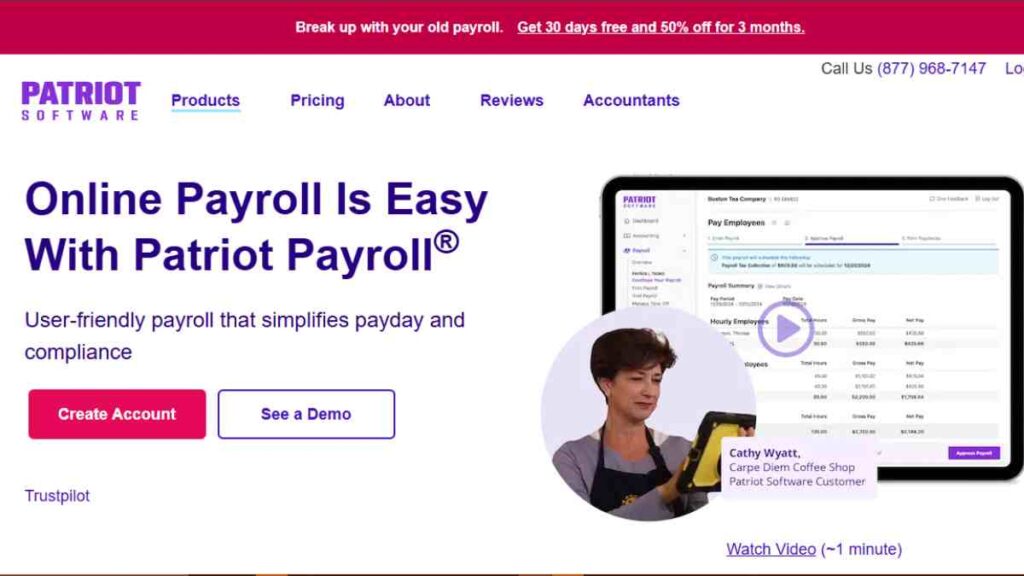
Patriot Payroll is a budget-friendly Payroll Software solution built specifically for small businesses that want reliable payroll processing without unnecessary complexity.
It focuses on simplicity, affordability, and essential compliance features, making it attractive to startups and small teams operating on tight budgets.
Unlike enterprise-focused payroll systems, Patriot keeps its feature set streamlined while still offering automated tax filing and payroll reporting.
Best For
Patriot Payroll is best suited for small businesses seeking affordable payroll software with tax filing capabilities. It works particularly well for companies that prioritise cost efficiency and straightforward payroll management.
Pricing Structure
Patriot Payroll offers two primary payroll plans with transparent pricing.
| Plan Type | Pricing Model |
|---|---|
| Basic Payroll | $17 per month + $4 per employee per month |
| Full Service Payroll | $37 per month + $4 per employee per month |
This structure allows businesses to choose between managing tax filings themselves or opting for full-service automation.
Core Features
Patriot Payroll focuses on essential payroll functions for small businesses.
| Feature Group | What Patriot Payroll Provides |
|---|---|
| Payroll Processing | Unlimited payroll runs, direct deposit, printable checks |
| Tax Filing & Compliance | Automatic payroll tax calculation; automated filing available on Full Service plan |
| Multi-State Payroll | Support for multiple states |
| Employee Portal | Online access to pay stubs and tax forms |
| Reporting | Payroll reports for accounting and compliance tracking |
| Accounting Integration | Integrates with Patriot Accounting software |
Integrations
Patriot integrates primarily with its own accounting software. While integration options are more limited compared to larger payroll platforms, it covers essential accounting synchronisation for small businesses.
Customer Support
Patriot offers US-based customer support via phone, chat, and email. Its support model is structured to assist small business owners who may be managing payroll without a dedicated HR team.
Limitations to Consider
Patriot Payroll lacks international payroll capabilities and advanced HR automation features. Businesses requiring integrated HR management, benefits administration, or global payroll infrastructure may outgrow the platform.
14. Sage Payroll
Sage Payroll is a cloud-based Payroll Software solution developed by Sage, a long-standing provider of accounting and business management systems.
It is designed to integrate closely with Sage’s accounting products, making it particularly suitable for small businesses already using Sage for bookkeeping and financial reporting.
Sage Payroll focuses on automating salary calculations, tax deductions, compliance reporting, and pension management, depending on the country of operation.
Best For
Sage Payroll is best suited for small businesses that already use Sage accounting software and want payroll tightly connected to their financial records.
It is also suitable for businesses seeking structured compliance support within supported regions such as the UK and US.
Pricing Structure
Sage Payroll pricing varies by country and product version. Below is a general structure based on Sage’s small business payroll offerings.
| Plan Type | Pricing Model |
|---|---|
| Sage Payroll (UK – Starter Tier) | From £7 per month (limited employees) |
| Sage Payroll (UK – Standard Tier) | From approximately £14–£27 per month depending on employee count |
| Sage Payroll (US – Sage 50 Payroll) | Custom quote |
Pricing varies depending on employee count, country, and feature configuration.
Core Features
Sage Payroll integrates payroll with accounting and compliance tools.
| Feature Group | What Sage Payroll Provides |
|---|---|
| Payroll Processing | Automated wage calculations, payslip generation, direct deposit (region dependent) |
| Tax Filing & Compliance | Automatic tax calculations and statutory reporting submissions |
| Pension & Benefits Support | Pension auto-enrolment support (UK) and payroll-linked deductions |
| Accounting Integration | Direct integration with Sage accounting software |
| Reporting & Analytics | Payroll cost reports and financial summaries |
| Multi-Company Support | Ability to manage payroll for multiple businesses within one dashboard (plan dependent) |
Integrations
Sage Payroll integrates directly with Sage accounting software, ensuring payroll expenses flow automatically into financial reports.
Integration outside the Sage ecosystem may be more limited compared to other cloud-native payroll platforms.
Customer Support
Support availability depends on region and subscription tier. Businesses typically receive online help resources, phone support, and onboarding guidance.
Limitations to Consider
Sage Payroll is strongest within the Sage accounting ecosystem. Companies not using Sage accounting may not benefit fully from its integration advantages.
Additionally, it does not function as a unified global payroll system for multinational teams.
15. Wave Payroll
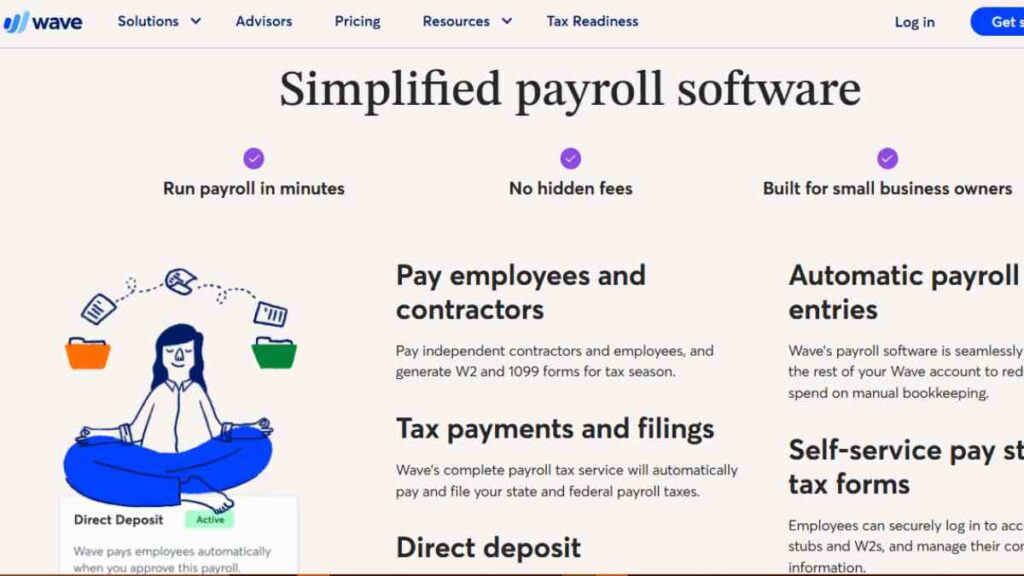
Wave Payroll is a Payroll Software solution developed as part of the Wave financial management ecosystem, which includes free accounting and invoicing tools.
It is designed primarily for small businesses that want payroll integrated with bookkeeping without adopting a complex enterprise system.
Wave Payroll focuses on affordability and simplicity, particularly for micro-businesses and sole proprietors hiring their first employees.
Best For
Wave Payroll is best suited for very small businesses and startups already using Wave’s free accounting software.
It is particularly practical for businesses looking for low-cost payroll that integrates directly with their bookkeeping system.
Pricing Structure
Wave Payroll pricing varies depending on location within the United States.
| Plan Type | Pricing Model |
|---|---|
| Tax Service States | $40 per month + $6 per employee per month |
| Self-Service Tax States | $20 per month + $6 per employee per month |
The difference depends on whether Wave handles payroll tax filing in your state.
Core Features
Wave Payroll integrates directly with Wave Accounting.
| Feature Group | What Wave Payroll Provides |
|---|---|
| Payroll Processing | Salary calculation, direct deposit, digital payslips |
| Tax Filing & Compliance | Automated tax filing in supported states; tax calculations in others |
| Accounting Integration | Automatic syncing with Wave Accounting for financial tracking |
| Employee Self-Service | Online access to pay stubs and tax documents |
| Year-End Forms | W-2 and 1099 generation and filing (where applicable) |
Integrations
Its primary integration advantage lies within the Wave ecosystem. Payroll data flows automatically into Wave Accounting, ensuring accurate expense tracking and simplified financial reporting.
Customer Support
Wave offers online support resources and customer assistance depending on subscription level. As a lower-cost solution, support options may be more limited compared to enterprise payroll providers.
Limitations to Consider
Wave Payroll has limited geographic coverage and is only available in certain US states. It also lacks advanced HR features, global payroll capabilities, and complex workforce automation tools.

How to Choose the Best Payroll Software for Your Business
Selecting the right Payroll Software is not about picking the most popular brand. It is about matching features, pricing, compliance support, and scalability to your business structure.
A startup with five employees has very different payroll needs from a growing company hiring across borders.
The table below outlines a practical decision framework to help you evaluate payroll software based on your specific stage, workforce type, and operational complexity.
| Business Situation | What to Prioritise | Recommended Focus |
|---|---|---|
| Startup (1–10 employees) | Simple setup, affordable pricing, automated tax filing | Low base fee, per-employee pricing transparency, full-service tax automation |
| Growing Small Business (10–50 employees) | Payroll software with HR features | Onboarding tools, PTO tracking, benefits integration, reporting dashboards |
| Multi-State Operations | Compliance accuracy | Automated state tax calculations, multi-state payroll support |
| Remote or Hybrid Teams | Time tracking and integrations | Built-in or synced time-tracking tools, employee self-service portals |
| International Hiring | Global payroll capability | Employer-of-record services, multi-currency payments, country-specific compliance |
| Contractor-Heavy Workforce | Flexible contractor payments | 1099 automation, no base fee contractor plans |
| Budget-Conscious Businesses | Cost predictability | Transparent pricing, no hidden add-ons, scalable plan structure |
| Regulated Industries | Compliance and advisory support | Access to payroll specialists, regulatory updates, documentation tools |
When evaluating options, assess total cost rather than headline pricing. Consider implementation time, integration with accounting systems, and long-term scalability.
The best payroll system should reduce administrative burden today while supporting your growth tomorrow.
Conclusion
Choosing the right Payroll Software is a strategic decision, not just an administrative one. The right system improves accuracy, protects compliance, saves time, and supports business growth.
Whether you operate locally or globally, the best payroll solution is one that aligns with your current needs while scaling seamlessly with your future ambitions.
We want to see you succeed, and that’s why we provide valuable business resources to help you every step of the way.
- Join over 23,000 entrepreneurs by signing up for our newsletter and receiving valuable business insights.
- Register your business today with Entrepreneurs.ng’s Business Registration Services.
- Tell Your Brand Story on Entrepreneurs.ng, let’s showcase your brand to our global audience.
- Need help with your marketing strategy? Get a Comprehensive Marketing and Sales Plan here.
- Sign up for our Entrepreneurs Success Blueprint Programme to learn how to start and scale your business in just 30 days.
- Book our one-on-one consulting and speak to an expert about structuring and growing your business.
- Visit our shop for business plan templates and other valuable resources to guide you.
- Get our Employee-Employer Super Bundle NDA templates to legally protect your business and workforce.
- Advertise your business to over a million entrepreneurs through our different advertising packages.

Frequently Asked Questions (FAQS)
What is payroll software?
Payroll software is a digital system that calculates employee wages, deducts taxes, manages statutory contributions, and processes salary payments automatically.
What is the best payroll software for small businesses?
The best payroll software depends on your business size, budget, and whether you need HR features or international payroll support. Platforms like Gusto, QuickBooks Payroll, and ADP RUN are strong options for US-based businesses, while Deel and Papaya Global are better for global teams.
How much does payroll software cost?
Most payroll systems charge a base monthly fee plus a per-employee fee. Costs typically range from $17 to $125 per month, plus $4 to $12 per employee, depending on features and service level.
Is payroll software worth it for a small business?
Yes. Payroll software reduces calculation errors, automates tax filing, and saves time. It also lowers the risk of compliance penalties and late filings.
Can payroll software handle tax filing automatically?
Many full-service payroll platforms automatically calculate, file, and pay federal, state, and local payroll taxes on your behalf.
What is the easiest payroll software to use?
User-friendly platforms such as Gusto, OnPay, and Square Payroll are often praised for simple dashboards and straightforward setup processes.
Can payroll software manage contractors?
Yes. Many payroll systems support contractor payments and generate 1099 forms. Some platforms offer contractor-only plans with no base monthly fee.
Does payroll software integrate with accounting tools?
Most modern payroll software integrates with accounting platforms to automatically sync payroll expenses and reduce manual bookkeeping errors.
What is payroll software with HR features?
Payroll software with HR features includes tools for onboarding, document management, time tracking, benefits administration, and employee record management.
Can payroll software support international employees?
Some platforms, such as Deel, Oyster, and Papaya Global, provide international payroll and employer-of-record services for hiring across multiple countries.
How long does it take to set up payroll software?
Setup time varies by platform. Basic payroll systems can be configured within a few hours, while global payroll or employer-of-record solutions may require several days or weeks.
Is cloud-based payroll software secure?
Reputable providers use encryption, secure data centres, and compliance standards to protect payroll data. Always review a provider’s security policies before subscribing.
What happens if payroll taxes are filed incorrectly?
Many payroll providers offer tax penalty protection on higher-tier plans. However, responsibility ultimately depends on the service agreement and plan selected.
Can payroll software handle multi-state payroll?
Yes. Many platforms automatically calculate and file taxes across multiple US states, though pricing may vary depending on complexity.
When should a business switch payroll software?
Businesses should consider switching when payroll errors increase, compliance becomes complex, international hiring begins, or the current system no longer integrates with accounting and HR tools.



