


Sales tracking software helps small businesses see exactly where deals stand, which leads need attention, and what revenue is likely to close, without relying on guesswork.
According to GrandView Research, the global CRM market reached $73.4 billion in recent years, signalling how strongly businesses are adopting organised sales systems to improve visibility and performance
In this guide, we focus on practical tools that help small teams track deals, manage pipelines, and understand sales results clearly and efficiently.
Key Takeaways
- Sales tracking software gives small businesses clear visibility into deals, follow-ups, and revenue in real time.
- The best sales tracking tools are simple to use, affordable, and designed to grow with your business.
- Choosing the right small business sales management software depends on your sales process, team size, and budget.
- When used well, sales pipeline tracking tools and sales reporting software directly improve cash flow and decision-making.

What Is Sales Tracking Software?
Sales tracking software is a digital tool that helps businesses record, organise, and monitor every stage of the sales process, from first contact to closed deal.
Instead of relying on spreadsheets or scattered notes, it gives you a single place to track leads, manage follow-ups, measure performance, and see exactly where revenue is coming from.
For small businesses, sales tracking software goes beyond basic record-keeping. It acts as a daily management tool, combining contact management, deal tracking, and sales reporting so owners can make faster, smarter decisions.
Difference Between Sales Tracking Software and CRM
While sales tracking software and CRM systems are often mentioned together, they are not the same thing.
Both help businesses manage sales activities, but they serve different purposes depending on how complex your sales process is and how much customer data you need to manage.
Understanding the difference helps small businesses choose the right tool without paying for features they do not yet need.
| Feature | Sales Tracking Software | CRM (Customer Relationship Management) |
|---|---|---|
| Primary purpose | Track deals, sales activities, and revenue | Manage customer relationships across the entire lifecycle |
| Core focus | Sales pipeline and performance | Customers, interactions, and long-term engagement |
| Complexity | Simple and easy to use | More advanced and feature-rich |
| Best for | Small teams, startups, solo founders | Growing businesses with multiple teams |
| Sales pipeline tracking | Yes | Yes |
| Contact management | Basic | Advanced |
| Marketing automation | Usually limited or none | Often included |
| Customer support tools | Rare | Common |
| Setup and onboarding | Quick and lightweight | More time-intensive |
| Cost | Generally more affordable | Usually more expensive |
In simple terms, sales tracking software is ideal if your main goal is to close deals and monitor revenue.
A CRM becomes valuable when your business needs to manage deeper customer relationships, automate marketing, and coordinate multiple departments around the customer journey.
10 Best Sales Tracking Software for Small Businesses
Choosing the right sales tracking software can make the difference between guessing your numbers and confidently growing revenue.
Below is a carefully selected list of the best tools for small businesses, based on ease of use, affordability, core sales features, and how well they support everyday selling without unnecessary complexity.
1. HubSpot Sales Hub
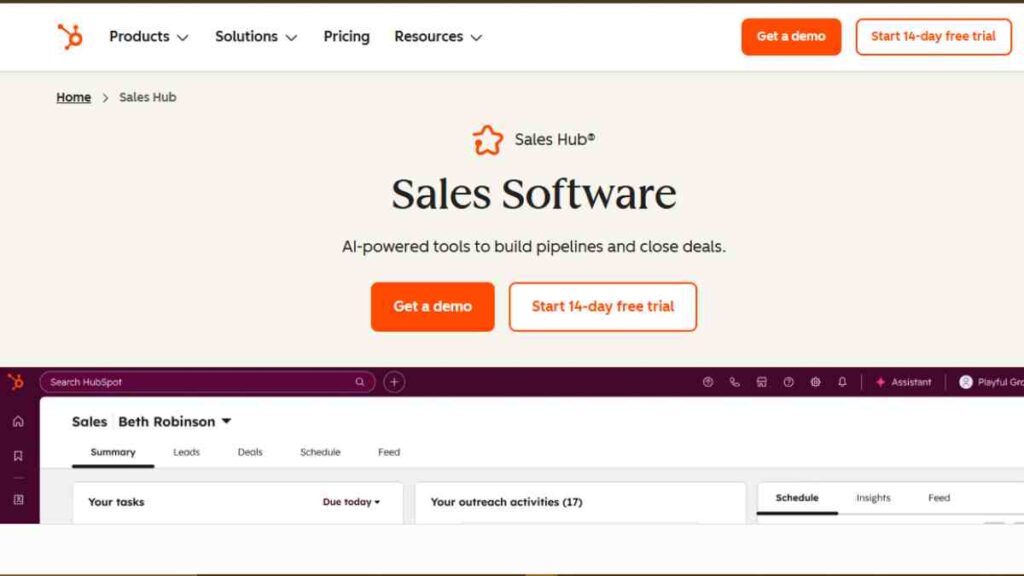
HubSpot Sales Hub is one of the most popular sales tracking tools for small businesses because it combines simplicity with powerful features.
It is attractive to startups and growing teams that want to track deals, manage follow-ups, and generate reports without a steep learning curve.
HubSpot Sales Hub helps small businesses track every interaction with leads and customers in one place. It focuses on visibility and automation, making it easier to move deals through the pipeline and close faster.
Key Sales Tracking Features
- Visual sales pipeline to track deals from lead to close
- Contact and company tracking with automatic activity logging
- Email tracking and notifications when prospects open messages
- Task reminders and follow-up scheduling
- Sales reporting and performance dashboards
- Built-in meeting scheduling and call tracking
Why Small Businesses Like It
- Free plan available with generous core features
- Very easy to set up and use, even for non-technical founders
- Scales smoothly as sales teams grow
- Integrates seamlessly with marketing, customer service, and accounting tools
Best For
- Startups and early-stage small businesses
- Solo founders and small sales teams
- Businesses that want sales tracking software with room to grow into a full CRM
Pros and Cons
Pros
- User-friendly interface
- Strong free version for basic sales tracking
- Excellent reporting and visibility into sales activity
- Large ecosystem of integrations
Cons
- Advanced features can become expensive as you scale
- Some automation tools are locked behind higher-tier plans
- Customisation options for pipelines and reports are limited on lower-tier plans
- It can feel overwhelming for very small businesses that only need simple deal tracking
Pricing Snapshot
| Plan | Cost |
|---|---|
| Free | $0 |
| Starter | $9 |
| Professional | $90 |
| Enterprise | $150 |
HubSpot Sales Hub is one of the best entry points into sales tracking software.
It gives small businesses clarity, structure, and reporting power without overwhelming them, making it an excellent first tool for organised selling.
2. Zoho CRM
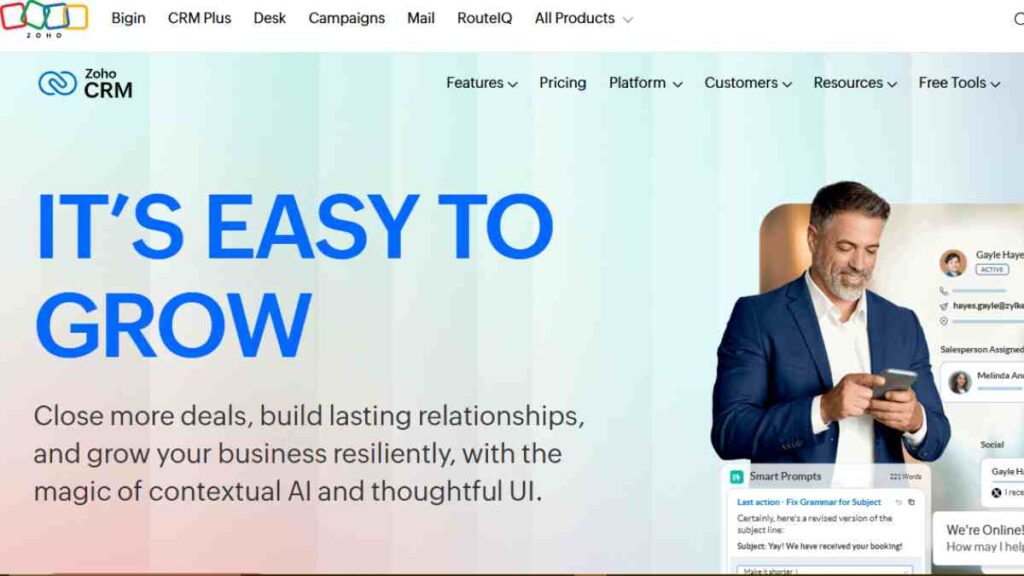
Zoho CRM is a strong choice for small businesses that want robust sales tracking software without paying premium prices.
It is well known for offering deep functionality at a cost that suits budget-conscious teams, especially those planning to scale gradually.
Unlike lighter tools, it offers more structure and automation while still remaining accessible to small teams.
Key Sales Tracking Features
- Customisable sales pipeline and deal stages
- Lead and contact management with activity tracking
- Sales forecasting and advanced sales reporting software
- Workflow automation for follow-ups and deal progression
- Email integration and tracking
- Mobile app for on-the-go sales tracking
Why Small Businesses Like It
- Strong balance between features and affordability
- Highly customisable to fit different sales processes
- Works well for both B2B and service-based businesses
- Integrates with Zoho’s wider ecosystem (books, inventory, email)
Best For
- Small businesses outgrowing basic sales tracking tools
- Teams that want more control over their sales pipeline
- Businesses already using other Zoho products
Pros and Cons
Pros
- Excellent value for money
- Powerful sales pipeline tracking tools
- Flexible customisation options
- Scales well as teams grow
Cons
- Interface can feel complex for first-time users
- Setup and customisation require time and planning
- Reporting dashboards may feel overwhelming initially
- Customer support response times can vary by plan
Pricing Snapshot
| Plan | Cost |
|---|---|
| Standard | $14 |
| Professional | $23 |
| Enterprise | $40 |
| Ultimate | $52 |
Zoho CRM is a powerful sales tracking solution for small businesses that want flexibility and depth without enterprise-level pricing.
It is best suited for teams ready to invest time in setup to gain long-term sales visibility and control.

3. Pipedrive
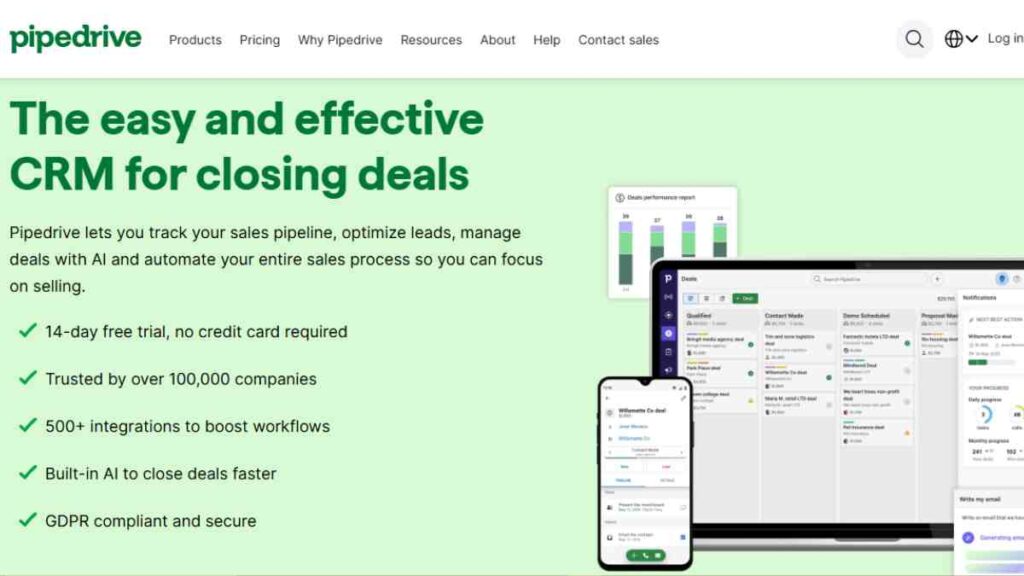
Pipedrive is a sales-focused tracking tool built specifically to help small businesses visualise and manage their sales pipeline.
It keeps sales tracking simple and visual.
Instead of overwhelming users with unnecessary features, it focuses on deal movement, follow-ups, and activity tracking, making it ideal for teams that want clarity without complexity.
Key Sales Tracking Features
- Visual, drag-and-drop sales pipeline
- Deal and activity tracking in real time
- Customisable pipeline stages
- Sales forecasting and performance insights
- Email integration with tracking
- Mobile app for managing deals on the go
Why Small Businesses Like It
- Extremely easy to use and navigate
- Strong focus on sales activity and deal progress
- Helps teams stay organised and consistent with follow-ups
- Minimal setup compared to full CRM systems
Best For
- Small sales teams and startups
- Businesses that want clear pipeline visibility
- Owners who prioritise deal tracking over advanced CRM features
Pros and Cons
Pros
- Clean, intuitive interface
- Excellent sales pipeline tracking tools
- Fast setup and onboarding
- Keeps sales teams focused on closing deals
Cons
- No permanent free plan
- Limited marketing and customer support features
- Reporting is basic compared to full CRMs
- Costs increase as add-ons are added
Pricing Snapshot
| Plan | Cost |
|---|---|
| Lite | $24/user/month |
| Growth | $49/user/month |
| Premium | $79/user/month |
| Ultimate | $99/user/month |
Pipedrive is one of the best sales tracking software options for small businesses that want a clear view of their pipeline.
If closing deals efficiently is your top priority, this tool delivers exactly that.
4. Freshsales
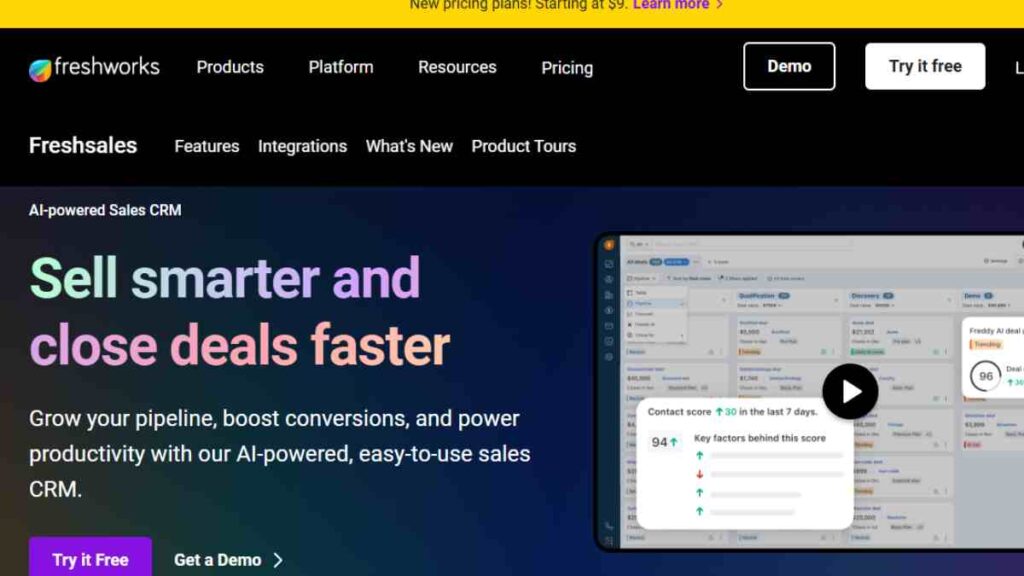
Freshsales is a modern sales tracking software designed for small businesses that want automation and intelligence without complexity.
It combines clean design with smart features, helping teams prioritise leads and close deals faster.
It helps small businesses understand which leads are worth pursuing, while keeping the sales pipeline organised and visible at all times.
Key Sales Tracking Features
- Visual sales pipeline with custom deal stages
- Built-in lead scoring to prioritise high-value prospects
- Contact and account management with activity tracking
- Email tracking, templates, and follow-up automation
- Sales reporting and performance analytics
- Mobile app for managing deals remotely
Why Small Businesses Like It
- Clean, modern interface that is easy to learn
- Built-in intelligence helps sales teams focus on the right leads
- Strong automation without enterprise-level complexity
- All-in-one approach reduces the need for multiple tools
Best For
- Small businesses with growing lead volumes
- Sales teams that want smarter prioritisation
- Businesses looking for sales tracking software with automation baked in
Pros and Cons
Pros
- Intuitive and visually appealing dashboard
- Smart lead scoring saves time
- Good balance between simplicity and advanced features
- Competitive pricing for small teams
Cons
- Advanced AI features are locked behind higher plans
- Customisation options are limited compared to larger CRMs
- Reporting may feel basic for data-heavy teams
- Can feel feature-rich for very small businesses
Pricing Snapshot
| Plan | Cost |
|---|---|
| Free | $0 |
| Growth | $9 |
| Pro | $39 |
| Enterprise | $59 |
Freshsales is a strong sales tracking tool for small businesses that want smarter selling without added complexity.
It is especially useful for teams ready to move beyond manual tracking and rely on data-driven sales decisions.
5. Monday Sales CRM
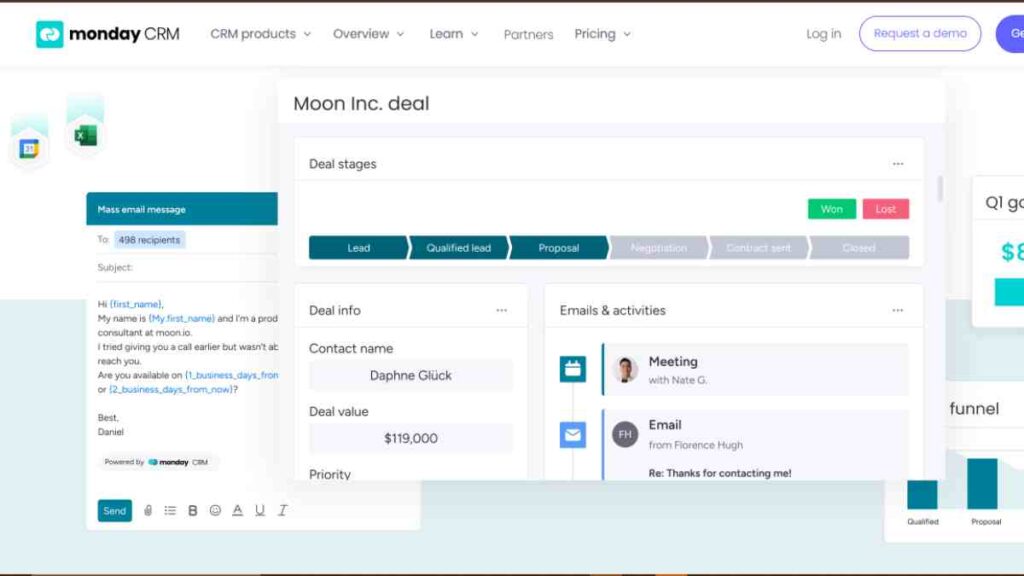
Monday Sales CRM is a flexible sales tracking software built for small businesses that want visibility, structure, and custom workflows without rigid CRM constraints.
It helps small businesses track leads, deals, and sales activities using highly visual boards and dashboards.
Unlike traditional CRMs, it allows teams to customise their sales process to match how they actually work.
Key Sales Tracking Features
- Visual deal tracking using boards and pipelines
- Customisable sales stages and workflows
- Lead and contact management with activity timelines
- Sales reporting dashboards with real-time updates
- Task automation for follow-ups and deal movement
- Mobile app for managing sales on the go
Why Small Businesses Like It
- Highly visual and easy to understand
- Flexible setup that adapts to different sales processes
- Strong collaboration features for teams
- Works well beyond sales (projects, operations, tasks)
Best For
- Small businesses that want flexible sales tracking tools
- Teams that collaborate closely on deals
- Businesses already using Monday for project or task management
Pros and Cons
Pros
- Very customisable sales pipeline tracking
- Clean, modern interface
- Strong automation for repetitive tasks
- Excellent visibility across sales activities
Cons
- Requires setup time to configure properly
- Can feel less “sales-native” than traditional CRMs
- Pricing increases as team size grows
- Reporting depth depends heavily on configuration
Pricing Snapshot
| Plan | Cost |
|---|---|
| Basic CRM | $12/seat/month |
| Standard CRM | $17/seat/month |
| Pro CRM | $28/seat/month |
| Enterprise CRM | Custom pricing |
Monday Sales CRM is ideal for small businesses that want sales tracking software they can mould around their workflow.
If flexibility and visual clarity matter more than rigid CRM structures, this tool is a strong contender.
6. Salesforce Essentials
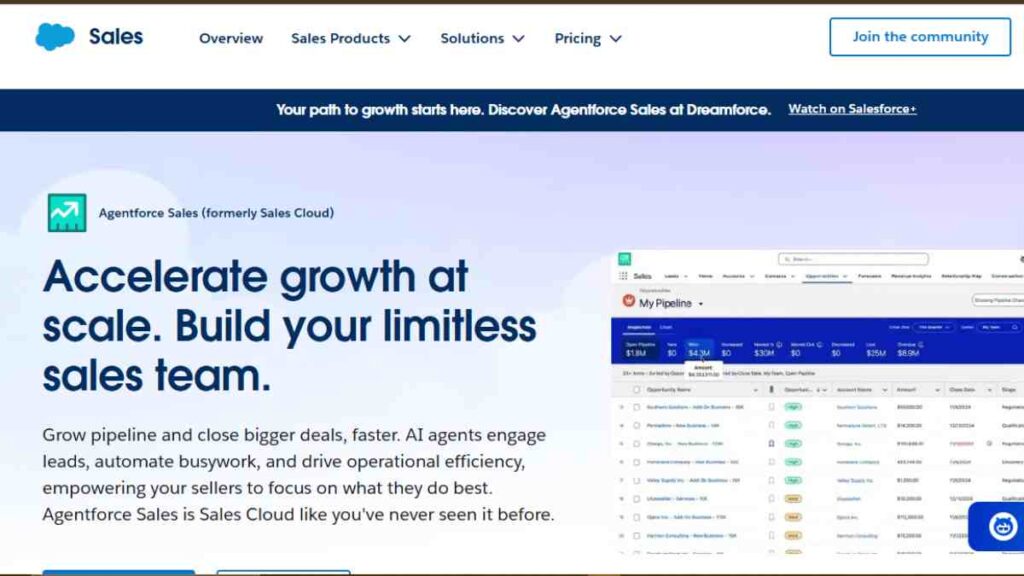
Salesforce Essentials is a simplified version of Salesforce’s enterprise platform, designed specifically for small businesses that want powerful sales tracking without the complexity of a full-scale CRM.
It brings structure, reporting, and scalability to teams that are planning for long-term growth.
While it is more structured than lightweight tools, it offers reliability and depth that many growing businesses value.
Key Sales Tracking Features
- Opportunity and deal tracking across the sales pipeline
- Lead and contact management with activity history
- Built-in sales forecasting and performance tracking
- Sales reporting dashboards with custom views
- Email integration and task management
- Mobile access for sales teams on the move
Why Small Businesses Like It
- Built on a trusted, enterprise-grade platform
- Strong reporting and forecasting capabilities
- Clear upgrade path as the business scales
- Centralised view of sales data and customer activity
Best For
- Small businesses planning rapid growth
- Teams that want structured sales processes
- Businesses that expect to scale into advanced CRM features over time
Pros and Cons
Pros
- Reliable and scalable sales tracking software
- Strong sales reporting and forecasting tools
- Trusted platform with long-term viability
- Good fit for process-driven sales teams
Cons
- Steeper learning curve than simpler tools
- Limited customisation compared to full Salesforce plans
- Higher cost than many small-business-focused tools
- Setup may require initial guidance or training
Pricing Snapshot
| Plan | Price (per user/month) |
|---|---|
| Salesforce Essentials | $25 |
Salesforce Essentials is best suited for small businesses that want dependable sales tracking software and are comfortable trading simplicity for structure.
It is a solid option for teams thinking beyond short-term needs and planning for scale.

7. Insightly
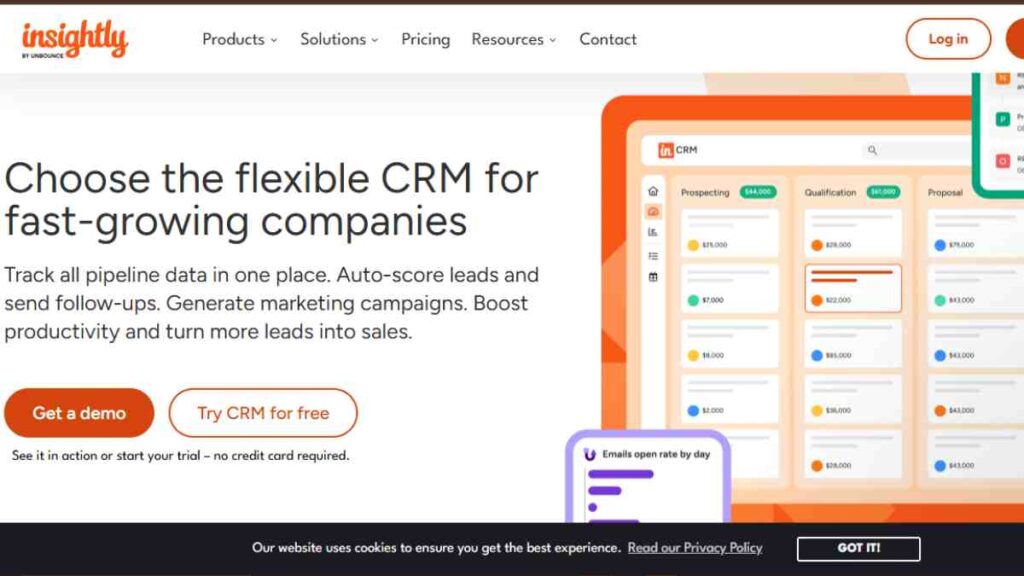
Insightly is a sales tracking software designed for small businesses that want to connect sales activity with projects and long-term customer relationships.
Insightly combines sales tracking with basic project management, giving small businesses visibility beyond the point of sale.
This makes it easier to track opportunities, manage contacts, and transition smoothly from closed deals to client delivery.
Key Sales Tracking Features
- Opportunity and pipeline tracking
- Contact and organisation management
- Activity tracking across emails, calls, and tasks
- Sales reporting and dashboard insights
- Workflow automation for follow-ups
- Mobile app for remote sales management
Why Small Businesses Like It
- Strong link between sales and project delivery
- Clean interface with practical features
- Useful for managing ongoing client relationships
- Supports structured, repeatable sales processes
Best For
- Service-based small businesses
- Teams managing sales and projects together
- Businesses that value relationship-driven selling
Pros and Cons
Pros
- Integrates sales tracking with project management
- Good contact and relationship tracking
- Clear sales pipeline visibility
- Scales reasonably well for small teams
Cons
- Interface feels less modern than newer tools
- Automation features are limited on lower plans
- Reporting is less flexible than advanced CRMs
- Setup requires thoughtful configuration
Pricing Snapshot
| Plan | Cost |
|---|---|
| Plus | $29/user/month |
| Professional | $49/user/month |
| Enterprise | $99/user/month |
Insightly is a solid sales tracking tool for small businesses that want to manage deals and delivery in one system.
It works best for service-focused teams that rely on strong client relationships rather than high-volume sales.
8. Keap
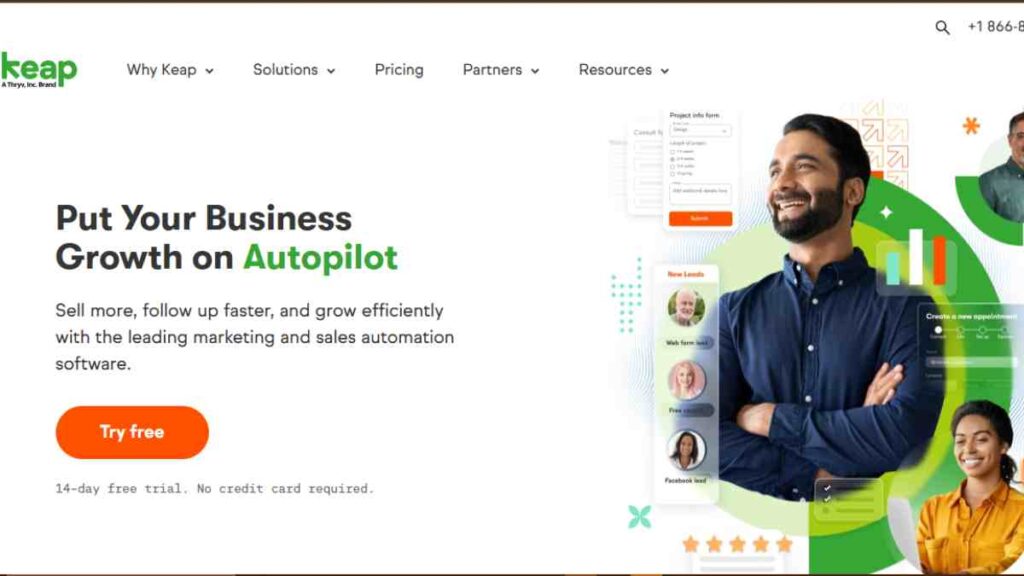
Keap (formerly Infusionsoft) is a sales tracking software built for small businesses that want to automate follow-ups, manage leads, and close more deals with less manual effort.
It blends sales tracking with automation, making it popular among service-based and relationship-driven businesses.
Keap focuses on helping small businesses stay consistent with follow-ups and customer communication.
Key Sales Tracking Features
- Visual sales pipeline and deal tracking
- Contact and lead management with tagging
- Automated follow-ups and task reminders
- Email and SMS tracking
- Sales reporting and performance insights
- Mobile app for managing sales on the go
Why Small Businesses Like It
- Strong automation for follow-ups and nurturing
- Helps teams stay organised without manual chasing
- Combines sales tracking and communication in one tool
- Designed with small businesses in mind
Best For
- Service-based businesses
- Coaches, consultants, and agencies
- Small teams that rely heavily on follow-ups
Pros and Cons
Pros
- Powerful automation for small teams
- Clear visibility into sales activities
- Built-in communication tools
- Reduces manual sales work significantly
Cons
- Higher pricing compared to basic sales tracking tools
- Interface can feel busy for new users
- Limited flexibility in reporting
- Setup requires time to configure automations properly
Pricing Snapshot
| Plan | Cost |
|---|---|
| Keap Software | Starting at $229/month |
Keap is best suited for small businesses that value consistency and automation in their sales process.
If follow-ups drive your revenue, this sales tracking software can significantly improve results.
9. Copper CRM
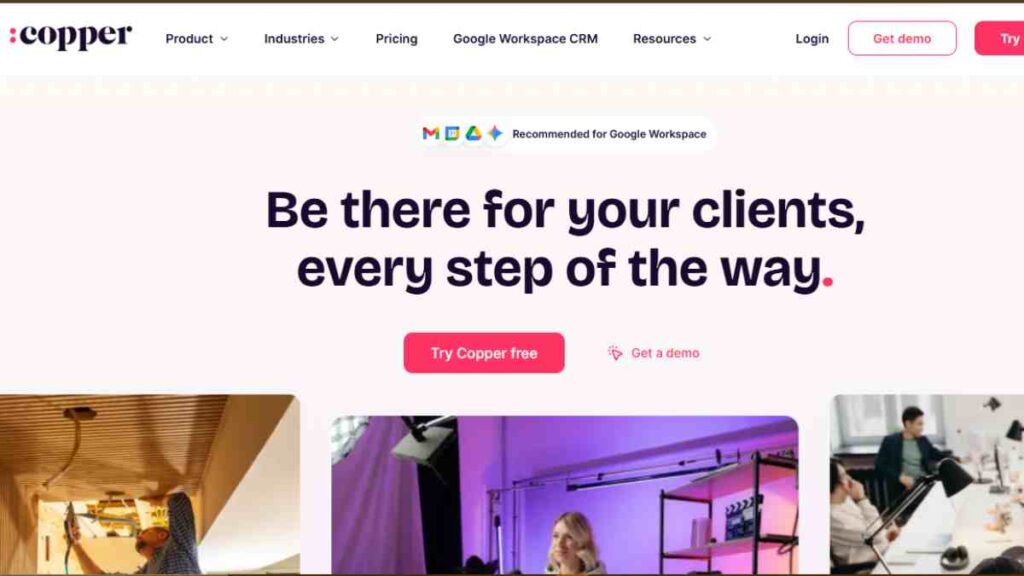
Copper CRM is a sales tracking software built for small businesses that live inside Google Workspace.
It iintegrates directly with Gmail, Google Calendar, and Google Drive, allowing sales activity to be tracked automatically in the background.
This makes it ideal for small teams that want sales tracking without constantly updating records manually.
Key Sales Tracking Features
- Visual sales pipeline with deal tracking
- Automatic activity logging from emails and calendar events
- Contact and lead management synced with Google Workspace
- Sales reporting and pipeline insights
- Task and follow-up reminders
- Mobile app for managing deals anywhere
Why Small Businesses Like It
- Feels natural for teams already using Google tools
- Minimal data entry thanks to automation
- Clean and simple interface
- Reduces admin work for sales teams
Best For
- Small businesses using Google Workspace
- Relationship-driven sales teams
- Businesses that want simple, low-maintenance sales tracking
Pros and Cons
Pros
- Seamless Google Workspace integration
- Very easy to adopt and use
- Automatic activity tracking saves time
- Clean, uncluttered user experience
Cons
- No free plan available
- Limited features outside Google ecosystem
- Reporting is basic compared to advanced CRMs
- Less suitable for complex sales processes
Pricing Snapshot
| Plan | Cost |
|---|---|
| Starter | $12 |
| Basic | $29 |
| Professional | $69 |
| Business | $134 |
Copper CRM is a great fit for small businesses that want sales tracking software to work quietly in the background.
If your team already runs on Google Workspace, Copper keeps sales organised without adding friction.
10. Bitrix24
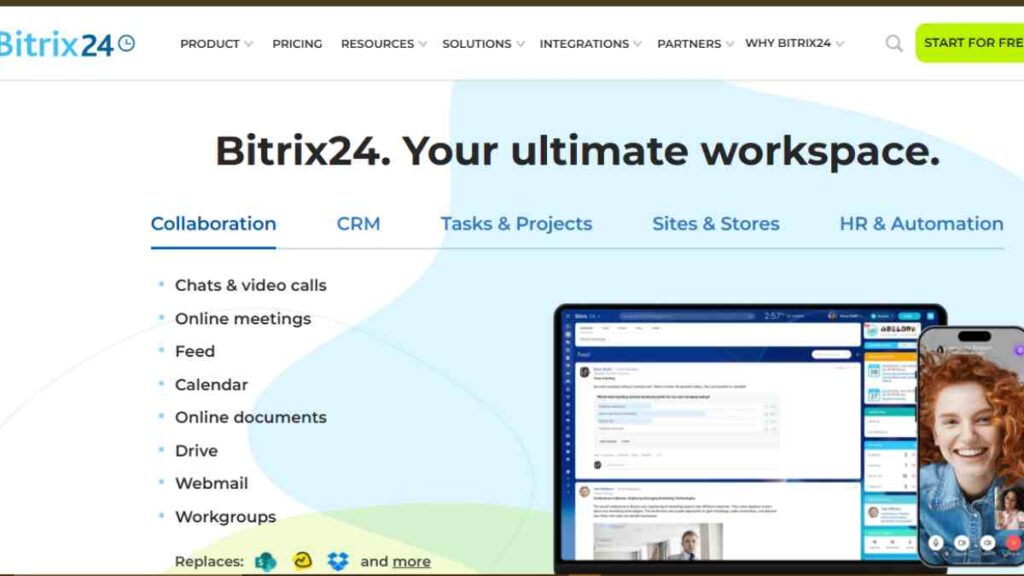
Bitrix24 is an all-in-one sales tracking software designed for small businesses that want more than just deal tracking.
It combines sales management with communication, collaboration, and basic operations tools, making it a broad solution for teams that want everything in one place.
For small businesses that prefer a single platform over multiple apps, it provides strong value, especially at the entry level.
Key Sales Tracking Features
- Visual sales pipeline and deal tracking
- Lead and contact management
- Sales automation and follow-up rules
- Sales reporting and performance dashboards
- Built-in calling, email, and live chat
- Mobile app for managing sales remotely
Why Small Businesses Like It
- Generous free plan for small teams
- Combines sales tracking with collaboration tools
- Reduces the need for multiple subscriptions
- Works well for remote or distributed teams
Best For
- Small businesses on tight budgets
- Teams that want sales tracking plus collaboration
- Businesses looking for an all-in-one sales platform
Pros and Cons
Pros
- Feature-rich free plan
- Strong sales pipeline tracking tools
- Built-in communication features
- Scales well with business growth
Cons
- Interface can feel cluttered
- Learning curve due to feature depth
- Customisation can be time-consuming
- Some advanced features feel complex for small teams
Pricing Snapshot
| Plan | Cost |
|---|---|
| Basic | $61 |
| Standard | $124 |
| Professional | $249 |
| Enterprise | $499 |
Bitrix24 is a solid choice for small businesses that want comprehensive sales tracking software without paying for multiple tools.
While it may feel overwhelming at first, it delivers strong value for teams willing to invest time in setup and learning.
Key Features to Look for in Sales Tracking Software for Small Business
Not all sales tracking software is built with small businesses in mind.
The right tool should simplify selling, improve visibility, and support growth, without adding unnecessary complexity or cost.
Focusing on the features below will help you choose sales tracking software that delivers real, everyday value.
| Feature | Benefits for Small Businesses |
|---|---|
| Sales pipeline tracking | Shows where every deal stands, helping you prioritise follow-ups and close faster |
| Contact and lead management | Keeps all prospect and customer details organised in one place |
| Sales reporting and analytics | Turns sales data into insights you can use to forecast revenue and track performance |
| Automation and follow-ups | Reduces manual work and prevents missed opportunities |
| Ease of use | Ensures quick adoption without lengthy training or setup |
| Mobile access | Allows sales teams to track deals and updates from anywhere |
| Integrations | Connects sales data with email, accounting, and marketing tools |
| Scalability | Supports growth without needing to switch tools later |
| Pricing transparency | Helps small businesses budget accurately and avoid hidden costs |
The best sales tracking software for small businesses balances simplicity with functionality.
It should help you sell more efficiently today while still supporting where your business is heading tomorrow.

How to Choose the Right Sales Tracking Software for Your Business
Choosing the right sales tracking software is not about finding the most popular tool, but about finding one that fits how your business sells today and how it plans to grow tomorrow.
Small businesses get the best results when they match software features to their sales process, team size, and budget, rather than overbuying complex systems they will not fully use.
| Decision Factor | What to Consider | Why It Matters |
|---|---|---|
| Business size | Solo founder, small team, or growing sales department | Determines how much structure and automation you actually need |
| Sales process | Simple deals or multi-stage pipelines | Ensures the software matches how you close sales |
| Ease of use | Learning curve and setup time | Faster adoption means quicker results |
| Budget | Monthly cost per user and upgrade paths | Prevents unexpected expenses as you scale |
| Required features | Pipeline tracking, automation, reporting | Keeps focus on tools that directly support selling |
| Integrations | Email, accounting, marketing tools | Reduces manual work and data duplication |
| Scalability | Ability to add users and features later | Avoids switching software as your business grows |
| Support and onboarding | Training, help resources, and customer support | Helps teams get value from the tool quickly |
The right sales tracking software should feel like a natural extension of your sales process.
When the tool fits how your team works, it becomes easier to track deals, forecast revenue, and grow sales with confidence.
Common Mistakes Small Businesses Make When Choosing Sales Software
Many small businesses struggle with sales software not because the tools are bad, but because the wrong choices are made at the start.
These mistakes often lead to wasted money, low adoption, and frustration, when the goal should be clarity, consistency, and growth.
Understanding these common pitfalls can save time and help you choose sales tracking software that actually supports your business.
Buying Too Much Software Too Early
One of the most common mistakes is choosing an overly complex system packed with features you don’t need yet.
Many small businesses are drawn to enterprise-level tools, assuming more features mean better results.
In reality, this often leads to confusion, poor adoption, and unused functionality.
Starting with a simple, focused sales tracking tool usually delivers better results than jumping straight into a heavyweight system.
Choosing Price Over Usability
Low cost is important, but choosing sales software purely because it is cheap can backfire.
If the tool is difficult to use or poorly designed, your team is less likely to use it consistently.
Sales tracking software only works when it is used daily. Ease of use, clarity, and speed often matter more than saving a small amount each month.
Ignoring the Actual Sales Process
Some businesses select software without first understanding how they sell.
Every sales process is different, some are short and simple, others involve multiple stages and follow-ups.
Choosing a tool that does not match your real workflow creates friction and forces teams to work around the software instead of with it.
Overlooking Reporting and Insights
Another mistake is focusing only on deal tracking while ignoring reporting.
Without clear sales reports and forecasts, business owners struggle to understand performance, spot trends, or plan growth.
Sales software should not only track activity but also turn data into insights that support better decisions.
Not Planning for Growth
Some tools work well at the beginning but doscale as the business grows.
Choosing sales software with no clear upgrade path can force a disruptive switch later.
Even if you start small, it is important to consider whether the software can grow with your team, customers, and sales volume.
Skipping Team Input
When decisions are made without involving the people who will actually use the software, adoption suffers.
Sales teams often resist tools they did not help choose. Involving users early helps ensure the software fits daily routines and improves acceptance from day one.
The best sales tracking software is not the most powerful or the cheapest, but the one that fits your business today, supports growth tomorrow, and is simple enough to be used consistently.
Conclusion
Sales tracking software gives small businesses clarity, control, and confidence in their sales process.
The right tool makes it easier to track deals, stay organised, and grow revenue without unnecessary complexity.
We want to see you succeed, and that’s why we provide valuable business resources to help you every step of the way.
- Join over 23,000 entrepreneurs by signing up for our newsletter and receiving valuable business insights.
- Register your business today with Entrepreneurs.ng’s Business Registration Services.
- Tell Your Brand Story on Entrepreneurs.ng, let’s showcase your brand to our global audience.
- Need help with your marketing strategy? Get a Comprehensive Marketing and Sales Plan here.
- Sign up for our Entrepreneurs Success Blueprint Programme to learn how to start and scale your business in just 30 days.
- Book our one-on-one consulting and speak to an expert about structuring and growing your business.
- Visit our shop for business plan templates and other valuable resources to guide you.
- Get our Employee-Employer Super Bundle NDA templates to legally protect your business and workforce.
- Advertise your business to over a million entrepreneurs through our different advertising packages.

Frequently Asked Questions (FAQs)
What is sales tracking software?
Sales tracking software is a tool that helps businesses monitor leads, deals, follow-ups, and revenue throughout the sales process in one organised system.
Is sales tracking software the same as a CRM?
No. Sales tracking software focuses mainly on deals and pipelines, while a CRM manages broader customer relationships across sales, marketing, and support.
Do small businesses really need sales tracking software?
Yes. Even small teams benefit from clear visibility into sales activities, which helps prevent missed opportunities and improves cash flow.
Can I track sales without sales software?
You can use spreadsheets or notes, but they are prone to errors, lack automation, and become difficult to manage as your business grows.
What is the easiest sales tracking software to use?
Tools like HubSpot Sales Hub, Pipedrive, and Copper are known for being beginner-friendly and easy to adopt.
Is free sales tracking software good enough?
Free tools are useful for starting out, but most small businesses eventually need paid plans for better reporting, automation, and scalability.
How much does sales tracking software usually cost?
Prices vary widely, but most small business tools range from free to low or mid monthly fees per user, depending on features.
What features should I prioritise as a small business?
Focus on pipeline tracking, contact management, reporting, ease of use, and automation for follow-ups.
Can sales tracking software improve revenue?
Yes. By improving visibility, consistency, and follow-up timing, sales tracking software often leads to higher close rates.
Is sales tracking software suitable for service-based businesses?
Absolutely. Many tools are designed specifically for consultants, agencies, and service providers who rely on relationship-driven sales.
Can I use sales tracking software on my phone?
Most modern sales tracking tools offer mobile apps, allowing you to manage deals and updates on the go.
How long does it take to set up sales tracking software?
Simple tools can be set up in a few hours, while more advanced systems may take days or weeks to configure properly.
What happens if my business outgrows the software?
Many tools offer higher plans or integrations, allowing you to scale without switching platforms immediately.
Should my sales team be involved in choosing the software?
Yes. Involving users early improves adoption and ensures the tool fits real daily sales workflows.
What is the biggest mistake to avoid when choosing sales tracking software?
Overbuying complex tools you do not need yet. Simpler software that fits your process usually delivers better results.



