


Creators and digital entrepreneurs are hunting for Viggle AI alternatives, not because the tool is not brilliant, but because the AI video space is moving faster than any single platform can keep up with.
As generative engines reshape how we animate characters, build motion-driven stories, and produce content at scale, many users want tools that offer more stability, more styles, and fewer limitations.
This guide highlights the top Viggle AI alternatives that improve your creative workflow. These tools do not just replicate Viggle; they perform better where it counts.
Key Takeaways
- Many Viggle AI alternatives deliver cleaner, more consistent motion results, especially for creators frustrated by Viggle’s unpredictability.
- Several tools now blend animation, editing, and storytelling in one place, eliminating the need for a multi-app workflow.
- The best platforms reduce production time dramatically, allowing creators to turn ideas into polished videos within minutes.
- Choosing the right alternative can expand your creative range, helping you produce content that looks more intentional, cinematic, and brand-ready.

What Is Viggle AI?
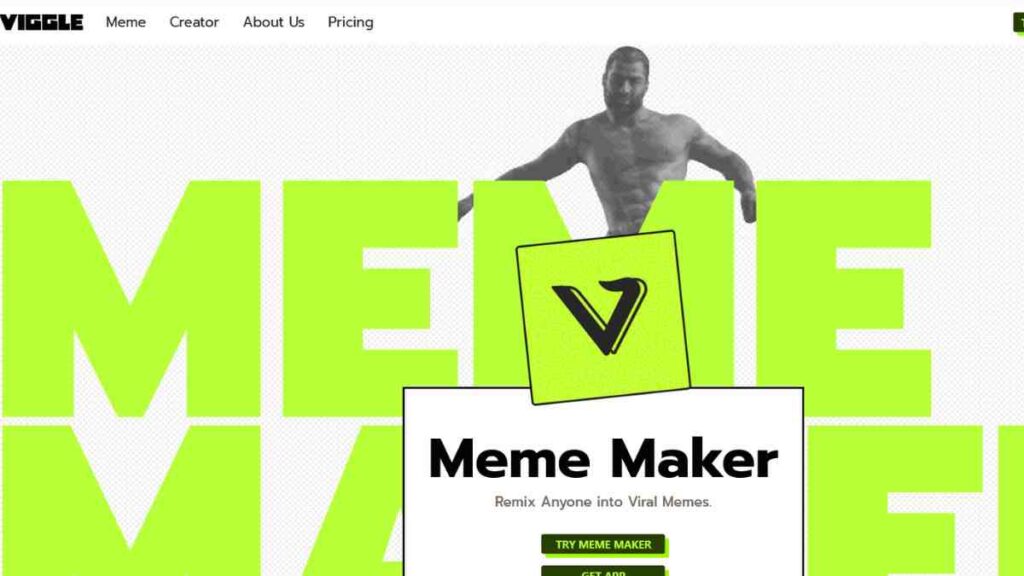
Viggle AI is an innovative generative video tool that uses motion capture and AI-driven rotoscoping to animate static images or characters with lifelike movement.
It gained popularity for its ability to apply dance moves, gestures, and dynamic actions to almost any image, making it a favourite among creators who want eye-catching, stylised content without the heavy learning curve of traditional animation software.
With its text-to-motion and motion-transfer features, Viggle allows users to create short, expressive videos for social media, storytelling, marketing, and creative experimentation.
Why Are People Looking for Viggle AI Alternatives?
As impressive as Viggle is, many users are beginning to outgrow its capabilities or need tools that deliver greater precision, flexibility, and speed.
The demand for alternatives is growing because creators want solutions that better support professional workflows and high-quality outputs.
A few common reasons include:
- Motion can be unpredictable, especially when the source image or pose lacks strong structure, leading to unnatural distortions.
- Processing queues often get long, making it challenging for creators who need fast turnarounds or consistent production schedules.
- Limited editing and refinement options, which restrict users who want more creative control or advanced customisation.
- Resolution and export limitations make Viggle less suitable for commercial or client-facing projects.
- Scalability concerns, especially for entrepreneurs and marketers who need bulk content production, licensing clarity, or brand-level quality.
Top 12 Alternatives to Viggle AI For Video Generation
As the demand for smarter AI animation tools rises, creators and businesses are increasingly exploring the best Viggle AI alternatives that offer more precision, faster rendering, and stronger creative control.
With the global AI boom accelerating, AI is projected to add $15.7 trillion to the world economy by 2030, according to PwC’s official analysis. This shows that the market for AI motion capture tools and AI video generation tools has also expanded rapidly.
Below, we break down the top Viggle alternatives that give you better results across animation quality, workflow flexibility, and scalability, whether you are creating short social clips, 3D character animation, or brand-ready video content.
1. Krikey AI
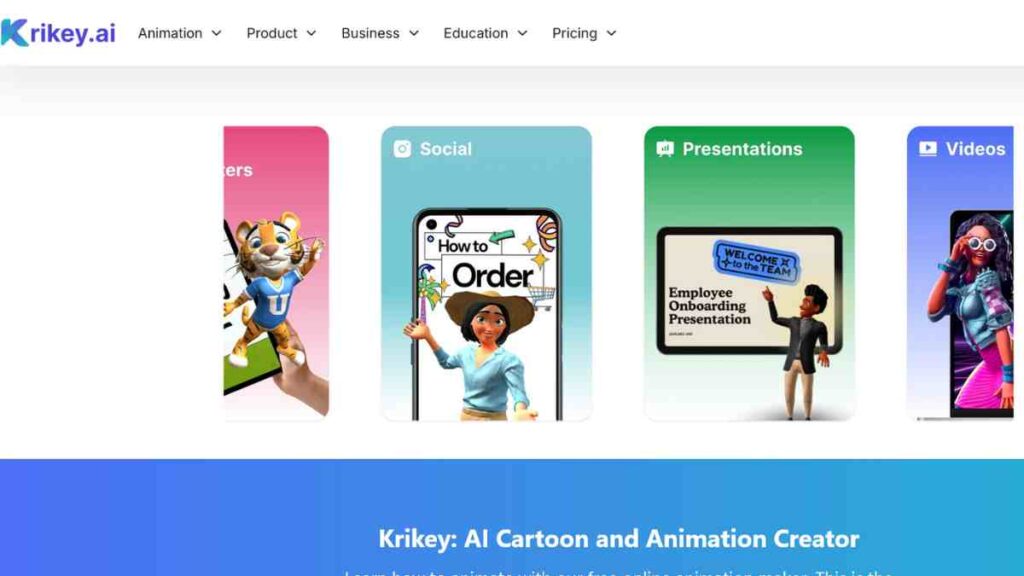
Krikey AI is a powerful AI animation tool designed for creators who want fast, realistic character animation without relying on expensive studios or complex software.
It focuses on generating 3D animation from text prompts or motion inputs, making it a strong Viggle AI alternative for users who want more stability, customisation, and production-ready animation outputs.
With built-in rigged characters, movement libraries, and seamless export options, Krikey AI simplifies what would normally require advanced 3D skills.
Key Features
Krikey AI offers an intuitive workflow where users can generate 3D character animations through text descriptions, motion inputs, or pre-built actions.
Its cloud-based environment lets you customise character styles, adjust timing, and refine motion paths with greater accuracy than most motion AI software.
The platform also integrates lip-syncing, facial animation, and body movement for lifelike performance, making it an appealing choice for marketers, game developers, educators, and content creators who need reliable AI motion capture tools without technical overhead.
Pricing
| Plan | Price |
|---|---|
| Free Plan | $0 |
| Pro | $15 |
| Teams | $10 |
| Enterprise | Custom |
Pros and Cons
| Pros | Cons |
|---|---|
| Easy to use with no animation skills required | Not ideal for ultra-realistic cinematic video |
| High-quality 3D character animation outputs | The library of characters is still expanding |
| Faster and more stable motion generation than many Viggle AI competitors | Advanced features are locked behind higher-tier plans |
| Strong lip-sync and facial animation capabilities | Not designed for video-to-video transformations |
| Suitable for games, marketing, education, and storytelling | Learning curve for users new to 3D animation tools |
Why Krikey AI Outperforms Viggle AI
Krikey AI delivers cleaner, more accurate motion generation with fully rigged 3D characters, which Viggle’s stylised, rotoscope-driven outputs cannot consistently match.
Its lifelike performance capture, faster rendering, and deeper customisation options make it far better suited for polished, professional animation.
For creators who need dependable, production-ready results rather than experimental motion transfers, Krikey AI stands out as a stronger and more flexible Viggle AI alternative.
See Also: Top 10 Muse.ai Alternatives for Better Video Hosting, AI Features & Affordable Plans
2. Adobe Express
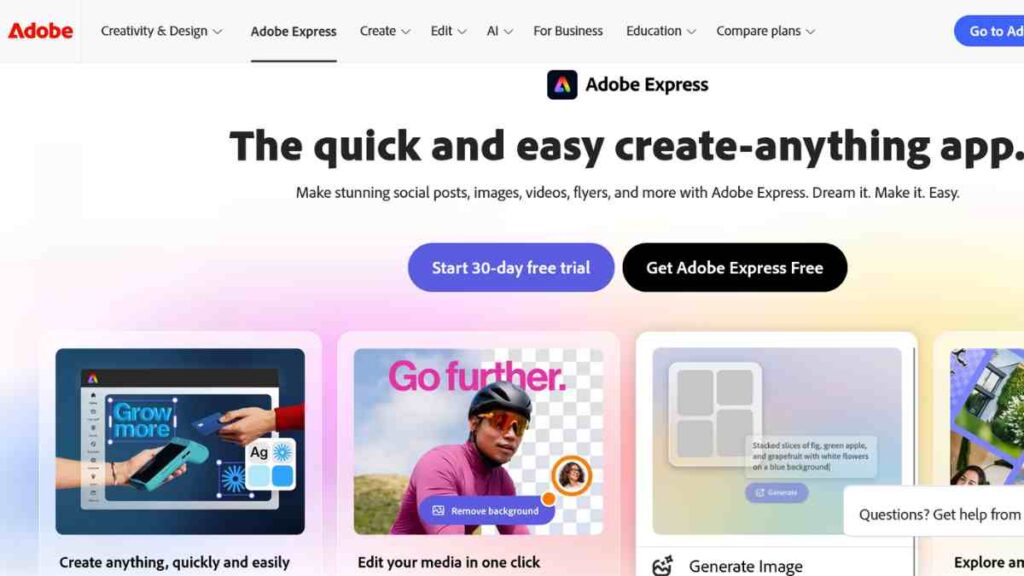
Adobe Express is a user-friendly design and video creation platform that incorporates Adobe’s growing suite of AI-driven features.
While not a traditional motion-capture tool, it offers powerful automated editing, text-to-video capabilities, and animation presets that make it a practical Viggle AI alternative for creators who prioritise fast, polished, brand-ready content.
Its tight integration with the Adobe ecosystem makes it especially valuable for businesses, marketers, educators, and solo creators who want speed without sacrificing quality.
Key Features
Adobe Express stands out for its ability to turn scripts, ideas, and assets into refined videos in minutes. Its AI tools help users generate scenes, apply animations, add transitions, and even clean up audio without technical skills.
The platform includes thousands of templates, a rich media library, brand kits, and drag-and-drop editing that makes content creation seamless across social media, marketing campaigns, and presentations.
Its integration with Adobe Stock and Adobe Firefly also gives creators access to advanced generative features within a simplified interface.
Pricing
| Plan | Price |
|---|---|
| Teams | $16 |
| Enterprise | Custom pricing |
Pros and Cons
| Pros | Cons |
|---|---|
| Extremely easy to use with a clean, intuitive interface | Not suitable for advanced animation or mocap-style movement |
| Offers high-quality templates and fast video creation | Outputs may feel generic if templates are overused |
| Integrates with Adobe Stock and Adobe Firefly | Limited frame-by-frame animation control |
| Strong for branding, social media, and marketing workflows | Requires the Adobe ecosystem for full synergy |
| Fast rendering and excellent for beginners | Not a replacement for specialised Motion AI software |
Why Adobe Express Is Better Than Viggle AI
Adobe Express outperforms Viggle by offering faster, cleaner, and more brand-focused video creation without the unpredictability of motion-transfer outputs.
Its AI-powered editing, templates, and seamless branding tools make it ideal for marketers and entrepreneurs who need polished, consistent content.
For users seeking a reliable, design-driven alternative to Viggle, Adobe Express delivers professional results with minimal effort.
3. Runway ML
Runway ML is one of the most advanced AI video generation tools on the market, offering text-to-video, video-to-video transformation, motion brushes, and powerful editing features.
Unlike Viggle’s more narrow focus on motion transfer, Runway provides a full creative suite that supports cinematic video creation, stylised transformations, and experimental visual effects.
Its high-quality outputs and professional workflow options make it a leading competitor to Viggle AI for filmmakers, content creators, marketers, and studios seeking production-grade visuals.
Key Features
Runway ML excels at turning simple prompts into detailed, cinematic video sequences.
Its Gen-2 and newer models offer text-to-video generation, scene reimagining, motion controls, rotoscoping, background replacement, and advanced AI editing.
Users can fine-tune movement, lighting, and style within an intuitive interface suitable for both beginners and professionals. With real-time previews and commercial-grade export options, it remains one of the most capable text-to-video AI tools available.
Pricing
| Plan | Price |
|---|---|
| Free Plan | $0 |
| Standard | $12 |
| Pro | $28 |
| Unlimited | $76 |
| Enterprise | Custom |
Pros and Cons
| Pros | Cons |
|---|---|
| Industry-leading text-to-video and video-to-video generation | It can be expensive for high-demand creators |
| High-quality cinematic results | Large files require strong hardware or bandwidth |
| Wide range of creative tools in one platform | Learning curve for advanced features |
| Strong motion control and editing options | The free tier has strict limitations |
| Excellent for filmmaking, marketing, and storytelling | Rendering times may vary based on demand |
Why Runway ML Is Better Than Viggle AI
Runway ML delivers a level of creative range and production quality that Viggle cannot match.
While Viggle specialises in motion transfer, Runway offers full-scene generation, cinematic effects, and advanced editing, making it far more powerful for creators who need versatility and polish. It also provides 4K exports, deeper motion control, and professional tools suitable for ads, films, and branded content.
For users who want more than stylised animation and need a complete creative studio in one platform, Runway ML is one of the strongest alternatives to Viggle AI available today.

4. Descript
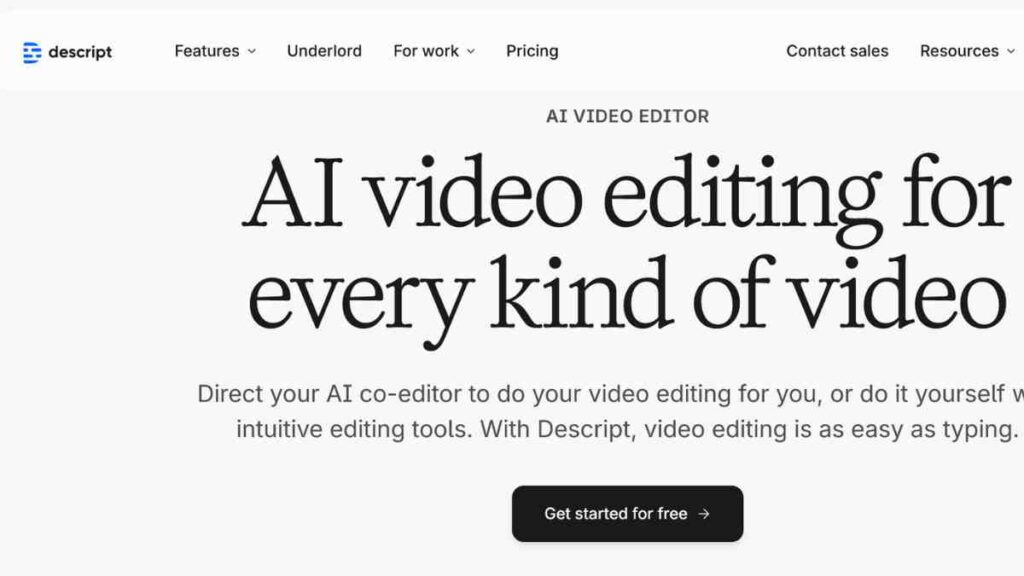
Descript is an all-in-one audio and video editing platform that uses AI to simplify production.
While not a traditional motion-capture tool, its automated editing, overdub voice cloning, screen recording, and transcript-driven workflow make it a practical Viggle AI alternative for creators who prioritise fast, polished edits over animation-heavy outputs.
It is ideal for podcasters, YouTubers, educators, and teams who want studio-quality content without complex software.
Key Features
Descript streamlines video creation by letting users edit their footage the way they edit text by cutting filler words, rearranging sentences, and refining clips instantly.
Its AI-powered tools include voice cloning, auto-captioning, sound cleanup, multi-track editing, and green screen removal.
With templates, timeline controls, and collaboration features, Descript offers a fast, intuitive workflow for producing training videos, marketing content, tutorials, and social media clips.
Pricing
| Plan | Price |
|---|---|
| Free | $0 |
| Hobbyist | $24 |
| Creator | $35 |
| Business | $65 |
| Enterprise | Custom |
Pros and Cons
| Pros | Cons |
|---|---|
| Extremely easy text-based editing | Not designed for animation or motion AI |
| Strong AI audio cleanup and overdub | Requires good source audio for best results |
| Great for podcasts, tutorials, and marketing videos | Limited creative effects compared to full editors |
| Excellent collaboration features | Some advanced tools are locked behind a paywall |
| Fast, clean workflow for non-technical users | Not suitable for 3D or cinematic video generation |
Why Descript Outperforms Viggle AI
Descript beats Viggle in areas that matter to educators, creators, and business teams with fast editing, clean audio, and effortless refinement.
While Viggle specialises in stylised motion transfer, Descript focuses on producing professional, ready-to-publish videos with minimal effort.
Its AI-driven editing tools, voice cloning, and transcript-based workflow make it far more efficient for anyone creating tutorials, training content, podcasts, or branded videos, making it a reliable and practical Viggle AI alternative for everyday production needs.
See Also: 10 Best Free WAVA AI Alternatives to Transform Your Video Content
5. Wondershare Filmora
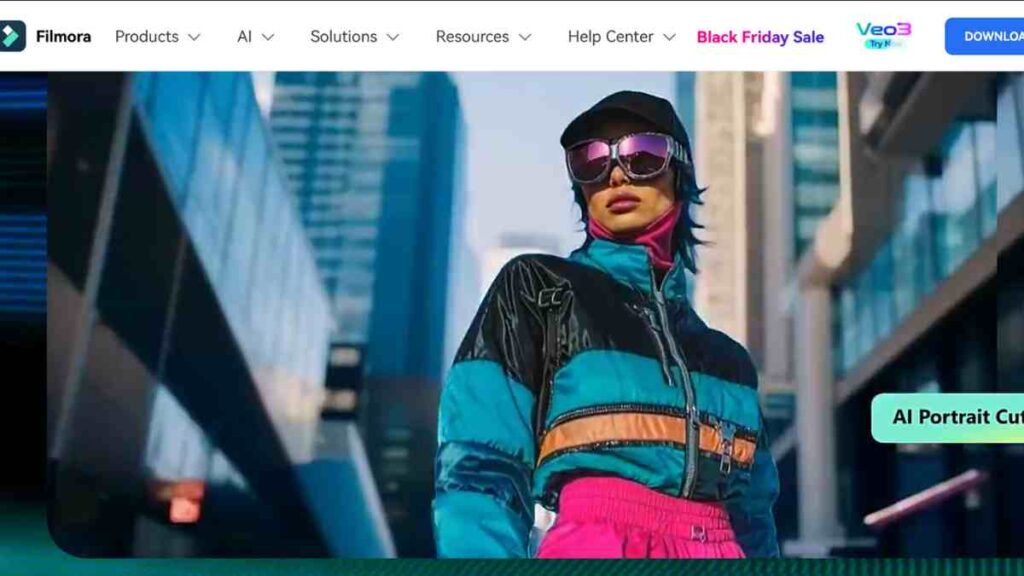
Wondershare Filmora is a polished, beginner-friendly video editor enhanced with AI features that streamline everything from cutting clips to adding effects, captions, and motion elements.
While it is not a traditional mocap or animation tool, its AI-driven editing, motion tracking, and creative effects make it a strong Viggle AI alternative for creators who want clean, professional videos without dealing with unpredictable motion-transfer outputs.
Filmora is popular among YouTubers, marketers, educators, and small businesses looking for an easy yet powerful editing environment.
Key Features
Filmora combines intuitive drag-and-drop editing with modern AI capabilities such as audio denoising, smart cutout, text-to-speech, auto-captioning, motion tracking, and AI-driven effects.
Its template library, transitions, colour tools, and sound design options allow users to polish content quickly without advanced technical knowledge.
Creators can also experiment with stylised looks, speed ramping, and AI-enhanced edits to elevate the storytelling quality of their videos.
Pricing
| Plan | Price |
|---|---|
| Free | $0 |
| Basic | $49.99 |
| Advanced | $59.99 |
| Annual | $79.99 |
Pros and Cons
| Pros | Cons |
|---|---|
| Very easy to use, ideal for beginners and intermediate creators | Not suitable for advanced 3D or motion AI workloads |
| Strong AI tools for audio, captions, and smart cutout | Some effects require additional purchases |
| Excellent value for money with a one-time licence option | Rendering can be slow on older devices |
| Smooth motion tracking for simple animation tasks | It is more limited than pro-grade editors like Premiere Pro |
| Reliable for YouTube videos, marketing content, and training materials | Template-heavy workflows may feel restrictive for advanced users |
Why Filmora Is Better Than Viggle AI
Filmora outperforms Viggle when it comes to stability, speed, and control. Instead of relying on unpredictable AI motion transfer, Filmora gives creators a dependable editing environment with AI enhancements that refine footage rather than distort it.
Its clean interface, polished templates, reliable motion tracking, and professional export options make it a smarter choice for users who need consistent results for social media, marketing, tutorials, and business videos.
For creators seeking a simple, dependable Viggle AI alternative that delivers quality without complications, Filmora stands out.
6. Capsule
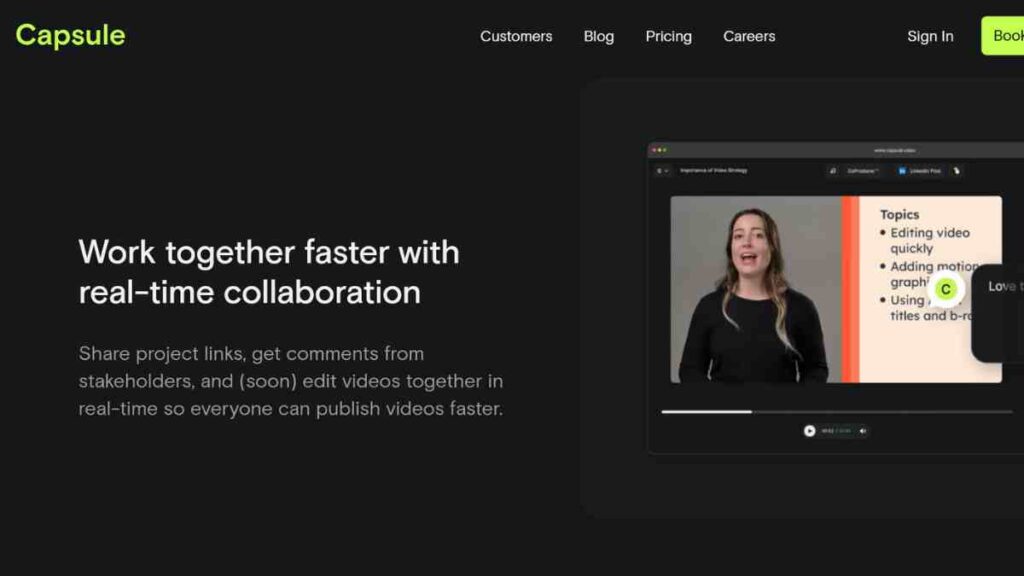
Capsule is a sleek, AI-powered video creation platform designed to help teams and creators produce polished, studio-quality videos in minutes.
Instead of focusing on animation or motion capture like Viggle, Capsule excels at streamlining editing, branding, and collaboration, making it an ideal Viggle AI alternative for businesses, marketers, educators, and content teams who need fast, professional output without complex tools.
Its browser-based interface and intelligent editing features make video production accessible, even for users with no editing experience.
Key Features
Capsule simplifies video creation with AI-driven editing tools that clean audio, auto-caption clips, generate scripts, and streamline multi-clip assembly.
Its highlight detection, brand kits, and smart text overlays help teams maintain consistency across all content. Capsule also supports remote recording, automatic formatting for multiple platforms, and drag-and-drop timelines, ensuring every video looks polished with minimal manual effort.
It is especially effective for marketing videos, training content, webinars, and social media clips.
Pricing
| Plan | Price |
|---|---|
| Business | $0 |
| Enterprise | Custom |
Pros and Cons
| Pros | Cons |
|---|---|
| Clean, modern interface suitable for all skill levels | Not built for advanced animation or motion graphics |
| Strong AI captioning, audio cleanup, and script tools | Limited creative effects compared to full editors |
| Excellent for branded content and team collaboration | Requires a stable internet since it is cloud-based |
| Fast rendering and multi-platform formatting | No 3D animation or motion capture capabilities |
| Designed for marketing and business workflows | It can feel basic for high-end production needs |
Why Capsule Is Better Than Viggle AI
Capsule outperforms Viggle for creators who prioritise polished, branded, and business-ready videos rather than stylised animation.
While Viggle focuses on motion-transfer experiments, Capsule delivers clean editing, fast production, and effortless consistency across all content.
Its AI-powered captions, audio tools, branding features, and collaborative workflow make it far more practical for teams, marketers, and educators who need videos that look professional without the unpredictability of motion-driven outputs.
7. Fliki
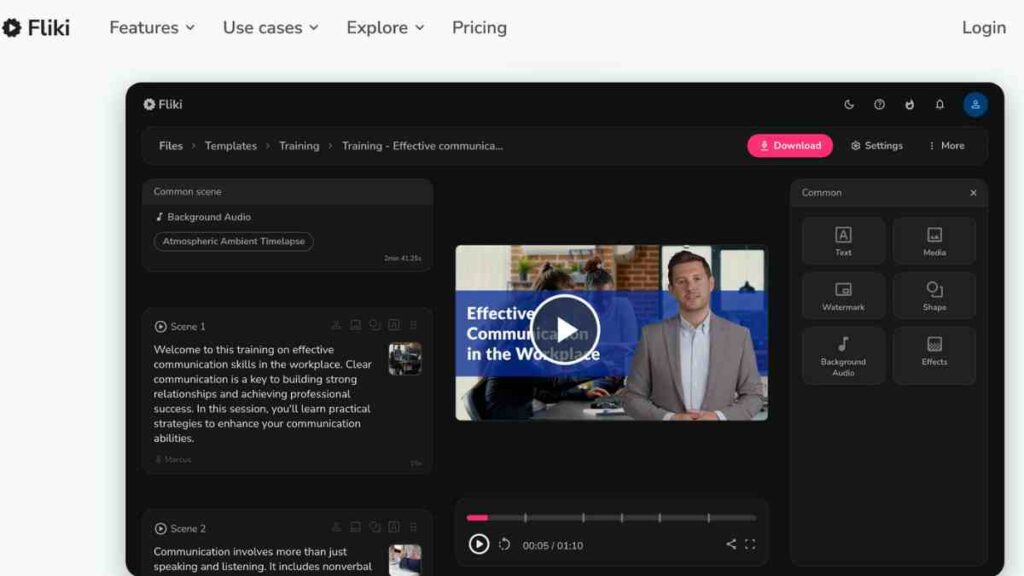
Fliki is an AI-powered text-to-video platform that transforms scripts, blog posts, and ideas into polished videos with realistic voiceovers, animations, and stock visuals.
It is widely used by marketers, educators, and content creators who want fast, automated production without needing editing skills.
While it does not offer motion capture like Viggle, its speed, reliability, and large media library make it a strong Viggle AI alternative for users who prioritise clear storytelling and efficient content creation.
Key Features
Fliki stands out for its script-driven workflow: you type or paste text, and the platform automatically generates a full video with AI voices, captions, transitions, and relevant visuals.
Users can choose from hundreds of voices across languages, customise scenes, add branding, and explore a wide library of stock footage and templates.
Its AI audio cleanup, auto-subtitling, and blog-to-video features make it especially effective for turning written content into engaging videos for YouTube, TikTok, courses, and marketing campaigns.
Flikki Pricing
| Plan | Price |
|---|---|
| Free | $0 |
| Standard | $21 |
| Premium | $66 |
| Enterprise | Custom Pricing |
Pros and Cons
| Pros | Cons |
|---|---|
| Extremely fast script-to-video creation | Not designed for 3D animation or motion capture |
| High-quality AI voices in many languages | Visuals may feel template-like if overused |
| Great for tutorials, marketing, and social videos | Limited creative control compared to full editors |
| Auto-captioning and blog-to-video tools | Some stock assets require higher-tier plans |
| Beginner-friendly with minimal learning curve | Not suitable for cinematic or advanced visual storytelling |
Why Fliki Is Better Than Viggle AI
Fliki outperforms Viggle for creators who rely on clear messaging, fast turnarounds, and consistent video formatting.
While Viggle focuses heavily on stylised motion transfer, which can be unpredictable, Fliki delivers stable, ready-to-publish videos powered entirely by text and AI narration.
Its simplicity, strong voice library, and ability to convert written content into polished videos make it a far more practical Viggle alternative for marketers, educators, and business owners producing high-volume content.
8. Peech
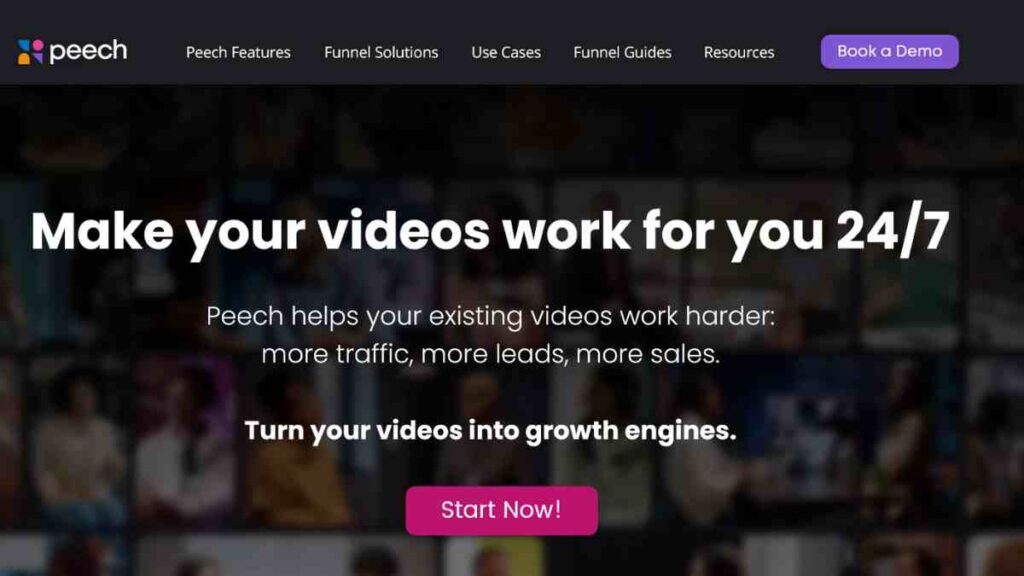
Peech is an AI-driven video creation and content repurposing platform built specifically for marketing teams, agencies, and businesses that need a steady flow of high-quality videos.
Instead of focusing on animation or motion transfer like Viggle, Peech automates editing, branding, and scripting to make video production fast, consistent, and scalable.
Its ability to repurpose long-form footage into short, platform-ready clips makes it a valuable Viggle AI alternative for brands with ongoing content demands.
Key Features
Peech leverages AI to analyse raw footage, automatically identify highlights, and assemble them into refined short-form videos.
Its tools handle auto-captioning, script generation, branding, and formatting for multiple platforms. Peech also supports team collaboration, offering shared brand kits, approval workflows, and content libraries.
For marketers who need to convert webinars, interviews, podcasts, and product demos into engaging social content, Peech streamlines production from start to finish with minimal manual editing.
Pricing
| Plan | Price |
|---|---|
| Free | $0 |
| Starter | $100 |
| Growth | $300 |
| Enterprise | Custom |
Pros and Cons
| Pros | Cons |
|---|---|
| Excellent for repurposing long-form content | Not built for animation or motion AI tasks |
| Strong branding and auto-formatting tools | Requires existing footage to work effectively |
| Fast, automated editing powered by AI | Limited creative effects compared to pro editors |
| Designed for teams and marketing workflows | Higher-tier plans are needed for full capabilities |
| Maintains brand consistency across all videos | Less suitable for artistic or cinematic projects |
Why Peech Is Better Than Viggle AI
Peech excels where businesses need it most: fast, consistent, branded video production. While Viggle focuses on experimental motion-based visuals, Peech turns raw footage into clean, platform-ready content with reliable AI editing, captions, and branding.
Its ability to repurpose long-form videos into multiple short clips makes it far more efficient for marketing teams, agencies, and educators producing content at scale.
For creators who value speed and consistency over animation-heavy effects, Peech is one of the most practical Viggle AI alternatives available.

9. Synthesia
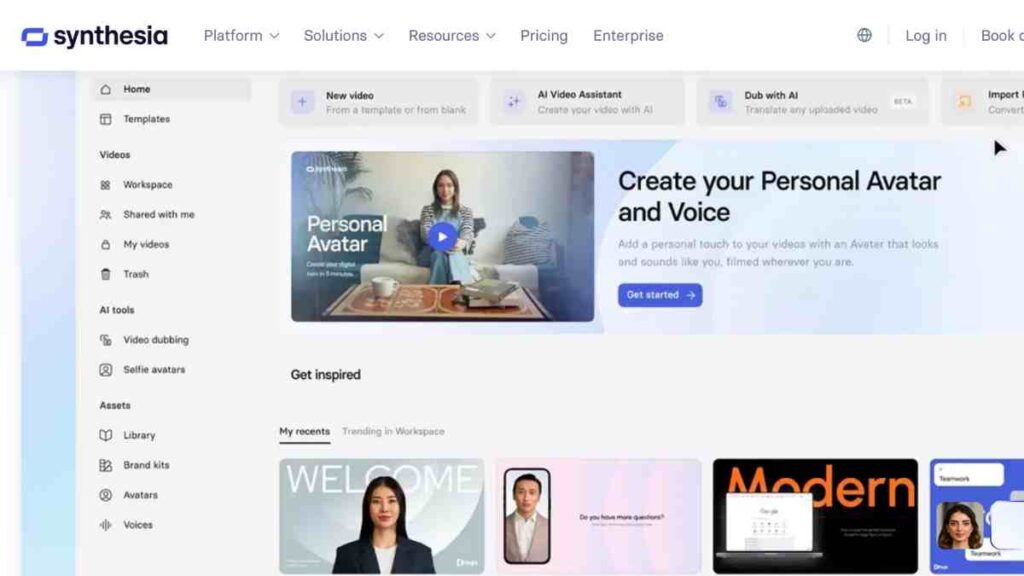
Synthesia is a leading AI avatar and text-to-video platform that allows users to create professional, presenter-style videos without cameras, microphones, or actors.
Instead of motion-transfer animation like Viggle, Synthesia generates on-screen avatars that speak your script naturally in over 120 languages.
Its polished, corporate-friendly output makes it a strong Viggle AI alternative for businesses, trainers, HR teams, and educators who need consistent, high-quality instructional or marketing videos.
Key Features
Synthesia transforms written scripts into fully produced videos featuring lifelike AI presenters, branded templates, and high-quality voiceovers. Users can customise backgrounds, animations, screen recordings, and layouts while maintaining a cohesive brand identity.
Synthesia’s avatars now support improved facial expressions, gestures, and lip-sync accuracy, which is perfect for onboarding videos, product walkthroughs, training modules, and multilingual content.
With its drag-and-drop interface and ready-made templates, anyone can produce polished videos without technical skills.
Pricing
| Plan | Price |
|---|---|
| Free | $0 |
| Starter | $18 |
| Creator | $64 |
| Enterprise | Custom pricing (quote) |
Pros and Cons
| Pros | Cons |
|---|---|
| Extremely easy text-to-video creation | Not designed for motion capture or animation |
| Large library of realistic AI presenters | Some avatars can appear slightly robotic |
| Perfect for training, onboarding, and tutorials | Limited creative freedom beyond templates |
| Multilingual support with accurate lip-syncing | Higher cost for custom avatars |
| Highly consistent, brand-friendly output | Not suitable for cinematic or stylised visuals |
Why Synthesia Is Better Than Viggle AI
Synthesia excels in areas where Viggle falls short. While Viggle experiments with motion transfer, Synthesia delivers consistent, polished videos using realistic AI avatars that speak your script flawlessly.
For businesses and educators who need steady output, multilingual support, and brand alignment, Synthesia provides a far more professional and predictable alternative.
10. Vyond
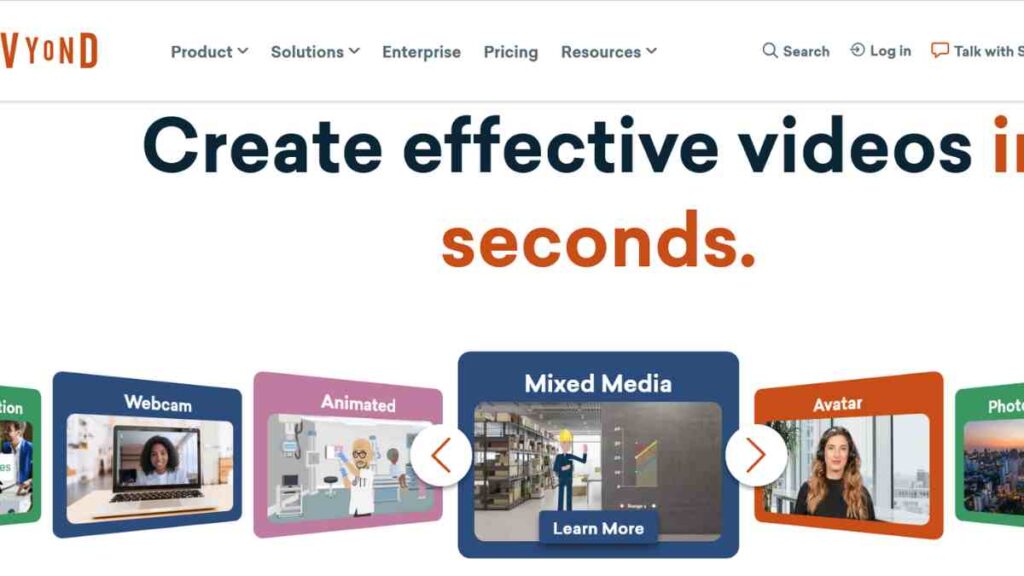
Vyond is a professional animation platform that enables users to create high-quality animated videos using characters, scenes, and motion libraries with no advanced animation skills required.
Unlike Viggle’s motion-transfer approach, Vyond focuses on structured, purpose-driven storytelling for businesses, training organisations, educators, and marketers.
Its vast library of characters, props, templates, and pre-set animations makes it one of the most reliable Viggle AI alternatives for producing polished animated content at scale.
Key Features
Vyond offers an extensive set of animation tools that allow users to build scenes, animate characters, and add voiceovers with ease.
Its character creator supports custom outfits, facial expressions, lip-syncing, and movement, letting users design diverse characters tailored to their story.
The platform includes thousands of props, sound effects, transitions, and professional templates for explainer videos, training modules, and marketing campaigns. With timeline editing, camera movement tools, and automatic lip-sync, Vyond provides a streamlined workflow for producing engaging, narrative-driven animations.
Vyond Pricing Plans
| Plan | Price |
|---|---|
| Starter | $99 |
| Professional | $199 |
| Enterprise | Custom |
| Agency | Custom |
Pros and Cons
| Pros | Cons |
|---|---|
| Huge library of templates, characters, and assets | It is not suitable for video-to-video or mocap-style animation |
| Excellent for business, training, and explainer videos | Requires time to learn the interface fully |
| Clean, consistent, professional output | Some advanced features are locked behind higher plans |
| Strong lip-sync, expressions, and motion presets | Asset-heavy style may feel formulaic to some users |
| Reliable for teams and scalable content production | Not ideal for highly stylised or cinematic visuals |
Why Vyond Is Better Than Viggle AI
Vyond surpasses Viggle by offering structure, reliability, and brand-friendly animation that businesses can use consistently.
While Viggle relies on unpredictable motion transfer, Vyond gives users full control over characters, scenes, and storytelling, making it ideal for training videos, corporate communication, and marketing content.
Its vast asset library, polished templates, and professional editing tools make it a far stronger Viggle alternative for anyone who needs clear, consistent, purpose-driven animation rather than experimental motion effects.
11. Visla
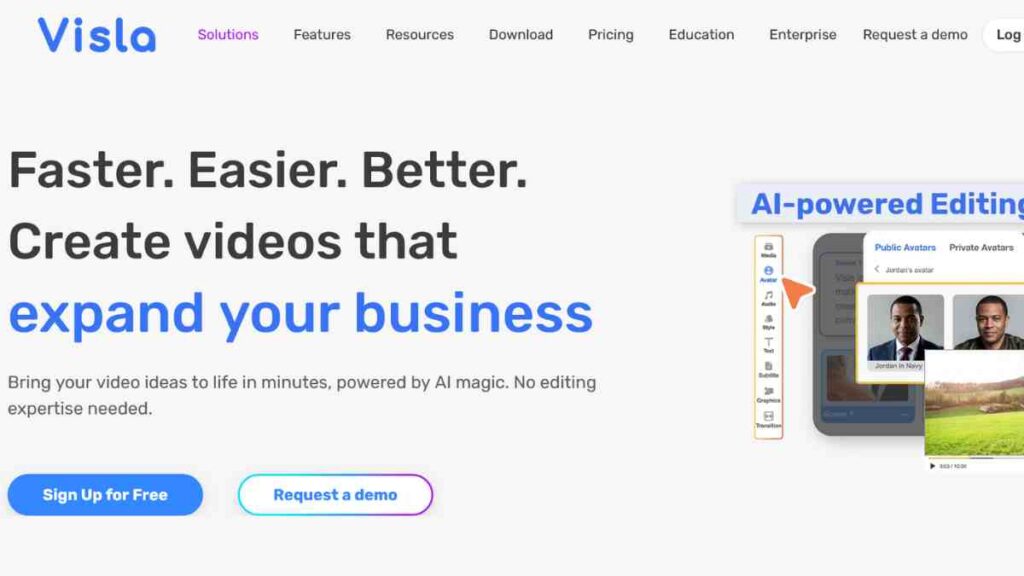
Visla is an AI-powered video creation and editing platform built for businesses, creators, and teams that need to turn ideas into clean, engaging videos quickly.
Instead of focusing on animation or motion transfer like Viggle, Visla strengthens your workflow through intelligent editing, script generation, stock content integration, and automated scene assembly.
Its ease of use, reliability, and strong business-focused features make it a practical Viggle AI alternative for marketers, educators, trainers, and content teams who prioritise clarity and speed over stylised motion effects.
Key Features
Visla combines AI-driven video generation with collaborative editing tools that help users create polished content effortlessly. Its intelligent scene generator transforms prompts or scripts into ready-made videos using stock clips and graphics.
The platform offers auto-captioning, voice-over options, transcript-based editing, and highlight detection, making it ideal for repurposing long-form content, producing marketing videos, or building training materials.
With seamless integrations across platforms, Visla fits naturally into team workflows without the need for advanced editing experience.
Pricing
| Plan | Price |
|---|---|
| Pro | $18 |
| Business | $59 |
| Enterprise | Custom |
Pros and Cons
| Pros | Cons |
|---|---|
| Fast AI scene generation from scripts or prompts | Not suitable for 3D animation or motion capture |
| Great for marketing, training, and social videos | Outputs rely heavily on stock footage |
| Easy transcript-based editing | Limited creative freedom for advanced editors |
| Strong collaboration features for teams | Requires a consistent internet connection |
| Integrates well with workplace tools and workflows | Less ideal for cinematic or stylised visuals |
Why Visla Is Better Than Viggle AI
Visla surpasses Viggle for users who value streamlined content creation over experimental animation.
While Viggle focuses on motion-transfer outputs that can be unpredictable, Visla delivers clean, ready-to-publish videos powered by AI scene generation, script tools, and dependable editing features.
For creators seeking a stable, versatile Viggle alternative that prioritises clarity and workflow efficiency, Visla is an excellent choice.
12. Elai.io
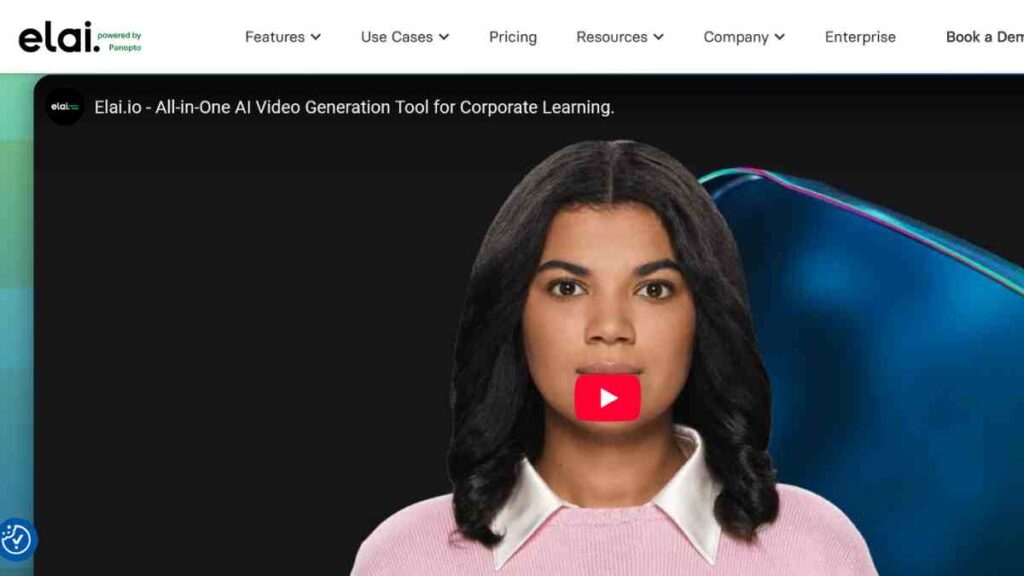
Elai.io is a powerful AI video generation platform that lets users create presenter-style videos using customisable digital avatars with no cameras, actors, or studios required.
Positioned as a business-focused tool, it offers a smooth, scalable way to produce training videos, product demos, onboarding content, and marketing materials.
While Viggle centres on motion-transfer animations, Elai.io delivers clarity, consistency, and brand-ready production, making it a strong Viggle AI alternative for organisations needing professional instructional content at scale.
Key Features
Elai.io turns scripts into polished videos using realistic AI avatars, multilingual voiceovers, and customisable templates.
Users can build bespoke avatars, integrate screen recordings, add branded elements, and arrange scenes through an intuitive drag-and-drop editor. Advanced features like automated PPT-to-video, article-to-video conversion, and dynamic subtitles help streamline content creation.
With high-quality voice synthesis and natural avatar gestures, Elai.io excels in producing educational modules, explainers, training courses, and corporate communication videos with minimal effort.
Elai.io pricing
| Plan | Monthly Cost |
|---|---|
| Free Trial | $0 |
| Creator | $29 |
| Team | $125 |
| Enterprise | Custom |
Pros and Cons
| Pros | Cons |
|---|---|
| High-quality AI avatars with realistic voices | Not built for animation or motion-capture effects |
| Excellent for training, onboarding, and e-learning | Videos may feel somewhat corporate or templated |
| Supports custom avatars and multilingual content | Higher costs for custom or branded avatars |
| Converts articles, slides, and scripts into videos fast | Less suited for creative or cinematic visuals |
| Intuitive interface ideal for non-technical teams | Limited visual variety outside template styles |
Why Elai.io Is Better Than Viggle AI
Elai.io outperforms Viggle for any creator or organisation that values structured, presenter-led videos over stylised motion animations.
Viggle’s outputs can be unpredictable and experimental, while Elai.io delivers steady, professional presentations with clear narration and realistic avatars, which are perfect for training, onboarding, and business communication.
Its automation features, multilingual capabilities, and branding tools make it a reliable Viggle alternative for teams that need consistent, scalable content without the hassle of traditional production.

Common Mistakes to Avoid When Choosing a Viggle AI Alternative
Selecting the right Viggle AI alternative can be tricky, especially with so many AI animation tools, motion AI software, and video-generation platforms emerging.
Many creators choose tools that do not align with their actual workflow, only to end up with poor results, wasted time, or unnecessary costs.
To help you make a smarter, more strategic decision, here are the most common pitfalls and how to avoid them.
| Mistake | Better Approach |
|---|---|
| Choosing a tool based solely on popularity | Evaluate tools based on your specific needs, be it animation, editing, branding, or text-to-video. |
| Ignoring export quality and file formats | Check export specs, resolution, file types, watermark rules, and commercial rights. |
| Overlooking licensing and commercial use restrictions | Confirm commercial licensing, especially if creating content for business or marketing. |
| Assuming all AI tools support motion capture or animation | Match tool capabilities, 3D animation, mocap, or text-to-video to your intended output. |
| Not testing the free plan or trial first | Always experiment with a trial to assess ease of use, speed, and output consistency. |
| Choosing the cheapest option without considering scalability | Prioritise long-term needs such as volume, collaboration, branding, and automation features. |
| Expecting one tool to handle everything | Build a simple stack: one for animation, one for editing and one for script or voice needs, if necessary. |
| Ignoring processing speeds and render limitations | Check processing queues, priority rendering options, and typical turnaround times. |
Conclusion
Choosing the right Viggle AI alternative comes down to understanding your creative workflow and selecting a tool that delivers consistency, speed, and the specific features you need.
Test a few options, match them to your goals, and build a setup that supports your growth as your content needs evolve.
We want to see you succeed, and that’s why we provide valuable business resources to help you every step of the way.
- Join over 23,000 entrepreneurs by signing up for our newsletter and receiving valuable business insights.
- Register your business today with Entrepreneurs.ng’s Business Registration Services.
- Tell Your Brand Story on Entrepreneurs.ng, let’s showcase your brand to our global audience.
- Need help with your marketing strategy? Get a Comprehensive Marketing and Sales Plan here.
- Sign up for our Entrepreneurs Success Blueprint Programme to learn how to start and scale your business in just 30 days.
- Book our one-on-one consulting and speak to an expert about structuring and growing your business.
- Visit our shop for business plan templates and other valuable resources to guide you.
- Get our Employee-Employer Super Bundle NDA templates to legally protect your business and workforce.
- Advertise your business to over a million entrepreneurs through our different advertising packages.

Frequently Asked Questions (FAQs)
What is the best Viggle AI alternative for realistic animation?
Syntehsia and Visla offer the most accurate motion capture and realistic movement, making them ideal for creators who need high-fidelity animation.
Which Viggle AI competitors are best for business or training videos?
Synthesia, Elai.io, and Vyond are designed for corporate-friendly, presenter-style or animated training videos with consistent, professional output.
Are there free Viggle AI alternatives I can try?
Yes, tools like Runway ML (free tier), Filmora (free version), and Capsule offer limited free plans so you can test core features without commitment.
Can any Viggle alternatives generate videos from text?
Yes. Platforms such as Runway ML, Fliki, and Synthesia excel at turning scripts or prompts into fully produced videos using AI.
Do any Viggle AI alternatives support 3D animation or mocap?
Krikey AI and DeepMotion provide strong 3D animation and motion capture features that go well beyond Viggle’s capabilities.
Which Viggle alternative is best for social media creators?
Filmora, Fliki, and Visla offer fast, template-friendly workflows ideal for TikTok, Instagram Reels, YouTube Shorts, and other social formats.
What should I consider before choosing a Viggle AI replacement?
Focus on export quality, creative control, pricing, scalability, and whether the tool aligns with your content goals, such as animation, editing, business videos, or text-to-video.
Is Viggle AI still worth using?
Yes, Viggle is still useful for stylised, creative motion-transfer videos. However, it is not ideal for professional, consistent, or brand-specific workflows, which is why many creators look for alternatives.



