

As creators search for powerful and free WAVA AI alternatives, one thing is clear: video dominates today’s digital landscape. According to Cisco’s Visual Networking Index, online video has grown to represent over 82% of global internet traffic, a shift that demands faster, smarter, and more accessible production tools.
For content creators, entrepreneurs and brands, that means there is no longer room for complex tools or steep budgets. You need fast, intuitive, free platforms that deliver high-impact clips ready for social feeds.
In this guide, we will explore the best free AI video creation tools that match or beat WAVA AI on speed, automation and export value, so you can pick the right one and create scroll-stopping content today.
Key Takeaways
- Top WAVA AI alternatives offer more creative freedom and flexible editing options at no cost.
- Free AI video tools now match premium platforms with smart automation for faster content creation.
- The right alternative depends on your goal, be it quick clips, branded videos, voiceovers, or advanced effects.
- Combining multiple free tools can produce higher-quality videos than relying on a single platform.

What Is Wava AI?
Wava AI is a fast-growing AI video creation platform built to help creators, entrepreneurs, and small businesses produce viral short-form videos with minimal effort.
It automates everything, from script generation and clip selection to captions, transitions, and social media-ready formatting, so you can turn ideas into polished videos within minutes.
With its simplicity, speed, and trend-focused templates, Wava AI has gained popularity among marketers, influencers, and brands seeking to create consistent content across TikTok, Instagram, YouTube Shorts, and other platforms.
Why Look for Alternatives to Wava AI?
While Wava AI is a powerful tool for quick, viral-style video creation, many users seek alternatives because they want more flexibility, better pricing, or features that align more closely with their workflow.
Exploring other options helps creators and entrepreneurs get the exact tools they need without limitations.
Below are some of the reasons why users look for alternatives:
- The free plan is limited, making it difficult for creators to produce high volumes of content without hitting restrictions.
- Watermarks on free exports can affect brand presentation and reduce the professionalism of final videos.
- Editing controls are not very advanced, which can be limiting for users who prefer hands-on customisation.
- Template and style options may feel restrictive, especially for creators seeking unique or branded video formats.
- It is not ideal for long-form content, making it less suited for YouTubers, podcasters, and educators.
- Paid plans may not fit every budget, particularly for entrepreneurs or small teams producing content regularly.
- Performance may vary, depending on device and internet speed, which can impact workflow efficiency.
- Other tools offer more specialised features, such as AI avatars, smarter captions, or better export control that align with different content goals.

Top 10 Free Wava AI Alternatives
If you want the same speed and automation as Wava AI without the cost, several free AI video tools now offer powerful editing, captions, templates, and social-ready exports.
These alternatives give creators and entrepreneurs more flexibility, fewer limits, and the freedom to build high-quality content without upgrading to expensive plans.
1. Clippie AI
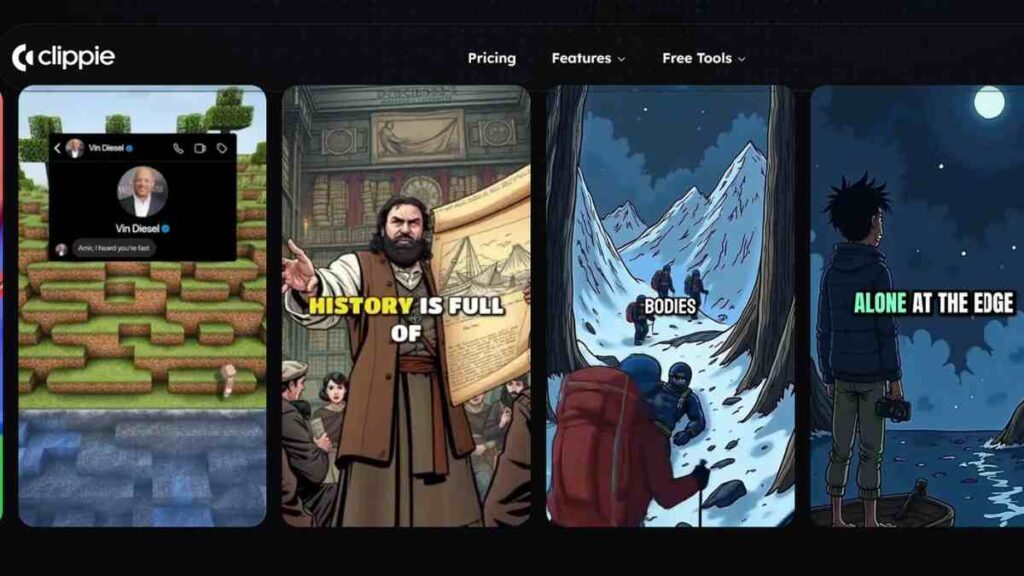
Clippie AI is a modern, lightweight AI video editor designed to help creators turn raw footage or ideas into polished short-form videos with minimal effort.
It focuses heavily on speed and automation, making it a strong option for users comparing Wava AI alternatives or looking for AI video creation tools that simplify editing.
With features like auto-captions, script-to-video generation, and social-ready templates, Clippie AI is particularly useful for entrepreneurs and creators who want to produce consistent, engaging content without complex timelines or heavy software.
| Category | Details |
|---|---|
| Key Standout Features | AI-powered editing, automatic captions, script-to-video conversion, smart clipping, and templates for TikTok, Reels, and YouTube Shorts. |
| Export Formats | MP4 formats for vertical, square, and widescreen video outputs. |
| Pricing | Free plan, Clippie Lite-$19.99, Clippie creator-$34.99, Clippie pro-$69.99 |
| Strengths | Beginner-friendly, fast processing, great for short viral videos, and ideal for creators needing quick turnarounds. |
| Limitations | Limited deeper editing controls, some export restrictions on the free tier, and fewer advanced effects compared to larger platforms. |
2. Zebracat AI
See Also: 15 Best AI Video Generators for Marketing, Social Media and Business Growth
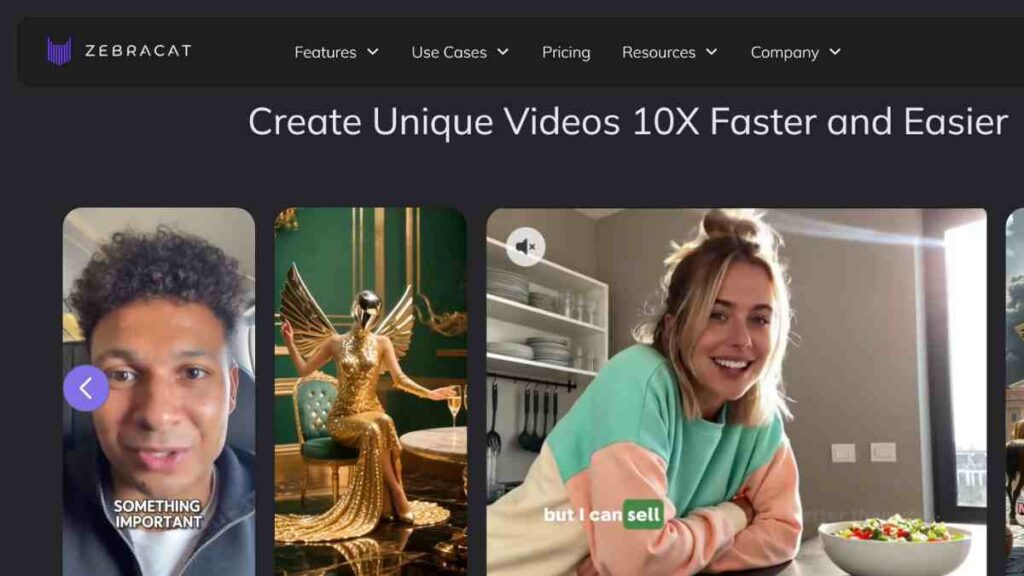
Zebracat AI is a dynamic AI video creation tool built for creators who want to transform text, ideas, or scripts into compelling videos with minimal manual editing.
It stands out for its clean interface, automated workflows, and the ability to generate highly polished videos that resemble studio-quality productions.
For anyone comparing Wava AI alternatives, Zebracat AI offers a balance of creativity and automation, making it ideal for marketers, educators, entrepreneurs, and content creators who need fast, reliable video output without learning complex software.
| Category | Details |
|---|---|
| Key Standout Features | Text-to-video generation, AI voiceovers, auto-captioning, smart editing, and templates optimised for social platforms. |
| Export Formats | MP4 in standard and vertical formats suitable for YouTube, TikTok, Instagram, and Facebook. |
| Pricing | Free plan, Cat mode-$35, Supercat-$99, Unlimited Cat-$175, Enterprise- custom pricing |
| Strengths | Excellent for script-driven videos, smooth automation, strong AI voice options, and beginner-friendly workflow. |
| Limitations | The free tier may limit video length and export resolution. It also has fewer advanced effects than more robust editors. |
3. Wondershare (Filmora)

Wondershare Filmora is one of the most established names in modern video editing, offering a powerful blend of AI features and professional-grade controls.
Unlike many lightweight AI video creation tools, Filmora gives creators deeper flexibility for those who want more creative control than Wava AI provides while still benefiting from automation.
It is especially suitable for entrepreneurs, YouTubers, and brands who need polished videos, more advanced effects, and a balance between manual editing and AI-powered shortcuts.
| Category | Details |
|---|---|
| Key Standout Features | AI smart cutout, AI audio denoise, auto-captioning, motion tracking, effects library, and advanced editing timeline for precision. |
| Export Formats | MP4, MOV, MKV, AVI, WMV, and social-platform-ready presets in both horizontal and vertical formats. |
| Pricing | Free plan-$0, Basic-$49.99, Advanced-$59.99, Annual- $79.99 |
| Strengths | Professional editing flexibility, rich effects, strong AI tools, ideal for creators who want more than automated viral clips. |
| Limitations | Free plan includes a watermark, has a learning curve compared to simple AI editors, and requires installation on a desktop. |
See Also: Ideogram Alternatives – Top 10 AI Tools for Entrepreneurs and Creators
4. Prome AI
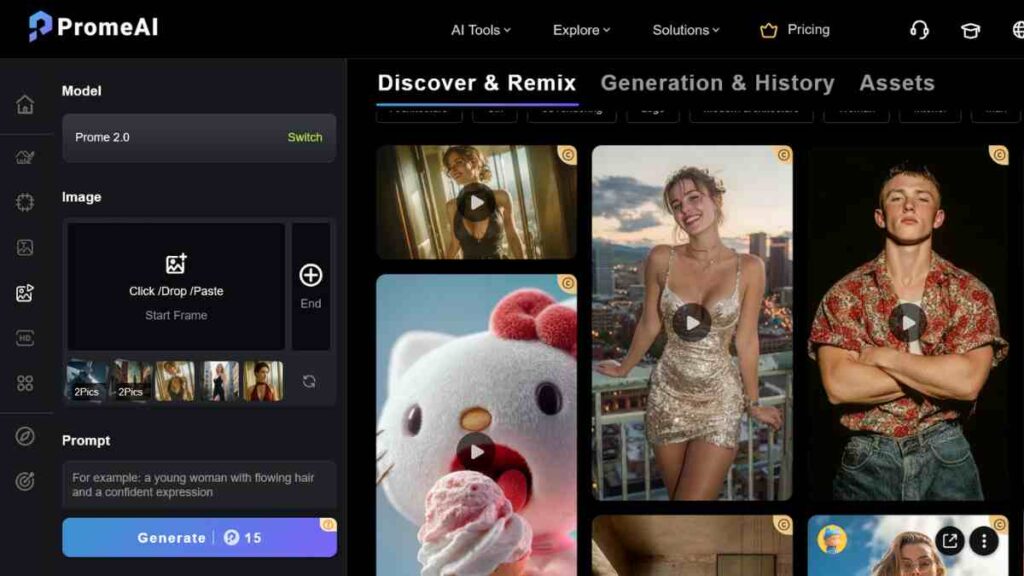
Prome AI is a fast-growing creative platform that blends AI-powered video generation with advanced design tools, making it one of the most versatile options among Wava AI alternatives.
Unlike simple clip editors, Prome AI allows users to generate scenes, visuals, and motion designs from text prompts or references, giving creators far more creative freedom.
It is widely used for product videos, branding content, short ads, and concept visuals, making it a strong choice for entrepreneurs, designers, and marketers who want both automation and high-quality aesthetics.
| Category | Details |
|---|---|
| Key Standout Features | AI scene generation, text-to-video, design-to-video rendering, product visualisation, AI motion graphics, and creative concept generation. |
| Export Formats | MP4 video exports, along with image and design exports in PNG/JPEG formats, depending on the project. |
| Pricing | Free plan-0, Base-$19, Standard-$39, Pro-$79, |
| Strengths | Exceptional for visual storytelling, strong for product-focused content, versatile for both video and design tasks, and great for brands wanting standout visuals. |
| Limitations | Not as beginner-friendly as simple editors, more focused on creative generation than quick social edits, and some advanced outputs require paid credits. |

5. VisionStory AI
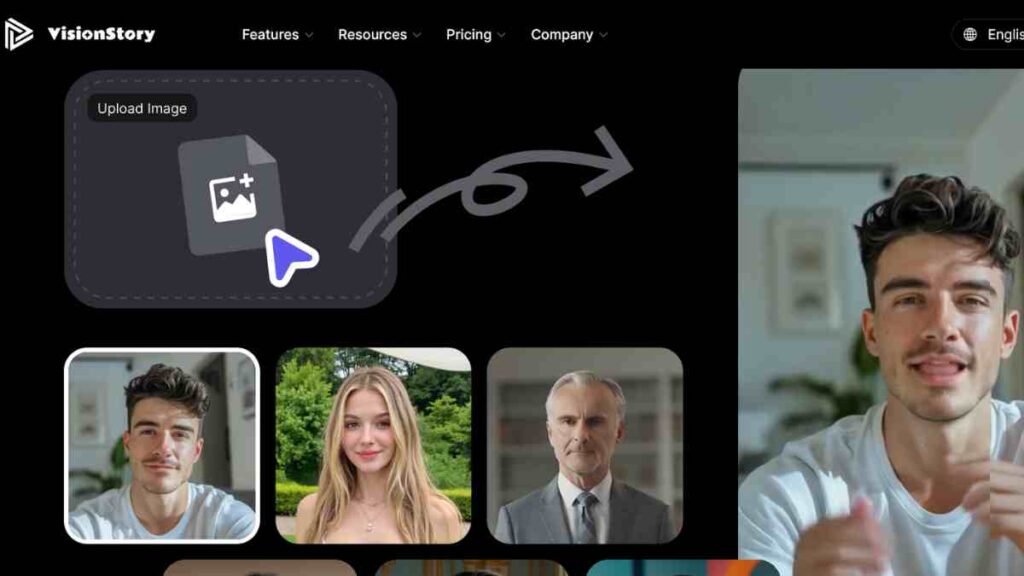
VisionStory AI is a powerful storytelling-focused video generator designed to turn scripts, ideas, and long-form narratives into engaging visual content.
Unlike many quick-cut editors, VisionStory AI specialises in creating structured story-driven videos, making it one of the most compelling Wava AI alternatives for creators who prioritise narrative flow, clarity, and emotional impact.
VisionStory’s ability to mix AI scenes, animations, stock assets, and voiceovers gives users a complete end-to-end video creation experience.
| Category | Details |
|---|---|
| Key Standout Features | Script-to-video automation, AI-generated scenes, storytelling templates, voiceover options, scene-by-scene timelines, and stock asset integration. |
| Export Formats | MP4 exports in vertical, horizontal, and square formats for YouTube, TikTok, Instagram, and presentation use. |
| Pricing | Free plan -$0, Lite-$4.99, Pro-$9.99, Advanced- $29.9, Ultra-$99.9, Enterprise-$1,999 |
| Strengths | Excellent for narrative videos, highly structured workflows, beginner-friendly interface, and strong for educational or brand storytelling. |
| Limitations | The free version has limits on video length, fewer customisation options than full editors, and relies on stock assets for some scenes. |
6. Wan AI
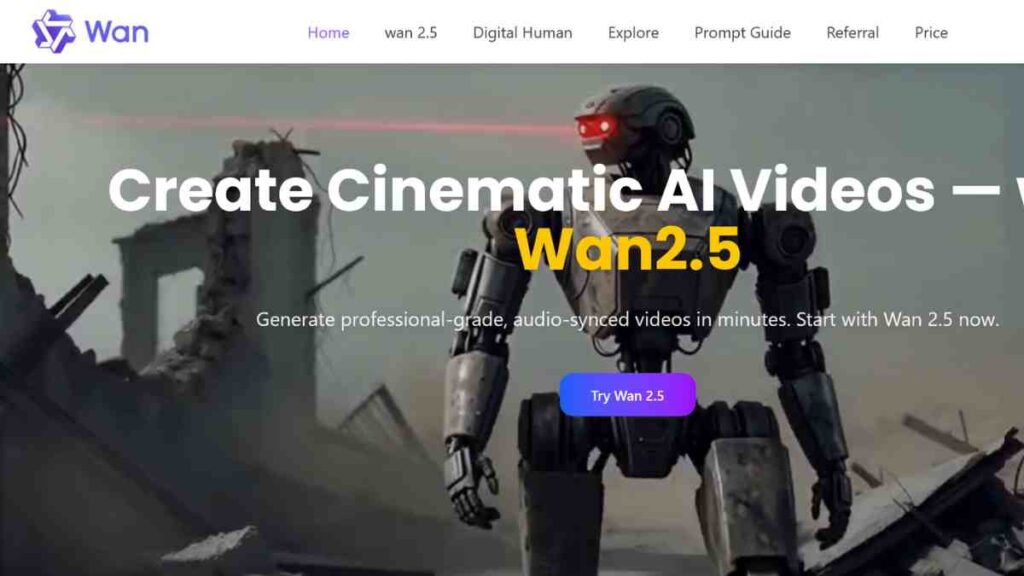
Wan AI is an emerging AI video creation tool known for its ability to turn simple prompts, scripts, and ideas into clean, professional-looking videos in minutes.
It focuses on automation, offering features such as AI avatars, auto-captioning, and scene generation, making it a useful option for creators exploring Wava AI alternatives that provide fast results without complicated editing.
Wan AI stands out for its ability to produce explainer videos, training content, and short social media clips with minimal manual input, making it ideal for entrepreneurs, educators, and small teams that want consistent video output on a budget.
| Category | Details |
|---|---|
| Key Standout Features | AI avatars, text-to-video creation, auto captions, script-to-video generation, scene transitions, and multilingual voiceovers. |
| Export Formats | MP4 formats in vertical, square, and horizontal orientations for social media and presentations. |
| Pricing | Free plan-$0, Starter-$9.9, Basic-$29.9, Plus-$49.9, Professional-$99.9 |
| Strengths | Great for explainer videos, smooth automation, easy-to-use workflow, and reliable for quick business content. |
| Limitations | Fewer editing controls, limited avatar customisation on the free plan, and not ideal for high-impact or heavily stylised videos. |
7. ShortsNinja
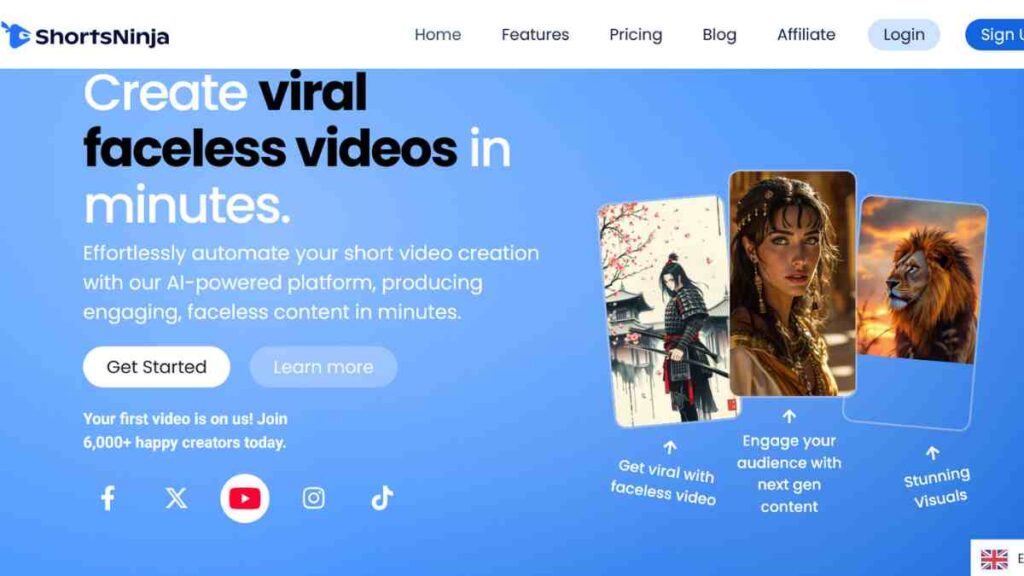
ShortsNinja is a dedicated AI-powered short-form video generator designed to help creators turn long videos, scripts, or raw clips into ready-to-publish Shorts, Reels, and TikTok content.
It automatically identifies highlight moments, adds captions, applies social-media-friendly layouts, and formats everything for vertical video, making it a strong Wava AI alternative for creators who want speed and convenience.
With its focus on repurposing content, ShortsNinja is ideal for YouTubers, podcasters, entrepreneurs, and coaches who need a simple way to scale short-form video output without manually editing each clip.
| Category | Details |
|---|---|
| Key Standout Features | Auto-detection of highlight moments, smart captions, vertical video templates, clip repurposing, and AI-driven layout optimisation. |
| Export Formats | MP4 vertical exports tailored for YouTube Shorts, Instagram Reels, and TikTok. |
| Pricing | Free- $0, Starter-$14, Pro-$28, Creator-$48, Influencer-$90 |
| Strengths | Excellent for repurposing long videos, fast automation, strong caption accuracy, and great for creators wanting consistent short-form output. |
| Limitations | Limited editing depth, fewer advanced effects, and the free version comes with export and feature restrictions. |
8. AutoShorts AI
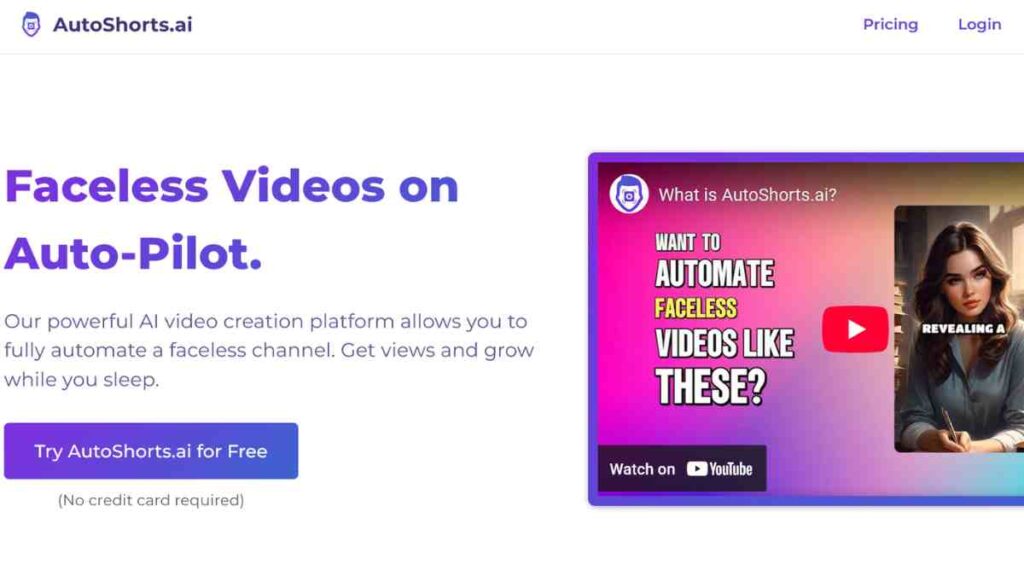
AutoShorts AI is a highly efficient short-form content tool that automatically converts long videos, podcasts, webinars, and raw footage into polished Shorts, Reels, and TikTok clips.
It is one of the most practical Wava AI alternatives for creators who want a hands-off workflow. You simply upload a video, and the tool handles highlight detection, captions, transitions, framing, and formatting.
AutoShorts AI is widely used by YouTubers, coaches, educators, and brands that need to produce high volumes of short content without spending hours in manual editing.
| Category | Details |
|---|---|
| Key Standout Features | Automated highlight detection, AI captions, face-tracking layouts, vertical clip formatting, and instant social-ready exports. |
| Export Formats | MP4 exports optimised for vertical and square formats used on TikTok, YouTube Shorts, and Instagram Reels. |
| Pricing | Free plan-$0, Starter-$19, Daily-$39, Hardcore-69 |
| Strengths | Extremely fast for repurposing long content, accurate captions, and ideal for creators scaling short-form video production. |
| Limitations | Less suitable for storytelling or creative edits, limited customisation, and free tier restrictions on upload length and export quality. |

9. Faceless Video
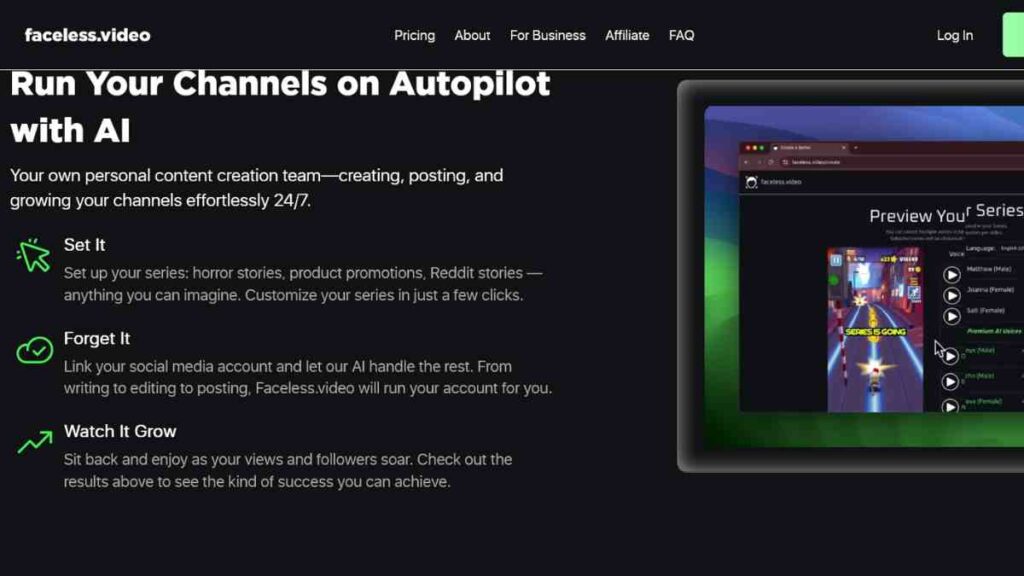
Faceless Video is an AI video creation platform built specifically for people who want to produce high-quality videos without showing their faces. It has become a popular Wava AI alternative because of its speed, simplicity, and ability to generate engaging videos from scripts, text prompts, or ideas.
The tool automates scene creation, stock footage selection, captions, and voiceovers, making it ideal for entrepreneurs, YouTubers, educators, and content creators who prefer anonymity or need to produce content quickly without recording themselves.
With its streamlined workflow and strong AI automation, Faceless Video is a reliable solution for creating niche videos, tutorials, explainers, and viral short-form content.
| Category | Details |
|---|---|
| Key Standout Features | Script-to-video creation, AI-selected stock footage, auto captions, AI voiceovers, and faceless content templates for YouTube, Reels, and TikTok. |
| Export Formats | MP4 in vertical, horizontal, and square formats for all major social platforms. |
| Pricing | Free trial, Starter-$15, Daily posts-$30, Double-up-$45 |
| Strengths | Perfect for anonymous creators, excellent automation, easy to use, and ideal for quick storytelling or educational content. |
| Limitations | Less creative freedom for custom footage, limited stock selection on the free plan, and fewer advanced editing capabilities than full editors. |
10. SendShort AI
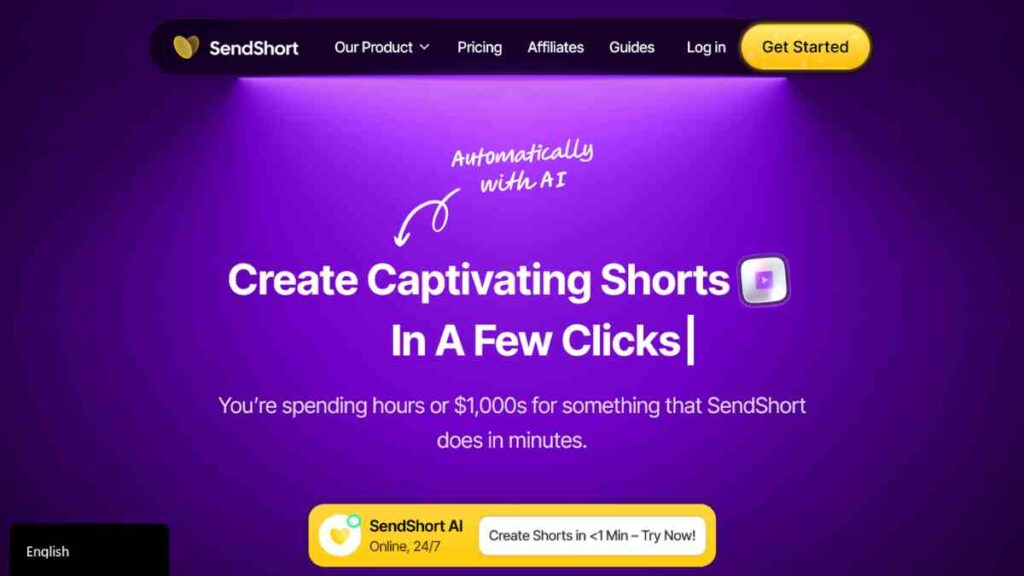
SendShort AI is a streamlined AI video creation tool designed to help creators turn articles, scripts, and long-form content into engaging short videos with minimal effort.
As one of the more efficient Wava AI alternatives, it focuses on fast automation, pulling key points from text, generating scenes, adding captions, and formatting everything for vertical platforms.
This makes SendShort AI especially useful for bloggers, educators, business owners, and social media creators who want to repurpose written content into high-performing short videos without manually editing each clip.
| Category | Details |
|---|---|
| Key Standout Features | Article-to-video conversion, script summarisation, auto captions, AI-driven scene generation, and social-friendly layouts. |
| Export Formats | MP4 vertical and square formats for TikTok, Reels, YouTube Shorts, and LinkedIn posts. |
| Pricing | Free plan-$0, Starter-$15, Professional-$23, Business-$47 |
| Strengths | Excellent for repurposing written content, fast summarisation, beginner-friendly workflow, and reliable for social media content production. |
| Limitations | Limited video length on the free plan, less suitable for complex edits, and reliance on stock footage for many scenes. |
How to Choose the Right Wava AI Alternative
Selecting the right tool from the many Wava AI alternatives available today depends on your content goals, editing style, and the level of automation you need.
While these platforms all support fast, AI-driven video creation, each one excels in different areas, whether that is script-to-video, faceless content, repurposing long videos, or high-impact editing.
This comparison table helps you quickly assess what matters most so you can choose the tool that fits your workflow and content strategy.
| Factor | What to Look For |
|---|---|
| Ease of Use | A clean interface, minimal learning curve, and fast editing workflow suitable for beginners. |
| Automation Level | Tools that handle captions, scene selection, trimming, and formatting without heavy manual editing. |
| Customisation Options | Ability to tweak layouts, colours, fonts, transitions, and pacing to match your brand style. |
| Free Plan Limits | Check export quality, watermark rules, number of credits, and restrictions on video length. |
| Script-to-Video Capability | AI that can turn text or articles into full videos without you needing footage. |
| Export Quality & Formats | HD exports, social-media-ready formats, and vertical/square options for Shorts, Reels, and TikTok. |
| AI Voiceover Quality | Natural-sounding voices, multiple accents, and multilingual support. |
| Branding Tools | Options for adding logos, brand colours, intros, and outros. |
| Stock Assets Availability | Access to stock footage, images, and music for building complete videos. |
| Performance & Speed | Fast rendering times and smooth processing, especially for bulk video creation. |
Conclusion
Choosing the right Wava AI alternative comes down to finding a tool that matches your content style, your workflow, and how much creative control you want.
The key is to pick the platform that aligns most with your goals and makes your content creation process faster, easier, and more consistent.
We want to see you succeed, and that’s why we provide valuable business resources to help you every step of the way.
- Join over 23,000 entrepreneurs by signing up for our newsletter and receiving valuable business insights.
- Register your business today with Entrepreneurs.ng’s Business Registration Services.
- Tell Your Brand Story on Entrepreneurs.ng, let’s showcase your brand to our global audience.
- Need help with your marketing strategy? Get a Comprehensive Marketing and Sales Plan here.
- Sign up for our Entrepreneurs Success Blueprint Programme to learn how to start and scale your business in just 30 days.
- Book our one-on-one consulting and speak to an expert about structuring and growing your business.
- Visit our shop for business plan templates and other valuable resources to guide you.
- Get our Employee-Employer Super Bundle NDA templates to legally protect your business and workforce.
- Advertise your business to over a million entrepreneurs through our different advertising packages.

Frequently Asked Questions (FAQs)
What is the best free Wava AI alternative for making short-form videos?
Tools like Clippie AI, ShortsNinja, and AutoShorts AI are great for fast, automated short-form video creation without needing complex editing skills.
Which Wava AI alternative is best for script-to-video content?
Zebracat AI, VisionStory AI, and SendShort AI are strong options if you want to turn scripts, articles, or ideas into complete videos automatically.
Can I create faceless videos without recording myself?
Yes. Faceless Video and Wan AI let you create full videos using stock footage, AI narration, and automated editing with no camera needed.
Are these Wava AI alternatives completely free to use?
Most offer generous free plans, but some features like HD exports, longer videos, and advanced effects may require upgrading to a paid tier.
Do Wava AI alternatives support vertical video formats for TikTok, Reels, and Shorts?
Yes. Most Wava AI alternatives now offer automatic vertical formatting, making it easy to create platform-ready videos for all major social channels.
Which tool is best for beginners who want simple, fast video creation?
Clippie AI and Wan AI are excellent beginner-friendly options because they automate most of the editing and require little to no technical skills.
Can these tools help me repurpose long YouTube videos into short clips?
Absolutely. AutoShorts AI and ShortsNinja are designed specifically to repurpose long content into multiple short, engaging clips automatically.



